How To Check Ports Using Cmd Check Open Ports In Linux 2 Simple Commands How To Check Which Ports Are In Use In Windows 10 How To Check Port Number In Windows Constructiongrab Moonlightchai How To Check Used Ports In Windows 10 Using CMD Listening Ports YouTube How To Check Port Blocked Longfamily26 Web Oct 31 2023 nbsp 0183 32 Netstats basics To get started with netstat use these steps Open Start Search for Command Prompt right click the top result and select the Run as administrator option Type the following
Web Learn how to check open ports in Windows using netstat command and show listening ports active TCP connections and network statistics in CMD or PowerShell Config Server Firewall Windows 10 Web Sep 9 2009 nbsp 0183 32 Learn how to use netstat commands to watch open ports Using the b o an interval and tasklist commands you can find IP addresses port numbers connections process IDs and associated
How To Check Port Blocked Longfamily26 How To Check If A Port Is Open In Windows Employeetheatre Jeffcoocctax Windows Check Open Ports How To Check If A Port Is Open In Windows Employeetheatre Jeffcoocctax How To Find Listening Ports With Netstat And PowerShell How To View And Check Ports In Use In Windows 10 YouTube How To Check List Of Open Ports In Windows 10 YouTube 4 Ways To Find Out What Ports Are Listening In Linux Windows Netstat Command To Check Open Ports In Windows
How To Check Ports Using Cmd
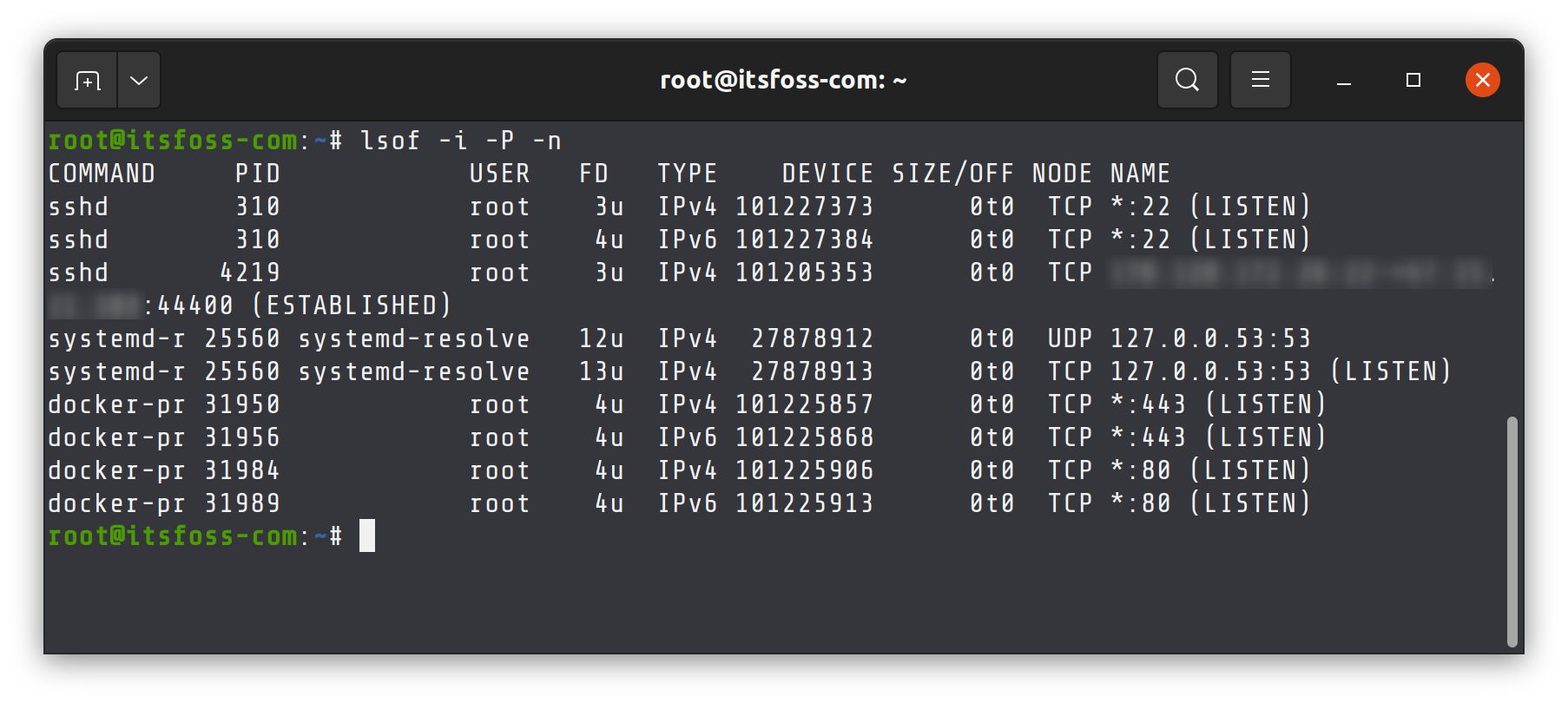 How To Check Ports Using Cmd
https://linuxhandbook.com/content/images/size/w1600/2022/03/check-port-linux.png
Web Jan 1 2023 nbsp 0183 32 You can also use Windows PowerShell to check open TCP IP ports To do this use the Get NetTCPConnection cmdlet which allows you to view a list of active TCP IP connections and the local and remote addresses and ports being used For example you can run the following command to view a list of all active TCP IP connections
Pre-crafted templates offer a time-saving solution for producing a varied range of files and files. These pre-designed formats and layouts can be made use of for different personal and professional projects, consisting of resumes, invitations, leaflets, newsletters, reports, discussions, and more, streamlining the material creation procedure.
How To Check Ports Using Cmd

How To Check Port Is Open Or Not On Windows 10
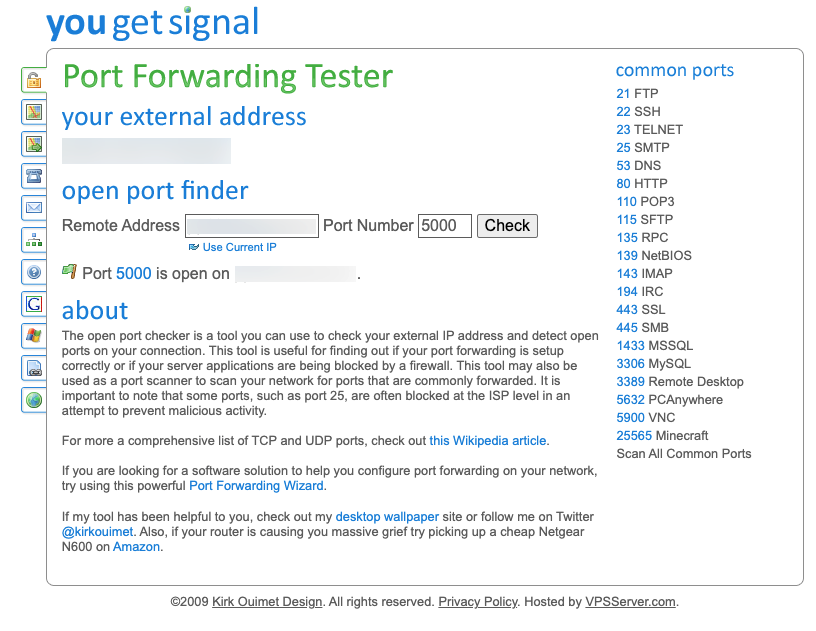
How To Check If A Port Is Open In Windows Employeetheatre Jeffcoocctax

Windows Check Open Ports
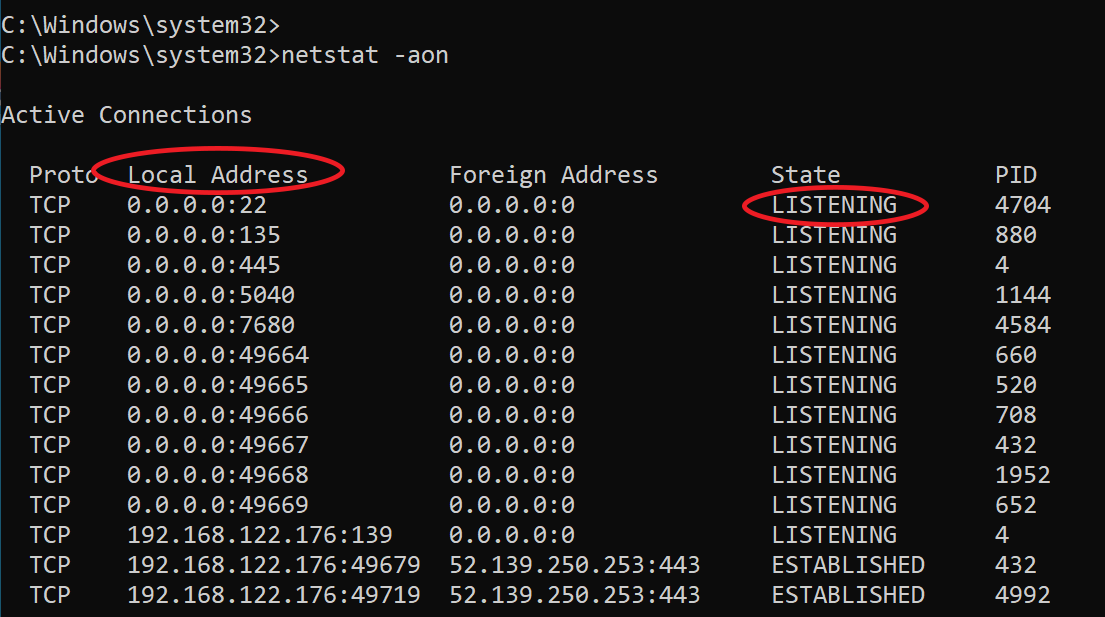
How To Check If A Port Is Open In Windows Employeetheatre Jeffcoocctax

How To View And Check Ports In Use In Windows 10 YouTube

How To Check List Of Open Ports In Windows 10 YouTube
Web Jan 12 2016 nbsp 0183 32 netstat n from the command line will show you a list of IP addresses and open ports on your computer A web search would probably be best in determining what is running on a particular port but here s a few resources you could check open ports against https en wikipedia wiki List of TCP and UDP port numbers

Web Aug 18 2012 nbsp 0183 32 You can use the netstat combined with the np flags and a pipe to the find or findstr commands Basic Usage is as such netstat np lt protocol gt find quot port quot So for example to check port 80 on TCP you can do this netstat np TCP find quot 80 quot Which ends up giving the following kind of output
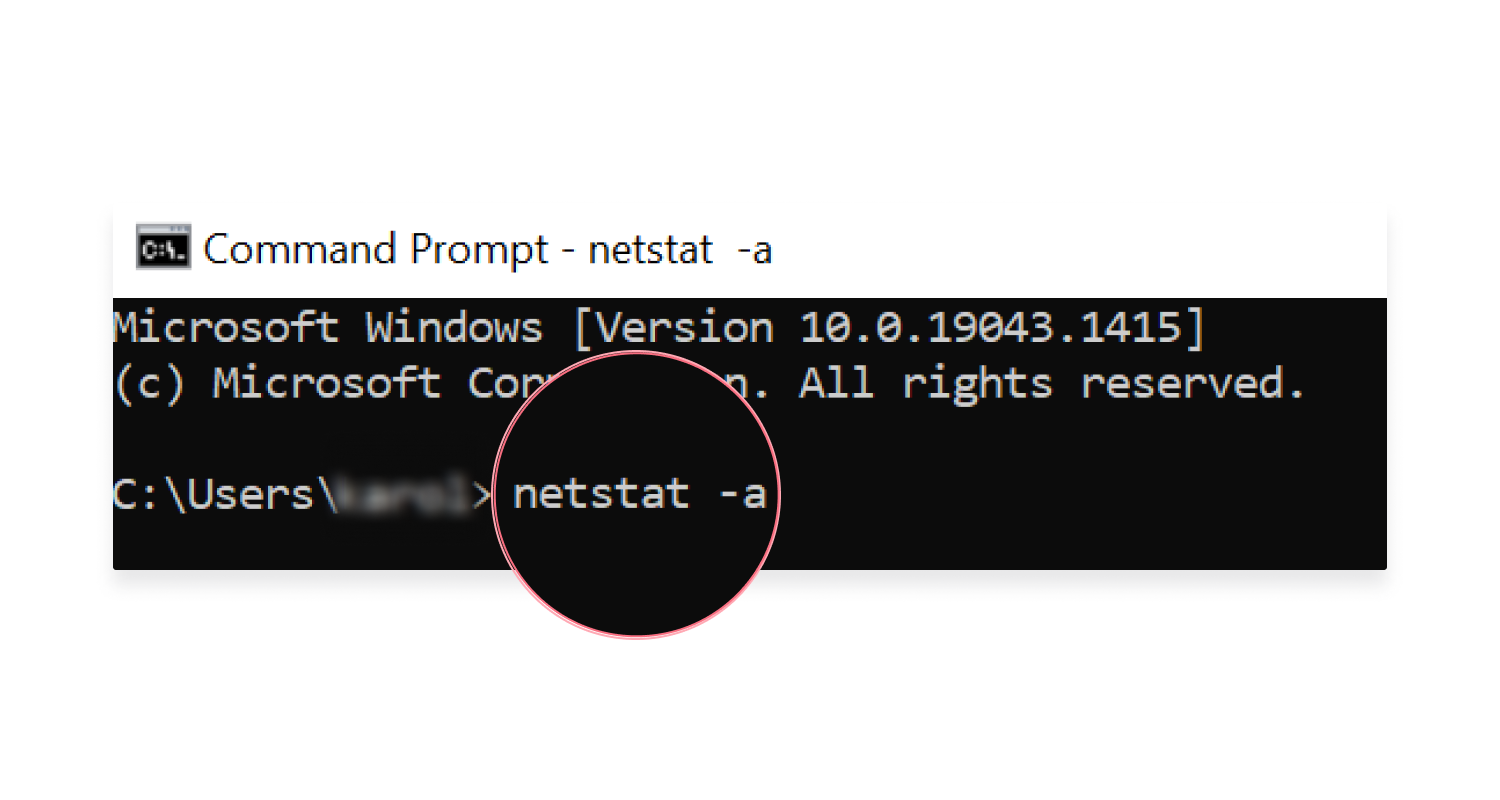
Web Using a single command you can get a list of all the ports in use by various programs This method is quite helpful if you want to take a quick glance at the ports in use 1 Search for cmd in the start menu right click on the Command Prompt

Web Feb 1 2022 nbsp 0183 32 Click on the Start menu type CMD in the search box then right click on it and select Run as administrator Or press WIN R type CMD and press Enter Step 2 In the Command Prompt window that opens enter the following command by copying pasting and validating with the Enter key netstat ab
Web May 9 2021 nbsp 0183 32 Easiest Open the Start menu gt type command gt right click the Command Prompt app gt Run as administrator Type netstat ab gt press Enter gt look for items in the quot LISTENING quot state The alternative is to use a third party app We like TCPView Nirsoft CurrPorts and PortQry Command Line Port Scanner
Web May 2 2022 nbsp 0183 32 1 How to check the internet connection in CMD 2 How to traceroute in CMD tracert command to troubleshoot network and internet problems 3 How can I see all the network adapters on my computer using CMD 4 How to check your network connection in CMD 5 How to renew the IP address of your network adapter 6 Web Apr 18 2023 nbsp 0183 32 1 The program netstat is for displaying open and connected ports and sockets on local machine To scan and get open ports on remote machine you can use nmap The command is something like nmap lt IP of print server gt But before this you can check these ports 2501 5001 9100 9101 9102 and 9600 which are usually used from
Web using the Find command allows you to filter the results find i quot listening quot will display only ports that are Listening Note you need the i to ignore case otherwise you would type find quot LISTENING quot find quot port quot will limit the results to