How To Check Node Js In Cmd C mo Actualizo NOde js Usando CMD Mejor C digo Respuesta A La Pregunta De Programaci n Check Node Js Version Mac Listten Check Node Js Version Mac Listten Node JS Environment Setup Node js Installation DigitalOcean How To Run A Node js Script With Visual Studio Code Node js v21 6 1 documentation Table of contents Command line API Synopsis Program entry point ECMAScript modules loader entry point caveat Options abort on uncaught exception allow addons allow child process allow fs read allow fs write allow worker build snapshot build snapshot config c check completion bash
The easiest way to check what version of Node js you re using is to run node version from your terminal This will print your version of Node js as shown below node version v10 16 3 You can also get the currently running version of Node js from Node js built in process version property Here are the steps to check your Node js version on Linux Open Your Terminal First open your terminal or command line interface In most Linux distributions you can access the terminal by searching for Terminal in your applications or using a keyboard shortcut like Ctrl Alt T
How To Run A Node js Script With Visual Studio Code How To Check Node js Version Check Node Version Node Js Managing The NodeJS Versions On Windows Narendra Kumar Vadapalli PPT How To Check Node js Version PowerPoint Presentation Free Download ID 11337696 How To Check Node js Version Check Node Version What Does Reset Encrypted Data Mean On Iphone Wraptide How To Run A Node js Application On Windows Webucator Node JS Environment Setup Node js Installation DigitalOcean
How To Check Node Js In Cmd
 How To Check Node Js In Cmd
https://i.stack.imgur.com/l8Sl1.png
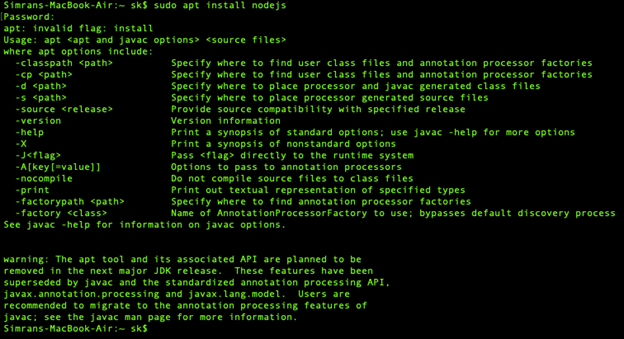
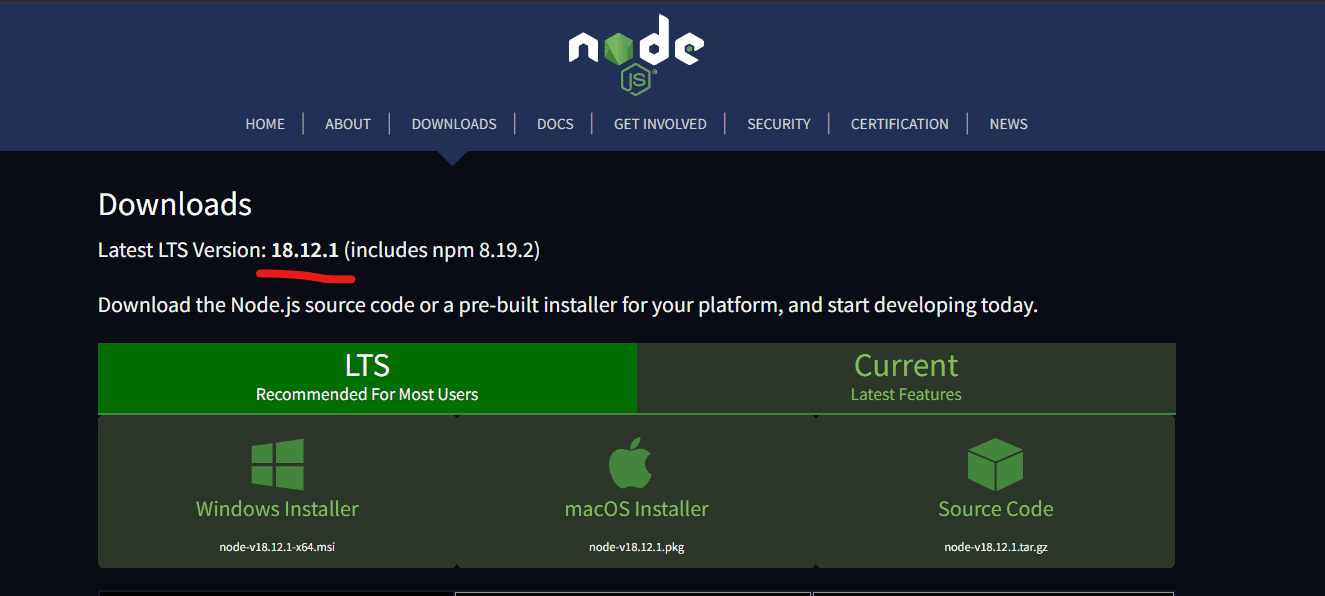
To check the version of Node js on your computer may it run MacOS Windows or a Linux distro such as Ubuntu run the following command node v This will return the current version of node that is installed on your system If you want to learn more about Node js you can find instructions and official docs on the node website
Templates are pre-designed files or files that can be utilized for various purposes. They can conserve effort and time by offering a ready-made format and design for developing different type of material. Templates can be used for individual or professional jobs, such as resumes, invites, leaflets, newsletters, reports, presentations, and more.
How To Check Node Js In Cmd

How To Check Node js Version

How To Check Node js Version Check Node Version
Node Js
Managing The NodeJS Versions On Windows Narendra Kumar Vadapalli

How To Check Node js Version Check Node Version
What Does Reset Encrypted Data Mean On Iphone Wraptide

Check default install location C Program Files nodejs or Go to System Settings Add or Remove Programs and filter by node it should show you if you have it installed For me it shows as title Node js and description Node js Foundation with no version specified Install size is 52 6MB

Run Node js scripts from the command line The usual way to run a Node js program is to run the globally available node command once you install Node js and pass the name of the file you want to execute If your main Node js application file is app js you can call it by typing node app js Bash

1 COMMAND LINE VERSION CHECK C node v v19 0 0 C node Welcome to Node js v19 0 0 Type help for more information As in the introduction simply run node v or node version in the command line to get the Node version But of course the version number is also right in the first line when we launch it

Getting Node js Version on the Command Line Step 1 Open the Command Line On Windows You can open the Command Prompt by pressing the Win R keys typing cmd Step 2 Run the Node js Version Command Once you have the command line open you ll see a blinking cursor That s where Step 3
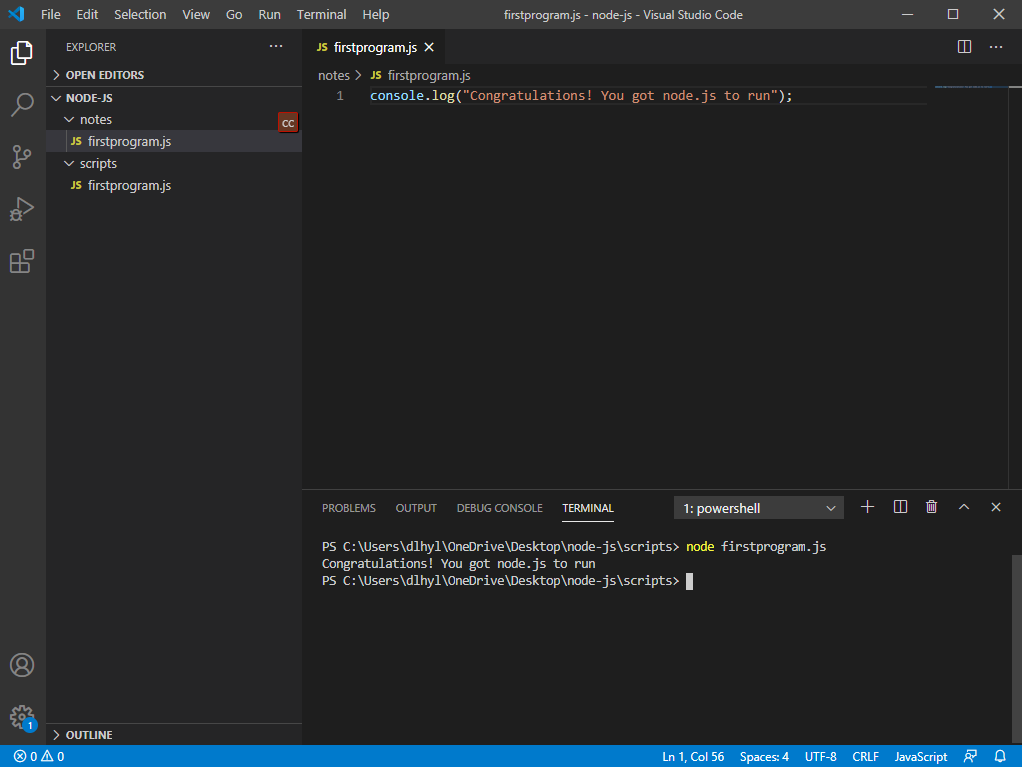
In this article we will discuss how to open the node js using a command prompt Installing Node js on the machine First of all we have to check whether the node js is installed on our machine or not To check type
[desc-11] [desc-12]
[desc-13]