How To Check If Python Is Installed In Your System Command Prompt How To View Installed Program In CMD Check Installed Check If NumPy Is Installed And Find Your NumPy Version YouTube How To Check Python Installed Or Not Version Using Command Prompt How To Check Installed Libraries In Python YouTube How To Check Python Version In Cmd Terminal In Windows Find All You can add update or remove phone numbers on your Google Account Phone numbers are used for different reasons and you have controls to manage how your numbers are used Important It may take a
Google Chrome tips From productivity to customization learn how to get things done more quickly with your browser In Incognito mode third party cookies are blocked by default If a site that relies on third party cookies doesn t work as expected you can try temporarily allowing them for that site Learn how to temporarily allow third party cookies for a specific site Close Incognito mode If you browse on an Incognito window and you open another one your private browsing session continues in the
How To Check Python Version In Cmd Terminal In Windows Find All How To Check The Version Of Python Installed On Your System Using How To Check If Python Is Installed On Windows YouTube Python 3 Notes Installing Python 3 In Windows How To Check If Python Is Installed On Pycharm YouTube Python Download Windows Parsrejaz Hetyventures Blog Windows10 Python Pode Suportar Veja Avia o Switch Python Version Windows Pasta Chateado C u
How To Check If Python Is Installed In Your System
 How To Check If Python Is Installed In Your System
https://i.ytimg.com/vi/1L9g86bZCVE/maxresdefault.jpg
Set your startup page You can control what page or pages appear when you launch Chrome on your computer
Templates are pre-designed documents or files that can be utilized for numerous purposes. They can save time and effort by providing a ready-made format and design for producing various type of material. Templates can be used for personal or expert jobs, such as resumes, invitations, flyers, newsletters, reports, discussions, and more.
How To Check If Python Is Installed In Your System

Windows Batch File To Check If Python Is Installed YouTube

How To Check The Version Of Python Installed On Your System Using

How To Check If Python Is Installed On Windows YouTube
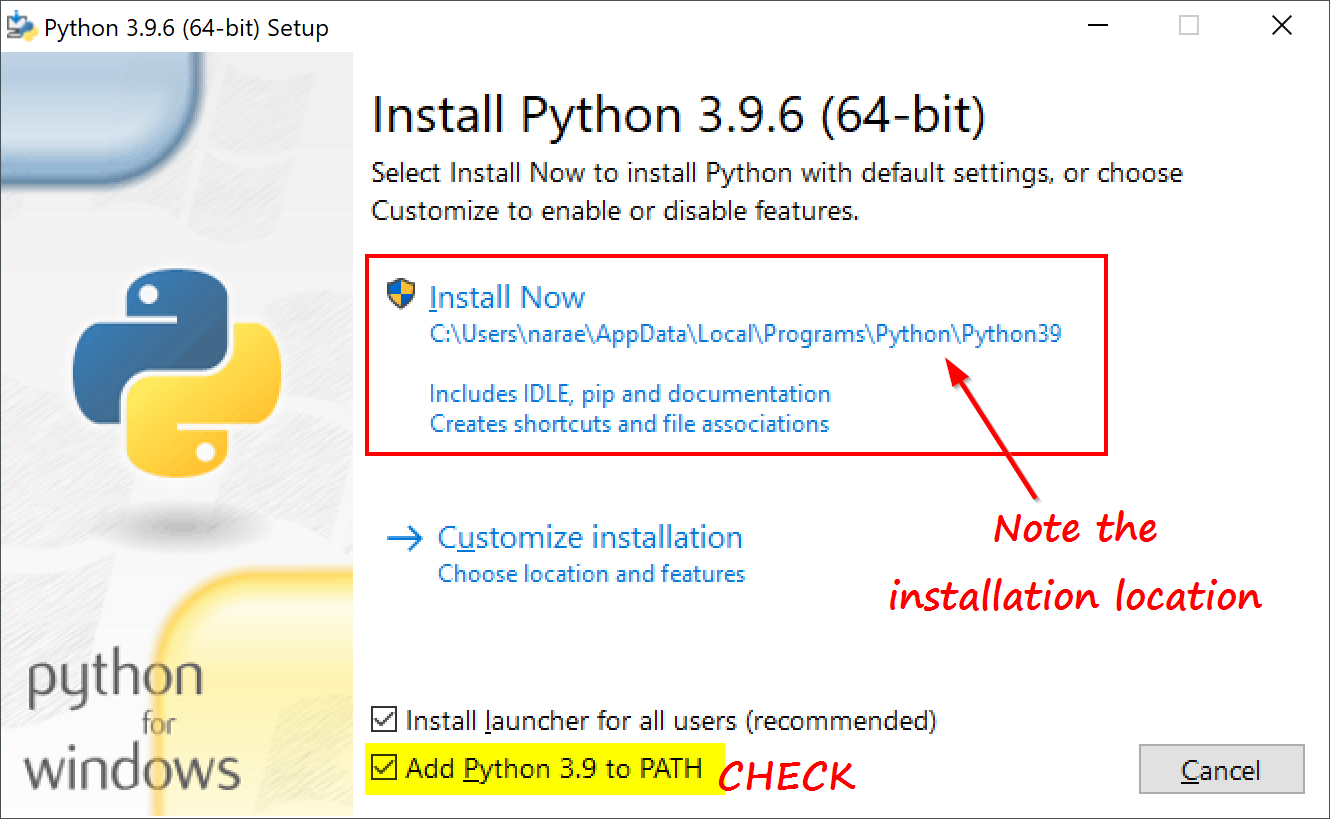
Python 3 Notes Installing Python 3 In Windows

Python Download Windows Parsrejaz
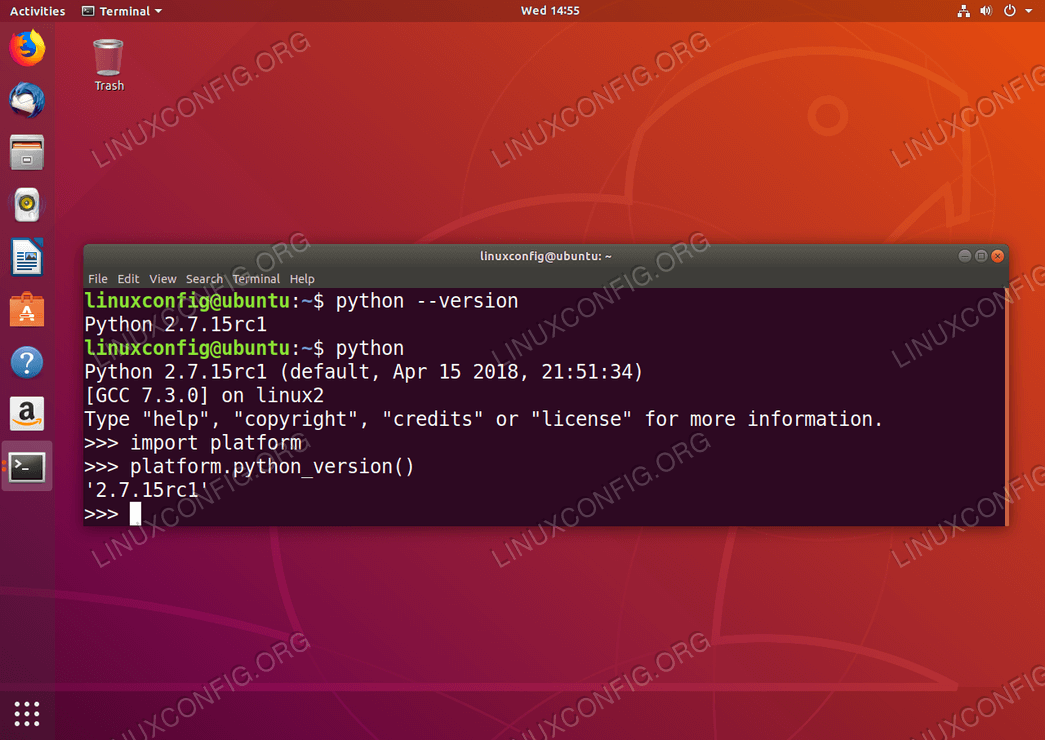
Hetyventures Blog
Sign in to Gmail Tip If you sign in to a public computer make sure to sign out before you leave the computer Learn how to sign in on a device that s not yours

Analytics Academy on Skillshop is a collection of free e learning courses designed by Analytics experts to help users get the most out of Google Analytics Google Analytics currently offers 4 training

If you forgot your password or username or you can t get verification codes follow these steps to recover your Google Account That way you can use services like Gmail Pho
Official Gmail Help Center where you can find tips and tutorials on using Gmail and other answers to frequently asked questions
To know whether this is a problem with the webpage or Chrome try to open the page in another browser like Firefox or Safari If it works in another browser try the steps below Uninstall and reinstall Chrome There could be something wrong with your Chrome profile that s causing problems Uninstall Chrome and make sure to check the box to delete browsing data Then
[desc-11] [desc-12]
[desc-13]