How To Check If Java Installed In Windows 10 How To Check Which Version Of Java Is Installed On A Linux System How To Check If You Have The Most Recent Version Of Java Tech Guide How To Setup Java Environment In Windows 10 ExamTray How To Check Which Version Of Java Is Installed On Your System YouTube 3 Ways To Check What Version Of Windows 10 Installed You Have [desc-7]
There are a couple ways by which you can get Java for Windows Online download Offline download Online Manual installation downloads an IFTW Install From The Web executable program file and requires minimum user intervention [desc-8]
3 Ways To Check What Version Of Windows 10 Installed You Have Check If Java Installed On Mac HD Png Download Transparent Png Image How To Run Software Safely On Windows 10 Sandbox Navtechy How To Check If Java Installed Correctly Punctuate Absolutelidiy Checking Java Version On Windows 7 Or XP YouTube How To Check If An Input Is Empty With JavaScript How To Check Your Java Version In The Windows Command Line How To Check Java Version On Windows TestingDocs How To Check If Java Installed Correctly Punctuate Absolutelidiy
How To Check If Java Installed In Windows 10
 How To Check If Java Installed In Windows 10
https://syscdn.systranbox.com/1661346654665.png
[desc-9]
Templates are pre-designed files or files that can be used for numerous purposes. They can save time and effort by offering a ready-made format and layout for creating different sort of content. Templates can be utilized for individual or expert jobs, such as resumes, invites, flyers, newsletters, reports, presentations, and more.
How To Check If Java Installed In Windows 10

How To Check Java Version In Windows 10 11 Using Cmd YouTube
Check If Java Installed On Mac HD Png Download Transparent Png Image

How To Run Software Safely On Windows 10 Sandbox Navtechy

How To Check If Java Installed Correctly Punctuate Absolutelidiy

How To Check If An Input Is Empty With JavaScript

How To Check Your Java Version In The Windows Command Line

Run the java version command in a Terminal window to check the Java version your PC is using You can also open the About Java window from the Start menu but it may show a different version of Java that s not currently being used if you have Java versions installed
1 Type Command Prompt into the search bar next to your Start menu and click on it when it appears in the search results Search for Command Prompt and click to open Melanie Weir Business

1 Overview In this short tutorial we re going to take a look at a few ways to determine if Java is installed on a machine 2 Command Line First let s open a command window or terminal and enter java version If Java is installed and the PATH is configured correctly our output will be similar to

If you are using windows or linux operating system then type in command prompt terminal java version If java is correctly installed then you will get something like this java version 1 7 0 25 Java TM SE Runtime Environment build 1 7 0 25 b15 Java HotSpot TM Client VM build 23 25 b01 mixed mode sharing
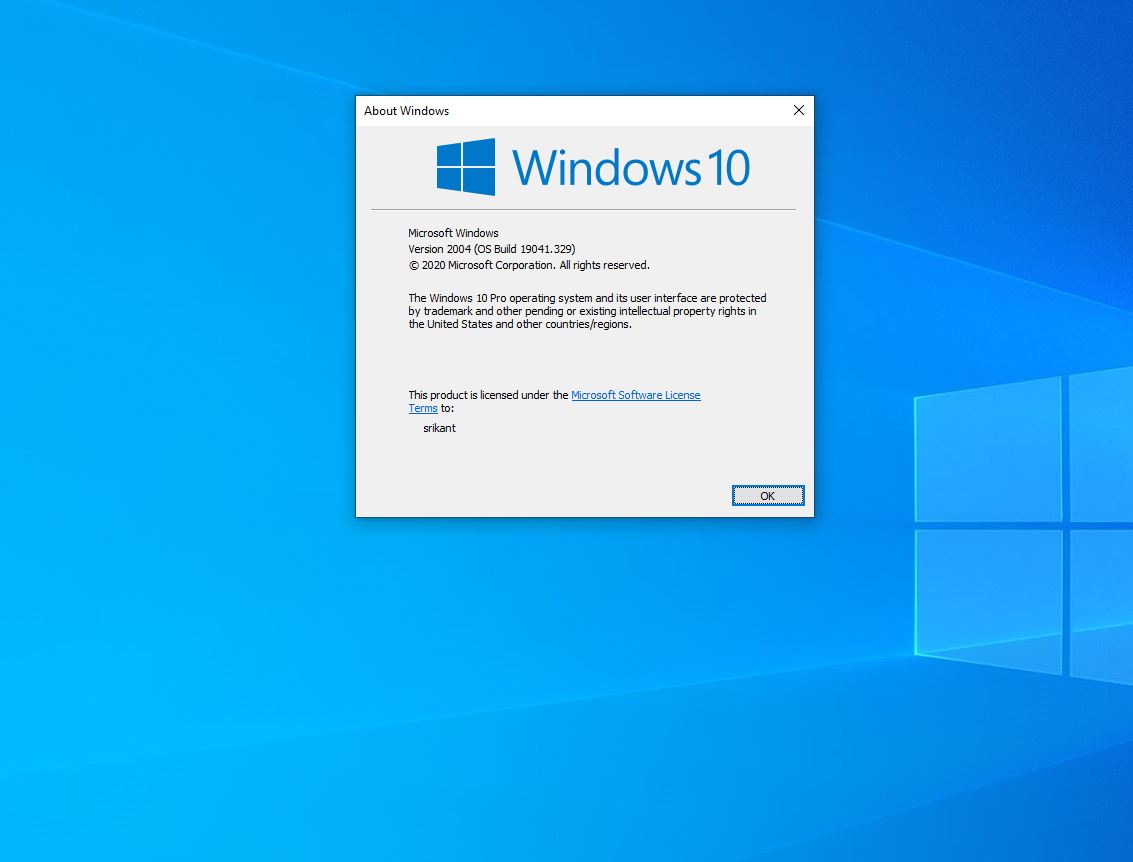
How do I find the Java Control Panel in Windows 10 From Windows Search type in Java If Java is installed Configure Java will appear in the search results Select Configure Java The Java Control Panel will appear
[desc-11] [desc-12]
[desc-13]