How To Check Git Credentials In Visual Studio How To Add Git Credentials In Jenkins YouTube The Git Experience In Visual Studio Microsoft Learn How To Write Credentials After Name Utaheducationfacts How To Add Git Credentials In Linux GeeksforGeeks Git git Version Web May 17 2023 nbsp 0183 32 After you ve cloned a repository or created one Visual Studio detects the Git repository and adds it to your list of Local Repositories in the Git menu From here you can quickly access and switch between your Git repositories
Web Nov 22 2022 nbsp 0183 32 Version control with Visual Studio is easy with Git And you can work remotely with the Git provider of your choice such as GitHub or Azure DevOps Or you can work locally with no provider at all Change the last commit amend Updating the last commit is called amending in Git and it s a common use case Web Feb 22 2019 nbsp 0183 32 Visual Studio ships with the Git credential Manager for Windows GCMW as part of its Team Explorer feature This nifty little helper allows you to authenticate to Azure Repos among other git providers using your normal username and password and optional 2FA and it will handle the Personal Access Token Renewal for you
Git git Version Authenticating GraphQL APIs With OAuth 2 0 StepZen Blog How To Check Git Version YouTube Git How To Set A Different Username And Email For Each Repository In Git Visual Studio Code Git Credentials Gzlo How To Check Proxy Settings In Edge TechCult How To Configure Your GitHub Credentials In Visual Studio Code Setting Up Visual Studio Code To Remember Your GitHub Credentials And How Do You Display Your Credentials Rec Therapy Today
How To Check Git Credentials In Visual Studio
 How To Check Git Credentials In Visual Studio
https://i.ytimg.com/vi/HSA_mZoADSw/maxresdefault.jpg
Web To use Git and GitHub in VS Code first make sure you have Git installed on your computer If Git is missing the Source Control view shows instructions on how to install it Make sure to restart VS Code afterwards
Pre-crafted templates offer a time-saving option for developing a varied range of documents and files. These pre-designed formats and designs can be used for different personal and expert tasks, consisting of resumes, invitations, leaflets, newsletters, reports, presentations, and more, improving the material creation procedure.
How To Check Git Credentials In Visual Studio

How To Check Git Is Intalled Or Not In Your Computer YouTube
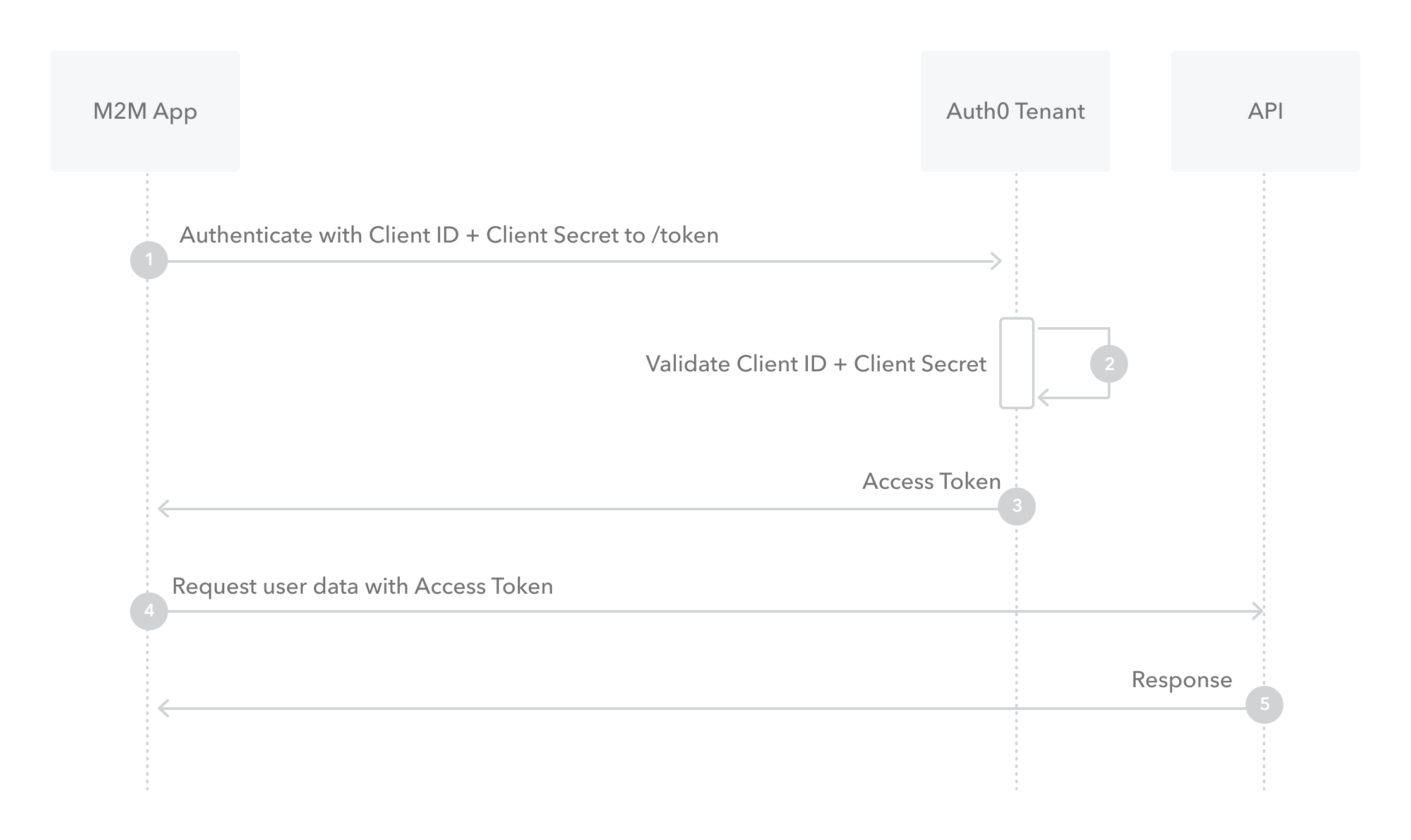
Authenticating GraphQL APIs With OAuth 2 0 StepZen Blog
How To Check Git Version YouTube

Git How To Set A Different Username And Email For Each Repository In Git

How To Check Proxy Settings In Edge TechCult

How To Configure Your GitHub Credentials In Visual Studio Code

Web In Windows 10 access Credential Manager from Control Panel you can also just search for Credential Manager in the search bar In Credential Manager find your Git credentials in Windows Credentials and amend to the correct version After this Git worked from the CLI

Web Aug 23 2016 nbsp 0183 32 1 Answer Sorted by 16 I was wondering where the visual studio stores these credentials used by the Microsoft Git Provider and finally found it The steps you have to do assuming you are using Windows 10 is as follows 1 Control Panel 2 User Accounts 3 Manage your credentials 4 Windows credentials

Web go to your project https projectname visualstudio DefaultCollection Projectname Click on your name in right upper corner and select edit profile A pop up will appear In the pop up you can see GENERAL LOCAL ECREDENTIALS CONNECTIONS 4 tabs click under credentials
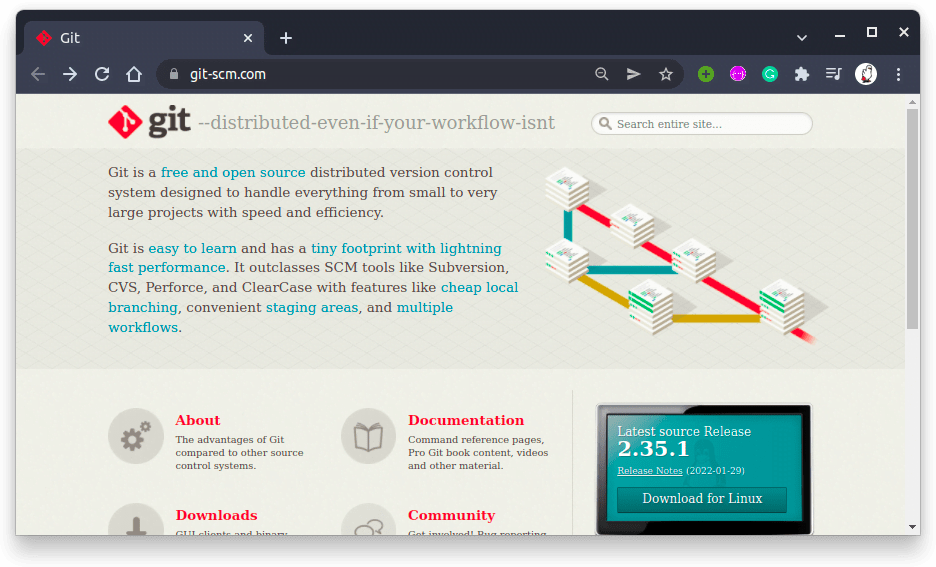
Web If the GIT ASKPASS environment variable is set the program specified by the variable is invoked A suitable prompt is provided to the program on the command line and the user s input is read from its standard output Otherwise if the core askPass configuration variable is set its value is used as above Otherwise if the SSH ASKPASS environment variable

Web Secure Git credential storage for Windows with support for Visual Studio Team Services GitHub and Bitbucket multi factor authentication View the Project on GitHub microsoft Git Credential Manager for Windows
Web Feb 3 2020 nbsp 0183 32 To access Git related options in Visual Studio we need to look no farther than the quot Team Explorer quot Under the Team Explorer we have several options that we will be covering throughout this article In the menu select View gt Team Explorer Here you will be presented with the quot Connect quot dialog box Web You can create and checkout branches directly within VS Code through the Git Create Branch and Git Checkout to commands in the Command Palette P Windows Linux Ctrl Shift P If you run Git Checkout to you will see a dropdown list containing all of the branches or tags in the current repository
Web Mar 19 2022 nbsp 0183 32 Step 03 Open the Visual Studio Code application Here you will be using the Git credential helper you will save securely the Git credentials used for communicating with GitHub Open a terminal window by clicking the terminal option in the main menu Step 04 Run the following command to create a credential helper