How To Check Apache Version In Mac Here s What It Is Like Inside An Apache Helicopter The National Interest How To Check Apache Web Server Version In Linux QuyaSoft How To Check Version Apache Braincycle1 How To Check The Version Of Apache Installed On Linux DbAppWeb How To Check Apache Version In Linux CPanel And WebHost Manager Web The Apache HTTP server is the most widely used web server in the world It provides many powerful features including dynamically loadable modules robust media support and
Web The above check only includes the primary version number not including the extended backport patches If you installed with yum you can yum list httpd and get the full Web Mar 16 2020 nbsp 0183 32 In the above tutorial we learned how to check the version Apache on Debian Ubuntu CentOS RHEL and Fedora operating systems I hope this will helps you to find out the version of your Apache Web
How To Check Apache Version In Linux CPanel And WebHost Manager How To Check If The Apache Service Is Running On Linux Systran Box How To Check For Office For Mac Updates Lasopafact How To Check Apache Status In WHM Web Hosting FAQs By MilesWeb Quick Guide How To Check If Apache Is Running How To Check The Version Number Of Apache On Mac OS X LEMP Linux Apache How To Check Apache Loaded Modules Employerrail Eslowtravel PDF T l charger Apache Https Server Status Gratuit PDF PDFprof
How To Check Apache Version In Mac
 (1)_0.jpg "Here s What It Is Like Inside An Apache Helicopter The National Interest") How To Check Apache Version In Mac
https://nationalinterest.org/sites/default/files/main_images/RNLAF_AH-64_Apache_at_the_Oirschotse_Heide_Low_Flying_Area_(36570605232) (1)_0.jpg
Web Jul 2 2007 nbsp 0183 32 If you re using the stock Apache it s 1 3 on regular OS X I think it s Apache 2 on OS X Server but I m not certain If you re asking because you ve installed Apache 2
Templates are pre-designed documents or files that can be utilized for different functions. They can save effort and time by offering a ready-made format and layout for developing various type of material. Templates can be used for personal or professional tasks, such as resumes, invitations, leaflets, newsletters, reports, presentations, and more.
How To Check Apache Version In Mac

Checking The Version Of Apache Struts On A Linux System Systran Box

How To Check If The Apache Service Is Running On Linux Systran Box

How To Check For Office For Mac Updates Lasopafact
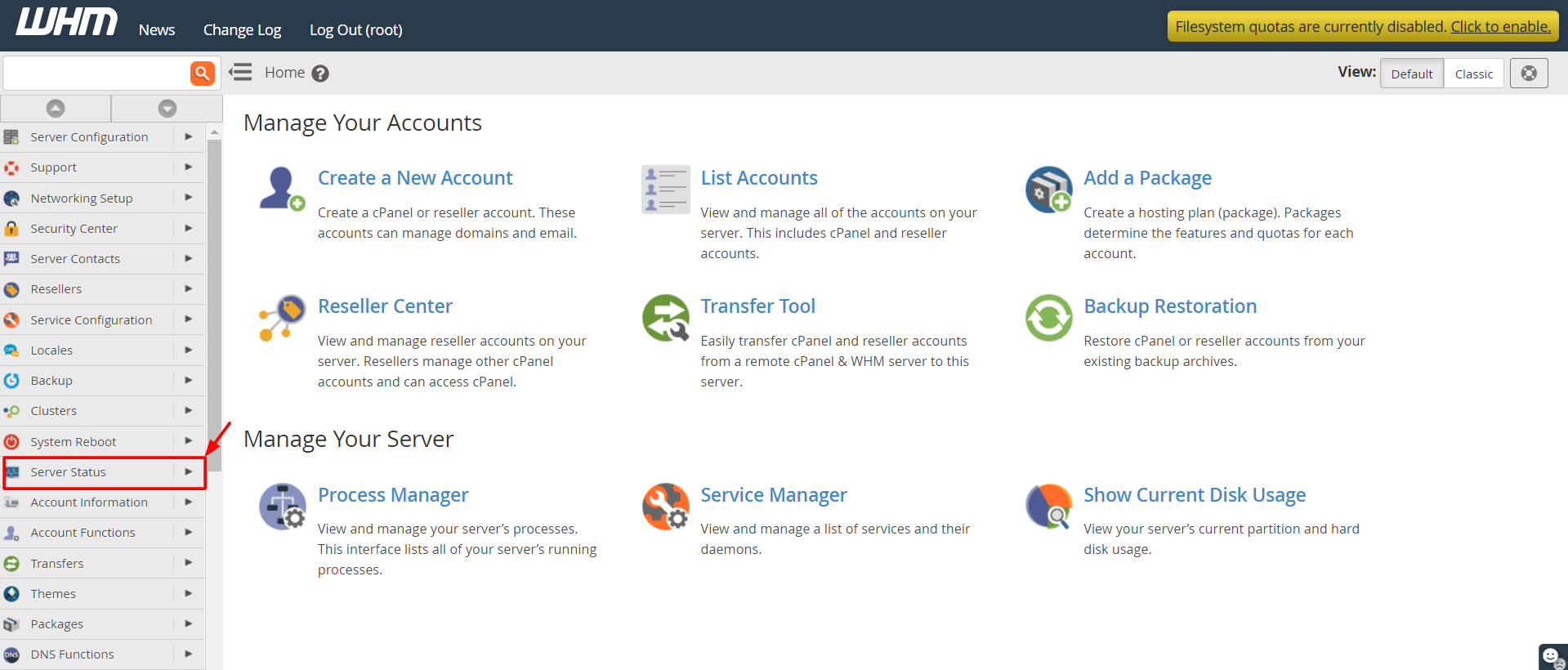
How To Check Apache Status In WHM Web Hosting FAQs By MilesWeb

How To Check The Version Number Of Apache On Mac OS X LEMP

Linux Apache
 (1)_0.jpg?w=186 "Here s What It Is Like Inside An Apache Helicopter The National Interest")
Web Oct 2 2008 nbsp 0183 32 How do I find the version of Apache running without access to the command line Ask Question Asked 14 years 11 months ago Modified 29 days ago Viewed 272k

Web This command will tell you if the Apache httpd configuration httpd conf is free of syntax errors To see if the process is running you could run quot htop quot and then F4 to filter on

Web Apr 23 2021 nbsp 0183 32 A Check inspect preinstalled Apache server on MAC The macOS Mojave comes with Apache pre installed The preinstalled Apache version for Mojave 10 14 5

Web Jul 24 2023 nbsp 0183 32 Log in to your WHM In the search bar type Terminal Open the Terminal and enter http V command in order to check your Apache version

Web Mar 6 2023 nbsp 0183 32 The easiest way to check the Apache version is via the terminal Several commands allow users to check the version Check Apache Version with httpd Note The httpd v and httpd V commands
Web On macOS which is what we use for the most part there are quite a few options We could set up Apache in a virtual machine perhaps controlled using Vagrant We could use Web Dec 16 2016 nbsp 0183 32 Apache Enable Apache on Mac OS X To check what version of apache you have currently installed on your mac just open you terminal and type For the
Web Nov 7 2022 nbsp 0183 32 However the tutorial should also work fine on previous and future versions of macOS 1 Installing Apache on macOS can be done by simply entering the following line