How To Change The Last Pushed Commit Message In Git Rewording A Pushed Git Commit Message How To Undo Pushed Commits With Git DEV Community A Beginner s Guide To Git How To Write A Good Commit Message Git Basics Changing Your Last Commit Message How To Undo Pushed Commits With Git DEV Community To change the recently pushed git commit message you would need to do the following 1 checkout the branch on your local git checkout branch name 2 amend the commit message git commit amend m New message 3 force push to update remote repository git push force with lease remote name branch name
To change the message of the most recent commit that has not been pushed to the remote repository commit it again using the amend flag Navigate to the repository directory in your terminal Run the following command to amend change the message of the latest commit git commit amend m New commit message 3 Answers Sorted by 41 50 Commit your fix then use git rebase interactive to reorder your commits and squash the two commits together See the git book for details Note that doing this is bad idea if those commits have been pushed somewehere already since you will change the repository history An example session could look like this
How To Undo Pushed Commits With Git DEV Community Change Commit Message In Git InMotion Hosting Recover Failed Git Commit Message Sal Ferrarello Undo Pushed Commits In Git With Reset And Revert Delft Stack Crayon Couronne Crocodile Git Correct Commit Message Stylo Magasin La How To Change A Git Commit Message How To Change The Last Commit Message In Git MELVIN GEORGE How To Change Commit Message In Git How Do You Correct A Commit Message In Git O Reilly
How To Change The Last Pushed Commit Message In Git
 How To Change The Last Pushed Commit Message In Git
https://www.interglobalmedianetwork.com/_next/image?url=%2Fstatic%2Fimages%2Fposts%2Fimg%2Fwebp%2Fpexels-brett-jordan-8743408.webp&w=3840&q=75
First you ll need to stage your changes git add And then amend git commit amend no edit The no edit flag will make the command not modify the commit message If you need to clarify the new changes in a new message leave this flag out and you ll be prompted for the new commit message
Pre-crafted templates offer a time-saving service for creating a diverse range of documents and files. These pre-designed formats and designs can be utilized for numerous individual and expert projects, consisting of resumes, invitations, leaflets, newsletters, reports, discussions, and more, improving the material production procedure.
How To Change The Last Pushed Commit Message In Git
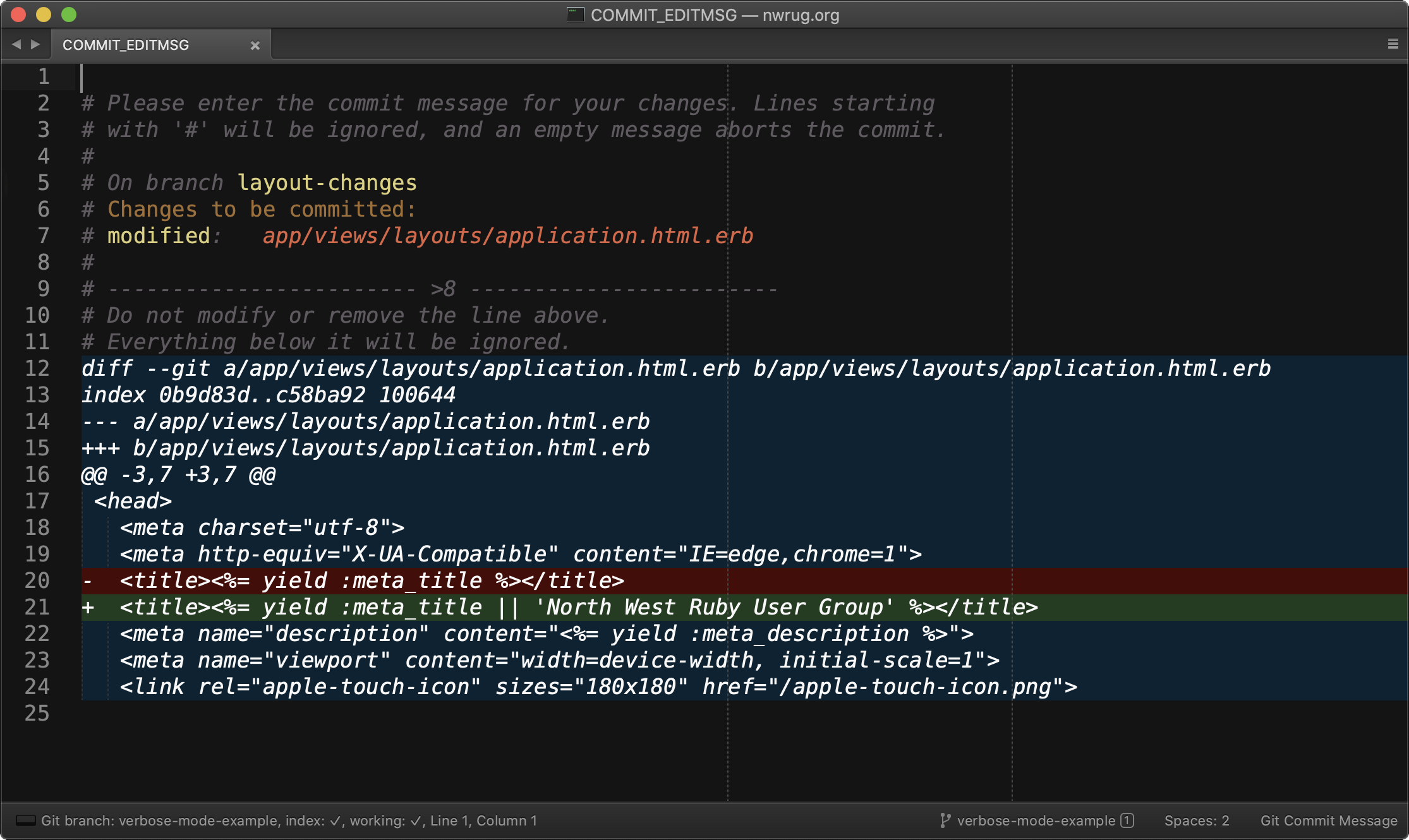
How Do You Correct A Commit Message In Git O Reilly To Write Git Vrogue

Change Commit Message In Git InMotion Hosting

Recover Failed Git Commit Message Sal Ferrarello
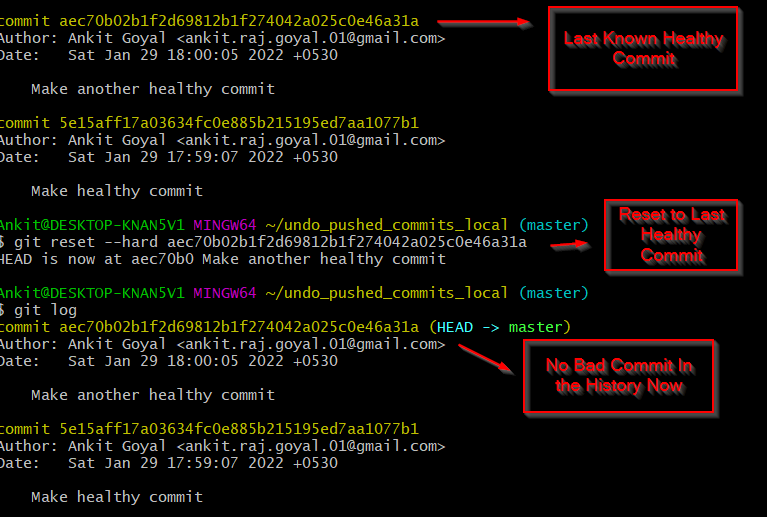
Undo Pushed Commits In Git With Reset And Revert Delft Stack

How To Change A Git Commit Message

How To Change The Last Commit Message In Git MELVIN GEORGE

If the commit only exists in your local repository and has not been pushed to GitHub you can amend the commit message with the git commit amend command On the command line navigate to the repository that contains the commit you want to amend Type git commit amend and press Enter

To change the last commit you can simply commit again using the amend flag git commit amend m New and correct message Simply put this overwrites your last commit with a new one This also means that you re not limited to just editing the commit s message you could also add another couple of changes you forgot

1 Overview In this tutorial we ll see how to modify a Git commit message whether it s the most recent commit or an older one 2 Amend the Most Recent Commit Message We ll start with the easiest case Let s build a trivial commit that has a typo in its commit message

30 It s impossible to change any commit That includes before it s pushed The reason this is important to know the reason you need to know that git commit amend is a lie is that what git commit amend does locally can be done here when pushing a commit to another Git repository

Rebase the HEAD to the second last commit but edit the commit message before in that way that you swap the last and the last but one line in the message editor git rebase i HEAD 3 The editor will show the last 3 comits like this
The git commit amend command is a convenient way to modify the most recent commit It lets you combine staged changes with the previous commit instead of creating an entirely new commit It can also be used to simply edit the previous commit message without changing its snapshot After you save and exit Git updates the commit message and processes the next commits in order You should see the message Successfully rebased and update refs heads my branch name when finished Optional To verify that the commit messages were updated you can run git log and scroll down to see the commit messages
How to Change Commit Message Before Push If the commit exists only in the local repository running the git commit command with amend changes the commit message Add the m option to pass the new message directly from the command line without opening a text editor to enter the new message Follow the steps below 1 Open the terminal or Git Bash 2