How To Change Strap How to change strap on galaxy watch 3 Eric Klein Info How to change strap on galaxy watch 3 Eric Klein Info Seiko SNK809 How To Change Strap YouTube Fitbit Versa 4 How To Change Wrist Bands Straps YouTube How To Adjust A Casio Watch Band YouTube Sign in to Gmail Tip If you sign in to a public computer make sure to sign out before you leave the computer Learn how to sign in on a device that s not yours
Create an account Tip To use Gmail for your business a Google Workspace account might be better for you than a personal Google Account With Google Workspace you get increased Remove unwanted programs on your computer Before you reset your browser settings check your computer for unwanted programs Learn how to reset your browser settings
How To Adjust A Casio Watch Band YouTube HOWTO Change STRAP Of NIXON Watch YouTube How To Change Strap quick Change Strap YouTube How To Change Strap On Casio W 800H YouTube How To Use A BrassCraft Strap Wrench YouTube Xiaomi Mi Band 7 Pro How To Change Strap Remove GPS NFC Smartband NO SEWING How To Replace A Broken Bra Strap Hook Quick Easy DIY Fitbit Charge 4 How To Change Strap Step By Step Tutorial YouTube Casioak But With 40 Different Straps GA B2100 G Shock Modifications
How To Change Strap
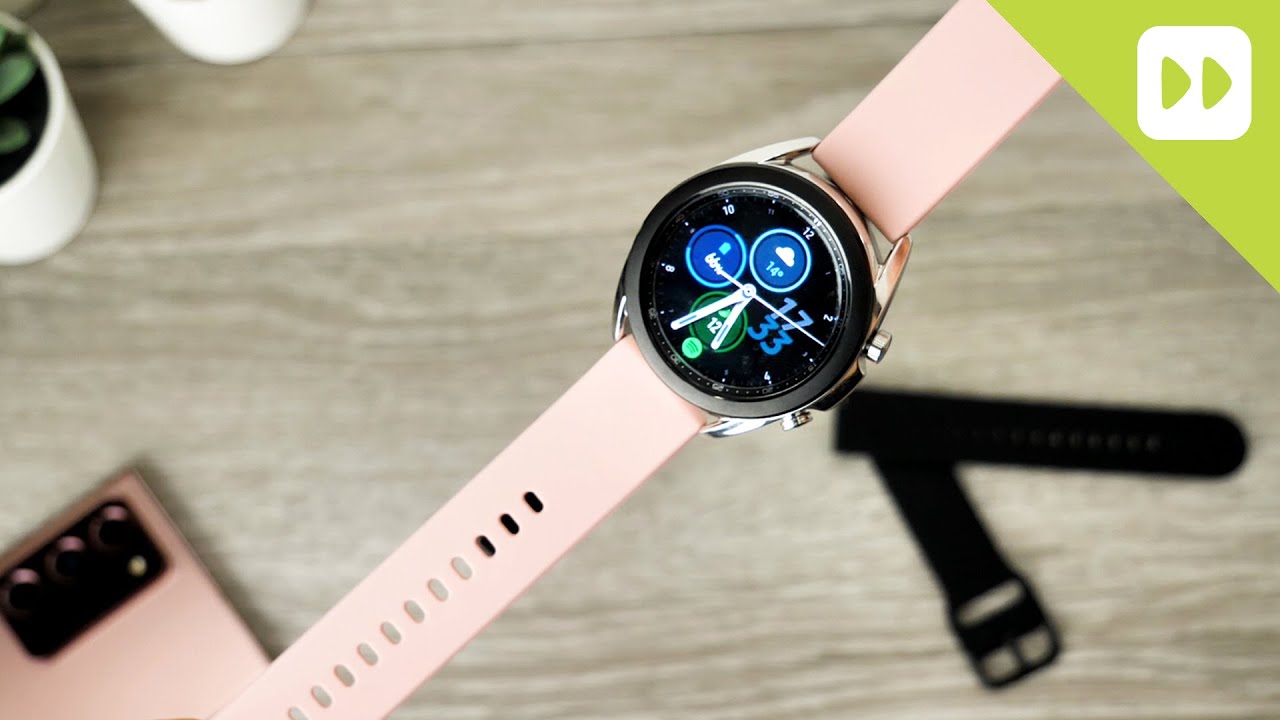 How To Change Strap
https://i.ytimg.com/vi/tifECtNJCmg/maxresdefault.jpg
You can easily work with your files with Google Drive for desktop You can also Keep local files safe Your computer files are securely stored in the cloud Keep files up to date across
Templates are pre-designed files or files that can be used for various functions. They can conserve time and effort by providing a ready-made format and layout for producing different type of content. Templates can be utilized for individual or professional projects, such as resumes, invites, flyers, newsletters, reports, discussions, and more.
How To Change Strap

How To Change An Uncle Seiko Strap YouTube

HOWTO Change STRAP Of NIXON Watch YouTube

How To Change Strap quick Change Strap YouTube

How To Change Strap On Casio W 800H YouTube

Xiaomi Mi Band 7 Pro How To Change Strap Remove GPS NFC Smartband

NO SEWING How To Replace A Broken Bra Strap Hook Quick Easy DIY

How to install Chrome Important Before you download you can check if Chrome supports your operating system and other system requirements

On your computer open Chrome At the top right click More Delete browsing data Choose a time range like Last hour or All time Select the types of information you want to remove Click

To find your username follow these steps You need to know A phone number or the recovery email address for the account The full name on your account Follow the instructions to

Learn how to update apps on Android Related resources Fix problems with the Google Play app How to update apps on Android

Want advanced Google Workspace features for your business Try Google Workspace today Google Drive helps you keep all your files together You can upload and share your files from
[desc-11] [desc-12]
[desc-13]