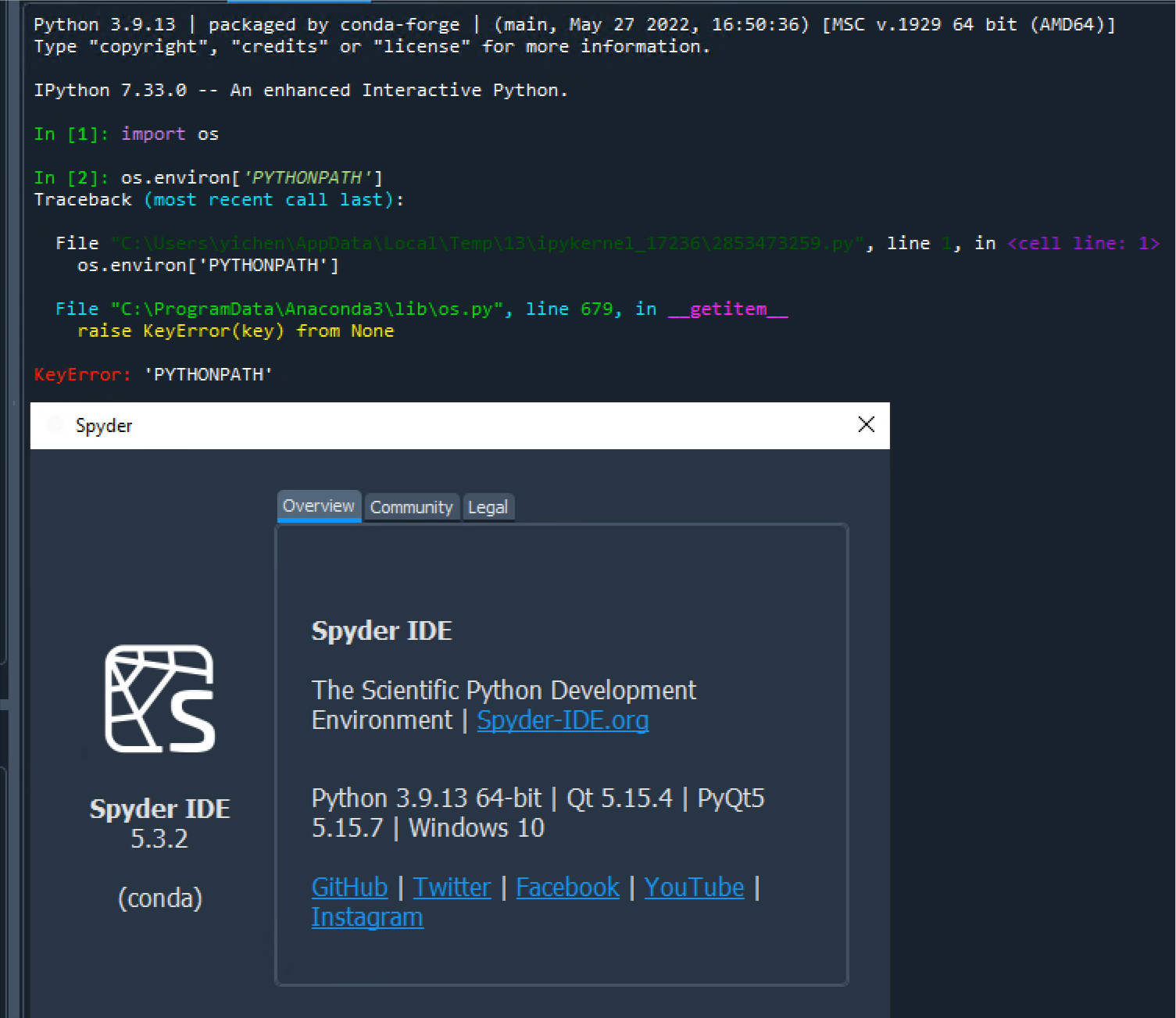
How To Change Pythonpath In Linux Set File Modifcation Time To Oldest File Time Spiderfas How To Change Python Version In Visual Studio Code Simple Way To Starting A New Console Loses PYTHONPATH In Spyder 5 3 2 Issue How To Edit PYTHONPATH On Windows By Dalya Gartzman We ve Moved To PYTHONPATH In VSCode Everything You Need To Know LinuxPip 1 I deleted all python installed in usr local using sudo rm rf usr local lib python or libpython Those in bin and share folder are also cleaned Then since all program looked for python inside usr the installation path is set to sudo configure prefix usr Share
4 Answers Sorted by 47 Try appending to PYTHONPATH instead of overwriting it completely export PYTHONPATH PYTHONPATH home dev python files References According to the the Python documentation on PYTHONPATH Augment the default search path for module files Python How do you set your pythonpath in an already created virtualenv Stack Overflow How do you set your pythonpath in an already created virtualenv Ask Question Asked 12 years 11 months ago Modified 5 months ago Viewed 217k times 150 What file do I edit and how I created a virtual environment python linux unix virtualenv Share Follow
PYTHONPATH In VSCode Everything You Need To Know LinuxPip Ubuntu How Do I Change My PYTHONPATH To Make 3 2 My Default Python Python 3 7 Microsoft Store Windows Python CSDN How Can I Change The Python Version In Visual Studio Code From An Python Extension Packages For Windows Christoph Gohlke Python Open And Edit Text File In Terminal Lopboxes VSCODE Python VirtualEnv ROOFTOP HERO How To Correctly Set PYTHONPATH For Visual Studio Code Stack Overflow Python Basics File Paths YouTube
How To Change Pythonpath In Linux
 How To Change Pythonpath In Linux
https://media.geeksforgeeks.org/wp-content/uploads/20200726144343/Untitleddesign3.png
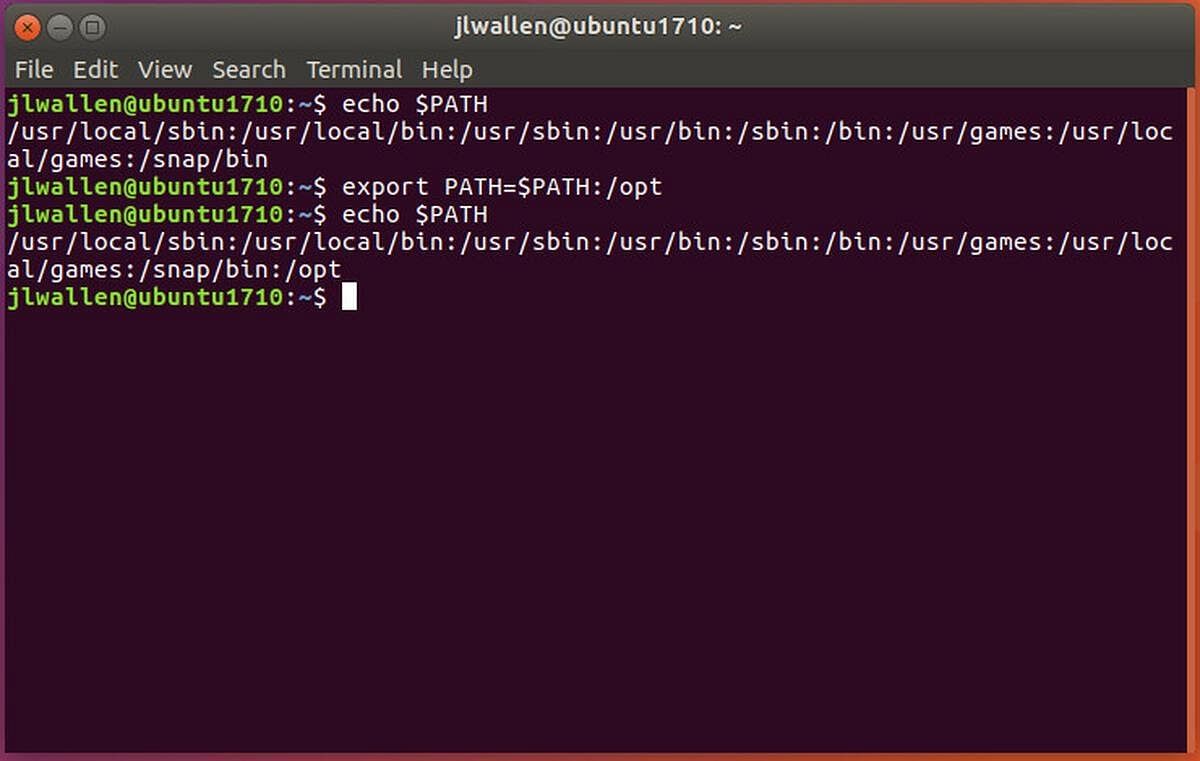
Open a terminal window on your Linux system Determine the path to your Python module or package For example suppose you have a Python module named mymodule located in the home user myproject folder Set the PYTHONPATH environment variable to the path of your module or package using the following command
Pre-crafted templates use a time-saving service for developing a varied variety of documents and files. These pre-designed formats and layouts can be utilized for numerous personal and professional tasks, consisting of resumes, invites, leaflets, newsletters, reports, discussions, and more, simplifying the material development procedure.
How To Change Pythonpath In Linux
Add Package Directory To PYTHONPATH In Windows Spark By Examples

Ubuntu How Do I Change My PYTHONPATH To Make 3 2 My Default Python
Python 3 7 Microsoft Store Windows Python CSDN

How Can I Change The Python Version In Visual Studio Code From An
Open And Edit Text File In Terminal Lopboxes
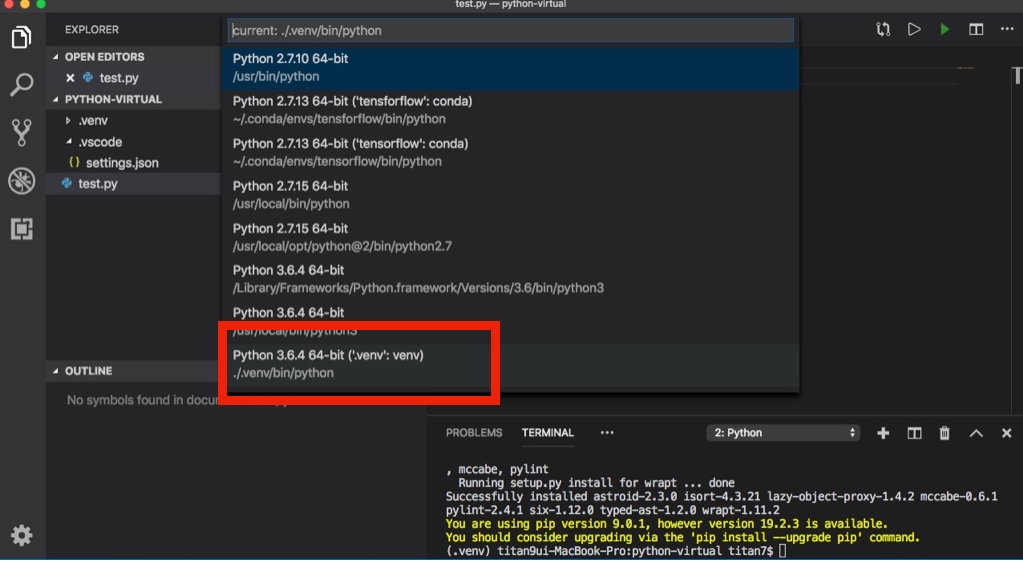
VSCODE Python VirtualEnv ROOFTOP HERO
4 Answers Sorted by 30 50 The site module documentation and Modifying Python s Search Path seem to be what you re looking for As far as I understand it those entries are being added to sys path by usr lib python2 6 site py usr lib python2 6 dist packages site py Change 2 6 to your version of Python

6 Answers Sorted by 132 The environment variable PYTHONPATH is actually only added to the list of locations Python searches for modules You can print out the full list in the terminal like this python c import sys print sys path Or if want the output in the UNIX directory list style separated by you can do this
In fact sys path is initialized by splitting the value of PYTHONPATH on the path separator character on Linux like systems on Windows You can also add directories using site addsitedir and that method will also take into account pth files existing within the directories you pass
24 Answers Sorted by 595 If you re using bash on a Mac or GNU Linux distro add this to your bashrc export PYTHONPATH PYTHONPATH my other path Share Improve this answer Follow edited May 15 2015 at 18 29 Asclepius 59 2k 17 170 149 answered Aug 4 2010 at 2 29 awesomo 8 616 2 22 24 41

4 Answers Sorted by 5 I m assuming that when you installed anaconda 2 you manually set the PYTHONPATH environment variable by putting something like PYTHONPATH home user anaconda2 python export PYTHONPATH in your bash profile or bash rc But since you deleted the home user anacanda2 directory that path no longer exists
Method One The first method is explicitly change sys path in your Python program You can check the content of the current sys path as follows import sys print sys path Changing Paths Linux Sometimes I get recommendations to change paths Many problems in Linux could be path related How do I change Paths Installing collected packages pip Attempting uninstall pip Found existing installation pip 23 3 1 Uninstalling pip 23 3 1 Successfully uninstalled pip 23 3 1 WARNING The scripts pip pip3 and pip3 11
I just updated my ReadyNas from python 2 3 5 to python 2 6 6 The upgrade placed the new version in the usr local bin directory So usr local bin python is Python 2 6 6 usr bin python is Python 2 3 5 When I type python at a bash prompt tries to run usr bin python or my old version I relocated my old version and now I get