How To Change Powershell To Cmd In Vs Code Replace PowerShell With Command Prompt In Windows 10 When We Paste Powershell Script In VS Code Space Is Getting Replaced Windows Microsoft Learn How To Run A PowerShell Script From The Command Line And More YouTube How To Change PowerShell To Command Prompt YouTube Depending on your learning setting you can sign in to Classroom with one of the following accounts School account An accredited educational institution creates this account typically referred t
Official Google Play Help Center where you can find tips and tutorials on using Google Play and other answers to frequently asked questions If you forgot your password or username or you can t get verification codes follow these steps to recover your Google Account
How To Change PowerShell To Command Prompt YouTube How To Change Powershell To Bash In Visual Studio Code Printable How To Restore Blue Background In PowerShell On Windows Terminal If You Are Writing PowerShell Code You Might Have Realized That There Visual Studio Code How To Exit Command Prompt After L Vrogue co Powershell Change Prompt Color The 16 Detailed Answer Brandiscrafts Change Default Windows Terminal From Powershell To Command Prompt In Powershell Command To Install Exe Keendwnload Change Default Windows Terminal From Powershell To Command Prompt In
How To Change Powershell To Cmd In Vs Code

https://media-exp1.licdn.com/dms/image/C5112AQHw0j-sO8LpwQ/article-cover_image-shrink_720_1280/0/1583210762514?e=2147483647&v=beta&t=Ga8H1HA2gM_1W8wr-lYjO2UYaiiMBJPFHGQiUa3ihlQ
Official Gmail Help Center where you can find tips and tutorials on using Gmail and other answers to frequently asked questions
Pre-crafted templates use a time-saving solution for creating a varied variety of documents and files. These pre-designed formats and layouts can be made use of for different personal and expert projects, including resumes, invites, leaflets, newsletters, reports, discussions, and more, enhancing the content production procedure.
How To Change Powershell To Cmd In Vs Code

Replace Command Prompt With PowerShell In The Windows 10 Power User Menu
How To Change Powershell To Bash In Visual Studio Code Printable
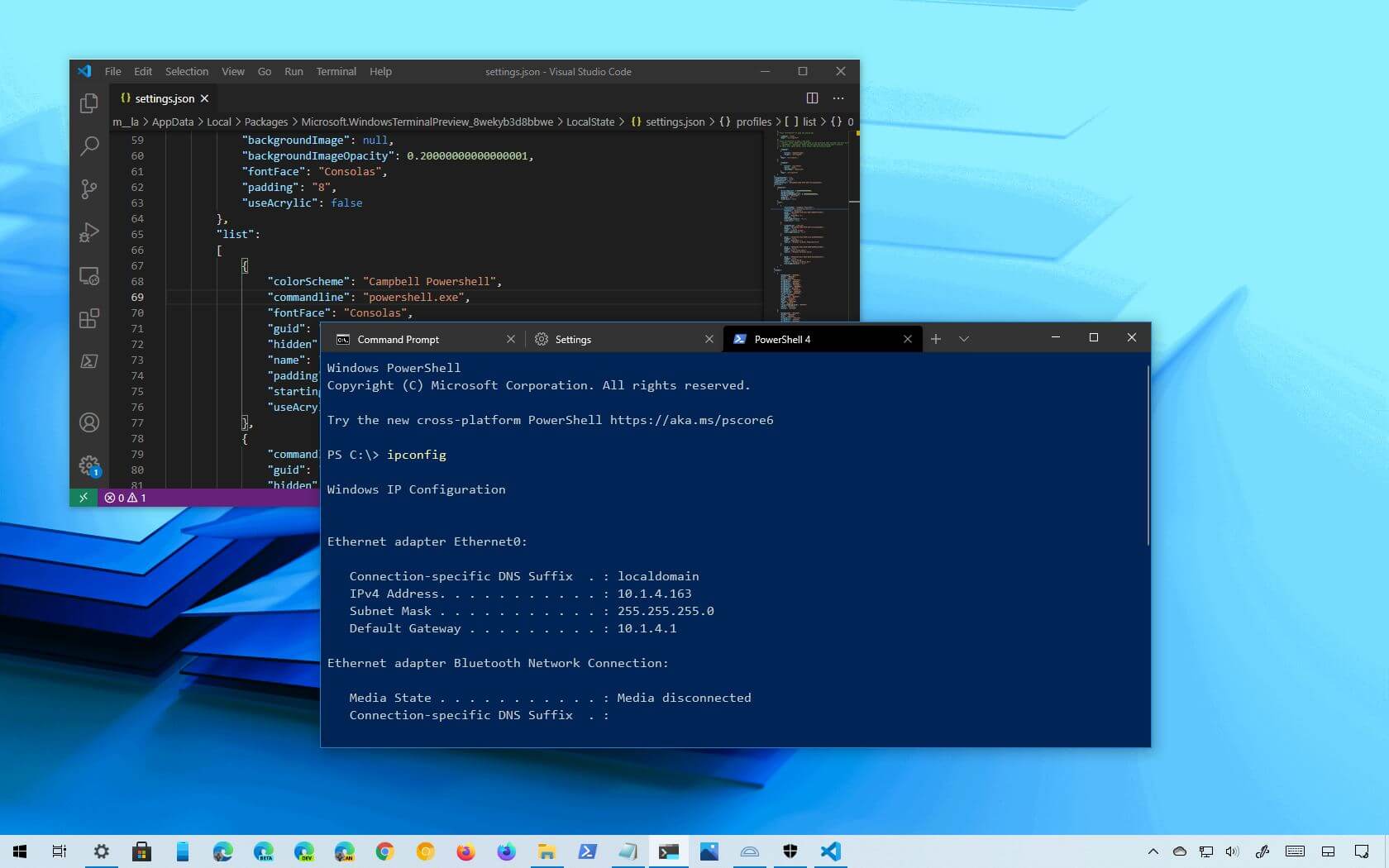
How To Restore Blue Background In PowerShell On Windows Terminal

If You Are Writing PowerShell Code You Might Have Realized That There

Powershell Change Prompt Color The 16 Detailed Answer Brandiscrafts
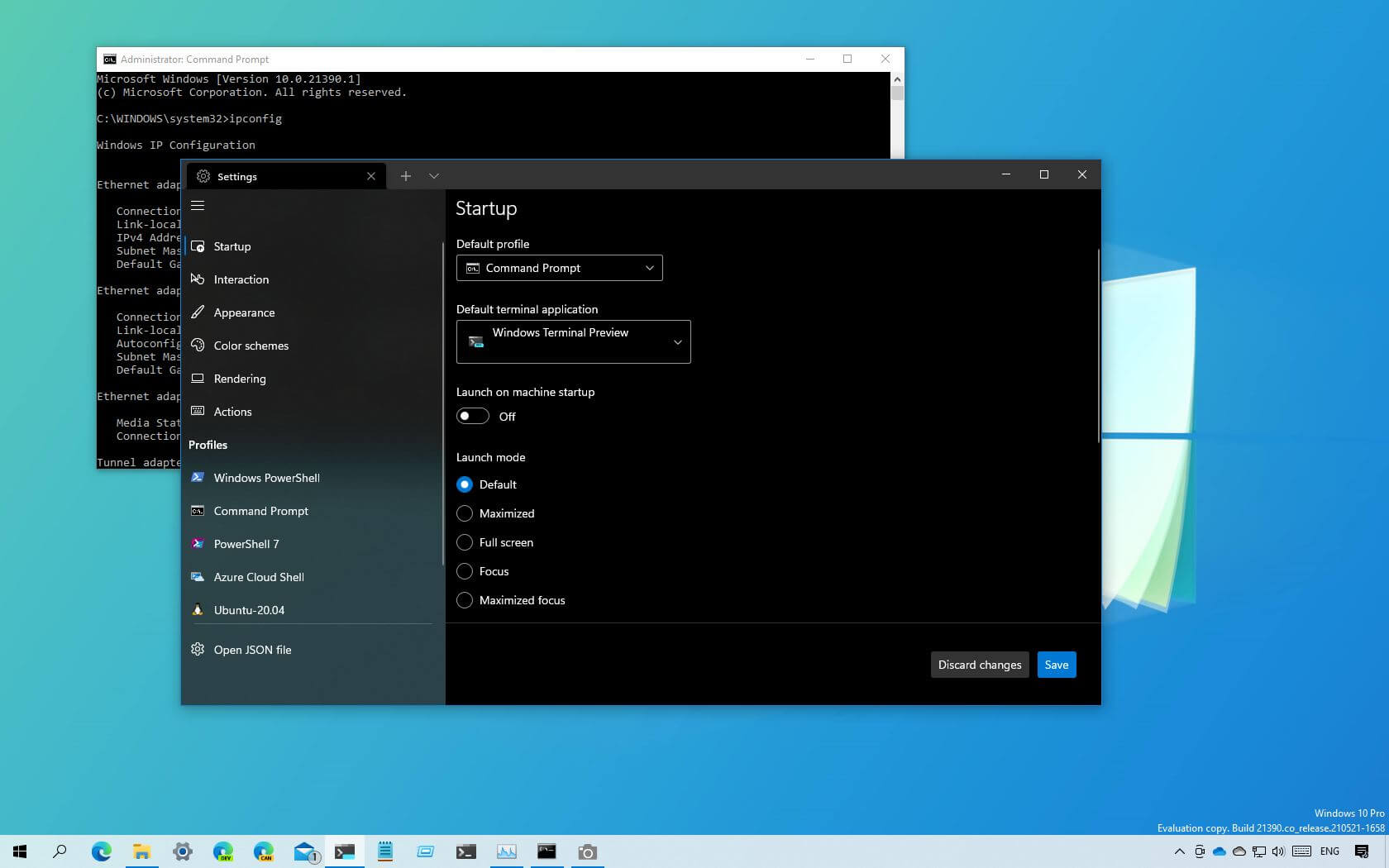
Change Default Windows Terminal From Powershell To Command Prompt In

To use Chrome on Mac you need macOS Big Sur 11 and up On your computer download the installation file Open the file named quot googlechrome dmg quot

Official Google Chrome Help Center where you can find tips and tutorials on using Google Chrome and other answers to frequently asked questions

You can download and install the Chrome web browser at no charge and use it to browse the web Get Google Chrome Download Chrome for Android phones and tablets
When you enter a destination in Google Maps we show you how to get there by different travel modes like driving cycling or walking

Home In the Home section of Google Drive you can Access files and folders that you or others opened shared or edited as well as those related to upcoming meetings
[desc-11] [desc-12]
[desc-13]