How To Change Network Settings In Linux Command Line How To Reset Wi Fi Settings On Mac Configuring Network Settings In Kali Linux Systran Box How Can I Create Home Network In Windows 11 Can t Connect To This Find Files In Linux Using The Command Line Linode Command Line Cheat Sheet Pdf How do I configure network settings like identity IPv4 format address netmask gateway DNS security and passwords in Ubuntu 18 04 through a script I couldn t find any gsettings schemas for it I d very much appreciate if someone can point me in the right direction 18 04 network manager settings system settings gsettings Share
First we will cover the instructions to configure one from GNOME GUI Start by opening Settings and click on Network menu and hit the gear wheel of the desired network interface Next click the IPv4 tab and then the manual configuration option Fill out your desired IP address subnet mask and default gateway Method 2 Configuring Network Settings in Ubuntu 22 04 Using GUI To change the Network Settings i e the IPv4 Connection from DHCP to Static click on the Network Icon in the top right corner of the Ubuntu Home Screen In the drop down menu click on Settings In the settings window click on the Network tab
Command Line Cheat Sheet Pdf TechTalk PMX2000 How To Change Network Settings Xybernetics How To Restart Your IPhone Without Using The Home Or Power Buttons Iphone 12 reset network settings 2 2 TheCellGuide What Happens When You Reset Network Settings On IPhone And Android How To Change Network Settings To 4G YouTube Command To Change Directory In Linux YouTube 5 Ways To Open Network Connections From CMD And Windows 10 GUI Wi Fi A Beginner s Guide To The Linux Command Line Part II TechSpot
How To Change Network Settings In Linux Command Line
 How To Change Network Settings In Linux Command Line
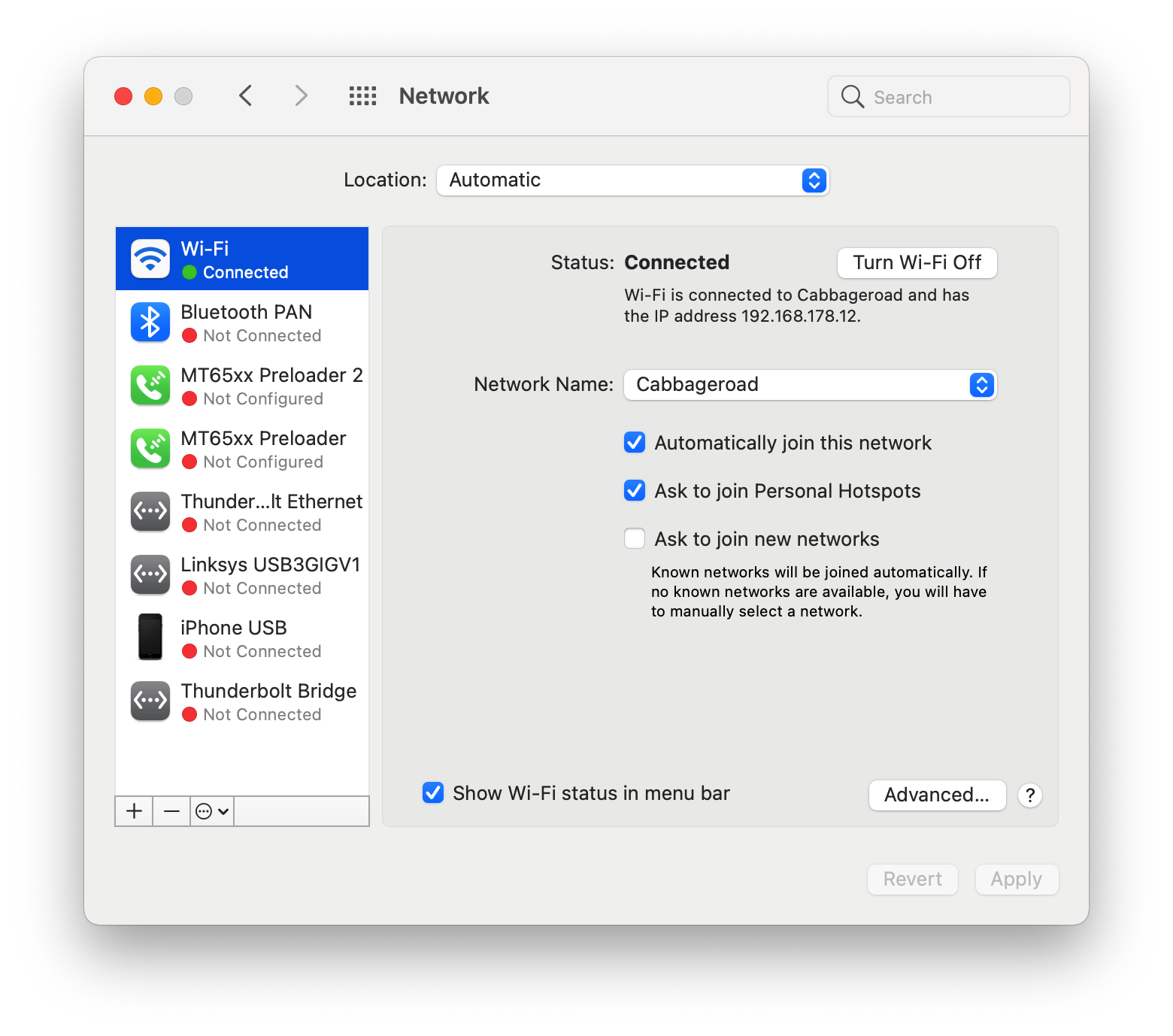
https://cdn.cleanmymac.com/faqs/June2021/reset-wifi-mac1.png
In this blog I will discuss how to manually configure Linux network settings from the command line While it may sound counter intuitive to some it is in my opinion as well as that of many of my co workers the faster way to configure network settings First let s start by disabling NetworkManager
Pre-crafted templates provide a time-saving option for developing a diverse series of files and files. These pre-designed formats and designs can be made use of for different personal and expert projects, including resumes, invites, leaflets, newsletters, reports, discussions, and more, enhancing the content production process.
How To Change Network Settings In Linux Command Line

Linux Command Line Cheat Sheet In A Well Formatted Image And Pdf File

TechTalk PMX2000 How To Change Network Settings Xybernetics

How To Restart Your IPhone Without Using The Home Or Power Buttons
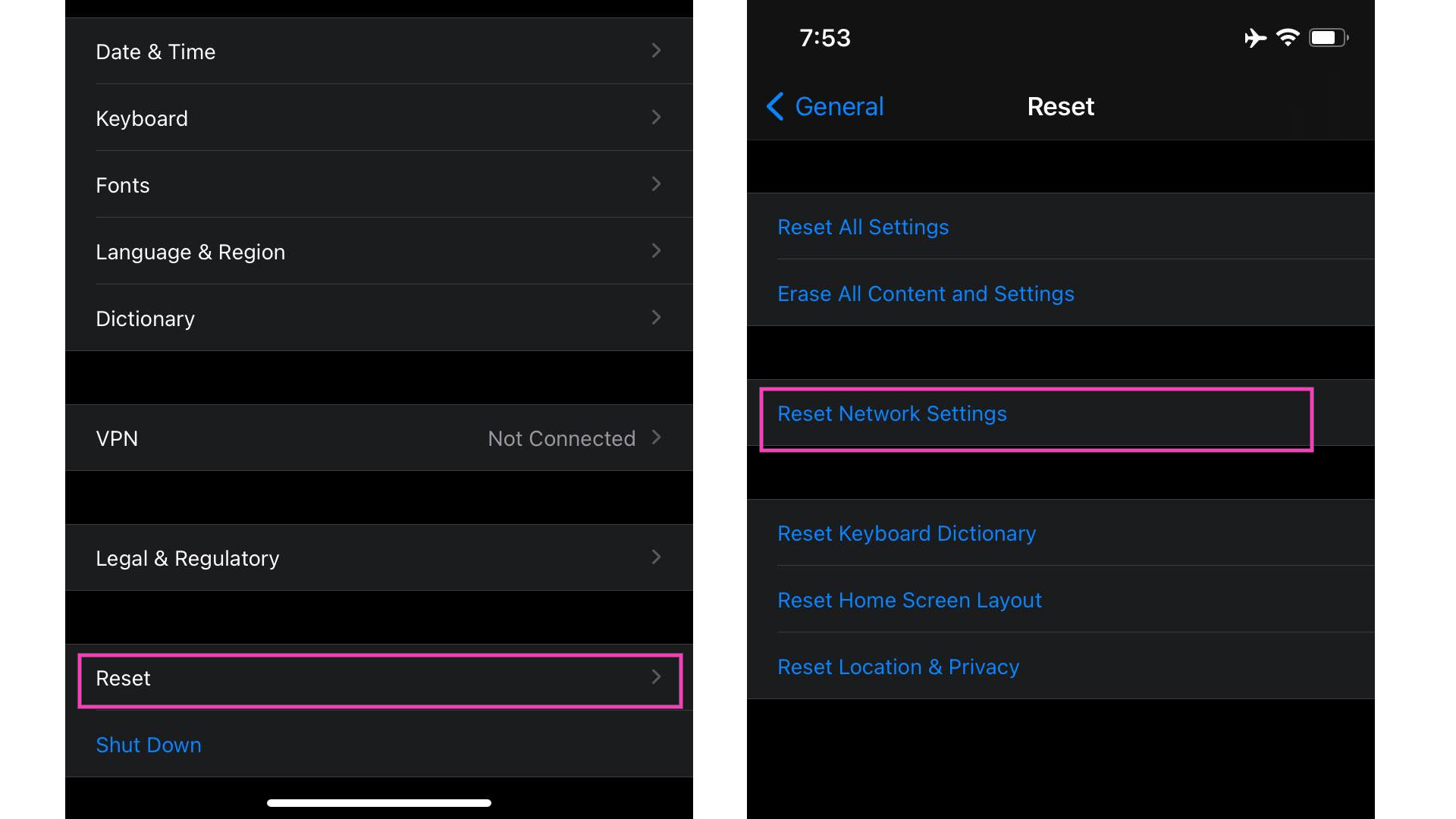
Iphone 12 reset network settings 2 2 TheCellGuide

How To Change Network Settings To 4G YouTube
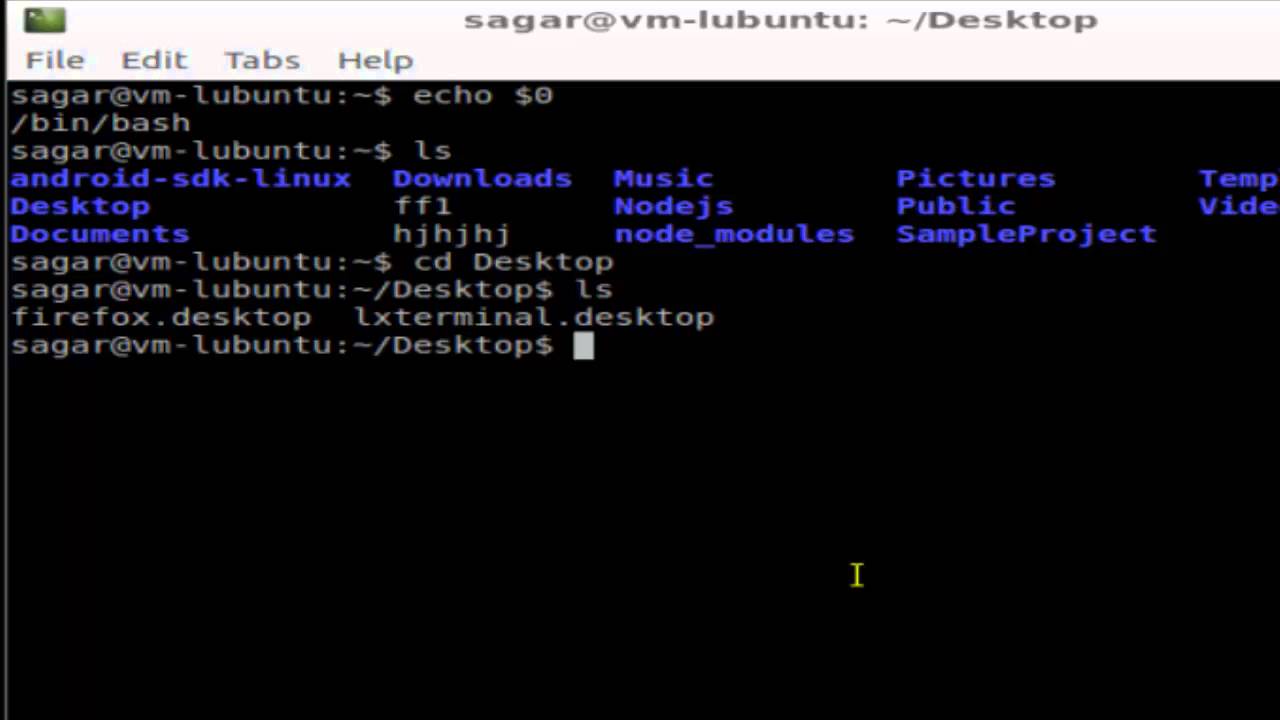
Command To Change Directory In Linux YouTube
Networking ip systemctl 1 Introduction Many Linux distributions come with a network manager In theory it should help during the networking setup Yet we might not always want to install or use managers when setting up an interface

3 ways to configure a network interface in Linux Few things are more important to your machine than a good network connection Here are three ways to configure the interfaces needed to make this happen Posted March 10 2020 James Brigman Red Hat

You can configure a network interface from the command line You can configure your network client hosts with the command line by using commands to change your current settings or by editing a number of system files This has several advantages over network managers in the GUI
1 Overview In this tutorial we ll discuss the Network Manager package Initially we begin with an overview of the package and how we can install it After that we focus on the nmcli command In practice this is the Network Manager command line interface 2 Network Manager Components

Method 1 Network configuration on the command line In Ubuntu you can set your IP address through terminal commands First type netstat I to find the interface name Then type the below command sudo ifconfig eth0 192 168 72 6 netmask 255 255 255 Then to add a default gateway add the below command sudo route add default gw 192 168 72 1 eth0
31 Configuring ip networking with ifcfg files 32 Using NetworkManager to disable IPv6 for a specific connection 33 Manually configuring the etc resolv conf file 35 Configuring 802 3 link settings 41 Starting a service within an isolated VRF network 42 Running dhclient exit hooks using NetworkManager a dispatcher script 45 There are two ways to do so via command line or the GUI You can change network specifications and set up a static IP or configure the network interface for DHCP This tutorial shows you how to configure network settings on CentOS using a command line or the Network Manager TUI How to Configure Network Settings on CentOS 7 Using the Terminal
1 ifconfig Command ifconfig interface configurator command is used to initialize an interface assign IP Address to interface and enable or disable interface on demand With this command you can view IP Address and Hardware MAC address assign to interface and also MTU Maximum transmission unit size