How To Change Multiple File Extension Using Command Prompt How To Change Multiple File Extension In Windows 10 YouTube How To Change Multiple File Extension At One Click Change Multiple How To Change Multiple File Extension At Once In linux ubuntu YouTube Windows 7 How To Command Prompt List Directory Contents And List Based How To Change Multiple File Extension At Once File Type Change The way to change the file extension in both Windows and Linux is to rename a file providing the new extension In Windows XP Vista Step 1 In Windows XP Vista click Start Click Run only Windows XP Then type cmd and press Enter to open the command prompt window Video of the Day Step 2
Open File Explorer A quick method is to use the WIN E keyboard shortcut Select View at the top of the window followed by Show File name extensions Now that Windows 11 displays file extensions right click the file you want to edit the extension for and choose Properties To rename the extensions without keeping the original file use the rename command to rename files in the current directory rename shn wav See the ren and rename command page for further information about these commands Rename a single file and extension
How To Change Multiple File Extension At Once File Type Change How To Change Multiple File Extensions My Microsoft Office Tips How To Change Multiple File Extensions At Once In Python File Kill Process Using Command Prompt In Windows YouTube How To Change Multiple File Extension In Windows YouTube Join Multiple Videos Using Command Prompt In Hindi YouTube How To Increase Your Internet Speed Using Command Prompt Cmd YouTube Recover Deleted Files How To Recover Deleted Files Using Command How To Hide Files In Windows Using CMD
How To Change Multiple File Extension Using Command Prompt
 How To Change Multiple File Extension Using Command Prompt
https://i.ytimg.com/vi/oHBzMd7t_tQ/maxresdefault.jpg
Renaming multiple file extensions To rename or change the file extensions of multiple files we recommend you enter the Windows command line and follow the steps below MS DOS and Windows command line users Open an MS DOS or Windows command line Change the directory to where the file is located In our example below we rename the file
Pre-crafted templates use a time-saving option for developing a varied variety of files and files. These pre-designed formats and layouts can be utilized for numerous individual and expert jobs, including resumes, invitations, leaflets, newsletters, reports, presentations, and more, simplifying the content creation procedure.
How To Change Multiple File Extension Using Command Prompt

Enable Microsoft Print To PDF Feature Using Command Prompt YouTube

How To Change Multiple File Extensions My Microsoft Office Tips

How To Change Multiple File Extensions At Once In Python File

Kill Process Using Command Prompt In Windows YouTube

Join Multiple Videos Using Command Prompt In Hindi YouTube

How To Increase Your Internet Speed Using Command Prompt Cmd YouTube

Syntax Example Change Extension of Multiple Files and Save the Original via CMD Syntax Example The Prerequisites In this guide we will be making you aware of four different methods changing the extension of a single file of multiple files of multiple files having different extensions of multiple files but saving the original ones as well

How to change Multiple File Extensions using the Command Prompt Description This article will show how to change multiple file extensions from a particular file extension to a different file extension using the Command Prompt Create a new folder Put the files you want to change into the new folder

Press Alt T O that s the letter O not a zero to open the Folder Options dialog box Click the View tab Remove the tick checkmark beside Hide extensions for known file types and click OK You need to know before making any change that you cannot rename a file extension and change the type of a file
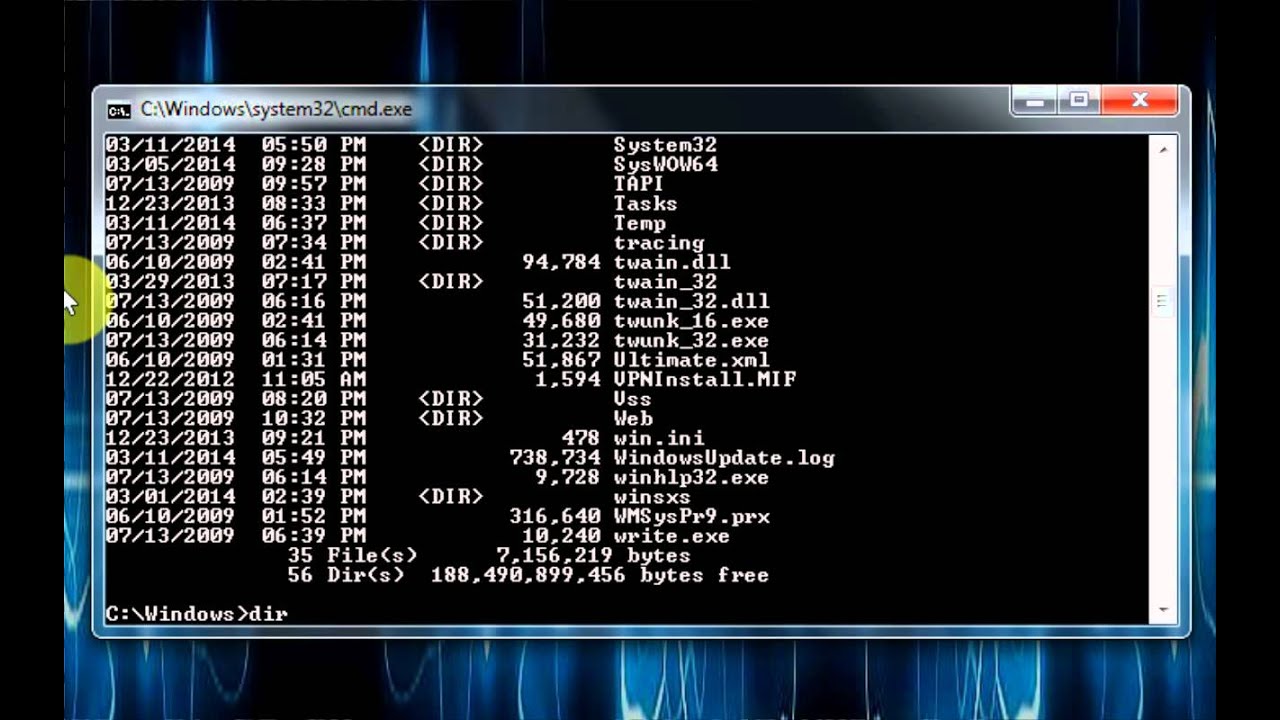
Change Multiple File Extensions in Command PromptIn this video I will show you how you can rename multiple files in one go by just using cmd command prompt

You can do this with the below command rename log txt The drawback with this command is we can t use it to rename file extensions recursively in the sub folders Next we ll look at a solution which allows us to do so Recursively batch rename file extensions
You can Click to select the file and then click the Rename button on the Home menu Click to select file and then click the name of the selected file Right click the file and then select Rename on the context menu Many times we need to change our Multiple files file extension any other file extension by command prompt we can easily achieve this by the way the simplest way we can
To add jpg extension to all files which have no extension open Windows PowerShell as administrator and execute this command Get ChildItem exclude doc txt WHere Object PsIsContainer Rename Item newname name jpg