How To Change Default Program To Open Pdf How To Change Default Program To Open A Pdf Takesdirect How To Change The Default Program For Opening File Change Default Program To Open Pdf Windows Reviewgeser Macbook How To Change Default Program Moplainsure How To Set Default Program To Open Specific File Windows 10 Geracute Web Nov 3 2020 nbsp 0183 32 Steps to make Acrobat Reader DC or Acrobat DC your default PDF program Right click the thumbnail of a PDF file and then choose Properties In the file s Properties dialog box click Change Note If your computer settings are managed by a system administrator you may not see the Change button
Web Jun 27 2022 nbsp 0183 32 In the search box type pdf and you will see the current default PDF viewing Click on the default app and click on Switch anyway Select Adobe Acrobat DC from the list of options Web Jun 16 2020 nbsp 0183 32 To do this right click the Windows Start menu and press the Settings option In the Settings menu click Apps gt Default apps This will display a list of some of the more common programs you might use such as your web browser or email client To change any of these click on one of the options and select a replacement
How To Set Default Program To Open Specific File Windows 10 Geracute How To Change The Default Program To Open Files On Xiaomi Crast Change Default Program To Open Pdf From Chrome Nanaxcity Change Default Program To Open Pdf Windows 8 Optifalas How To Set Default Program To Open Documents Papaulsd How To Change Default Program To Open Gifs Wesforce Change Default Program To Open Pdf Filesgaggag Mserlparent How To Change Default Browser In Windows 11 Itechguides How To Change Default Search Settings In Excel Pixelated Works
How To Change Default Program To Open Pdf
 How To Change Default Program To Open Pdf
https://mpudata.sfo2.digitaloceanspaces.com/original/2X/0/050e47de9175926986056d855688bb7243f541b1.jpeg
Web The default PDF viewer in Windows 10 is Microsoft Edge and most major browsers have their own viewer You can also set a dedicated PDF program like Adobe Acrobat to be your default PDF viewer
Pre-crafted templates offer a time-saving solution for producing a varied range of documents and files. These pre-designed formats and designs can be used for numerous individual and professional jobs, consisting of resumes, invitations, leaflets, newsletters, reports, discussions, and more, simplifying the content production process.
How To Change Default Program To Open Pdf
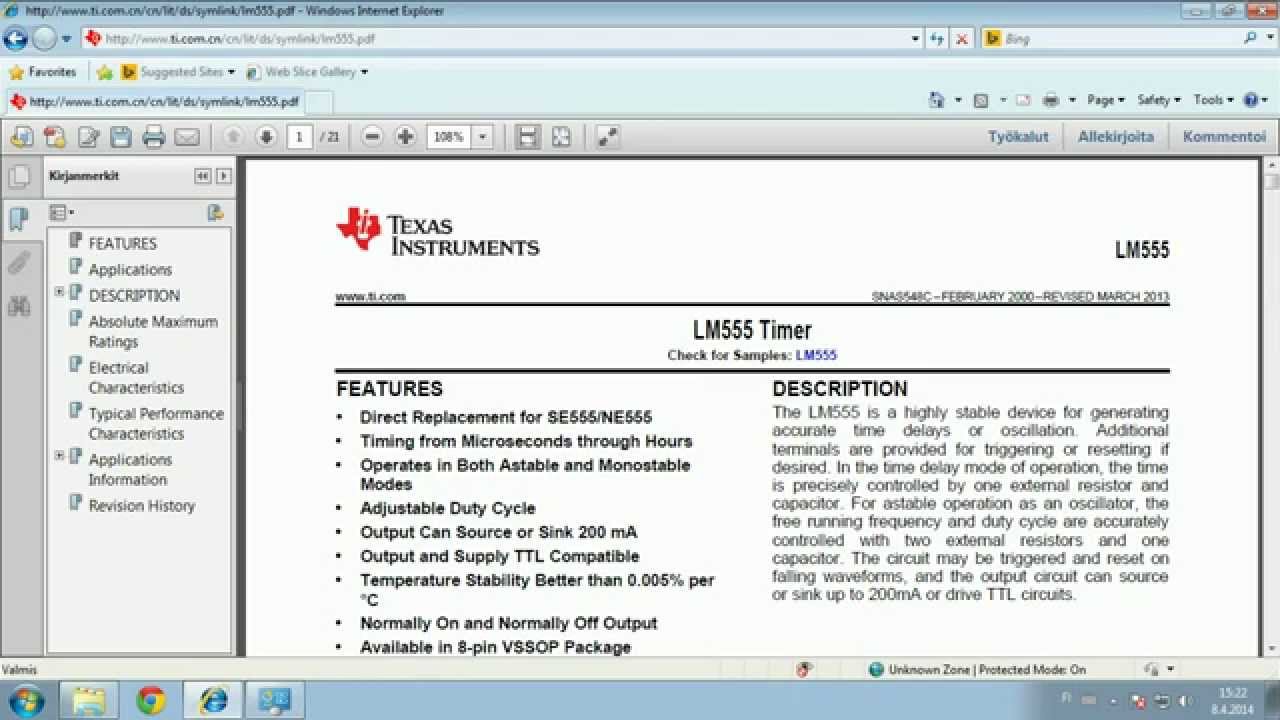
Change Default Program To Open Pdf In Internet Explorer Sandpag

How To Change The Default Program To Open Files On Xiaomi Crast

Change Default Program To Open Pdf From Chrome Nanaxcity

Change Default Program To Open Pdf Windows 8 Optifalas

How To Change Default Program To Open Gifs Wesforce
Change Default Program To Open Pdf Filesgaggag Mserlparent
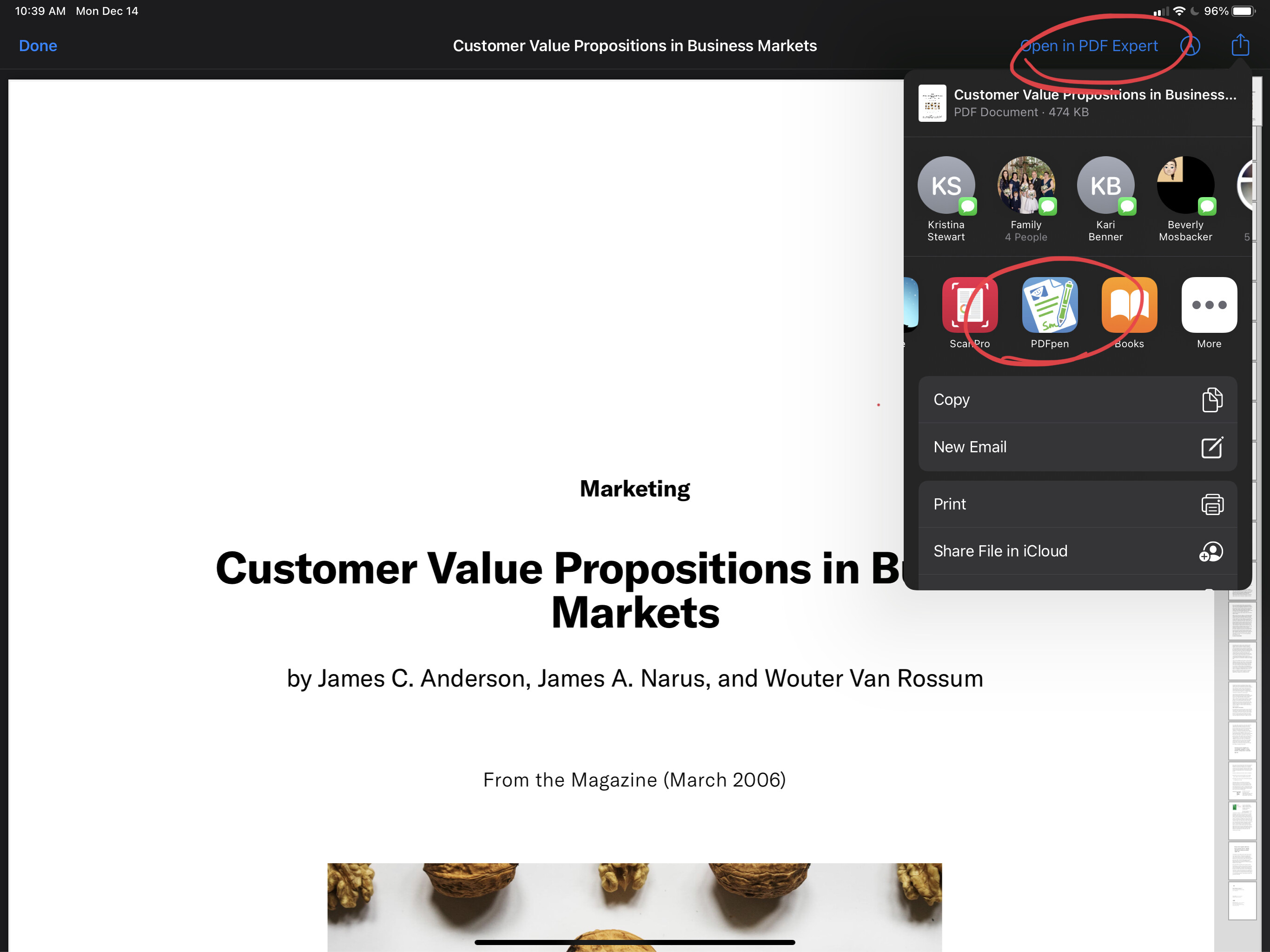
Web May 23 2023 nbsp 0183 32 Steps to make Acrobat Reader or Acrobat your default PDF program Right click the thumbnail of a PDF file and then choose Properties In the file s Properties dialog box click Change Note If your computer settings are managed by a system administrator you may not see the Change button

Web You can easily change your default PDF viewer from Windows 10 to Microsoft Edge by following these instructions Go to Settings Select Apps Choose Default apps Select the Choose default app by file type option Select the current default app for the PDF file format and choose the app you want to make the new default

Web Dec 17 2020 nbsp 0183 32 First select the file type for which you want to set a default app in this case that s pdf Then on the right side of the page you ll be able to see the current program setup for this specific file type Now you can either select the program name or the quot quot for quot Choose a default quot

Web Apr 9 2022 nbsp 0183 32 To change the default PDF viewer this way first head to the directory in which the PDF file you wish to open is located You can open File Explorer to navigate by clicking on the This PC icon present on your desktop or you press the Windows E keys together on your keyboard to do so

Web To change the default app you can do either of the following Set a default for a file type or link type In the search bar enter the file type or link type you want then select it from the list of results You can choose which app can open that file or link type
[desc-11] [desc-12]
[desc-13]