How To Change Default Browser Microsoft Edge Microsoft Edge Explained Usage Tips And Video How To Make The Switch To Microsoft Edge Windows Central Learn New Things How To Change Default Start Web Page In Microsoft How To Change The Default Browser In Windows This Is How To Set Google As The Default Search Engine In The New Open the Group Policy editor and go to the Computer Configuration Administrative Templates Windows Components File Explorer Select Set a default associations configuration file Click policy setting and then click Enabled Under Options type the location to your default associations configuration file Click OK to save the policy settings
Just sign in to Microsoft Edge using the same Microsoft account on each device For more information about syncing across multiple devices see Sign in to sync Microsoft Edge across devices Want Microsoft Edge for your mobile device Get Microsoft Edge for iOS or Android Customize your browser Note This topic is for the new Microsoft Edge Get help for the legacy version of Microsoft Edge Internet Explorer 11 In the top corner of Internet Explorer select Tools and then select Internet options
This Is How To Set Google As The Default Search Engine In The New How To Change Default Browser Microsoft Edge To Chrome In Windows 10 How To Replace Edge As The Default Browser In Windows 10 And Why You New Microsoft Edge Browser Versions Paused Due To Coronavirus TechRadar How To Change The Default Search Engine In Microsoft Edge For Windows How To Change Default Search Engine To Google In Microsoft Edge Browser Set Google As Your Default Search Engine In Microsoft Edge Asoftclick Make Microsoft Edge Default How To Make Microsoft Edge Your Default How To Set The New Microsoft Edge As The Default Browser On Windows 10
How To Change Default Browser Microsoft Edge
 How To Change Default Browser Microsoft Edge
https://news-cdn.softpedia.com/images/news2/microsoft-edge-explained-usage-video-and-download-505024-12.jpg
Keeping Bing as your default search engine provides an enhanced search experience in the new Microsoft Edge including direct links to Windows apps relevant suggestions from your organization if you re signed in with a work or school account and instant answers to questions about Windows However you can change the default search engine to any site that uses OpenSearch technology
Templates are pre-designed documents or files that can be utilized for different functions. They can save effort and time by supplying a ready-made format and design for developing various kinds of material. Templates can be used for personal or professional jobs, such as resumes, invites, leaflets, newsletters, reports, presentations, and more.
How To Change Default Browser Microsoft Edge
How To Change Default Browser Microsoft Edge To Chrome In Windows 10
How To Change Default Browser Microsoft Edge To Chrome In Windows 10
How To Replace Edge As The Default Browser In Windows 10 And Why You
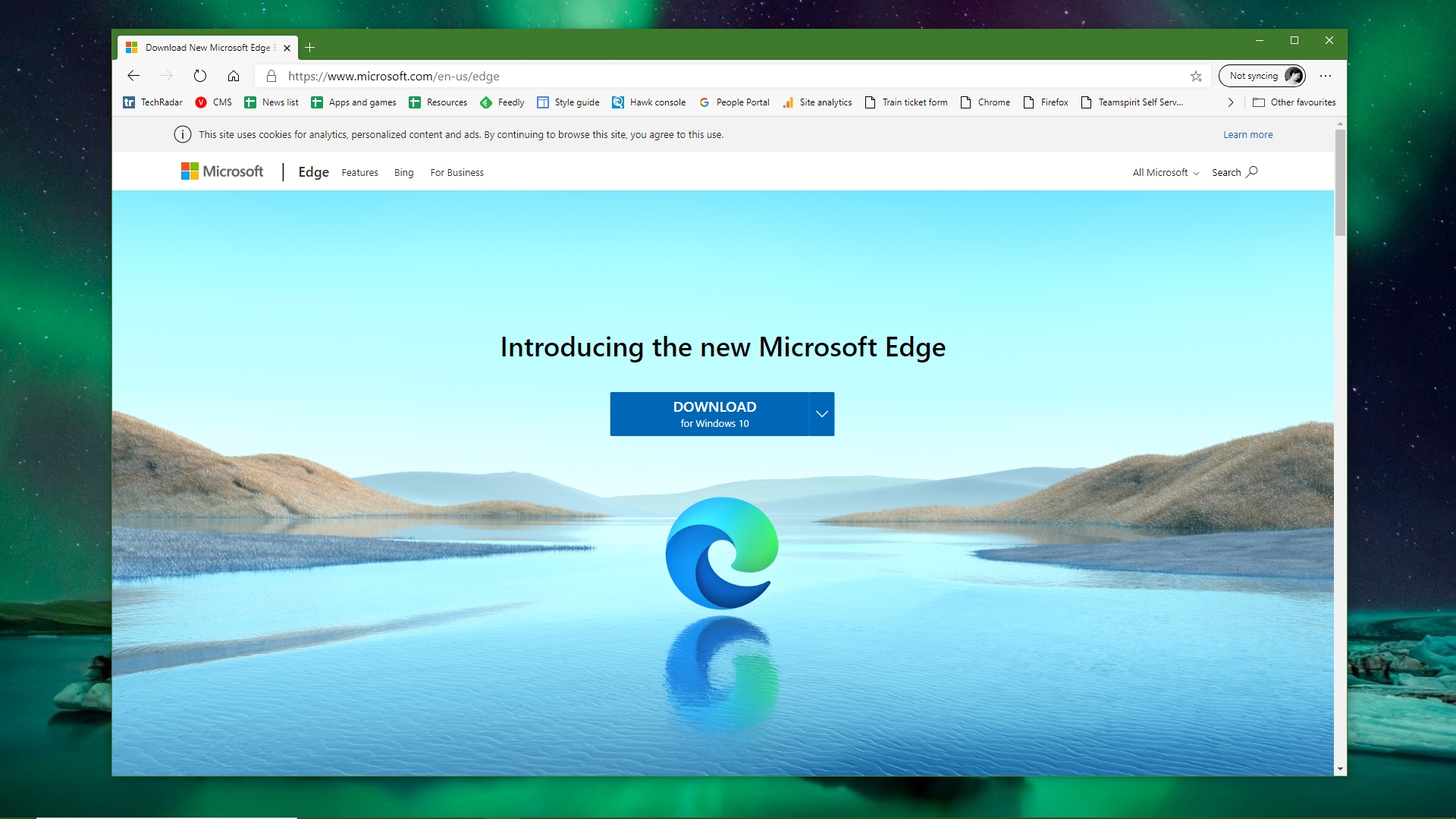
New Microsoft Edge Browser Versions Paused Due To Coronavirus TechRadar

How To Change Default Search Engine To Google In Microsoft Edge Browser
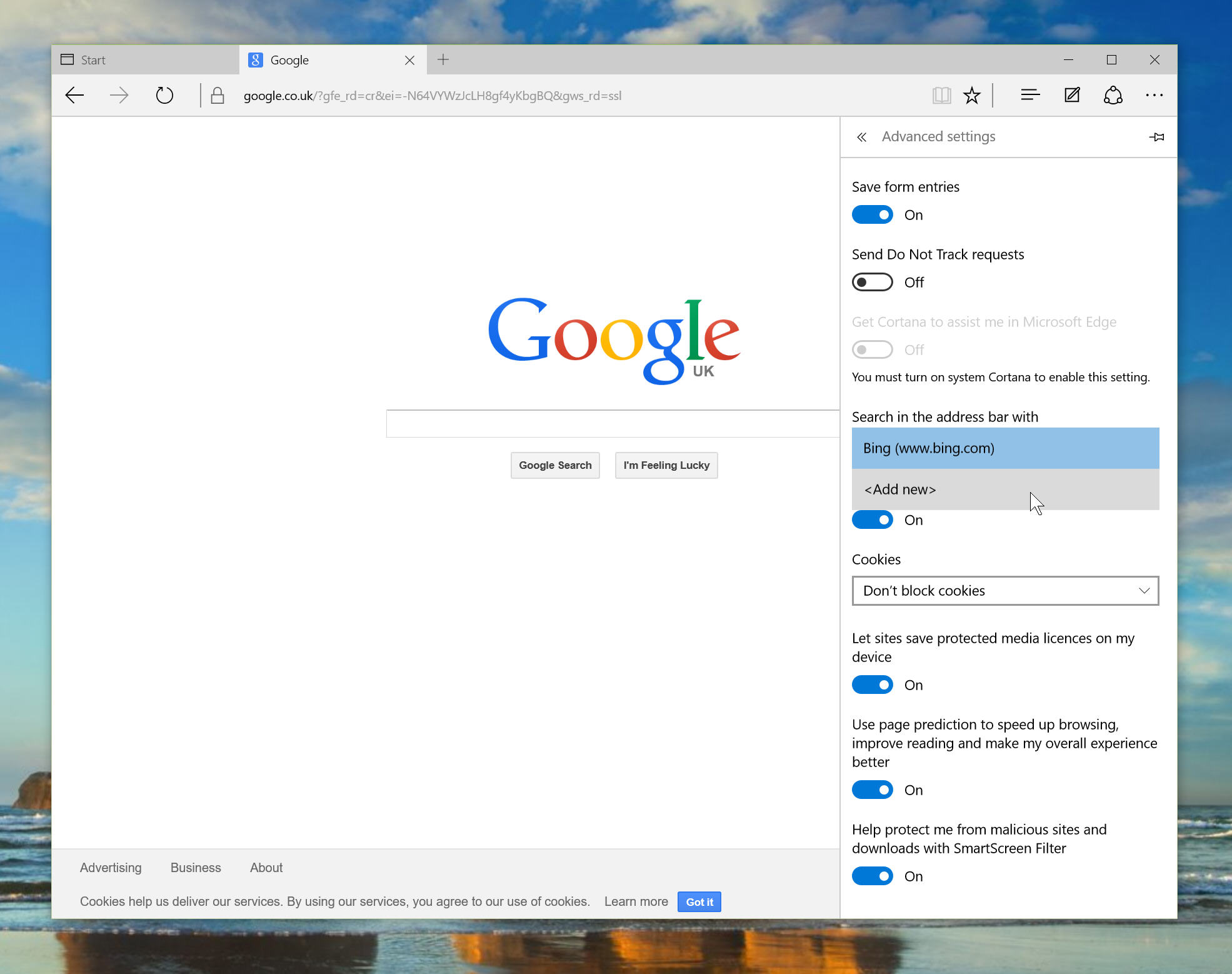
Set Google As Your Default Search Engine In Microsoft Edge Asoftclick

Select Settings Default browser At the top of this page select Make default This will replace any other browser you might have installed on your laptop or device On a mobile device the first time you open a link in any app you will be prompted to select which browser you want to use the default installed one or Microsoft Edge

First open an Edge browser window To use Google or another search engine as your default in Microsoft s modern Edge browser click the menu button three dots found in the top right corner and then select Settings In the Settings tab click Privacy Search and Services in the sidebar

By default Microsoft Edge opens with a custom New Tab page full of content Luckily it s easy to open the browser with a custom home page instead You can also set the page that appears when you click a home icon on the toolbar which is disabled by default Here s how to do both Home Page vs Startup Page vs New Tab Page

In Microsoft Edge click the three dot icon in the upper right and go to Settings Default browser Click the button for Make default The same trick works for other browsers In Opera

Home How To How to replace Edge as the default browser in Windows and why you shouldn t Here s how to make Chrome Firefox or another browser the primary one in Windows 10 or 11 But are
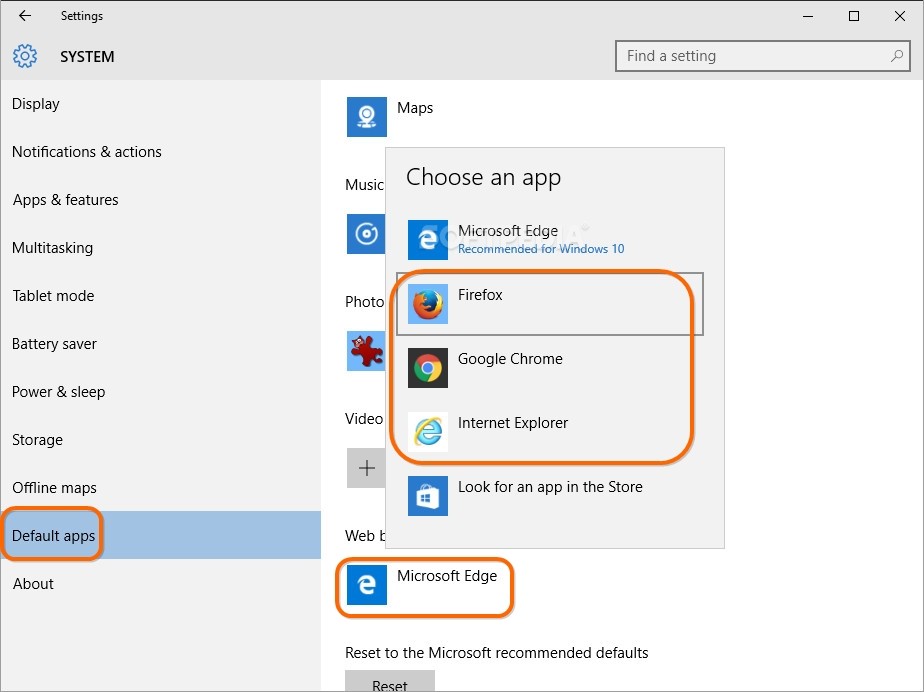
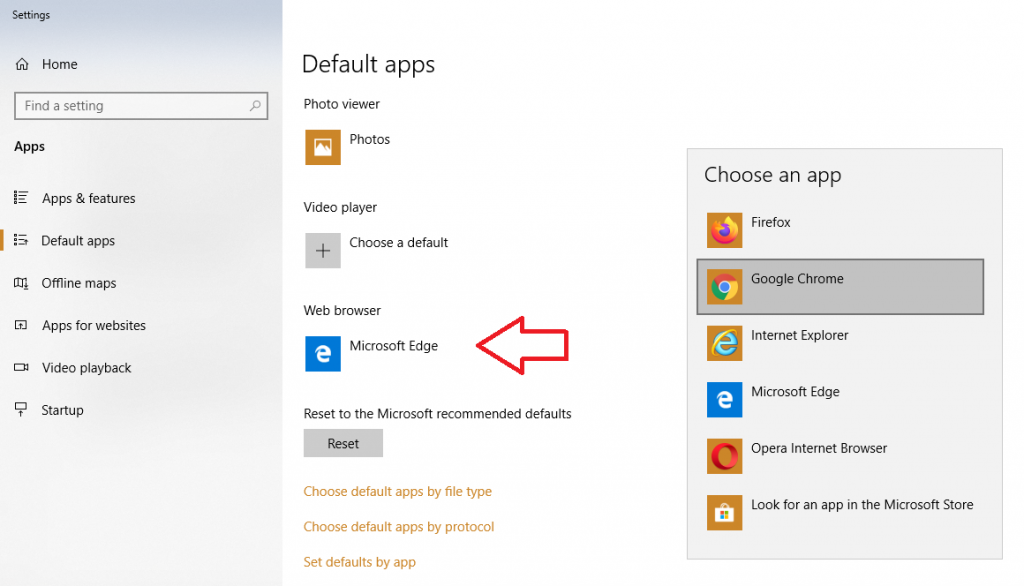
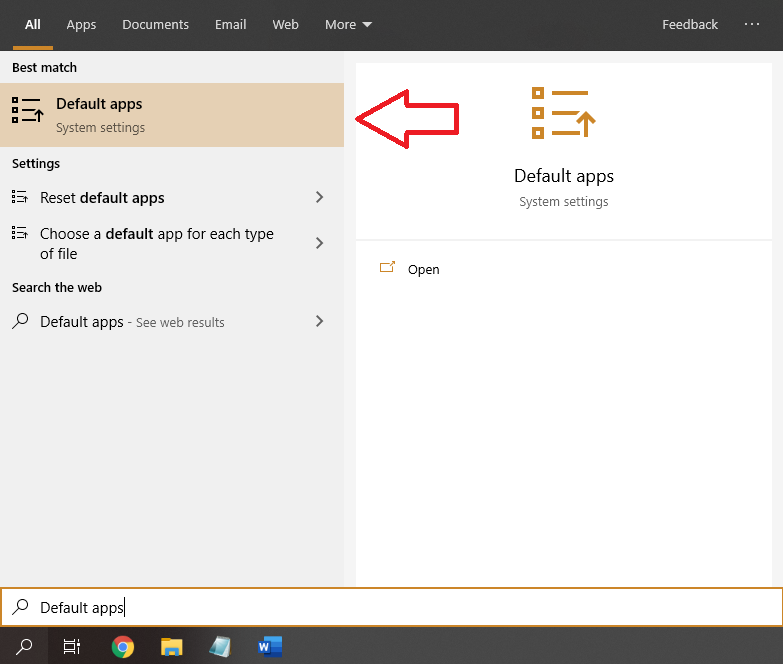
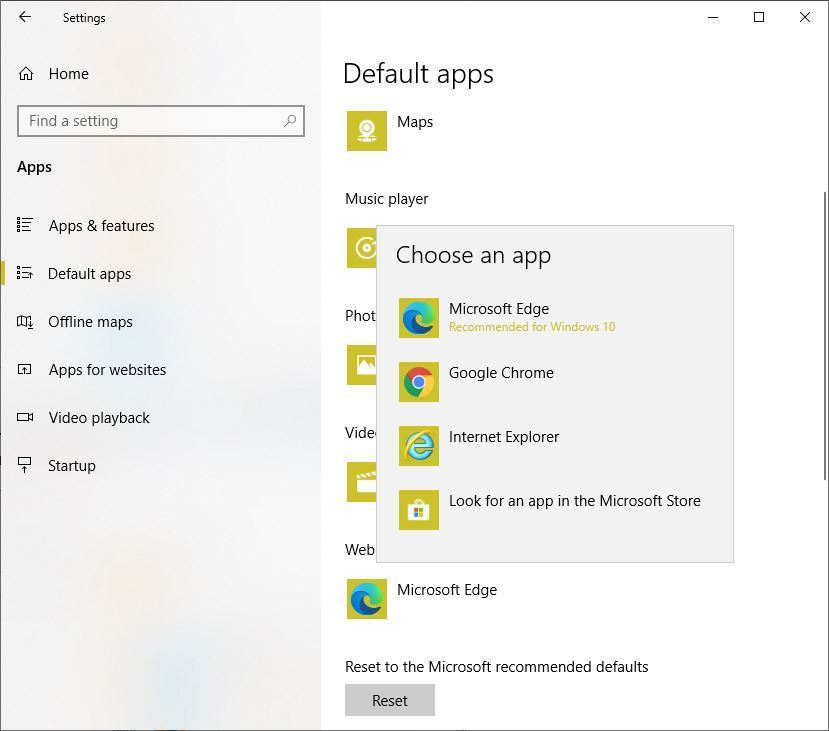
Set a Web Browser as the Default on Windows 10 First make sure the browser you want to make the default is installed on your PC Then launch the Settings app by pressing Windows i In Settings select Apps From the sidebar on the left choose Default Apps On the right pane under Web Browser click the current default browser Steps to set default search engine for Microsoft Edge browser Steps Open Microsoft Edge At the top right click Settings On the left click Privacy and Services If you don t find
Click the Set Default button near the top of the window to make this application your default browser It will become the default for all the file types listed here If you don t see this option you haven t installed the KB5011563 update yet Once you see the checkmark appear in the box you can close the Settings window