How To Change Commit Message After Push To Remote GitLab 14 4 Custom Commit Message For Batch Suggestions YouTube How To Write Good Commit Messages How To Search For Commits In Bitbucket Server And Data Center Stiltsoft Git Modify Commit Message After Push Design Talk How To Change A Git Commit Message LaptrinhX Web Feb 6 2024 nbsp 0183 32 1 Overview In this tutorial we ll see how to modify a Git commit message whether it s the most recent commit or an older one 2 Amend the Most Recent Commit Message We ll start with the easiest case Let s build a trivial commit that has a typo in its commit message touch file1 git add file1 git commit m quot Ading file1 quot
Web Using Git Push commits to a remote Pushing commits to a remote repository Use git push to push commits made on your local branch to a remote repository About git push The git push command takes two arguments A remote name for example origin A branch name for example main For example git push REMOTE NAME BRANCH NAME Web Jun 9 2023 nbsp 0183 32 git show HEAD This will display the changes you made to the commit message Make sure that the changes are correct and reflect the desired message Step 4 Push the amended commit Pushing amended commits can be problematic if you have already pushed the original commit to a shared repository
How To Change A Git Commit Message LaptrinhX 50 Hilarious Git Commit Messages Git Commit Messages From Humorous How To Write Good Commit Messages Git How To Change Commit Author with Real Examples Logilax Solved How To Edit The Commit Message Of A Git Merge 9to5Answer Git Commit Vs Push What s The Difference Visual Studio Code Change Default Button From Commit To Commit And Change Commit Message Before Push Sourcetree Design Talk Change Commit Message In Git InMotion Hosting
How To Change Commit Message After Push To Remote
 How To Change Commit Message After Push To Remote
https://i.ytimg.com/vi/K7nsGcEQJJk/maxresdefault.jpg
Web Apr 12 2023 nbsp 0183 32 git push lt remote gt lt branch gt force We need to do it this way in order to overwrite the remote repository with our own local state Be aware that by forcing the push you ll also lose any commits on the local branch that you don t already have in your local branch Proceed with caution Free eBook Git Essentials
Pre-crafted templates provide a time-saving service for producing a varied range of documents and files. These pre-designed formats and designs can be used for different individual and professional tasks, including resumes, invitations, flyers, newsletters, reports, presentations, and more, streamlining the material development procedure.
How To Change Commit Message After Push To Remote
Make A Git Commit In Visual Studio Microsoft Learn

50 Hilarious Git Commit Messages Git Commit Messages From Humorous
How To Write Good Commit Messages

Git How To Change Commit Author with Real Examples Logilax
Git Commit Vs Push What s The Difference

Visual Studio Code Change Default Button From Commit To Commit And
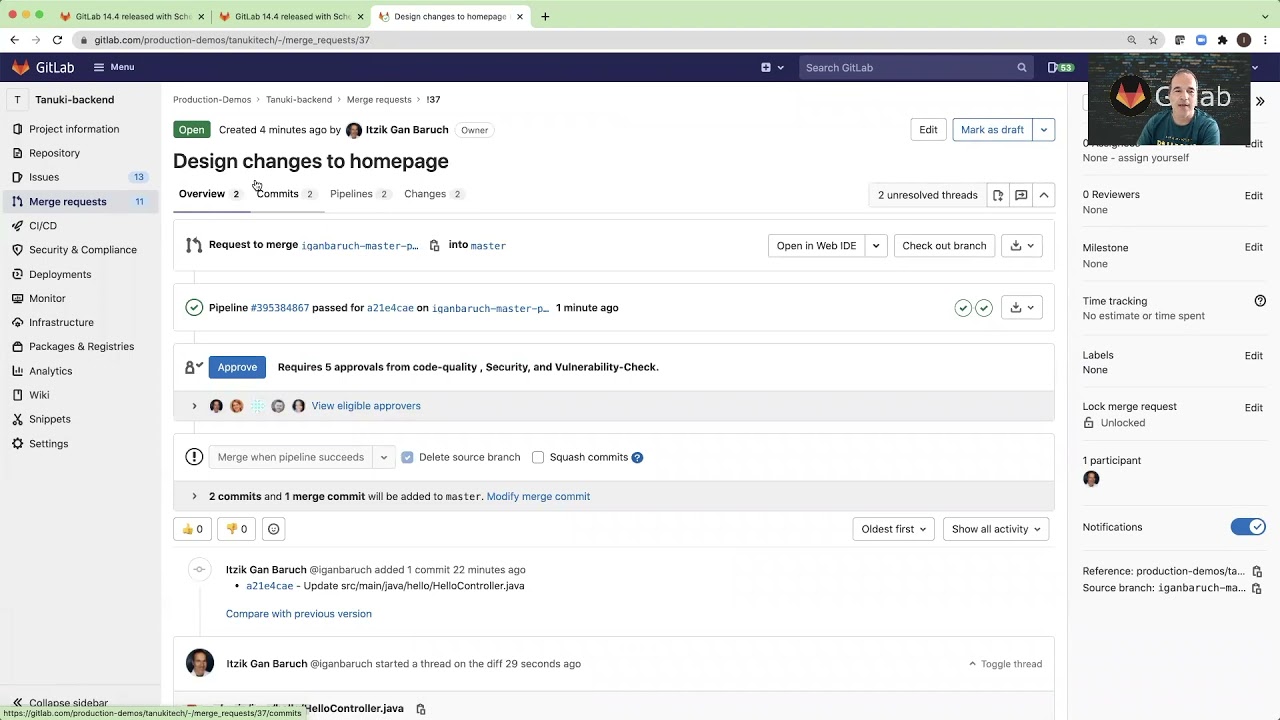
Web Sep 4 2018 nbsp 0183 32 git commit amend When you run this command it will ask you to change the commit message in a file After changing it make sure you push into the correct branch with the following command git push f origin quot your branch quot Edit commit message without opening a file git commit amend m quot Your new commit message quot
Web Save and close the commit list file In each resulting commit file type the new commit message save the file and close it When you re ready to push your changes to GitHub use the push force command to force push over the old commit git push force origin EXAMPLE BRANCH
Web May 5 2022 nbsp 0183 32 1 You can amend your commit git commit amend or if the data is more sensitive there are instructions at help github articles remove sensitive data adrianbanks Feb 21 2016 at 23 43 1 This is changing history Also since you ve already made another commit this is most likely going to be a little bit more difficult

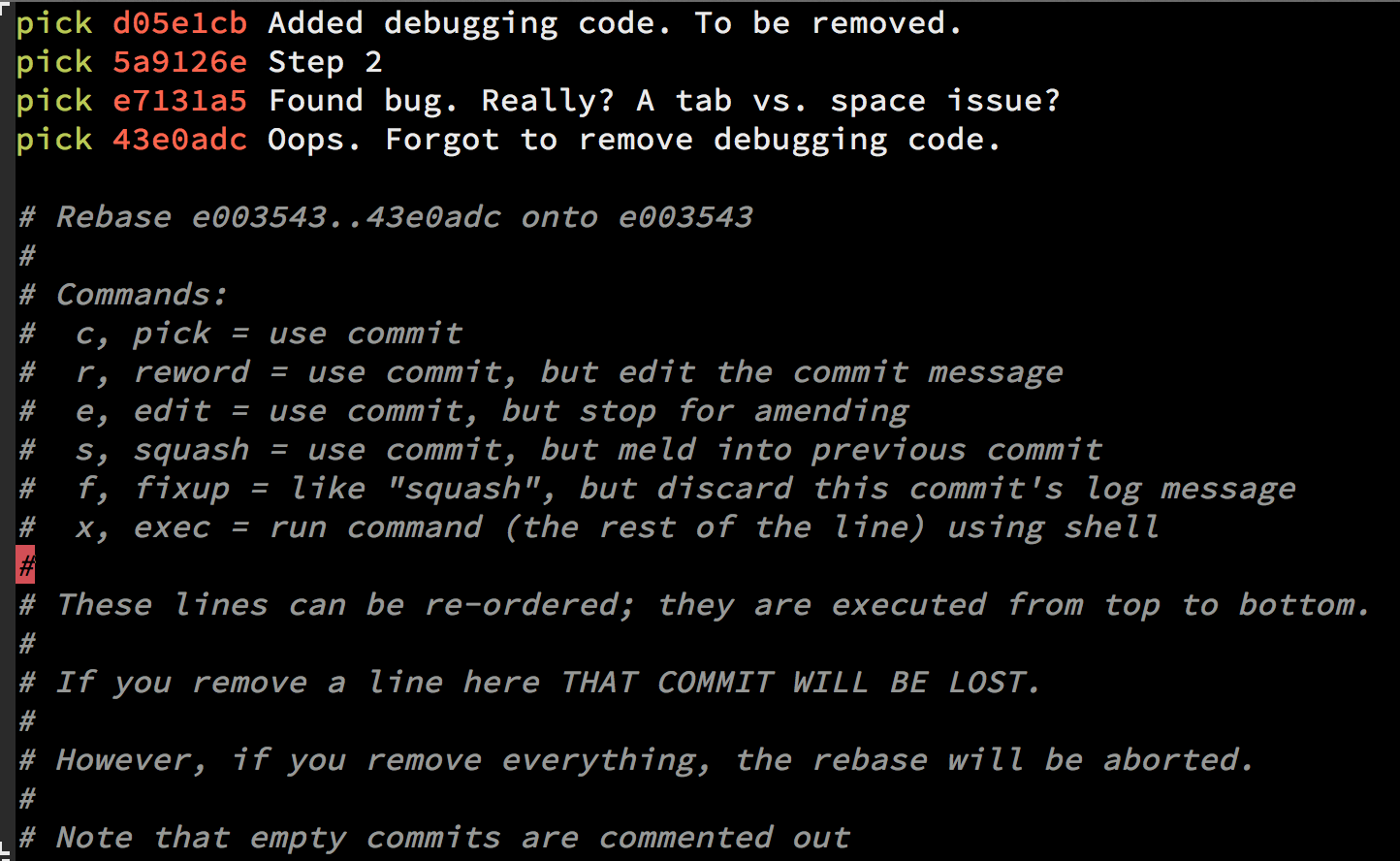
Web Feb 8 2021 nbsp 0183 32 Force push the changes to the remote repository git push force lt remoteName gt lt branchName gt Conclusion To change the most recent commit message use the git commit amend command To change older or multiple commit messages use git rebase i HEAD N Don t amend pushed commits as it may potentially
Web Dec 4 2023 nbsp 0183 32 To push the amended commit to the remote repository use bashCopy codegit push force with lease lt branch name gt Replace lt branch name gt with the name of the branch where the commit resides The force with lease option is a safer alternative to a simple force push force
Web Jul 12 2013 nbsp 0183 32 1 In the git command console input git commit amend m quot new comment message quot 2 If the target commit has been pushed to remote you have to push again by force In the git command console input git push force Situation B target commit is not the latest one 1 In the git command console input Web Git How to Change Commit Message In Git Changing the Most Recent Commit Message Changing Multiple Commit Messages Run Git Rebase in Interactive Mode Type quot Reword quot Enter a New Commit Message Force Pushing Local Changes to Remote The git add and git commit Commands The git push Command Related Resources
Web Aug 6 2020 nbsp 0183 32 1 Commit has not been pushed online If the commit only exists in your local repository and has not been pushed to GitHub you can amend the commit message with the command git commit