How To Add Git Repository In Eclipse How To Add Git Add Remote Origin On Bitbucket Repository RVSolutionStuff Git Add Remote Repo Jordhow Fu Lei On Twitter 484 Github Fundamentals Clone Fetch Push Pull Fork Open Source By Mehul Gala Medium Collaborate On GitHub Go to github create new repository Copy http URL from github Go to Eclipse Right click on project Team share project Create new Git Repo Go to Git Staging add to index commit and push
Step 1 Open Eclipse Open Eclipse On the top right you will find all the perspectives like Java Java EE debug etc Search for Git and click on it Step 2 Clone a Git repository 1 Answer Sorted by 6 You have to add a remote to the project and then push to it For example you can do from inside the project directory git init if you haven t already git remote add origin ssh git github git push u origin master
Collaborate On GitHub How To Add Git Bash To Windows Terminal Application Git How To Create And Add GIT Remote Repository FoxuTech Commit Changes To A Git Repository TestingDocs Git Add Remote Repo Jordhow How To Remove A File From Git Repository YouTube Steps To Initialize A Git Repository And Push The Changes To GitHub In Details How To Git Add All Files Git How To Add All Modified File To Commit Www vrogue co
How To Add Git Repository In Eclipse
 How To Add Git Repository In Eclipse
https://rvsolutionstuff.com/image/asset/file/blog/How-To-Add-Git-Add-Remote-Origin-On-Bitbucket-Repository.jpg
1 Getting Started 1 1 Overview 1 1 1 The Preferences Dialog 1 2 Basic Tutorial Adding a project to version control 1 2 1 Configuration 1 2 1 1 Identifying yourself 1 2 1 2 Setting up the Home Directory on Windows 1 2 1 3 Pointing out the System wide configuration 1 2 2 Create Repository 1 2 3 Track Changes 1 2 4 Inspect History 1 3 GitHub Tutorial
Templates are pre-designed documents or files that can be utilized for different purposes. They can save effort and time by supplying a ready-made format and design for creating different kinds of content. Templates can be utilized for individual or expert jobs, such as resumes, invitations, leaflets, newsletters, reports, discussions, and more.
How To Add Git Repository In Eclipse
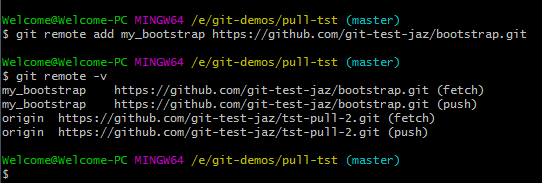
2 Examples Of Git Add Remote Repository branch And Files
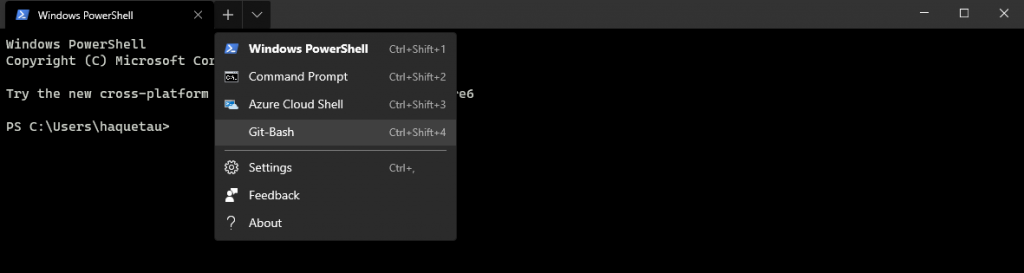
How To Add Git Bash To Windows Terminal Application
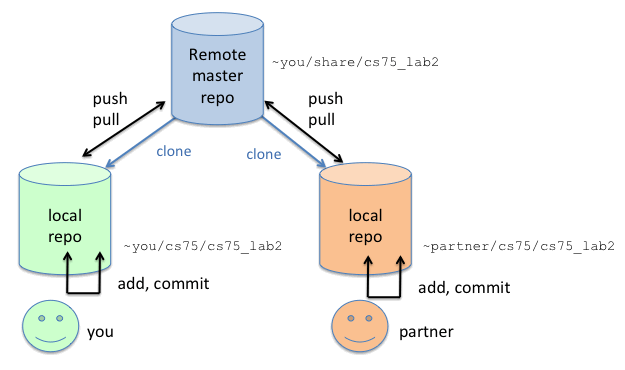
Git

How To Create And Add GIT Remote Repository FoxuTech
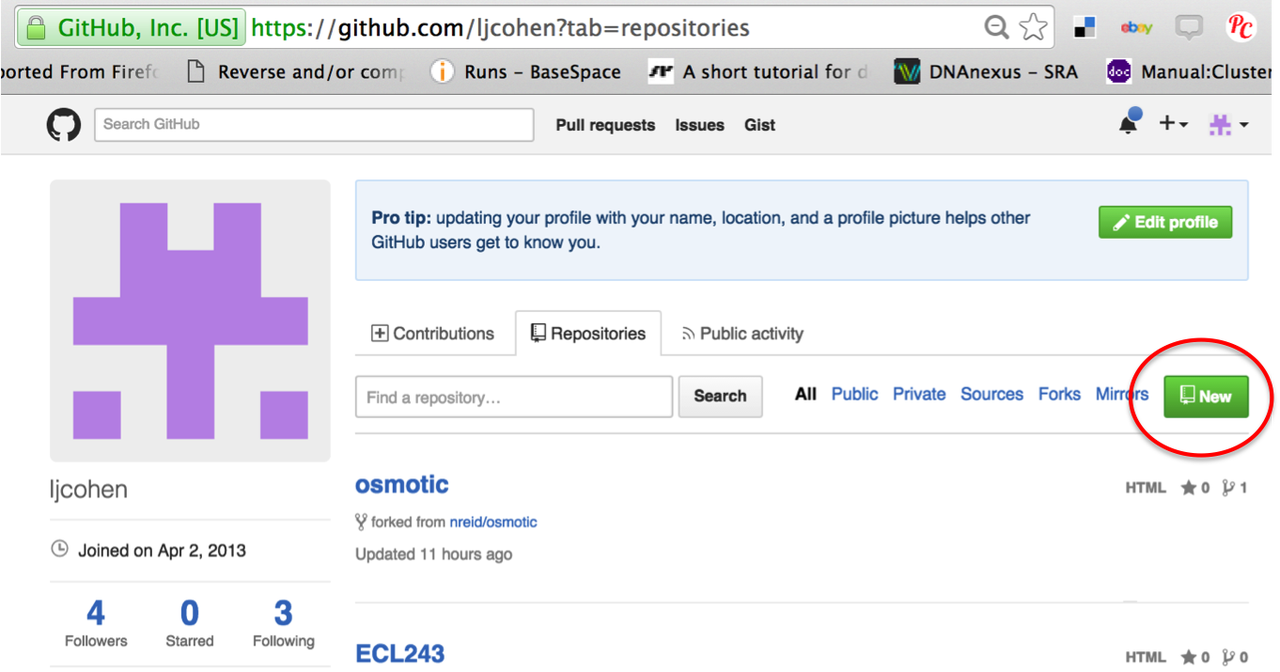
Git Add Remote Repo Jordhow
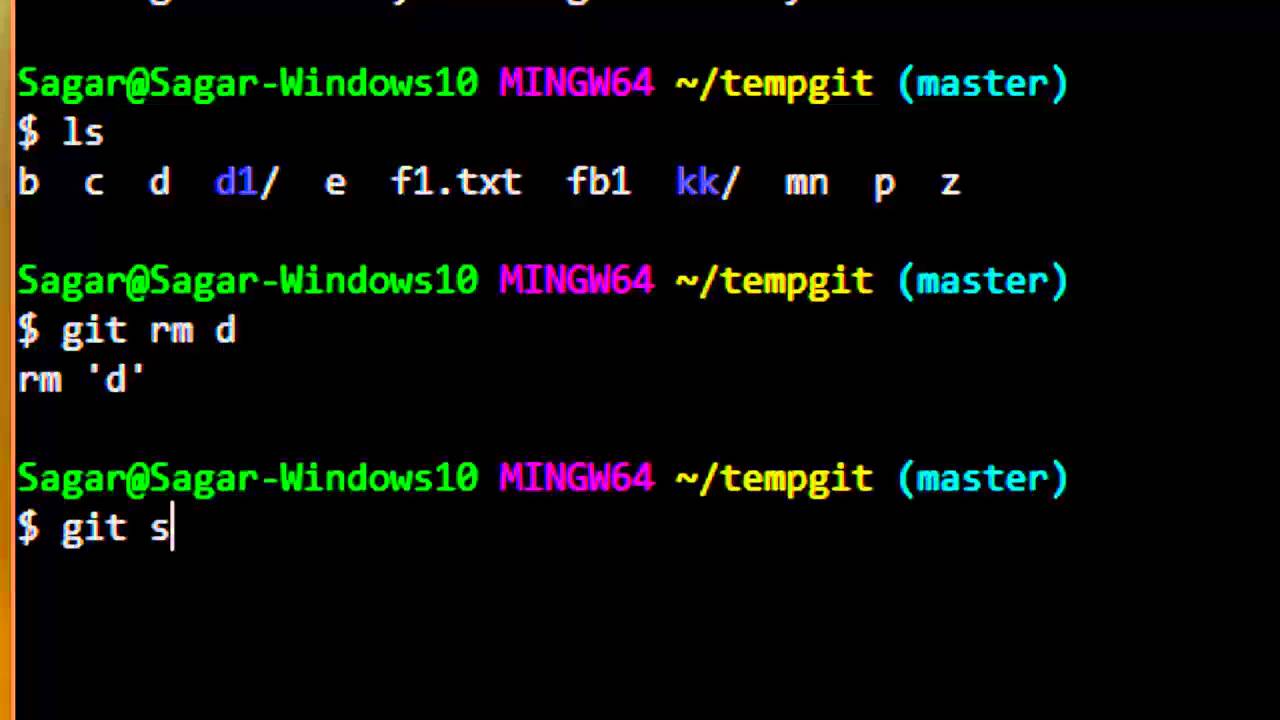
How To Remove A File From Git Repository YouTube

Procedure Step 1 Download Eclipse IDE and configure the build path if necessary change the bash profile It is good to have an understanding prior to setting up Step 2 Open your Eclipse IDE and from the top bar go to Help and further click on Install New Software Step 3 Then add a new repository

1 Git support for Eclipse Via the Eclipse IDE you can perform Git commands like staging commit merge rebase pull and push 2 Installation of Git support into Eclipse Most Eclipse IDE distributions from Eclipse already contain support for Git In this case no additional installation is required

9 Answers Sorted by 37 Just add http download eclipse egit updates to your Eclipse update manager Share Follow edited Mar 21 2016 at 17 56 Murch 181 3 13 answered Nov 9 2009 at 16 44 Adam Goode 7 380 3 29 33 Add a comment 20 Do you have Egit installed yet If not go to Window Preferences Install Updates Available Software Sites

Git Share Follow asked Mar 31 2019 at 12 39 mcfly soft 11 4k 28 103 207 In the Git Stagging view you have to commit the indexed staged files In Git only files but not empty folders can be committed howlger Mar 31 2019 at 12 44 In my case it was because I had a folder in the git ignore file My fault Sorry for that
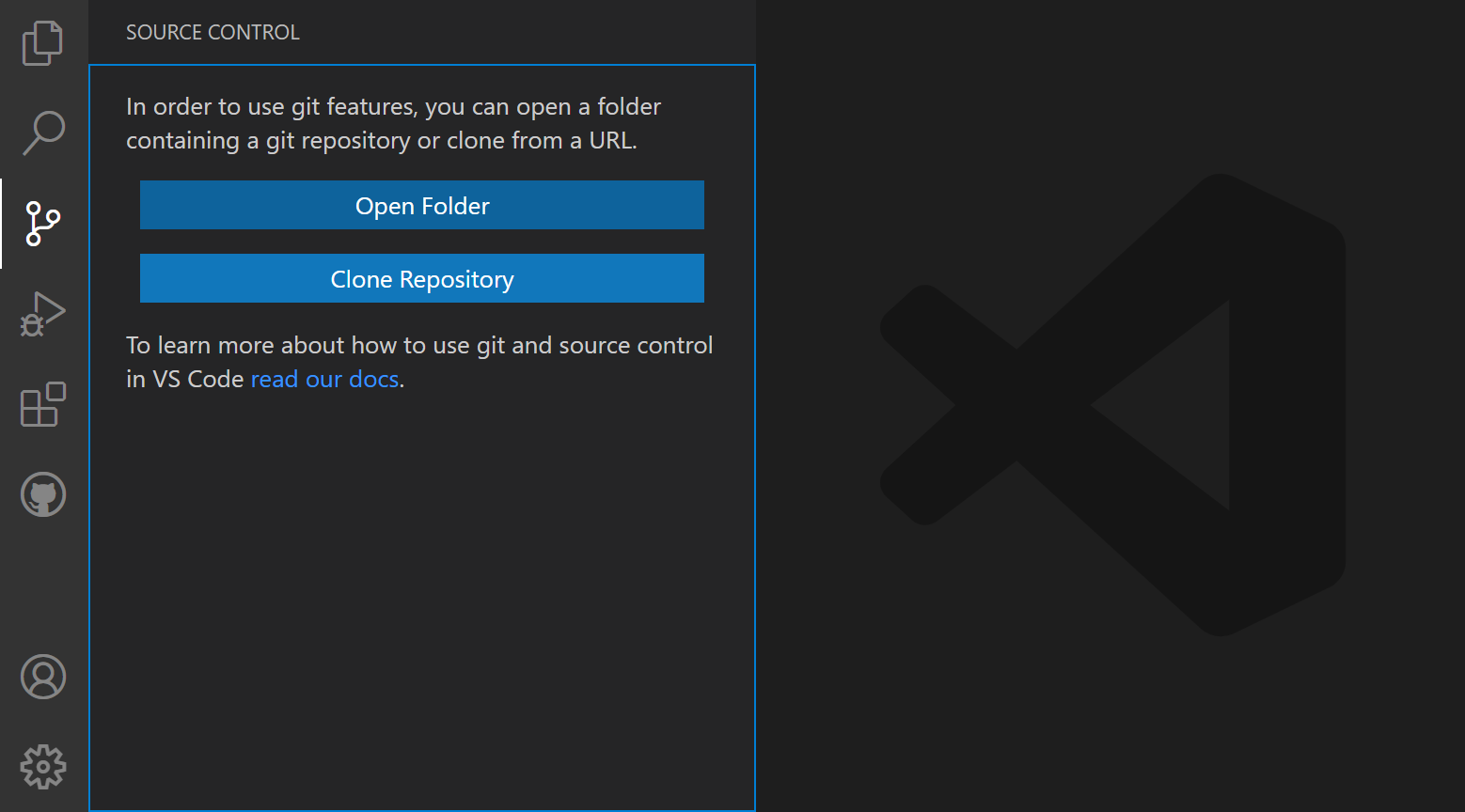
Either go to Window Show View Other then select Git Git repositories or click the Git repositories icon in the set of icons in the right expand the repository to see Remotes right click and Create Remote
With Git there are several basic actions add adding files to the list of changes commit enter the change into the local repository push transfer the changes in the local repository kkjavatutorials Eclipse GithubAbout this Video In this video We will learn How to add GitHub repository to eclipse Follow me on Social network Facebook
How to share a project from Eclipse into a new repository on GitHub using the EGit Eclipse plugin Support videos via Patreon https www patreon DrBFras