How To Access My Ssh Key How To Configure SSH Passwordless Login Authentication On Linux Using How To Find Ssh Password In Linux Systran Box How To Use Native Ssh Client In Windows 10 Windows Os Hub Riset Linux Commands With Examples And Syntax Pdf Canadian Examples User Generate SSH Key Knowledgebase WafaiCloud You can connect to GitHub using the Secure Shell Protocol SSH which provides a secure channel over an unsecured network About SSH Using SSH agent forwarding Managing deploy keys Checking for existing SSH keys Generating a new SSH key and adding it to the ssh agent Adding a new SSH key to your GitHub account
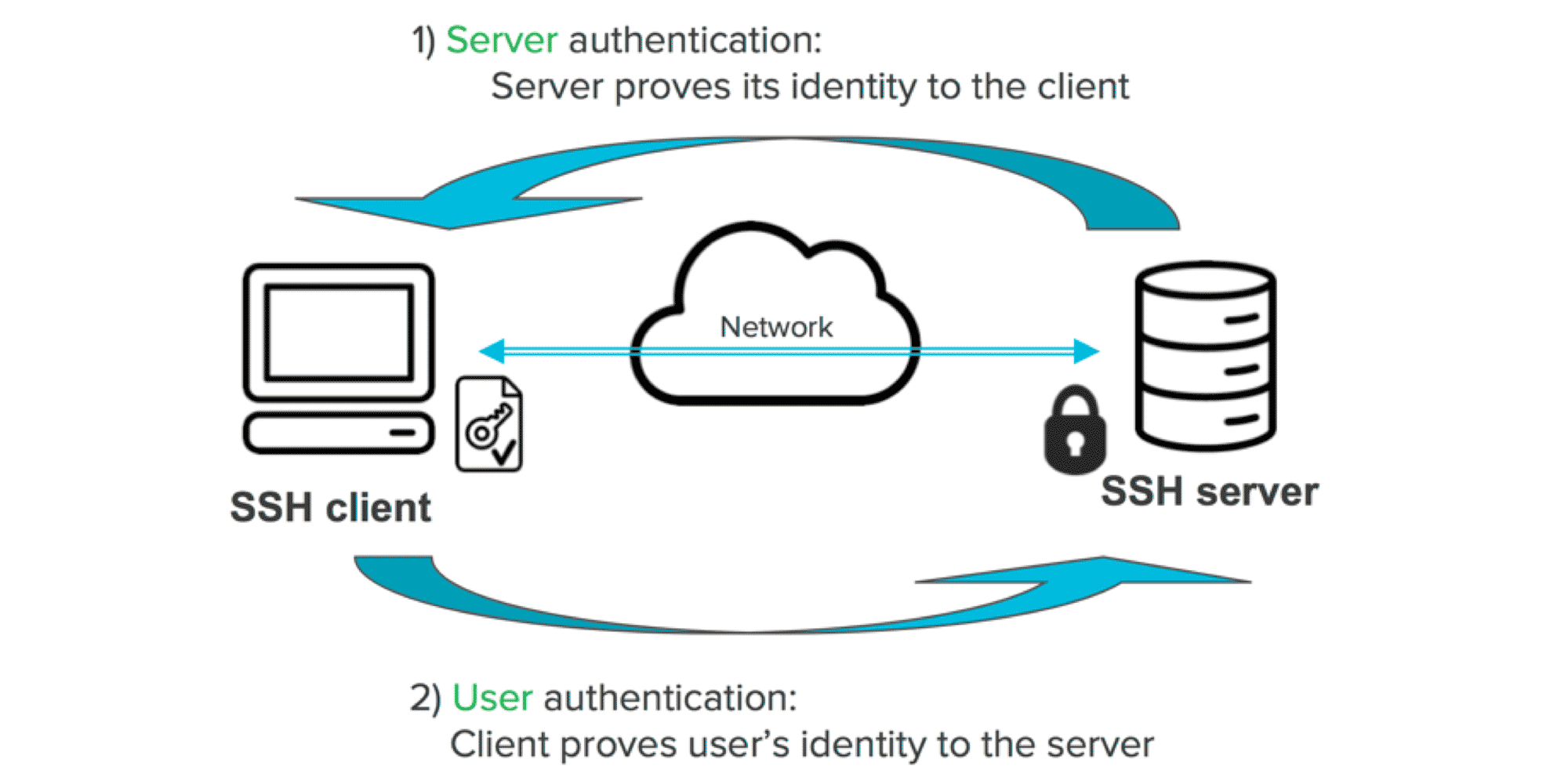
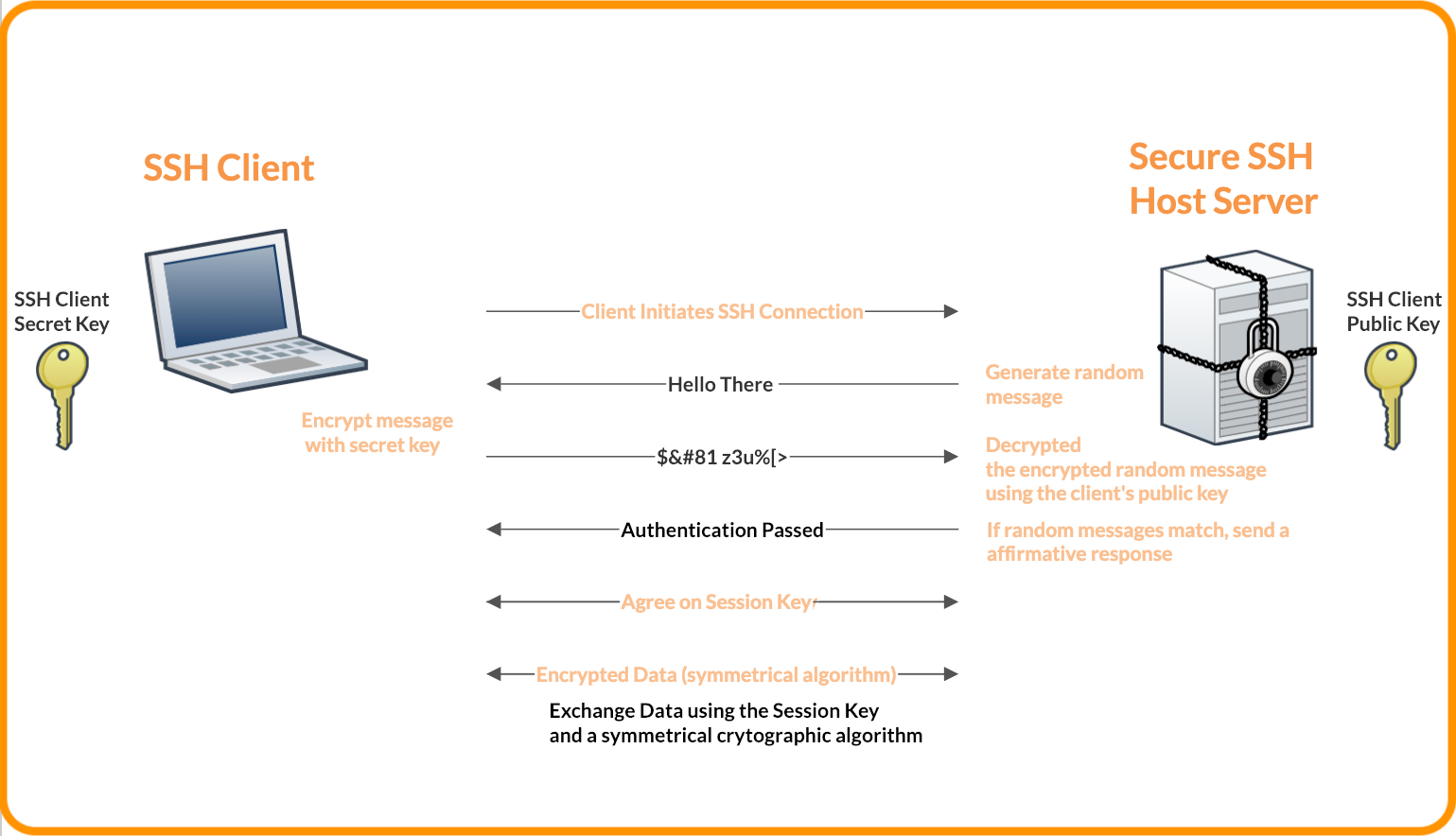
1 Generate a private and public key known as the key pair The private key stays on the local machine 2 Add the corresponding public key to the server 3 The server stores and marks the public key as approved 4 The server allows access to anyone who proves the ownership of the corresponding private key An SSH key is an access credential for the SSH secure shell network protocol This authenticated and encrypted secure network protocol is used for remote communication between machines on an unsecured open network SSH is used for remote file transfer network management and remote operating system access
Generate SSH Key Knowledgebase WafaiCloud How To Create An SSH Key KeyCDN Support How To Generate SSH Key Windows How To Connect Via SSH To Your Server Configuring Multiple SSH Deploy Keys On GitHub From One Server Using SSH Key In Your Web Development Workflow Studio K40 Learn SSH Keys In Minutes How To Access WHM Root How To Connect Your Server Via SSH PuTTY Generate Ssh Key Windows Powershell Eversell
How To Access My Ssh Key
 How To Access My Ssh Key
https://i.pinimg.com/originals/09/60/12/0960127422903160f09ef5f76627e810.jpg
Open a terminal and enter the following command ls al ssh If you ve already generated SSH keys you should see output similar to this rw 1 user name user name 1766 Jul 7 2018 id rsa rw r r 1 user name user name 414 Jul 7 2018 id rsa pub rw 1 user name user name 12892 Feb 5 18 39 known hosts
Pre-crafted templates use a time-saving option for creating a varied range of files and files. These pre-designed formats and layouts can be utilized for different personal and expert jobs, consisting of resumes, invitations, leaflets, newsletters, reports, presentations, and more, streamlining the content development process.
How To Access My Ssh Key
How To Generate Ed25519 SSH Keys Install Them And Configure Secure
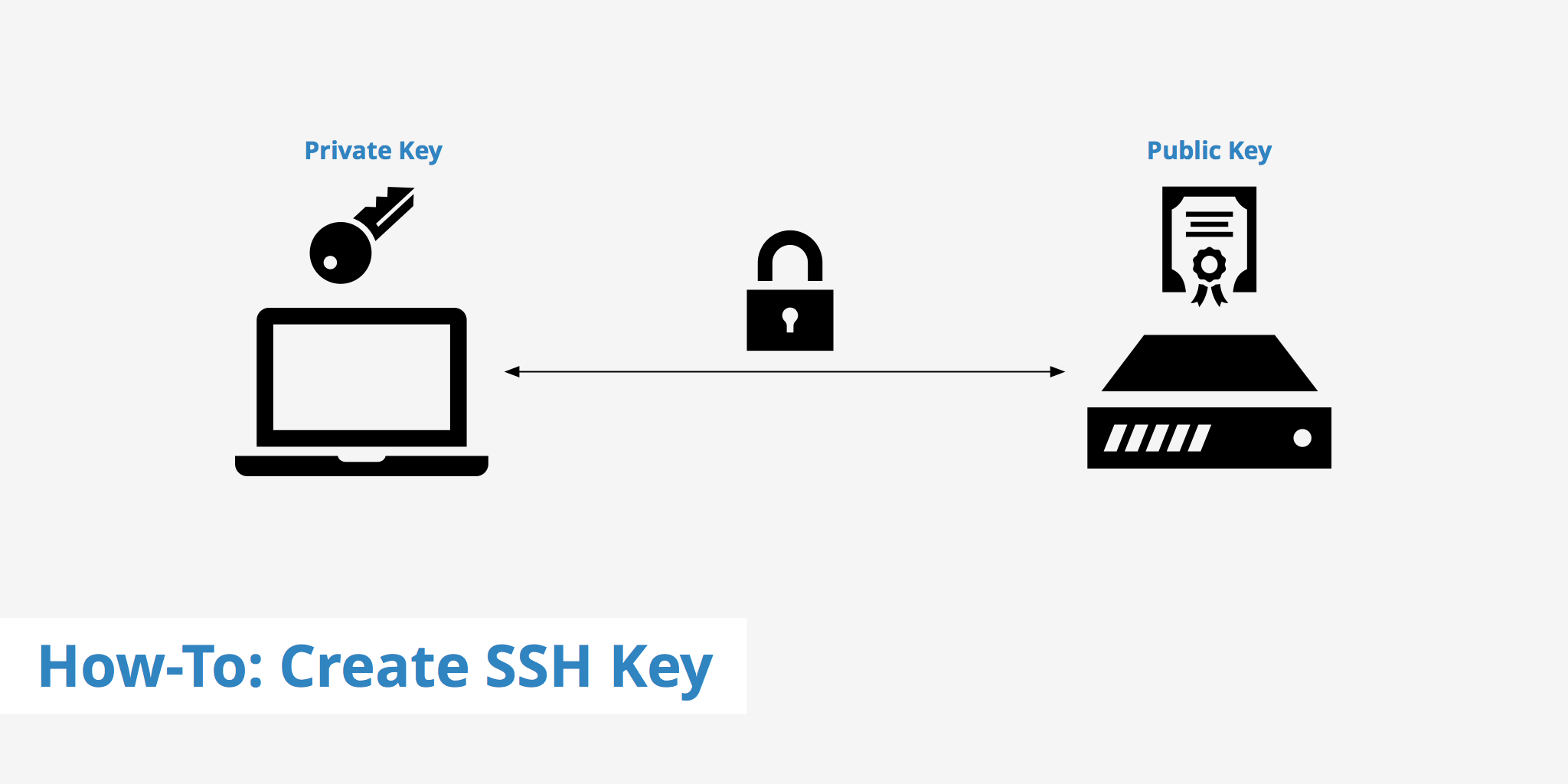
How To Create An SSH Key KeyCDN Support
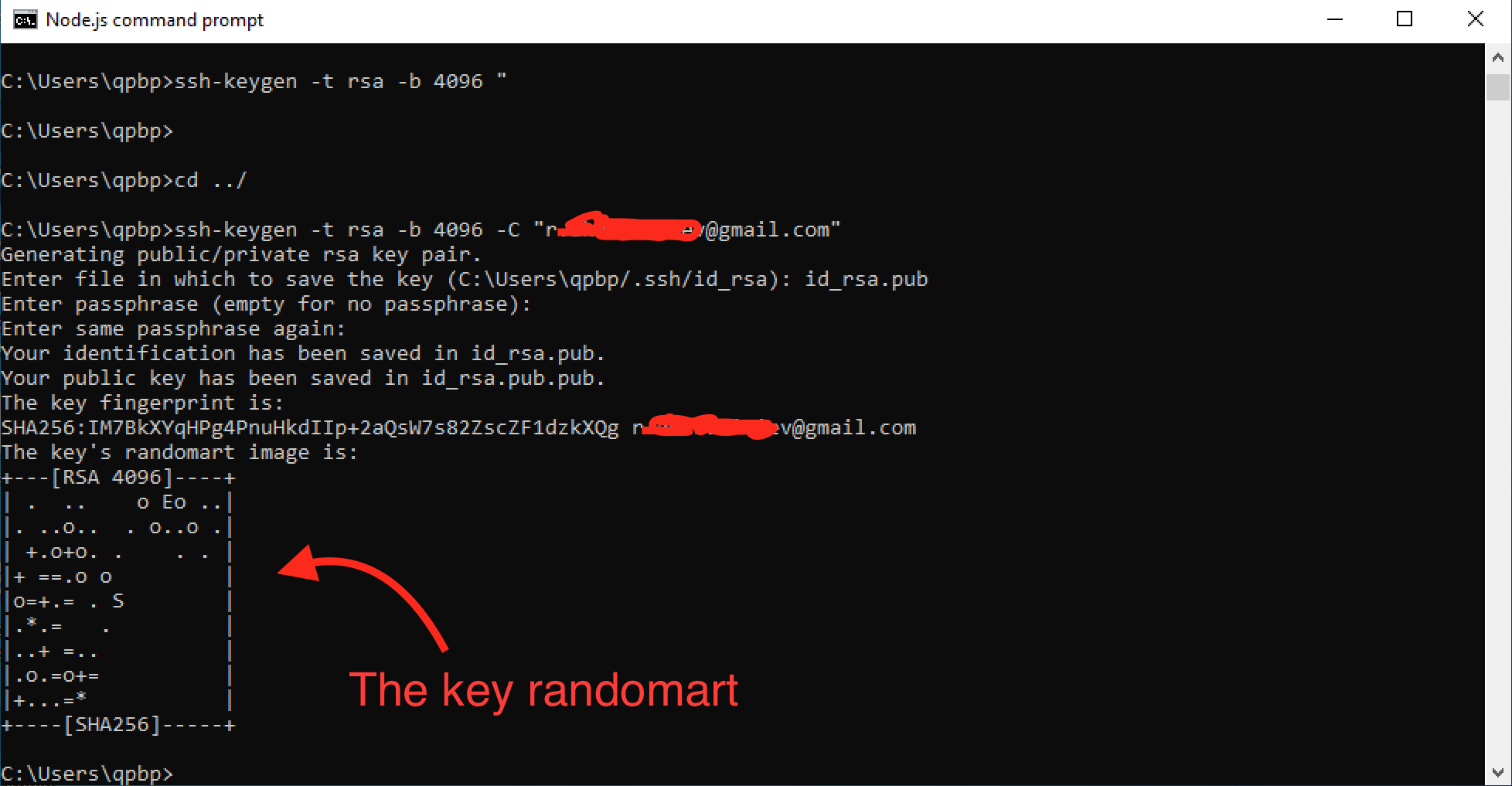
How To Generate SSH Key Windows
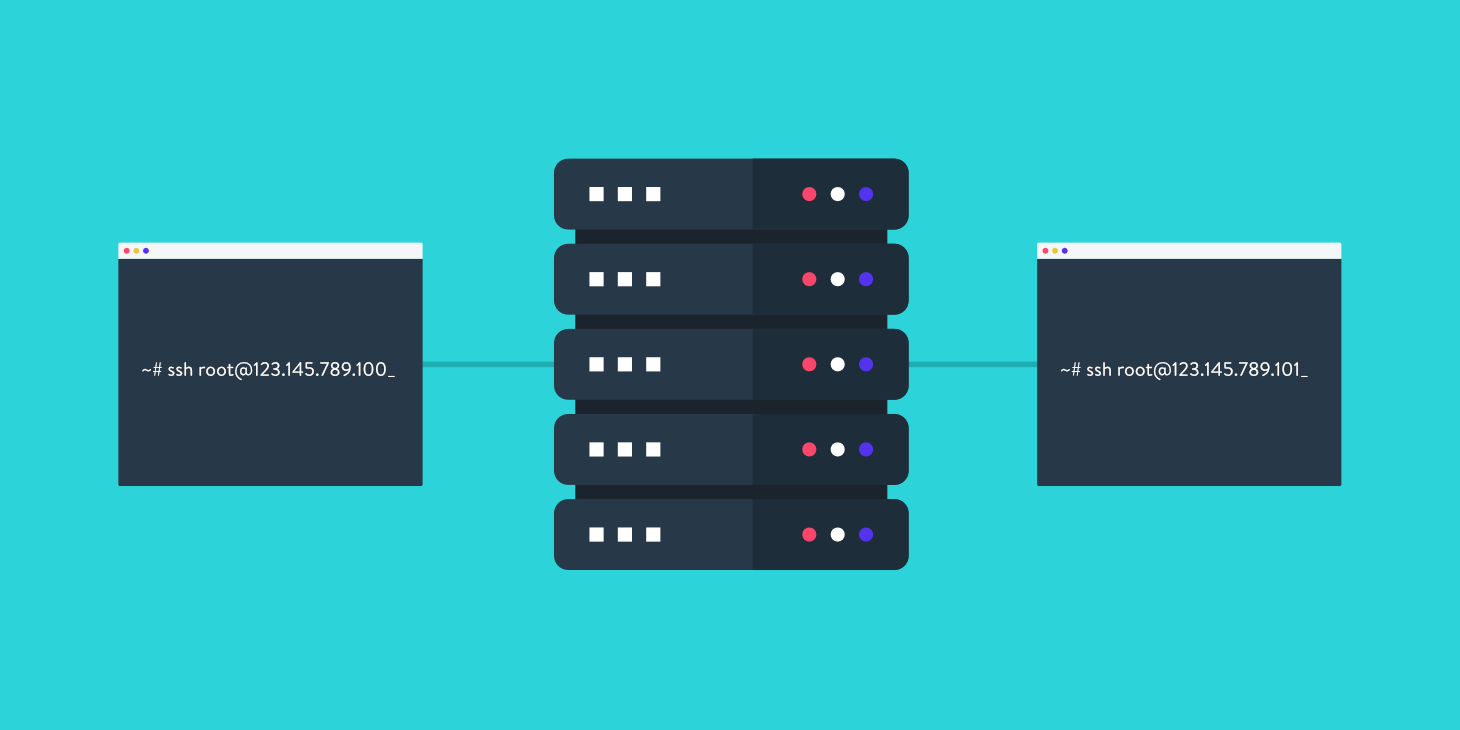
How To Connect Via SSH To Your Server
Using SSH Key In Your Web Development Workflow Studio K40
Learn SSH Keys In Minutes

How do I access my SSH public key Ask Question Asked 13 years 2 months ago Modified 11 months ago Viewed 1 8m times 914 I ve just generated my RSA key pair and I wanted to add that key to GitHub I tried cd id rsa pub and id rsa pub but no luck How can I access my SSH public key git ssh rsa Share Improve this question Follow

Step 1 Creating SSH Keys The first step to configure SSH key authentication to your server is to generate an SSH key pair on your local computer To do this we can use a special utility called ssh keygen which is included with the standard OpenSSH suite of tools By default this will create a 3072 bit RSA key pair

Introduction One essential tool to master as a system administrator is SSH SSH or Secure Shell is a protocol used to securely log onto remote systems It is the most common way to access remote Linux servers In this guide we will discuss how to use SSH to connect to a remote system

Open a terminal and run the following command ssh keygen You will see the following text Generating public private rsa key pair Enter file in which to save the key home username ssh id rsa Press enter to save your keys to the default home username ssh directory Then you ll be prompted to enter a password

Displaying the SSH Key Fingerprint Each SSH key pair share a single cryptographic fingerprint which can be used to uniquely identify the keys This can be useful in a variety of situations To find out the fingerprint of an SSH key type ssh keygen l Enter file in which the key is root ssh id rsa
Quick Links What s Wrong With Passwords What Makes SSH Keys Secure Make Sure You Can Access The Remote Computer Creating a Pair of SSH Keys Installing the Public Key Connecting Using SSH Keys No Passwords But Enhanced Security Take cybersecurity seriously and use SSH keys to access remote logins 1 Open a terminal and check for a running SSH service on the machine If the SSH service is running it will return Active active running sudo service ssh status Image credit Tom s
SSH keys are authentication credentials SSH Secure Shell is used for managing networks operating systems and configurations It is also inside many file transfer tools and configuration management tools Every major corporation uses it in every data center SSH keys enable the automation that makes modern cloud services and other computer