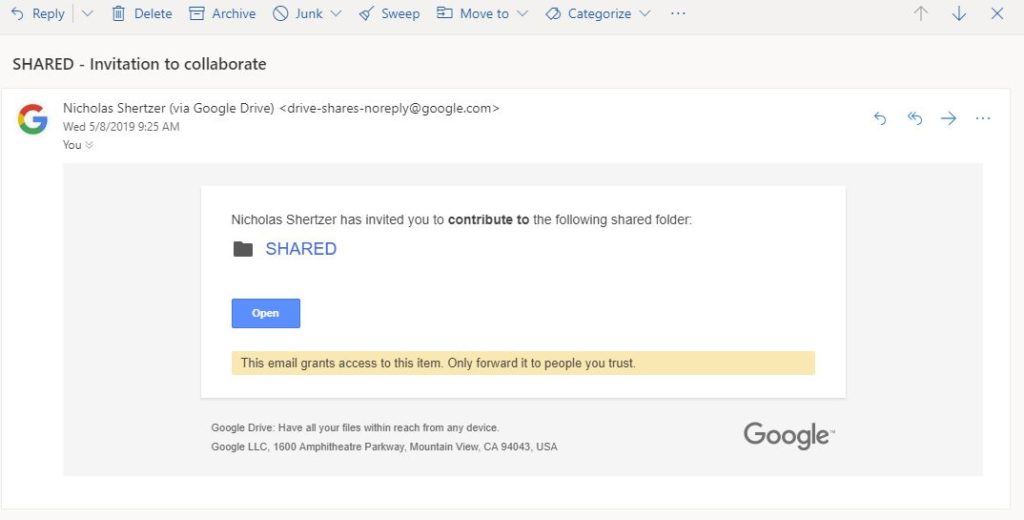
How To Access A Shared Google Drive Google Drive Tutorial Quick Way To LEAVE A Shared Google Doc Using Google Drive 2022 YouTube Making A Shared Google Drive Folder YouTube 7 Steps To Remove Shared Files From Google Drive 2022 How To Open Google Drive Without Gmail Account Pagfootball How To Access A Shared Google Drive Without Creating A Gmail Account NAS Technology Consulting Web Share with specific people Go to Google Drive Select the folder you want to share Select Share Enter the email address or Google Group you want to share with If you use a work
Web Access to files and folders in shared drives is granted in two ways 1 adding a user or group as a member of the shared drive and 2 members sharing files and folders with non members Web May 9 2022 nbsp 0183 32 The first step in accessing your shared drive on Windows is to download the application Visit the Google Drive for Desktop site and click quot Download Drive for Desktop quot which should automatically detect your platform Access your downloads via the folder or toolbar for the browser you re using and open the GoogleDriveSetup exe file
How To Access A Shared Google Drive Without Creating A Gmail Account NAS Technology Consulting 6 Ways How To Upload Files To Shared Google Drive From Phones Or Computers How To Access A Shared Folder In Kali Linux Systran Box I Cannot Access A Shared Folder On My Synology NAS Via SMB Or AFP What Can I Do Synology How To Access A Shared Mailbox As A Delegate Knowledgebase Email And Collaboration OIT How To Leave A Shared Google Drive Folder On Android 5 Steps How To Access Network Shared Folder On Windows 11 Pureinfotech Google Drive How To Access A Shared Folder YouTube How To Create A Shared Folder In Google Drive Tip Reviews News Tips And Tricks
How To Access A Shared Google Drive
 How To Access A Shared Google Drive
https://i.ytimg.com/vi/xUhAhVi_ox8/maxresdefault.jpg
Web Aug 2 2021 nbsp 0183 32 1 Once you re signed into Google Drive click the New button in the top left of the screen Image credit Future 2 Click Folder upload Image credit Future 3 Find and select the
Pre-crafted templates offer a time-saving option for producing a varied variety of documents and files. These pre-designed formats and layouts can be made use of for various individual and professional tasks, including resumes, invites, flyers, newsletters, reports, discussions, and more, simplifying the content development procedure.
How To Access A Shared Google Drive

How To Add Someone To A Shared Google Drive Rasseeker
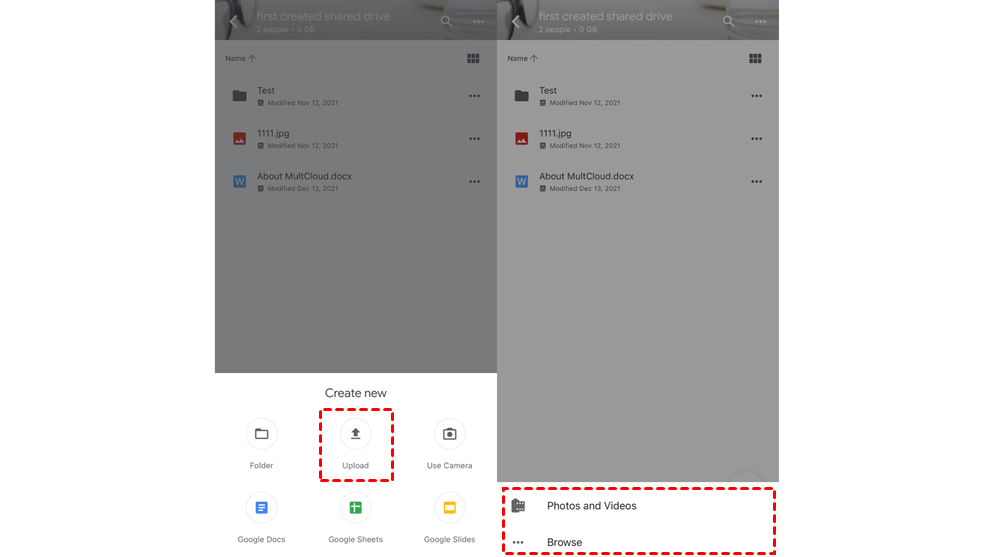
6 Ways How To Upload Files To Shared Google Drive From Phones Or Computers

How To Access A Shared Folder In Kali Linux Systran Box
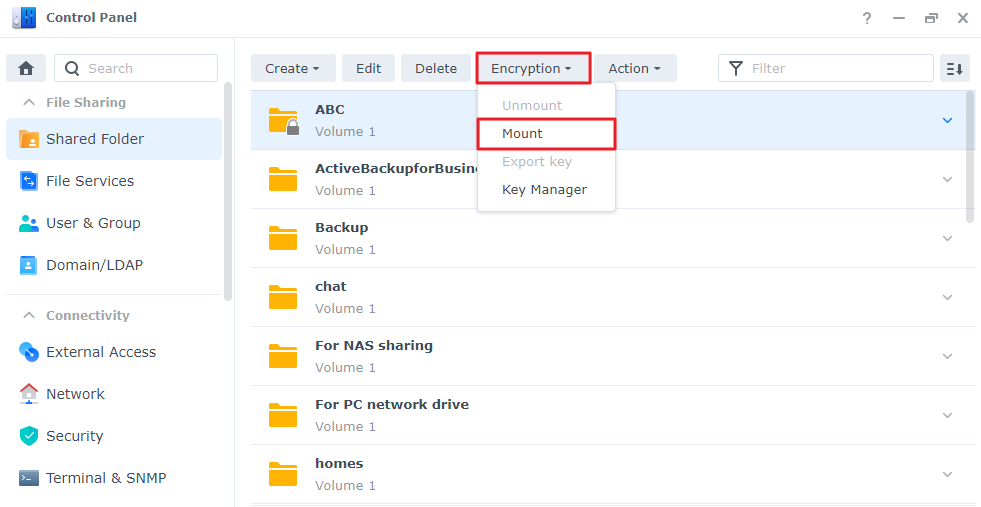
I Cannot Access A Shared Folder On My Synology NAS Via SMB Or AFP What Can I Do Synology

How To Leave A Shared Google Drive Folder On Android 5 Steps

How To Access Network Shared Folder On Windows 11 Pureinfotech
Web On your computer go to drive google On the left click Shared drives At the top left click New Enter a name for the shared drive Click Create Who you can add to a shared
Web You can share the files and folders that you store in Google Drive with anyone When you share from Google Drive you can control whether people can edit comment on or only open

Web Step 1 Go to drive google On your computer go to drive google You ll find quot My Drive quot which has Files and folders you upload or sync Google Docs Sheets Slides and Forms

Web Access control to shared drives Members with Manager access and Google Workspace admins can control access to the items in a shared drive In addition to setting up members they can
Web Community Store amp share files or folders with shared drives Shared drives are only available for work or school accounts and you re not currently signed in Sign in to your work or school
[desc-11] [desc-12]
[desc-13]