How Set Password On Pdf Document How To Remove Password From A Pdf File YouTube How To Password Protect PDF File Set Password On PDF YouTube Download Free Set Password For Adobe PDF File By PDF1 V 2 0 Software 549223 How To Password Protect PDF File Free Set Password On PDf File How To Remove Password From PDF File No App Easy YouTube 1 Open SmallPDF s protection page Go to https smallpdf protect pdf in your web browser SmallPDF will allow you to apply a password to your PDF making it impossible to open without knowing the password If you want to lock the option of editing the PDF with a password try using PDF2Go instead 2 Click Choose file
Learn how to secure a PDF file Secure your sensitive documents and protect PDFs with passwords to ensure only authorized users can access them On a Mac you can set a password using the native Preview app Here s how to password protect a PDF using Preview Open your PDF in Preview Select File Export Adobe Acrobat allows you to set both a user password that encrypts the document and an owner password to manage document permissions We ll explain the steps for both options How to encrypt your PDF with a password 1 Open the PDF in Acrobat and go to Tools Protect More Options Encrypt with Password 2
How To Remove Password From PDF File No App Easy YouTube How To Password Protect A PDF For FREE YouTube How To Remove Password From PDF Files YouTube How To Set Password On Windows 10 YouTube How To Remove Password From PDF File Updated For 2019 How To Remove Password From PDF File Updated For 2019 How To Set Password In Your PDF Without Any Application YouTube How Set Password On Windows 10 Password Windows 10 YouTube How To Create A Password Protected PDF Document In Adobe Acrobat Using
How Set Password On Pdf Document
 How Set Password On Pdf Document
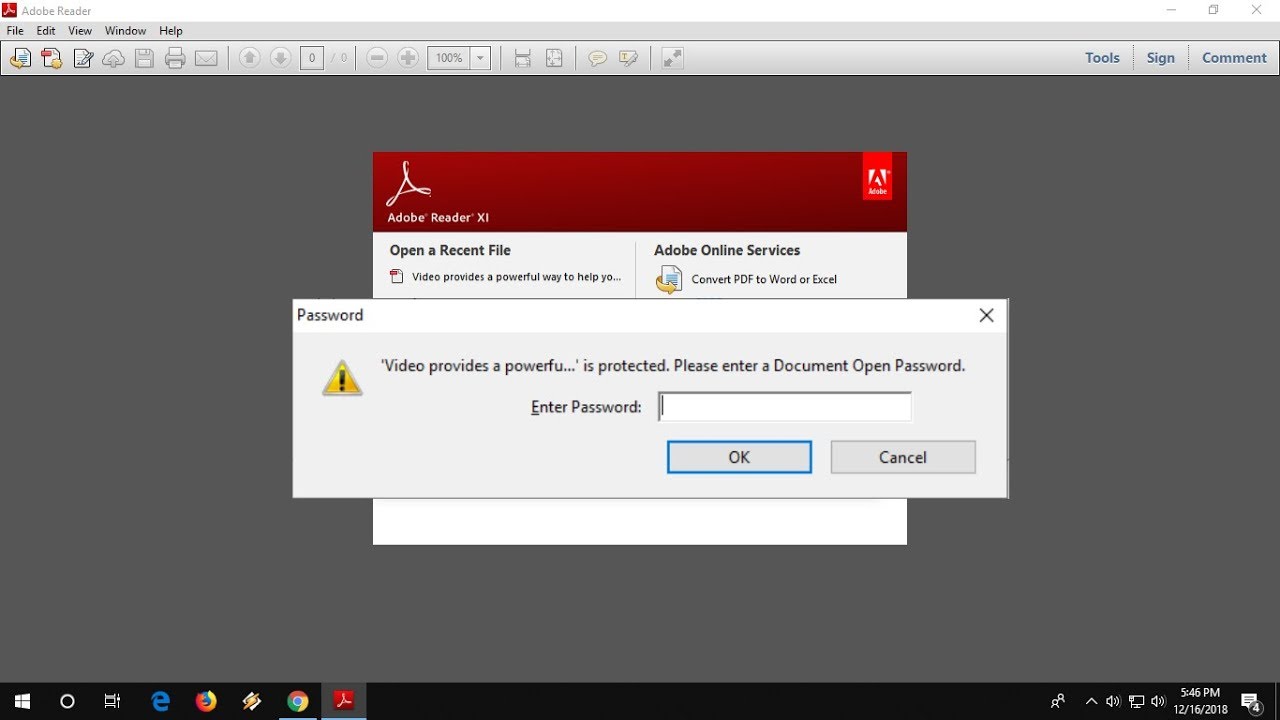
https://i.ytimg.com/vi/Xp1Pc9LQn7Q/maxresdefault.jpg
Go to our Protect PDF File tool Click Select PDF file to upload the file you wish to protect Set a password in the menu bar on the right Repeat the same password for accuracy verification Click Protect PDF button at the bottom of the right corner
Pre-crafted templates offer a time-saving service for developing a diverse series of documents and files. These pre-designed formats and layouts can be made use of for various personal and expert projects, consisting of resumes, invites, flyers, newsletters, reports, discussions, and more, simplifying the material production process.
How Set Password On Pdf Document

How To Remove A Password From PDF File YouTube
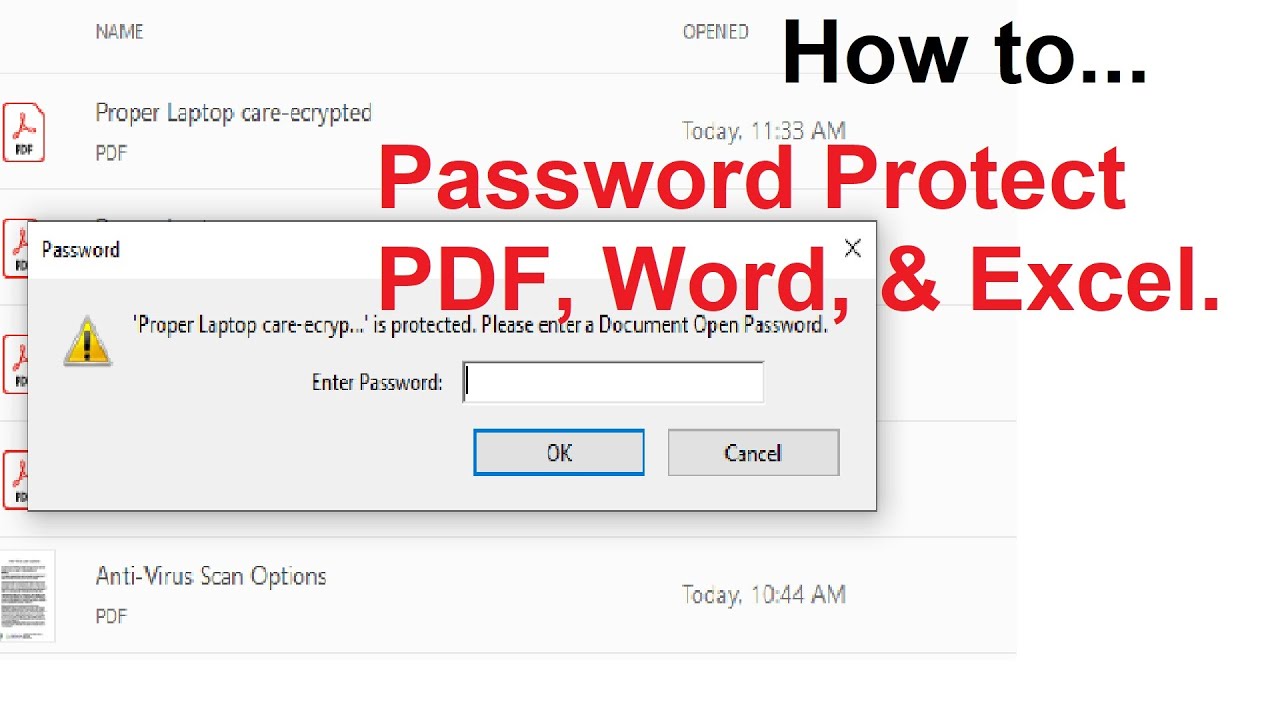
How To Password Protect A PDF For FREE YouTube
How To Remove Password From PDF Files YouTube

How To Set Password On Windows 10 YouTube
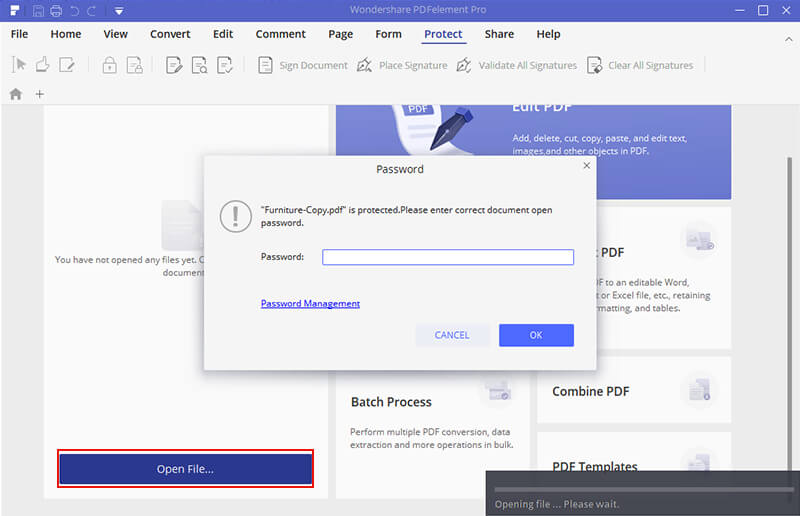
How To Remove Password From PDF File Updated For 2019

How To Set Password In Your PDF Without Any Application YouTube

Get your work done fast online Use a supported browser to access these tools and more

Product feature Password protect PDFs using Acrobat Set fewer than six characters long password for a PDF Adobe

In order to password protect a PDF open the document in Acrobat Standard or Pro then click the Menu icon in the top left corner and select Protect Using Password Credit Lance Whitney

Open a file in Acrobat and choose Tools Protect Select whether you want to restrict editing with a password or encrypt the file with a certificate or password Set password or security method as desired Click OK and then click Save Related features Get more out of Adobe Acrobat with these tips Remove password security on a PDF
Choose File or drop PDF here Lock your PDF with a highly encrypted password to secure it from unwanted editing no sign up or installation needed Protect the contents of your PDF for free and make sure no one but you can access it
The current best practice for setting a password is to set one with at least 12 characters The longer the better Avoid words from the dictionary and or common phrases Also use a mix of uppercase and lowercase letters numbers and special characters to increase security Choose the right security level Method 3 Password Protect a PDF on a Mac Using Preview If you own a Mac you can password protect documents natively in macOS Open your PDF file in the Preview app by double clicking it Click
Password protect your PDF to keep out any unwanted guests Our online Password Protector tool prevents anyone without a password from opening and accessing the content of your file Simply select the file you wish to protect and create your custom password Unsecure using the password