How Does Wps Button Work On Router The WPS Button On Your Wireless Router What Is It And How Does It Work What Does WPS Mean On A Router WiFi On Tour WPS Button On Router It s Functions And Uses ScreenPush What Is WPS And How Does WPS Button Work Where Do I Find The WPS Button On My Netgear Router August 25 2023 Shannon Flynn Advertisements If you have a router at home you may have seen a button on it that s labeled WPS WPS stands for Wi Fi Protected Setup and it can be a helpful feature in simplifying your life Yet what is a WPS button on a router for
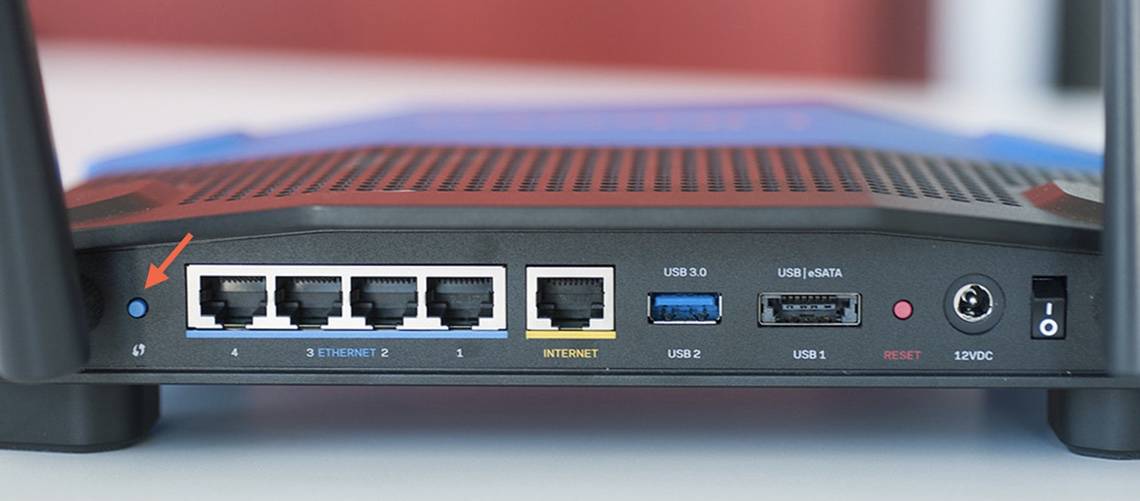
1 Push the WPS button on the router The button will typically begin to flash amber orange letting you know it is searching for a device to connect 2 In the device s WiFi settings locate and select the name of the wireless network SSID you re trying to connect to It should complete the connection without entering a password 1 Tab the WPS icon on the device s screen Here we take an Android phone for instance 2 Within two minutes press the WPS button for 1s on your router Note If TP Link router enters the pairing status the WPS light would be blinking Besides be careful when you press WPS button if you press it for more than 5s the wireless function
Where Do I Find The WPS Button On My Netgear Router What Is Wps Office App Solarnimfa What Is The Role Importance Of WPS Button On Xfinity Router What Does The WPS Button On My Virgin Media Hub Do The Big Tech Question Sky Wifi Hub Assistenza Modem Sky My XXX Hot Girl What Does WPS Mean and Why You Should Disable It What Is WPS WiFi Protected Setup Button On Router Where Is The WPS Button On My Router And What Does WPS Do Router What Is WPS WiFi Protected Setup Button On Router
How Does Wps Button Work On Router
 How Does Wps Button Work On Router
https://solidguides.com/wp-content/uploads/2019/02/what-is-wps-button.jpg
Step 1 Select the Wi Fi network to which you want to connect through WPS in Windows 10 First of all on your Windows 10 device open the list of available wireless networks One easy way is to click or tap the wireless icon from the system tray The list that pops up shows all the Wi Fi networks available near you
Pre-crafted templates offer a time-saving option for creating a varied range of files and files. These pre-designed formats and layouts can be used for various individual and expert projects, including resumes, invites, leaflets, newsletters, reports, presentations, and more, streamlining the content development process.
How Does Wps Button Work On Router

WPS Button On Netgear Router The Error Code Pros
What Is Wps Office App Solarnimfa
What Is The Role Importance Of WPS Button On Xfinity Router

What Does The WPS Button On My Virgin Media Hub Do The Big Tech Question

What Does WPS Mean and Why You Should Disable It

What Is WPS WiFi Protected Setup Button On Router

Read More If you ve prodded around your router you ve probably found a strange button labeled WPS on it somewhere But what is this mysterious button and what would happen if you pressed it Let s break down what WPS stands for why it has a button and how it works What Is WPS

How does WPS work When you connect your laptop smartphone tablet or another device to a Wi Fi network you need to know the network s name and its password You can t connect to the network if you don t enter the correct password also known as the WPA PSK key

WPS is an attempt to fix that issue regarding Wi Fi signals More specifically it allows people to create a secure connection between two devices using Wi Fi without the need for a lot of tech knowledge The only caveat is that both devices need to be using the WPA or WPA2 security standard Initially introduced in 2006 by Cisco WPS has
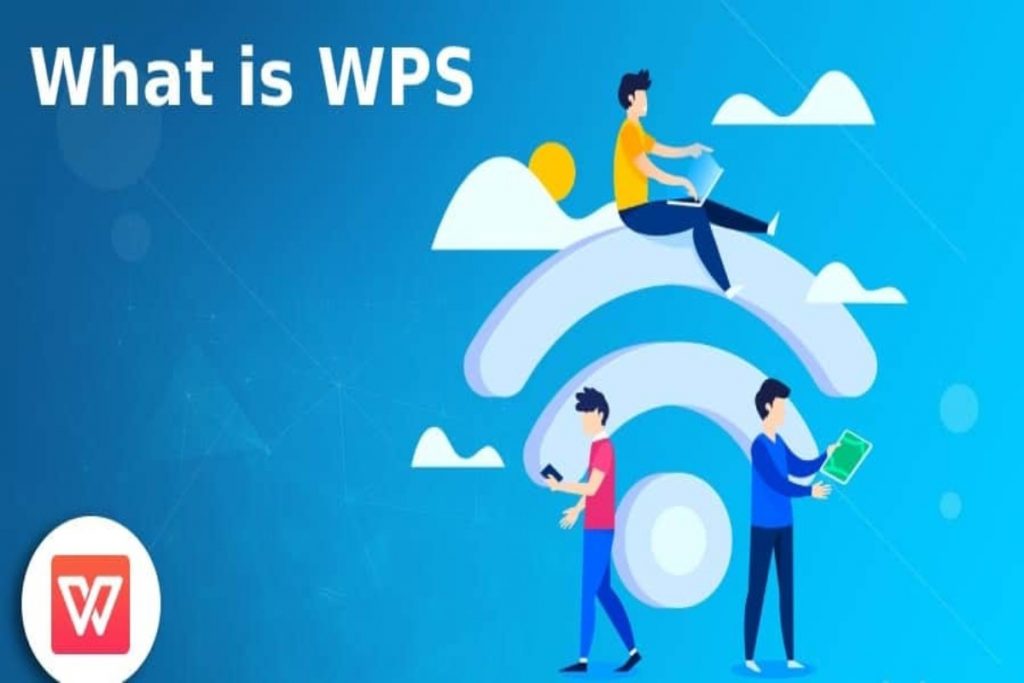
Using WPS you can connect devices computers phones printers cameras etc to your network by simply pressing a button on your access point router and station device The WPS Button is a button that you can press on your router and device to connect to the Wi Fi without entering the password

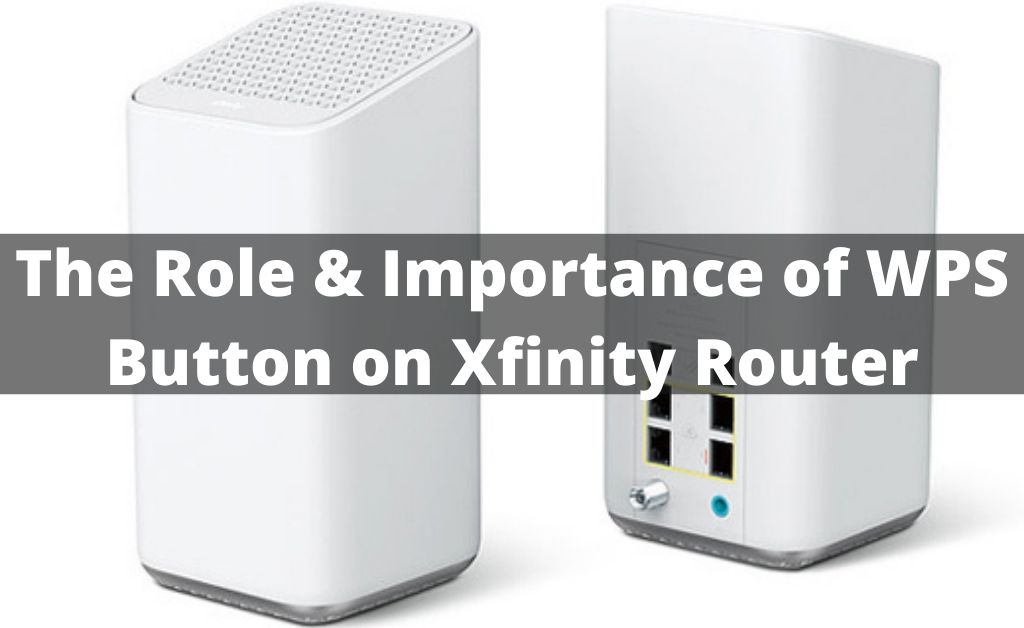
Press the WPS button on your router WPS activates for two minutes Within two minutes on your WiFi device press its WPS button or follow its instructions for WPS connections Your WiFi device connects to your WiFi network You can also use the WPS Wizard in your router s web interface for additional assistance
The WPS button is typically used to connect a device to a wireless router It assumes that the equipment s owner is allowed to use the router This would most likely be the case for a home Tips The WPS button on router is a small button represented by a symbol of two arrows forming a circle It is also simply denoted by the letter WPS How to Connect to Networks via WPS Button
The WPS button simplifies the connection process Here are two examples of how the connections are performed Press the WPS button on your router to turn on the discovery of new devices Then go to your device and select the network you want to connect to The device is automatically connected to the wireless network without having to