How Do You Split The Screen In Word How To Split Screen On Dell Ultrawide Monitor Free Word Template How To Use Split Screen In Microsoft Word YouTube How To Fix Laptop Or Pc s Screen Split Or Divided In 6 In Duplicate How To Split Screen On Windows 11 With Examples YouTube How To Split Screen In Tablet Mode On Windows 10 YouTube WEB You can split the Word window into two panes so that you can view two different parts of a document at the same time This is useful if you want to copy and paste text and graphics into a long or complex document or
WEB Mar 1 2017 nbsp 0183 32 Open the 2 documents Select View gt View Side by Side If you scroll up or down the other scrolls as well If you want them to scroll separately select Synchronous Scrolling to turn it off Split your window into panes in Word and Excel Select View gt WEB Oct 29 2022 nbsp 0183 32 Word allows you to create split windows each of which allows you to look at a different portion of your document You can also use the split windows to view your
How To Split Screen In Tablet Mode On Windows 10 YouTube Insnoob blogg se How To Split My Screen Oin Windows 5 Ways To Split Your Screen In Windows 10 TechCult How To Use Split Screen On Your Chromebook How To Use Split Screen In Windows 11 Midargus How To Use Split Screen In Windows 10 Right Way YouTube How To Split Screen In Windows 10 VERY EASY AND FAST YouTube How To Split Screen On Laptop Hp Baker s B Y O D Bring Your Own Cara Split Screen Laptop Di Windows 10 Untuk Multitasking Lebih Tinggi
How Do You Split The Screen In Word
 How Do You Split The Screen In Word
https://asoftclick.com/wp-content/uploads/2022/04/ultrawide-monitor-split-screen.png
WEB Apr 7 2022 nbsp 0183 32 In this article I ll show you how to use Word s Split feature which allows you to view and edit the same document in two different windows
Templates are pre-designed files or files that can be used for different purposes. They can save time and effort by supplying a ready-made format and layout for creating different type of content. Templates can be utilized for personal or professional tasks, such as resumes, invites, flyers, newsletters, reports, discussions, and more.
How Do You Split The Screen In Word
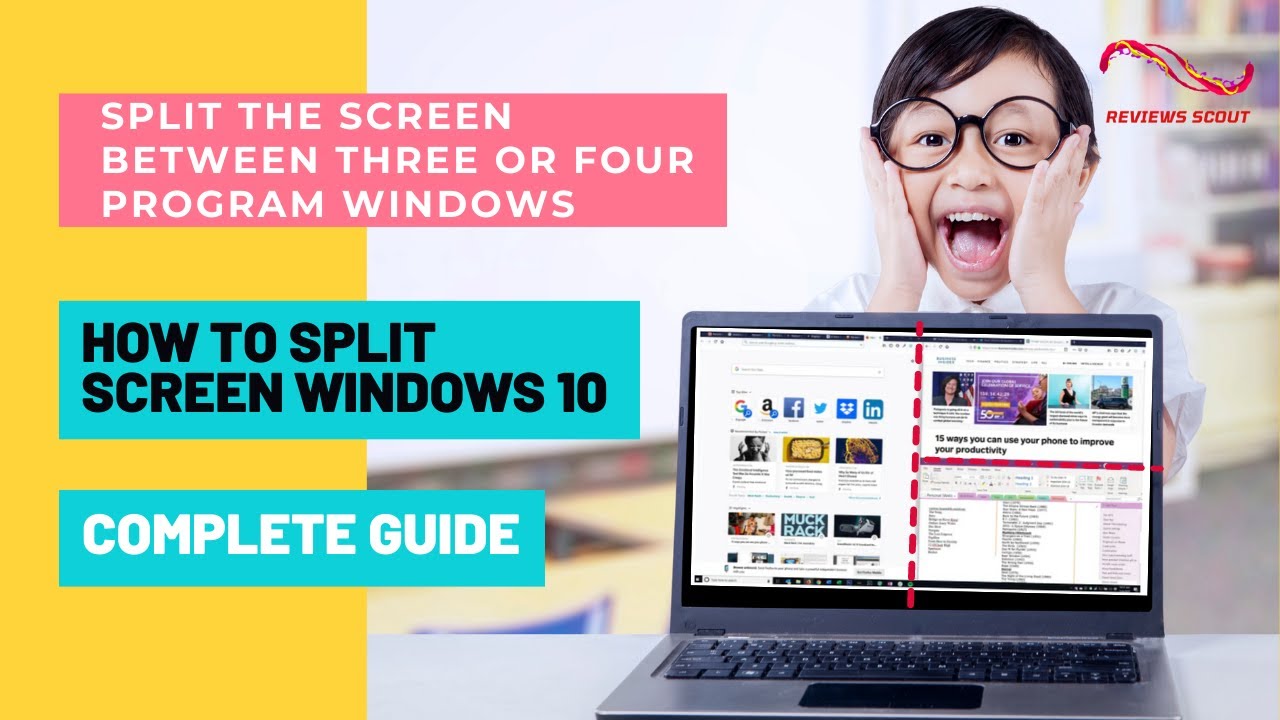
How To Split Screen Windows 10 Complete Guide YouTube
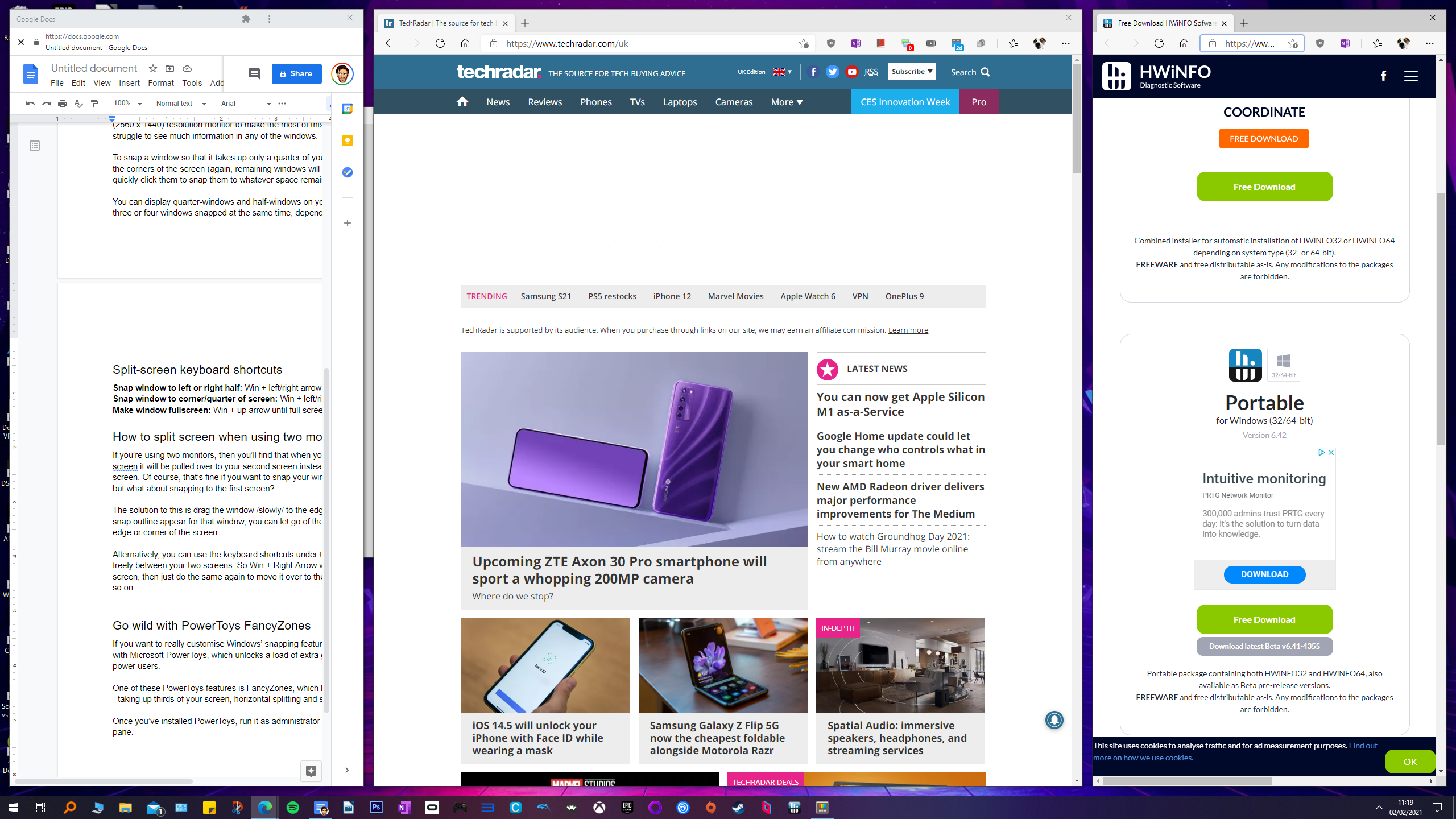
Insnoob blogg se How To Split My Screen Oin Windows

5 Ways To Split Your Screen In Windows 10 TechCult
How To Use Split Screen On Your Chromebook
How To Use Split Screen In Windows 10 Right Way YouTube

How To Split Screen In Windows 10 VERY EASY AND FAST YouTube

WEB May 2 2024 nbsp 0183 32 Splitting your screen in Word can be a real game changer especially when you re working on a lengthy document or comparing two sections of text It s a simple

WEB Jul 18 2024 nbsp 0183 32 Shortcut Use the keyboard shortcut Alt Ctrl S to quickly split and unsplit the screen Independent Scrolling Remember each pane can be scrolled independently

WEB Mar 1 2017 nbsp 0183 32 Open the 2 documents Select View gt View Side by Side If you scroll up or down the other scrolls as well If you want them to scroll separately select Synchronous Scrolling to turn it off Split your window into panes in Word and Excel Select View gt

WEB Jan 31 2023 nbsp 0183 32 In this video I ll show you how to use the split window feature to view two places in your document at the same time This can help you copy and paste text
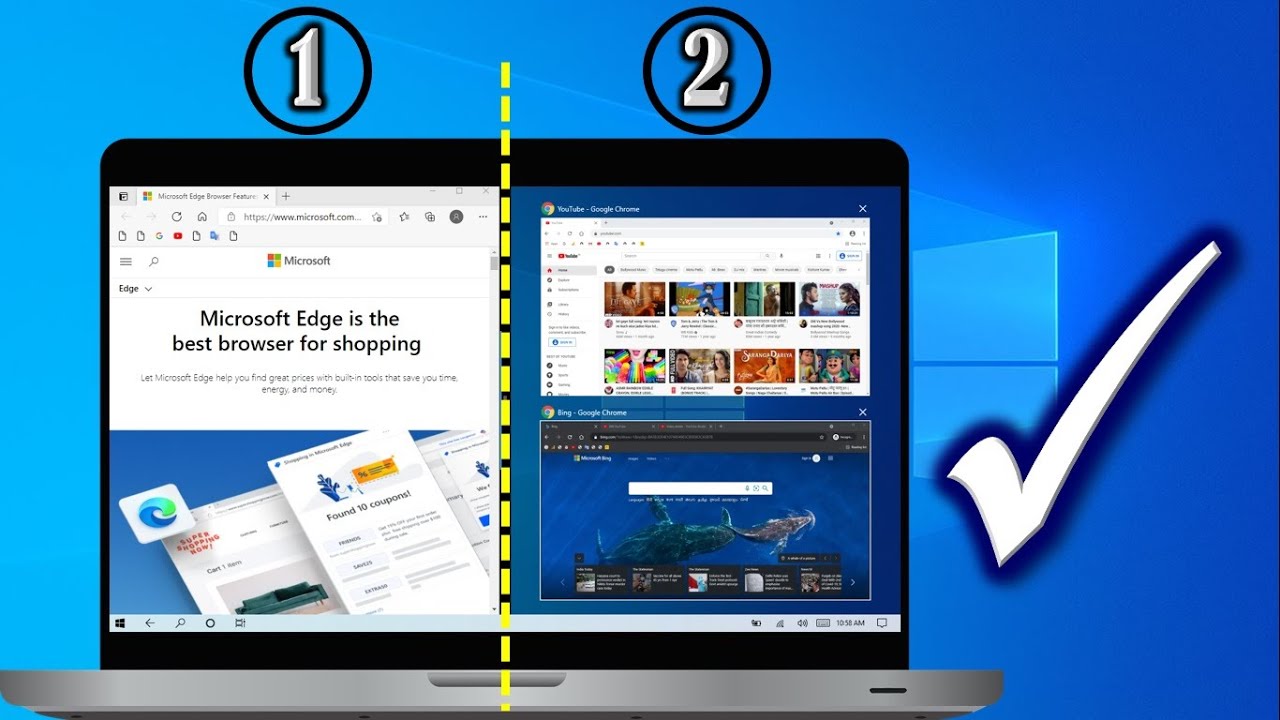
WEB Feb 12 2021 nbsp 0183 32 This week in our Learn 4 Free Friday series we will be covering how to edit documents using the split screen feature in Microsoft Word This will help you move between your edits from
WEB Nov 26 2012 nbsp 0183 32 Use this handy button to split your screen and save yourself scrolling up and down a Word document You can split a document into two sections on one screen by WEB The ability to split the screen vertically and compare two documents side by side in Microsoft Word saves you the eye strain of flipping back and forth between document
WEB May 23 2014 nbsp 0183 32 To split the screen Open your document Click on the View toolbar And then click on the Split button The split feature works the same as previous versions of