How Do You Send Money Using Qr Code Scan Here Why You NEED QR Codes For Payment Etactics How To Send Money From Gallery QR CODE On PAYTM Sending Money Using How To Send Money Gcash To Gcash Using QR CODE Filesph How To Send Money Using QR Code On WhatsApp YouTube How To Get Cash App QR Code MyBankGeek Want advanced Google Workspace features for your business Try Google Workspace today Google Drive helps you keep all your files together You can upload and share your files from
When your account reaches its storage limit you won t be able to upload or create files in Drive send or receive emails in Gmail or back up photos or videos to Google Photos If you re over If you change or reset your password you ll be signed out everywhere except Devices you use to verify that it s you when you sign in Some devices with third party apps that you ve given
How To Get Cash App QR Code MyBankGeek Charity Digital Topics How Charities Can Use QR Codes For Fundraising Minimalist QR Code Wedding RSVP Card Online Reply Card Template Mamo Pay App Transfer Money Using QR Code By Brave Wings On Dribbble Top 10 How To Send Photos By Email What Are QR Code Payments QR Code APIs For Business Decentro CashApp QR Code Wood Village Baptist Church Send Money Via QR Code The Easiest Ways To Transfer Money Using Your Qr Code Gifts My XXX Hot Girl
How Do You Send Money Using Qr Code
 How Do You Send Money Using Qr Code
https://images.squarespace-cdn.com/content/v1/5aa96c579772aea9adaa2ef7/1645649087722-31W7VAVDB24X67DFJLME/QRCodesForPayment_222.png
The activity based personalization setting allows Google Photos to show you even more personalized memories based on how you interact with features in Photos To further
Pre-crafted templates provide a time-saving solution for developing a diverse range of files and files. These pre-designed formats and layouts can be utilized for various personal and expert jobs, consisting of resumes, invitations, flyers, newsletters, reports, discussions, and more, improving the material development process.
How Do You Send Money Using Qr Code

How To Send Money Using QR Code On WhatsApp YouTube
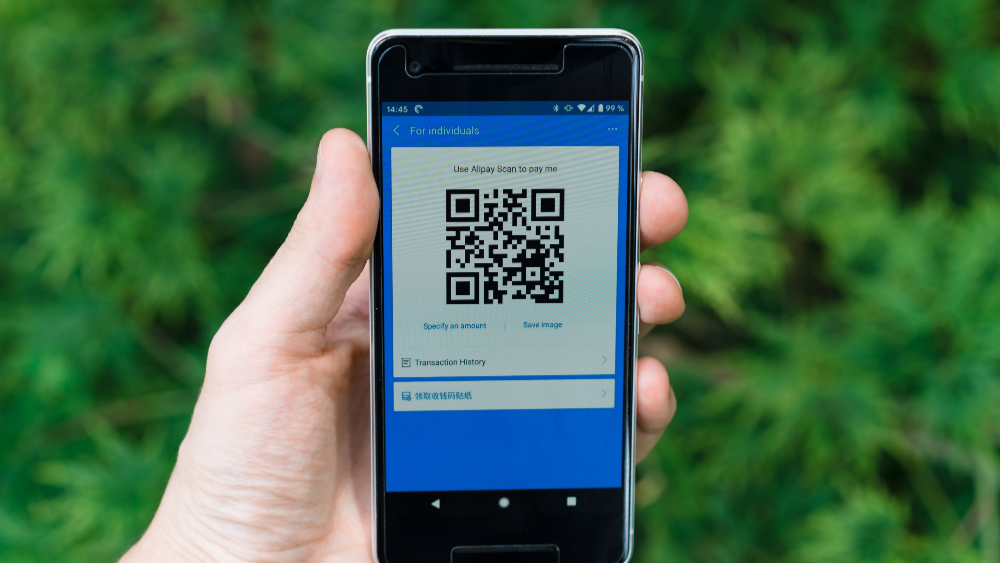
Charity Digital Topics How Charities Can Use QR Codes For Fundraising

Minimalist QR Code Wedding RSVP Card Online Reply Card Template

Mamo Pay App Transfer Money Using QR Code By Brave Wings On Dribbble
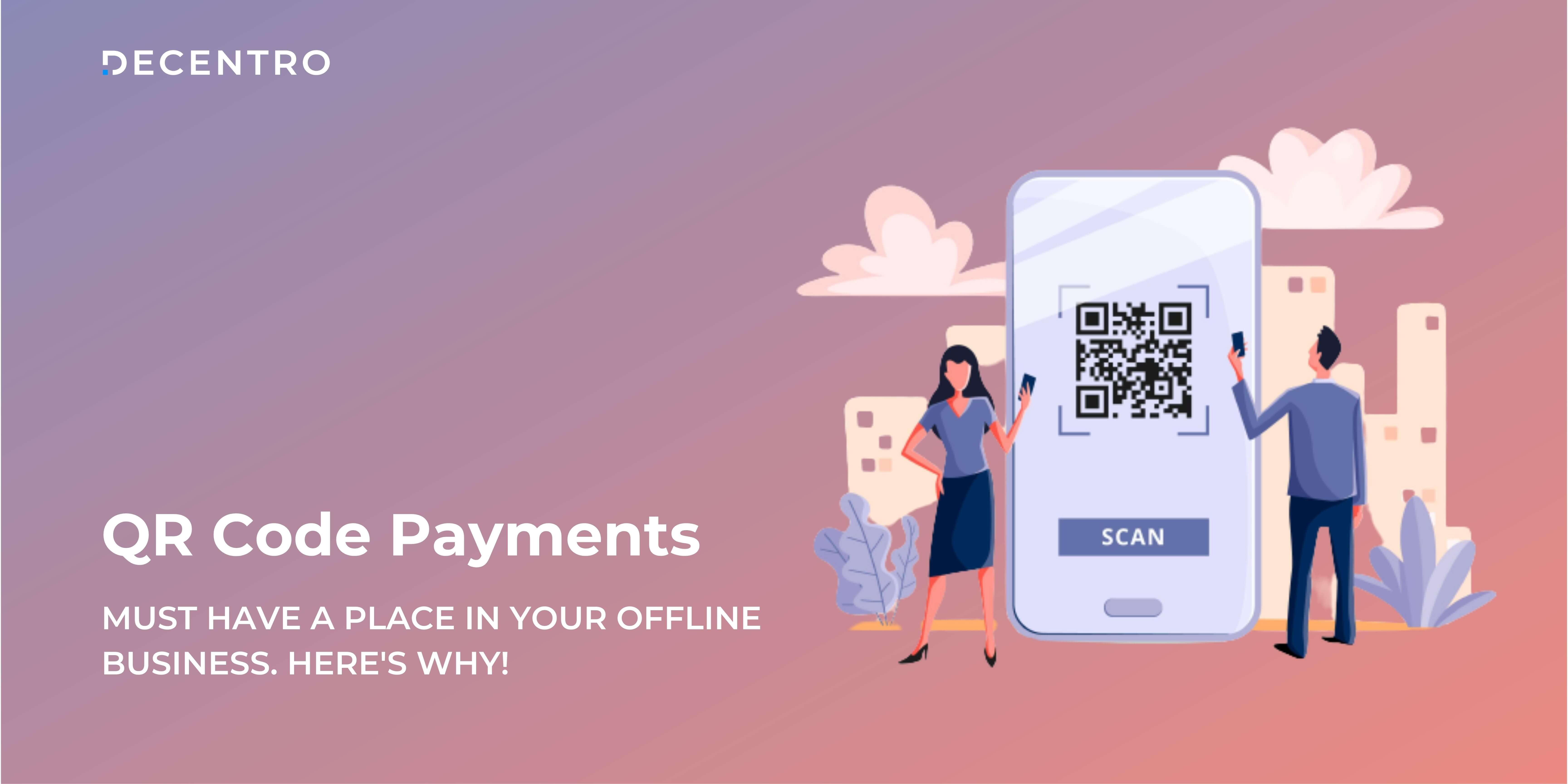
What Are QR Code Payments QR Code APIs For Business Decentro

CashApp QR Code Wood Village Baptist Church

Important When you create a Google Account for your business you can turn business personalization on A business account also makes it easier to set up Google Business Profile

To find your username follow these steps You need to know A phone number or the recovery email address for the account The full name on your account Follow the instructions to
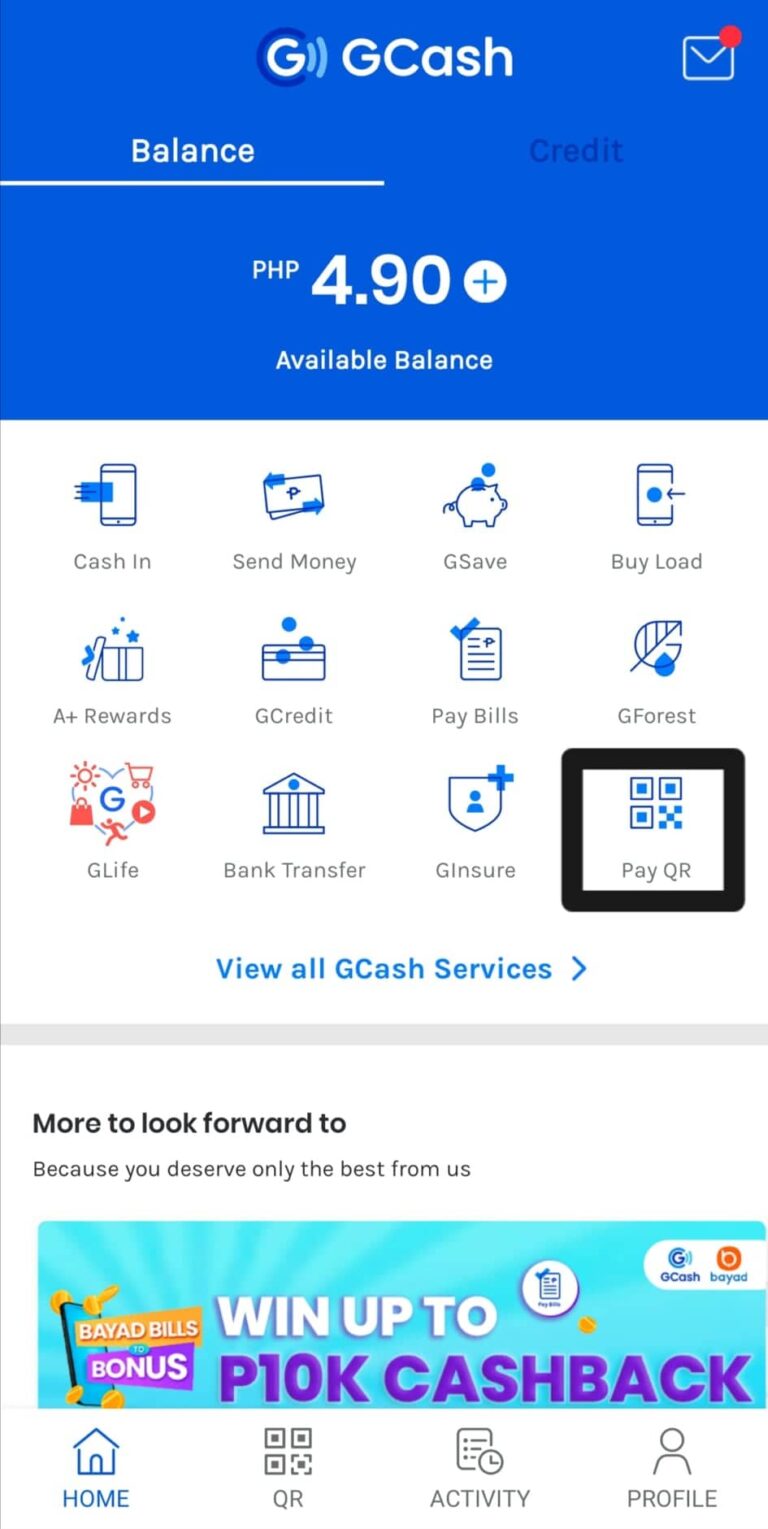
Sign in to Gmail Tip If you sign in to a public computer make sure to sign out before you leave the computer Learn how to sign in on a device that s not yours

Create an account Tip To use Gmail for your business a Google Workspace account might be better for you than a personal Google Account With Google Workspace you get increased

On your computer open Chrome At the top right click More Delete browsing data Choose a time range like Last hour or All time Select the types of information you want to remove Click
[desc-11] [desc-12]
[desc-13]