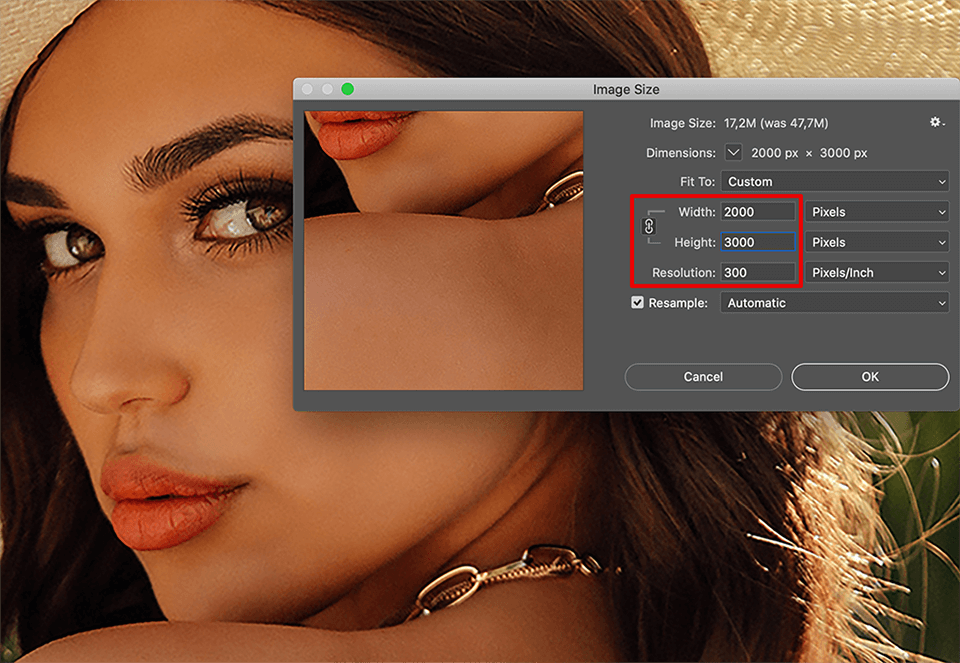
How Do You Increase Image Resolution How To Improve Picture Quality 3 Ways 121Clicks Increasing Price To Improve Gross Profit Australian Business Clinic Solutions To Increase Image Resolution Internet Vibes Easily Increase Image Resolution An Immersive Guide By Branding Expert How To Increase Resolution With Photoshop Forcesurgery24 See if you can increase image quality for print by adjusting only the dimension or resolution without changing pixel count Photoshop will automatically change the other value for you keeping the aspect ratio and amount of pixels the same Follow these steps Open your image in Photoshop Choose Image Image Size
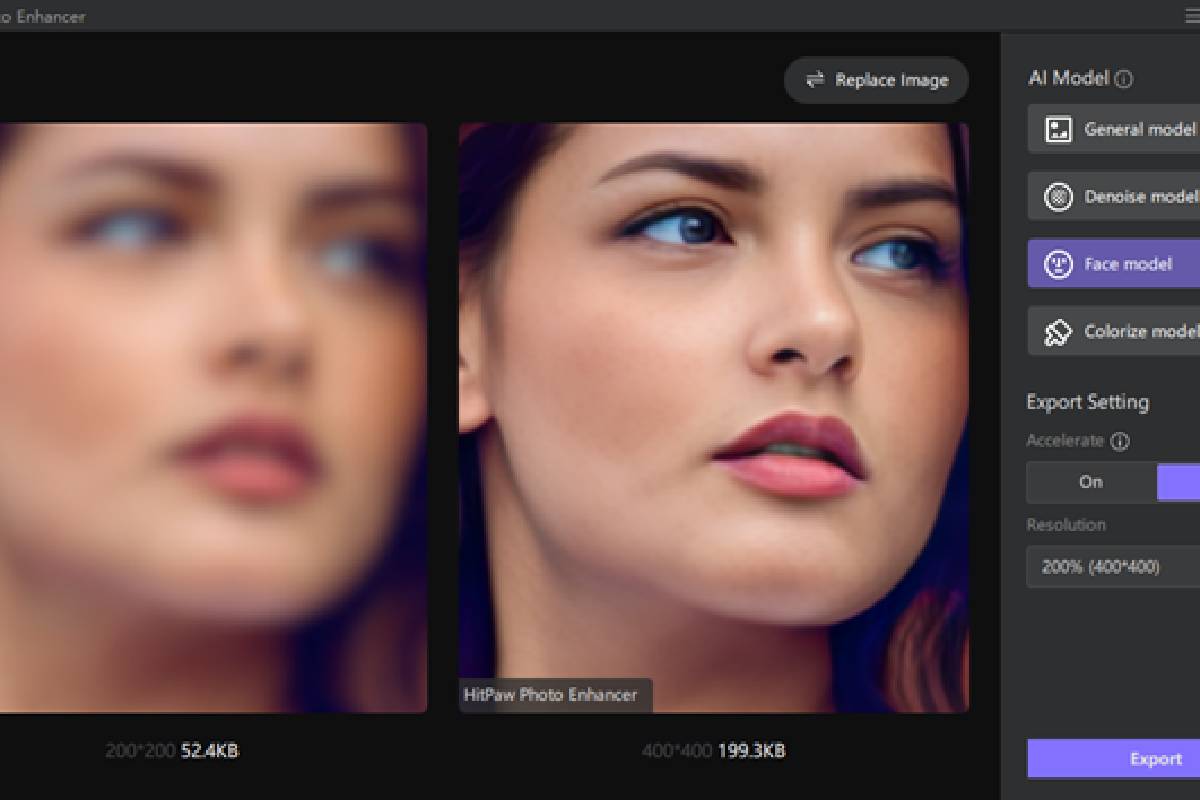
With Fotor s AI image upscaler you can increase photo resolution and improve image quality easily More than that you are free to convert a low resolution image into high resolution in seconds With artificial intelligence algorithms Fotor can 100 automatically increase the image resolution and enhance photo details for you Adobe Express comes with all the options you need to change your image s dimensions instantly Crop an image change the aspect ratio scale it or resize it to a preset or custom dimension The Adobe Express image resizer lets you resize images effortlessly and for free A quick and easy to use image resizer
How To Increase Resolution With Photoshop Forcesurgery24 Best A I Image Upscaler Top 7 Software Compared 7 Tips To Increase Your Credit Score Infographic How To Increase Resolution Of Image Photoshop How To Increase The Resolution Of An Image Increase Of Consumer Price Index By 0 4 In September 2017 Bahrain How To Increase The Resolution Of An Image With Just A Few Clicks 3 WORK SUCCESS How To Increase Resolution Of Images With Helpful Methods
How Do You Increase Image Resolution
 How Do You Increase Image Resolution
https://121clicks.com/wp-content/uploads/2020/09/how-to-improve-picture-quality-in-photoshop-increase-image-resolution-1.png
To change the refresh rate Select Start Settings System Display Advanced display Next to Choose a refresh rate select the rate you want The refresh rates that appear depend on your display and what it supports Select laptops and external displays will support higher refresh rates Change screen brightness in Windows
Templates are pre-designed files or files that can be utilized for various purposes. They can save effort and time by supplying a ready-made format and layout for creating different type of content. Templates can be utilized for personal or professional jobs, such as resumes, invitations, flyers, newsletters, reports, presentations, and more.
How Do You Increase Image Resolution
How To Increase Image Resolution Online Offline
Best A I Image Upscaler Top 7 Software Compared
7 Tips To Increase Your Credit Score Infographic
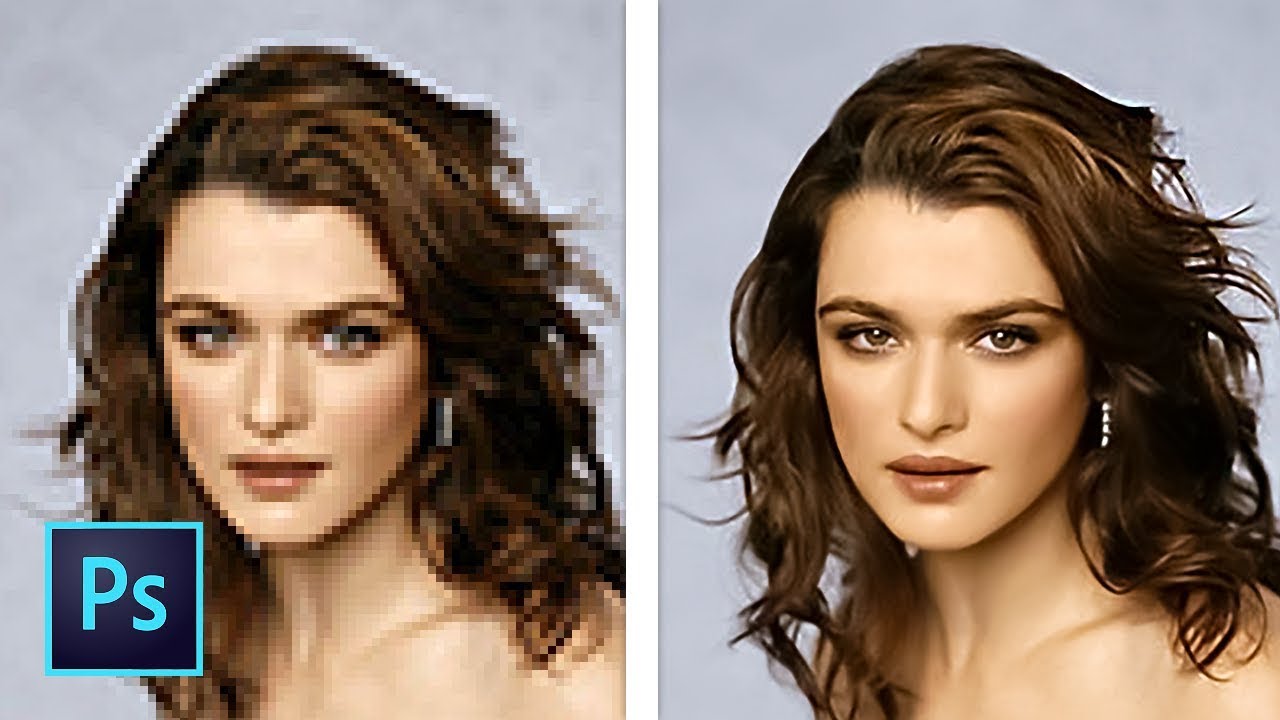
How To Increase Resolution Of Image Photoshop
Increase Of Consumer Price Index By 0 4 In September 2017 Bahrain

How To Increase The Resolution Of An Image With Just A Few Clicks
Press Ctrl A Windows or Command A Mac to select the whole image Press Ctrl C or Command C to copy the image To create a higher resolution copy select File New to open the Create a New Image dialog box To ensure the final picture has a resolution of 300 pixels per inch select Advanced Options

Easily increase the resolution of your images with our advanced upscaling tool Select images or drop images here Get high quality images with iLoveIMG s advanced AI upscaling tool Try it now for free and increase the resolution of your images online in just a few clicks

Photoshop will automatically change the other value for you keeping the aspect ratio and amount of pixels the same Follow these steps Open your image in Photoshop Choose Image Image Size Deselect Resample This will automatically lock the current ratio of Width and Height To adjust Resolution add new values

On the site click the Choose Images button and then find and select the images you want to resize You can choose a single images or hundreds at once Click the Open button when you re ready On the next screen you can choose how to resize the image Scale Longest Side Width Height or Exact Size

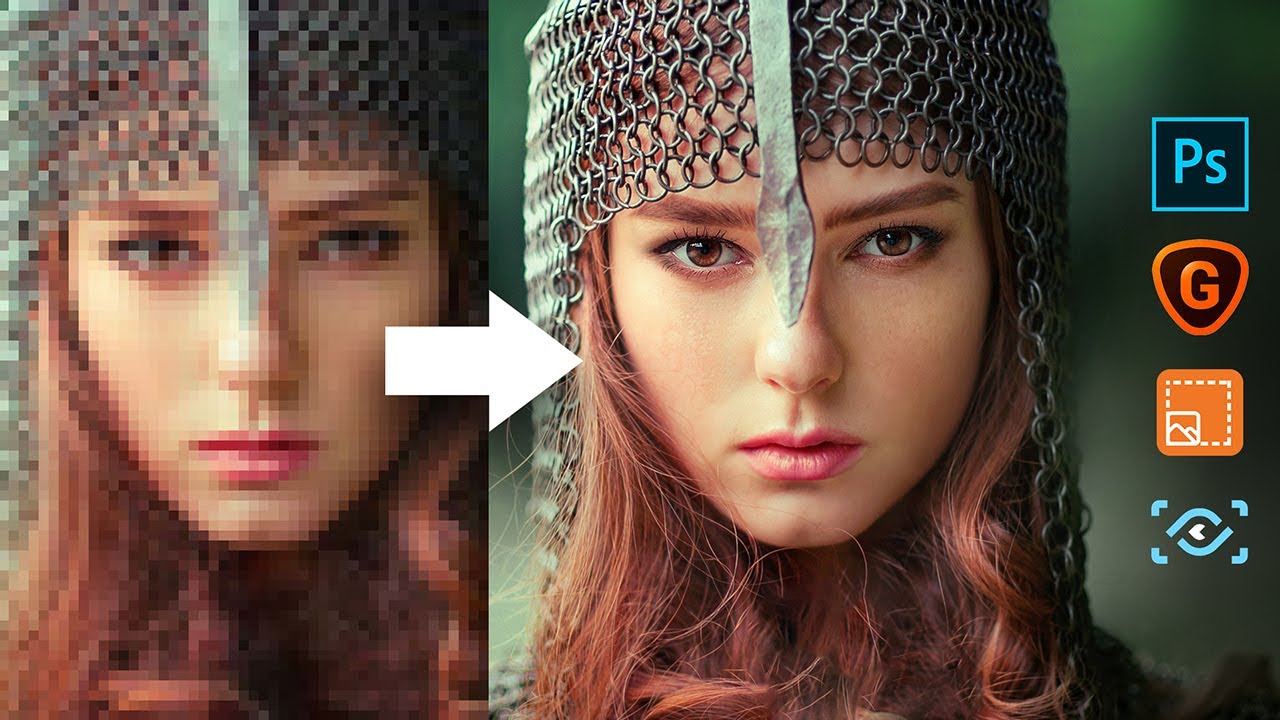
How to Increase Image Resolution While Preserving Image Quality Option 1 Create a High Resolution Image with Topaz Gigapixel AI Option 2 How to Increase Resolution in Adobe Photoshop Option 3 Increase Photo Resolution Enhance Images Online with Let s Enhance FAQ S
OS all macOS versions Double click on an image or right click and open Preview and then head to Tools Adjust Size Change the size by typing into the number boxes and choose your desired unit of measurement from the drop down box on the right or just use pixels if you re not sure Here s how to make an image with higher resolution using GIMP Download GIMP and install it Open GIMP Click on Files Select Open Select the image you want to edit and click Open Press CTRL A for Windows or Command A Mac Press CTRL C for Windows and Command C for mac to copy the image Now click on File
3 Pick The Image Resolution As and when the processing of your image is done you will see two options for the digital upscaling of your image The options include AI upscaling to 4X and Normal upscaling to 2X 4 Save The Image Now that you have your upscaled and enhanced image click Download to save the image