How Do You Fix Your Function Keys Not Working How To Fix Laptop Keyboard Not Working EASY FIX 2019 Solved YouTube How To Fix Brightness Control Function Keys Not Working Function Keys Not Working On Windows 10 Laptop EASY SOLUTIONS Best Way To Fix Sticky Laptop Keys Laptop Sticky Fix It Fix Function Keys Stopped Working On Windows 11 2024 2 Why are my F1 F12 keys not working F1 F12 keys may not work if your laptop has the Fn key enabled by default Press the Fn and the desired F1 F12 keys to use their primary functions Check if you can disable the default Fn key behavior in your laptop s settings 3 How do you disable the Fn key without BIOS
Installing the latest updates can help fix any issues that might be affecting the functionality of your function keys To update your system go to Settings Update Security Windows Update and check for available updates Fix 1 Check If the Function Keys are Locked Fix 2 Clean Your Keyboard Fix 3 Run the Windows Troubleshooters Fix 4 Disable Filter Keys Fix 5 Update Your Keyboard Driver Fix 6 Change Settings in Mobility Center Fix 7 Reset Your Windows
Fix Function Keys Stopped Working On Windows 11 2024 How To Individual Laptop Keyboard Keys Fix Repair Installation Guide Top 13 Lock Fn Key Windows 11 Unknown Uses Of Function Keys On Your Keyboard To Save You Tons Of Time Solved Function Key Or FN Key Not Working Windows 10 Laptop 99Media Keyboard Keys Replacement Guide IFixit Repair Guide Function Keys Not Working In Windows 10 Try These Fixes MiniTool 3 Workable Methods To Fix Fn Key Not Working On Windows Function Keys Not Working In Windows 10 How To Solve It
How Do You Fix Your Function Keys Not Working
 How Do You Fix Your Function Keys Not Working
https://i.ytimg.com/vi/6_mtMJ5gOFY/maxresdefault.jpg
1 Check If Fn Keys Are Locked One of the most fundamental reasons why the Function keys are not working in Windows 10 is because you may have accidentally pressed the Fn lock key This also tends to lock many toggle keys like Num Lock Shift key and Caps Lock Look for an Fn Lock shortcut key or an F Mode shortcut key on your keyboard
Templates are pre-designed files or files that can be used for numerous purposes. They can conserve effort and time by offering a ready-made format and design for producing various sort of content. Templates can be utilized for personal or expert projects, such as resumes, invitations, flyers, newsletters, reports, discussions, and more.
How Do You Fix Your Function Keys Not Working
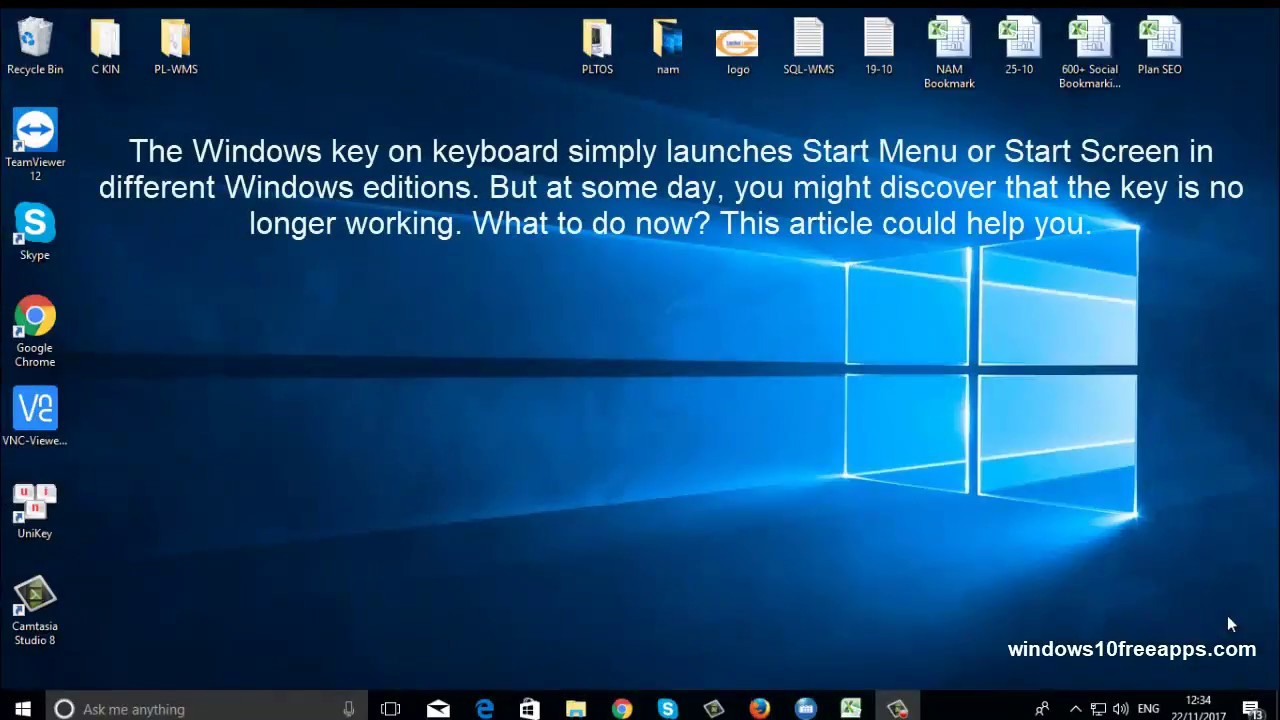
How To Fix Windows Key Not Working Windows 10 YouTube
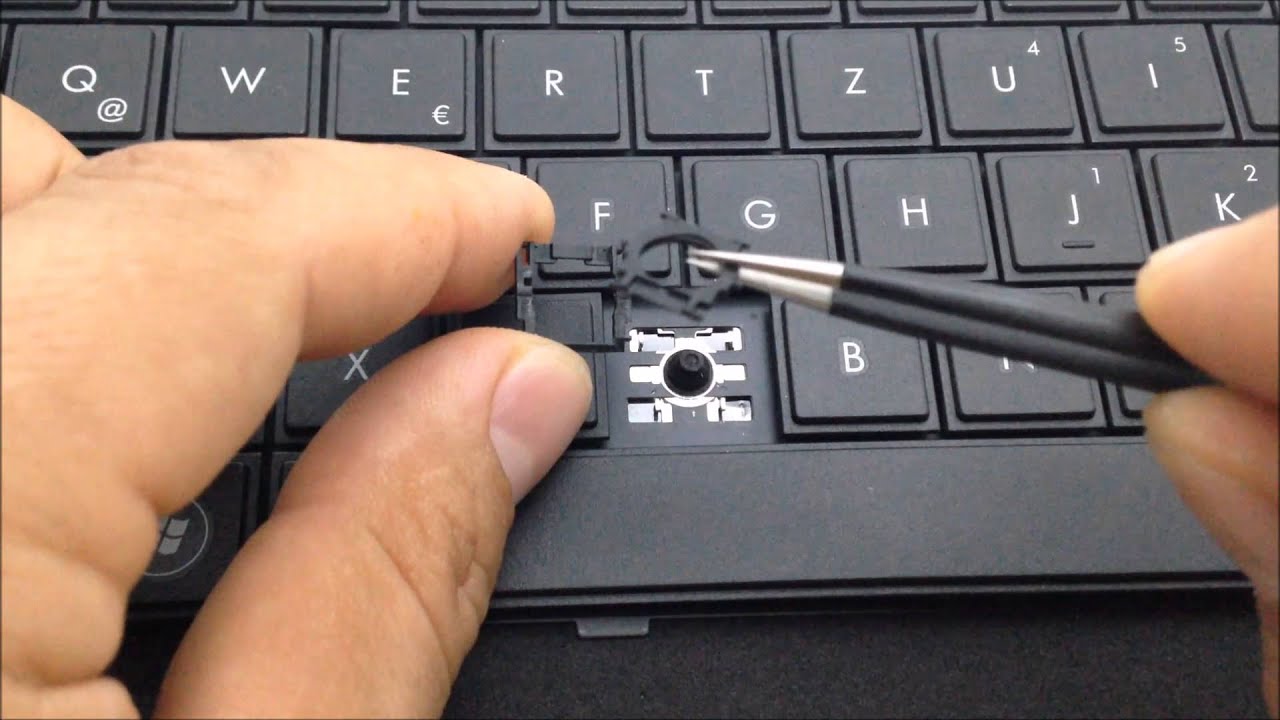
How To Individual Laptop Keyboard Keys Fix Repair Installation Guide
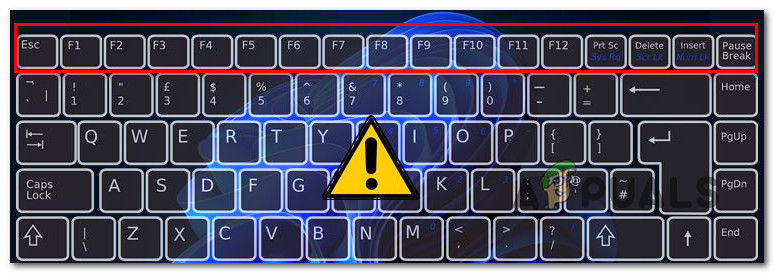
Top 13 Lock Fn Key Windows 11

Unknown Uses Of Function Keys On Your Keyboard To Save You Tons Of Time

Keyboard Keys Replacement Guide IFixit Repair Guide
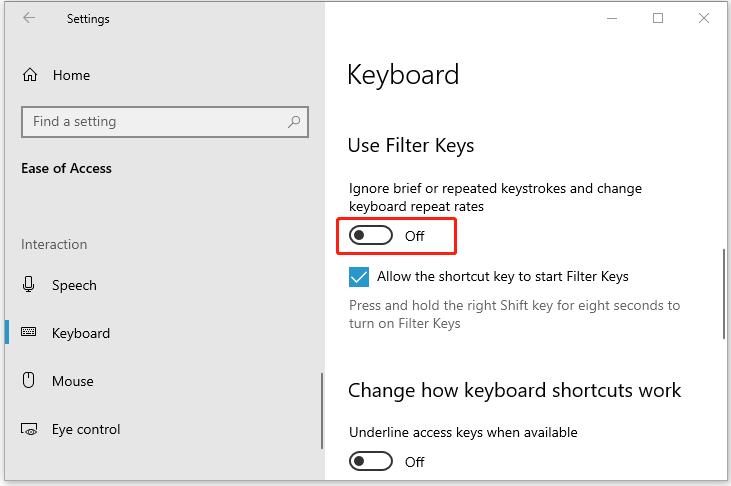
Function Keys Not Working In Windows 10 Try These Fixes MiniTool

On your keyboard look for an Fn F lock or F Mode key Depending on your laptop you should press for one time or press and hold for a few seconds If this doesn t work press the Fn and Esc keys at the same time Then try to use one of the Function keys

Hold the Fn key while pressing a function key to get it to work If your keyboard has an F Lock key press it to enable your function keys If your function keys don t work no matter what you try you may need to enable them in your BIOS UEFI Method 1

Navigate to the Hotkey Mode or Function Key Behaviour Enable the option or change the behavior to Function Key Save the changes and Exit from the BIOS Now use the Fn key to see if it functions as intended Clean the keyboard The next thing to do is clean the keys on your keyboard

Symptoms When you press a function key on a Microsoft keyboard the function key does not work as expected Alternatively certain keys do not work when you press them These keys may include the following The NUM LOCK key The INSERT key The PRINT SCREEN key The SCROLL LOCK key The BREAK key The F1 key through the F12 FUNCTION keys
1 Uninstall Reinstall and Update Keyboard Drivers A corrupt driver or missed update can affect the responsiveness of the functions key To upgrade to the latest versions update drivers
If the function keys are not working on your laptop check if the function keys are enabled The laptops come with a feature that lets you prioritize the hotkeys over the function keys In such cases you must press the Fn and the desired function keys to Fix 1 Diagnose Hardware Faults Fix 2 Switch off the Filter Keys Fix 3 Uninstall the Hotkey Drivers Fix 4 Upgrade Keyboard Drivers Why Function Fn Keys Not Working on Windows 10 However below listed down are significant issues that stop Fn keys to work accurately Take a look at them
Eunice Samson 9 Jan 2019 3 min to read 50 Table of contents Method 1 Checking If the Function Keys are Locked Fix this issue quickly Method 2 Try Pressing the F11 or F12 Keys Method 3 Updating your Keyboard Driver Via the Device Manager Going to the Manufacturer s Website to Download the Driver Using Auslogics Driver Updater