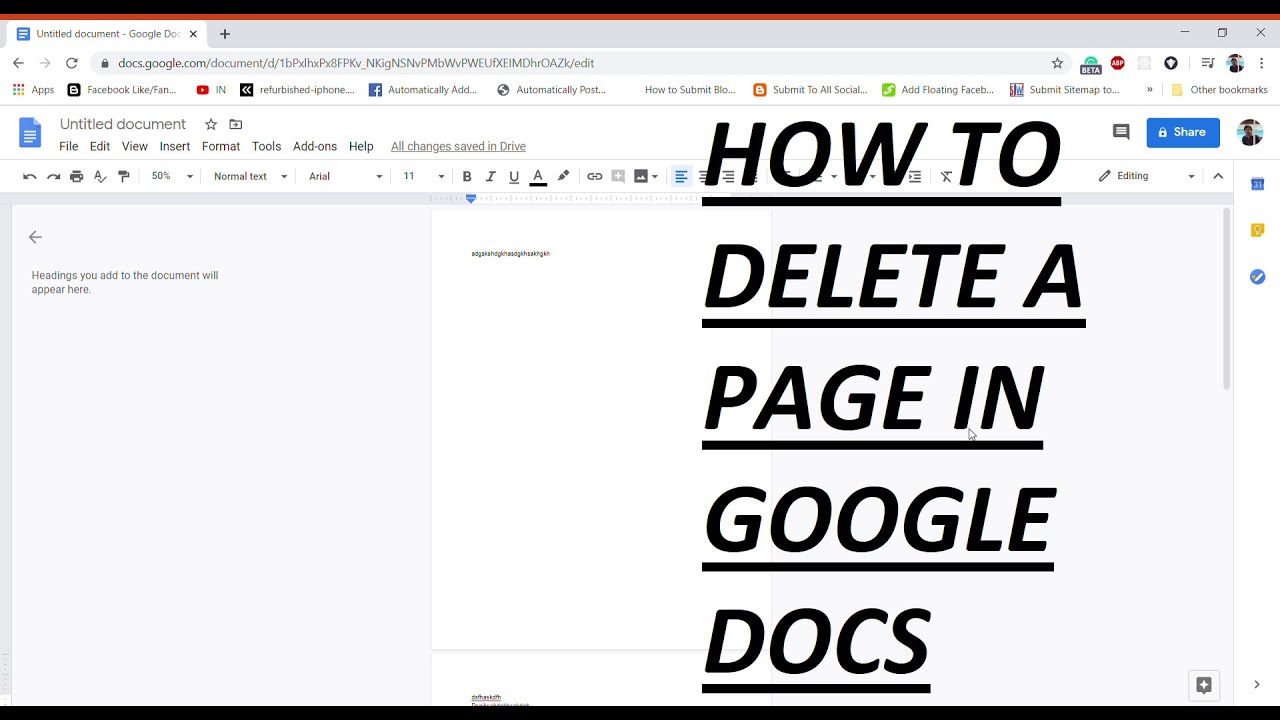
How Do You Delete A Chart On Google Docs How To Add Or Delete Columns In Google Docs Tables How To Delete Blank Rows In Excel The Right Way 2021 Riset How To Delete Pages In Google Docs How To Delete A Google Review Podium How To Delete A Page In Google Docs 2020 YouTube About the metrics Engagement rate and bounce rate are important metrics in Google Analytics that enable you to measure and analyze user engagement with your website or app
You can add update or remove phone numbers on your Google Account Phone numbers are used for different reasons and you have controls to manage how your numbers are used This help content amp information General Help Center experience Search Clear search
How To Delete A Page In Google Docs 2020 YouTube How Do You Delete When Using Design Options Autodesk Community How To Delete A Page In Google Docs On A Chromebook Google ORG bob edrawmax Bob Create A Split Page In Google Docs Tech For Teachers Gambaran How To Delete Charts From Excel YouTube How To Insert And Edit A Chart In Google Docs Aus Verh ltnism ig Aus Android Gmail L schen Zeitplan Unterscheidung How To Put Pie Chart In Google Docs And 9 Ways To Customize It
How Do You Delete A Chart On Google Docs
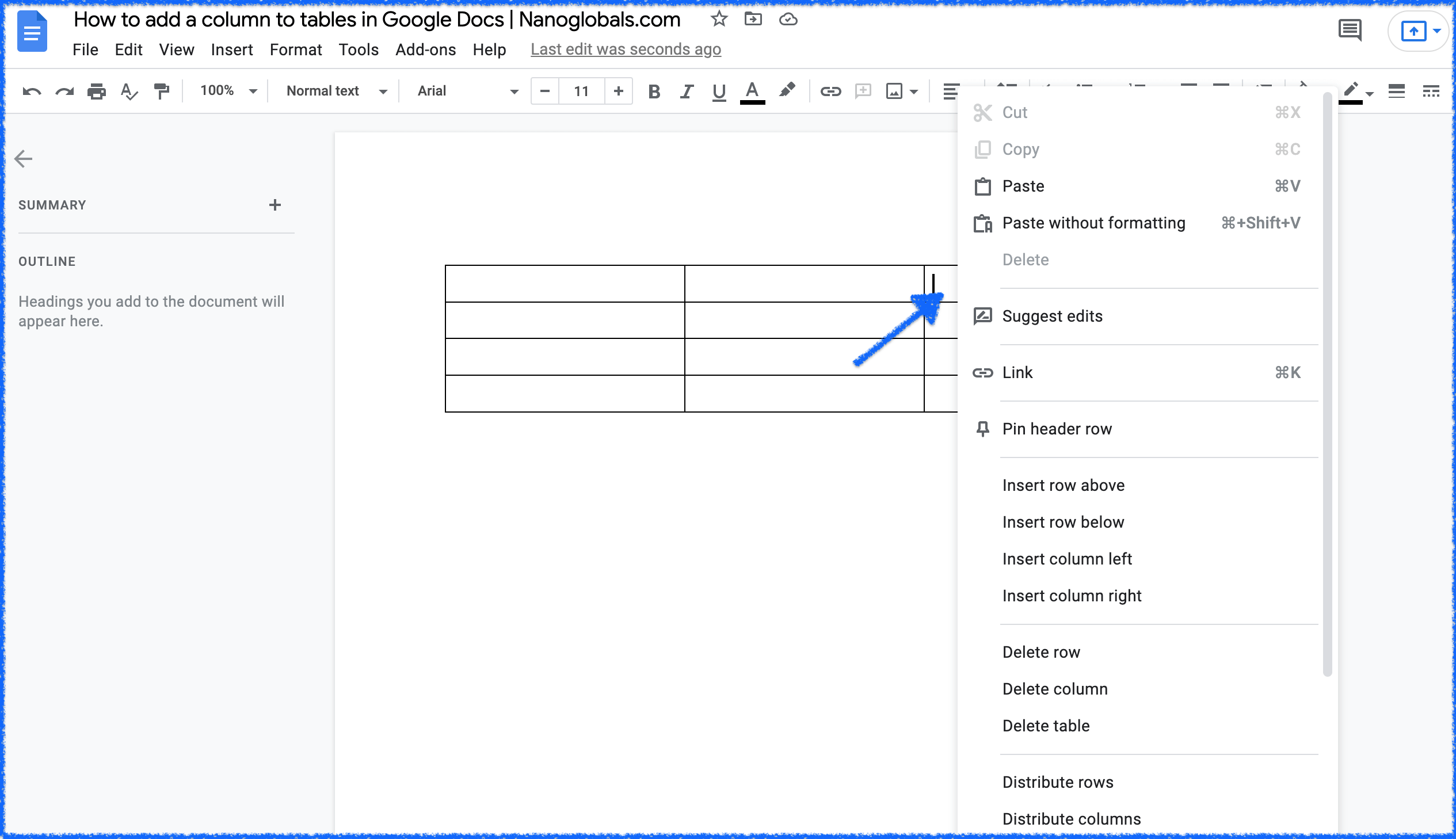 How Do You Delete A Chart On Google Docs
https://nanoglobals.com/assets/images/right-click-existing-column-google-doc-table.png
Jan 31 2008 nbsp 0183 32 How the weather is cold how cold the weather is what what a what
Pre-crafted templates offer a time-saving service for creating a diverse series of files and files. These pre-designed formats and designs can be made use of for numerous individual and professional projects, consisting of resumes, invites, flyers, newsletters, reports, presentations, and more, improving the content creation process.
How Do You Delete A Chart On Google Docs

Google Docs For IOS Updated With Word Count And IPad Pro Support

How Do You Delete When Using Design Options Autodesk Community
How To Delete A Page In Google Docs On A Chromebook
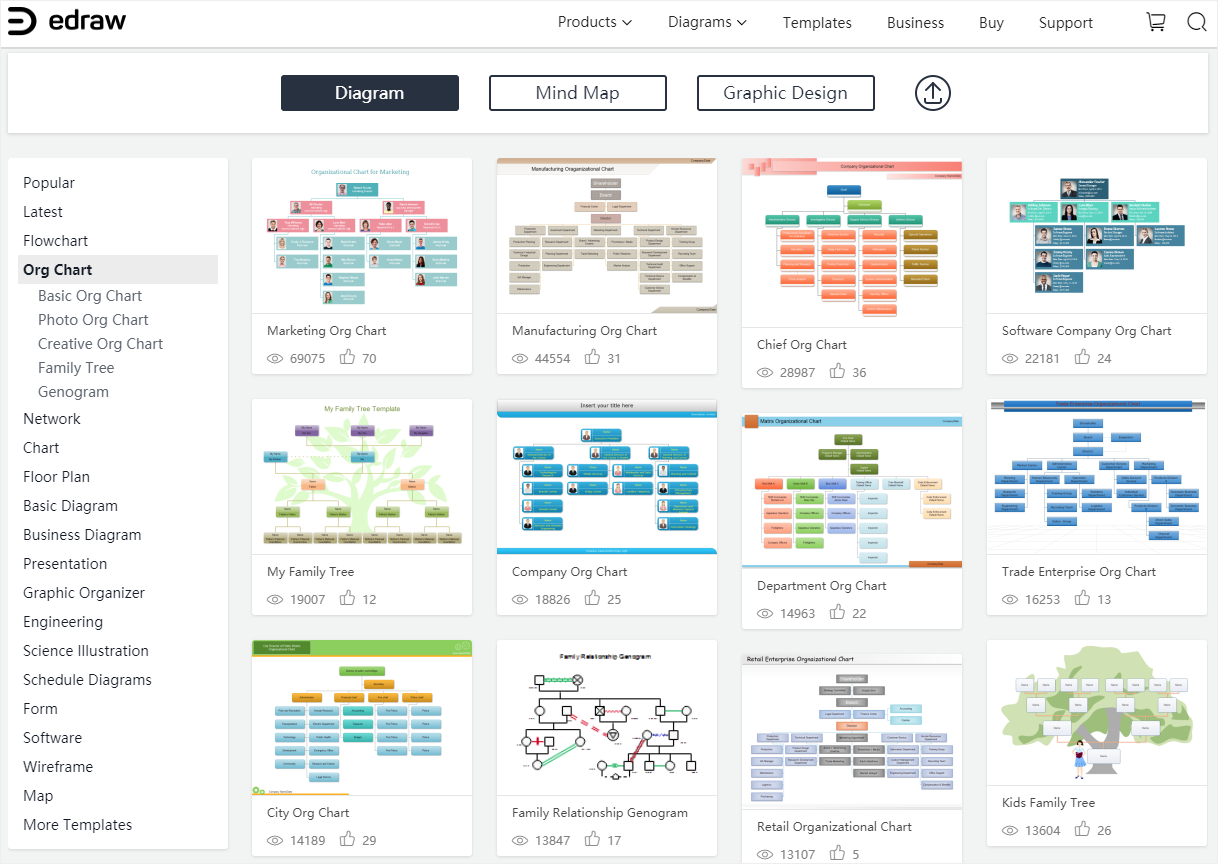
Google ORG bob edrawmax Bob
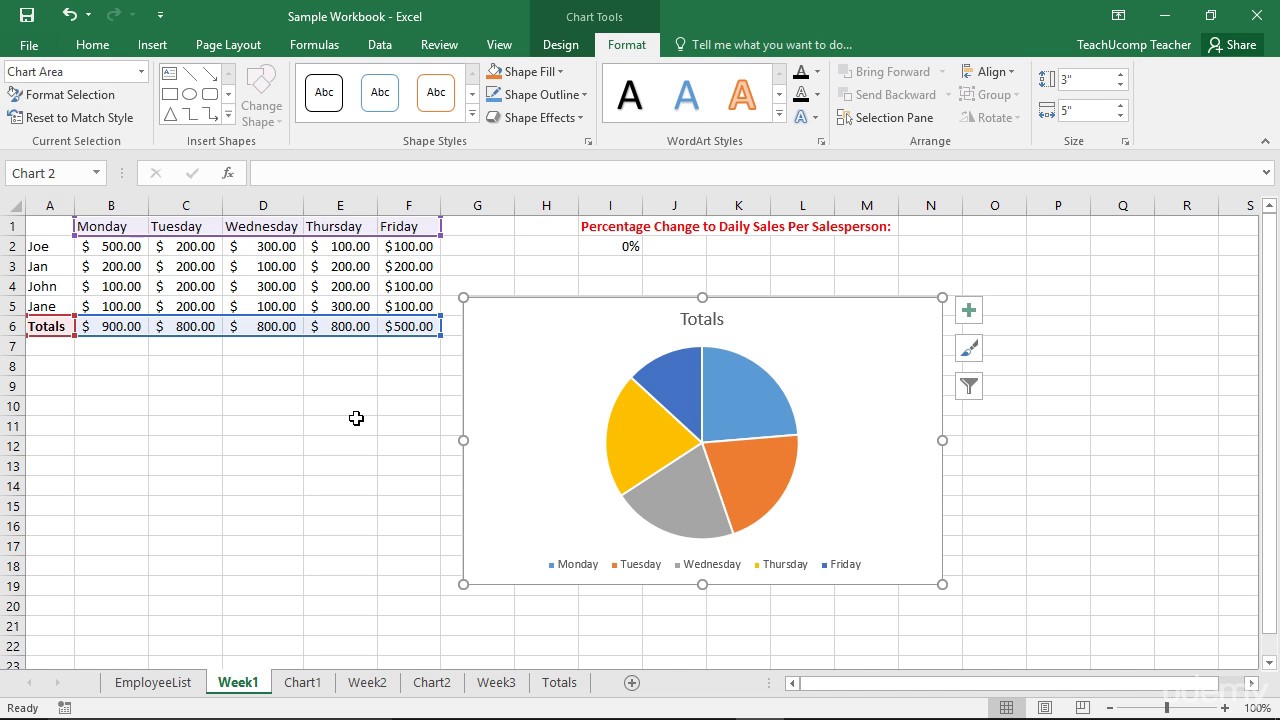
How To Delete Charts From Excel YouTube
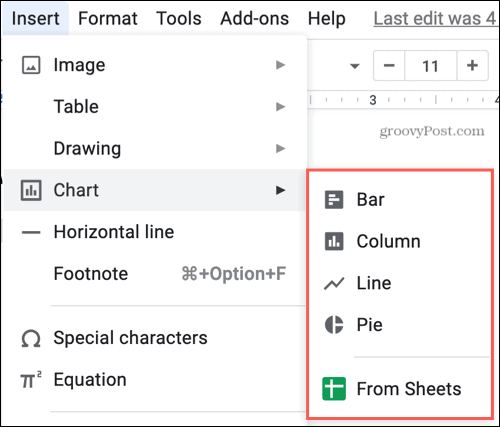
How To Insert And Edit A Chart In Google Docs
Super File Shredder sougouinput

Dec 3 2023 nbsp 0183 32 1 app 2

To use Chrome on Mac you need macOS Big Sur 11 and up On your computer download the installation file Open the file named quot googlechrome dmg quot

Quit Chrome and reopen it Windows Press Ctrl q Mac Press q Try loading the page again
To find your username follow these steps You need to know A phone number or the recovery email address for the account
[desc-11] [desc-12]
[desc-13]