How Do Ms Forms Work Microsoft Forms Overview And How To Use EnjoySharePoint Getting Started With Microsoft Forms Part 1 AvePoint Blog Microsoft Forms Cheat Sheet How To Get Started Tech Tribune France How To Create A Form In Microsoft Forms Step by Step Guide VersusHQ Microsoft Forms Tutorial YouTube Want advanced Google Workspace features for your business Try Google Workspace today Google Drive helps you keep all your files together You can upload and share your files from
This article will help you set up learn the basics and explain various features of Google Maps You can use the Google Maps app on your mobile device or Google Maps on your computer S Want advanced Google WoTo edit a document On your computer open a document in Google Docs To select a word double click it or use your cursor to select the text you want to change
Microsoft Forms Tutorial YouTube Microsoft Forms Overview And How To Use EnjoySharePoint Getting Started With Microsoft Forms Part 1 Avepoint Blog Microsoft Forms Overview And How To Use EnjoySharePoint How To Set Up A MS Form YouTube Microsoft Forms Microsoft Office Tutorials Create Edit And Collaborate On A Form In Microsoft Forms Examples MS Forms 3 New Features Format Surveys Send To Specific Users And
How Do Ms Forms Work
 How Do Ms Forms Work
https://www.enjoysharepoint.com/wp-content/uploads/2020/08/image-64-1536x841.png
You can use Google Forms to create online surveys quizzes and forms send them to others to fill in and then analyse their responses in real time To edit forms and analyse responses with
Pre-crafted templates offer a time-saving service for creating a varied range of documents and files. These pre-designed formats and designs can be made use of for different personal and expert projects, consisting of resumes, invites, leaflets, newsletters, reports, discussions, and more, streamlining the content production process.
How Do Ms Forms Work

Doing More With Microsoft Forms

Microsoft Forms Overview And How To Use EnjoySharePoint
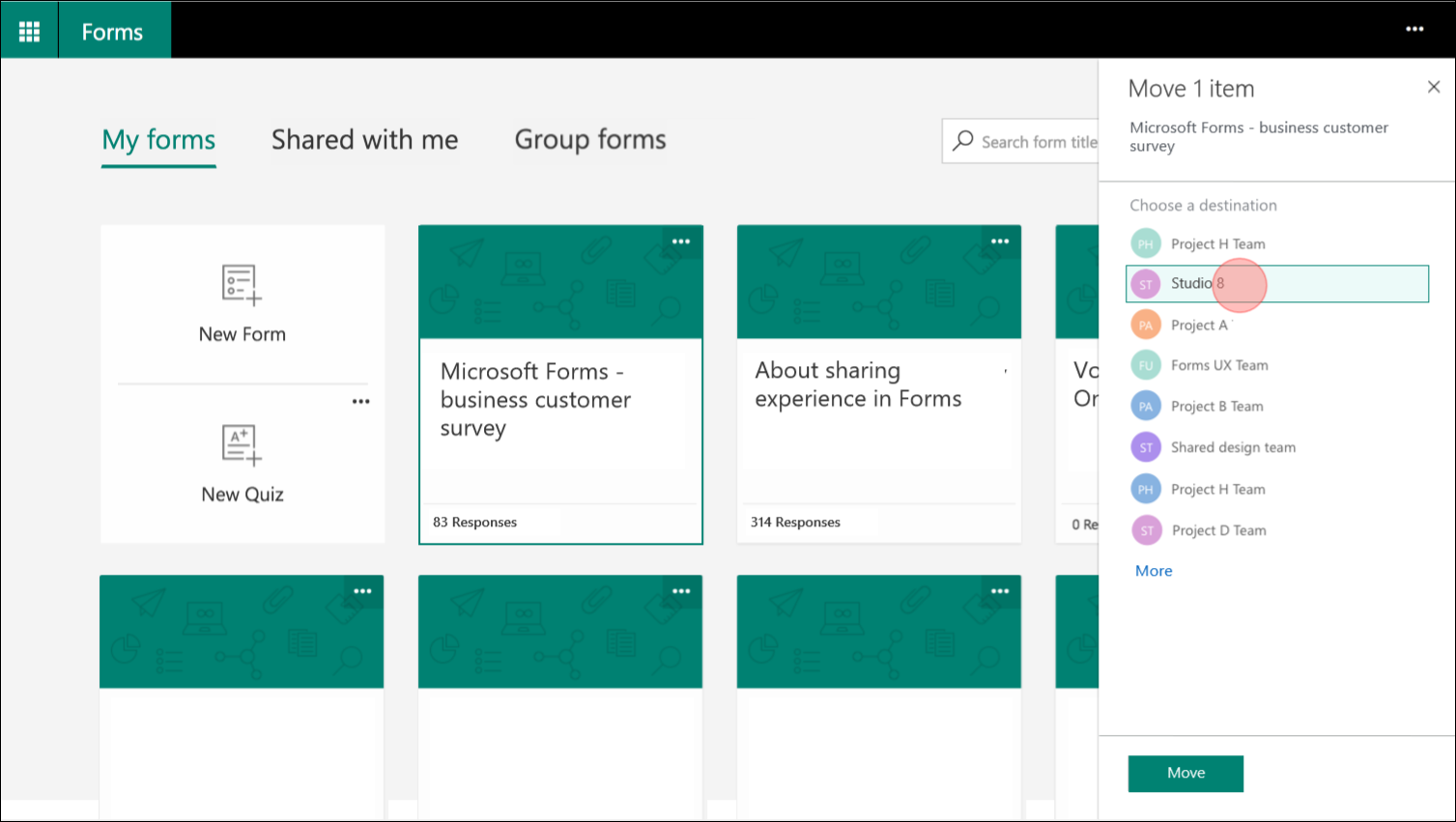
Getting Started With Microsoft Forms Part 1 Avepoint Blog
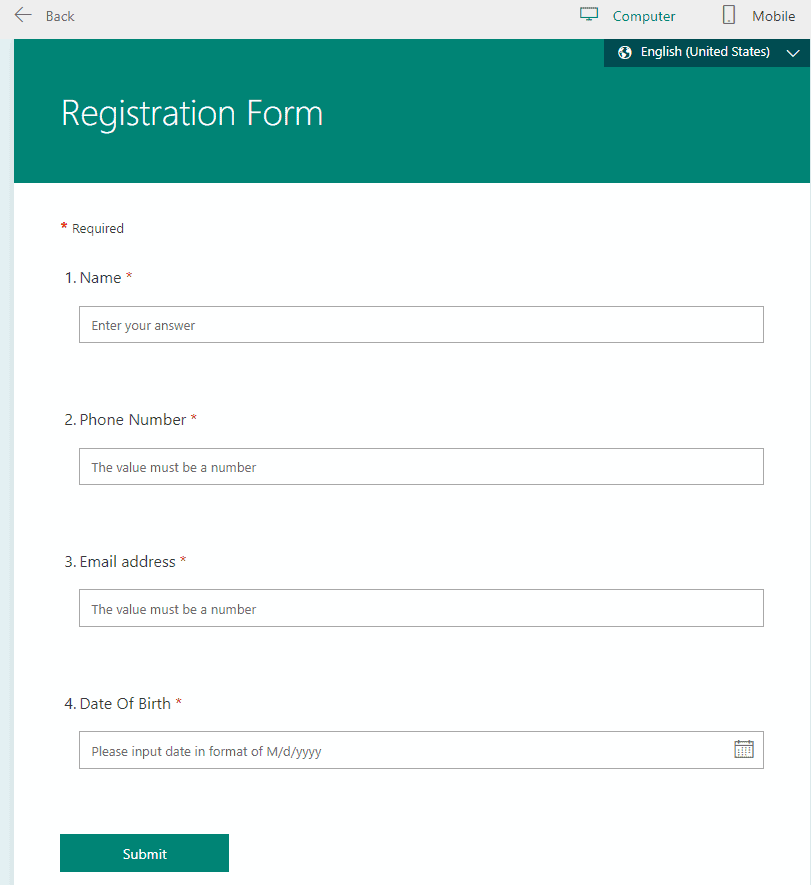
Microsoft Forms Overview And How To Use EnjoySharePoint
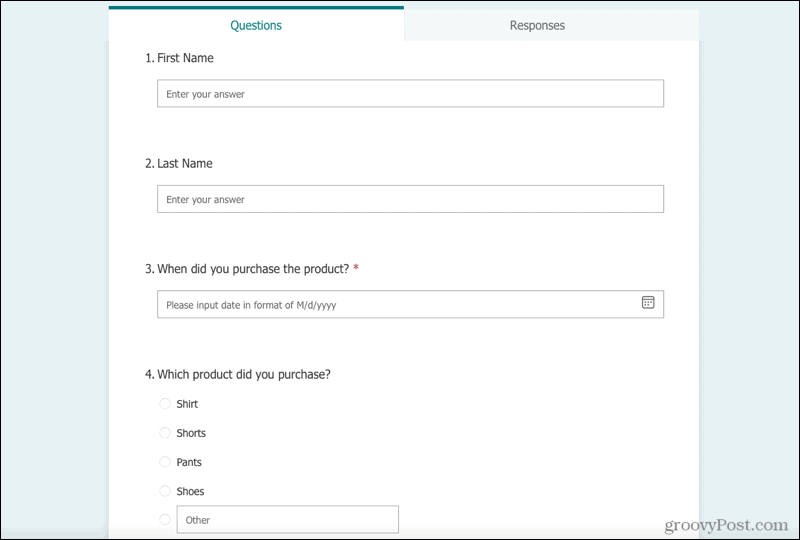
Microsoft Forms
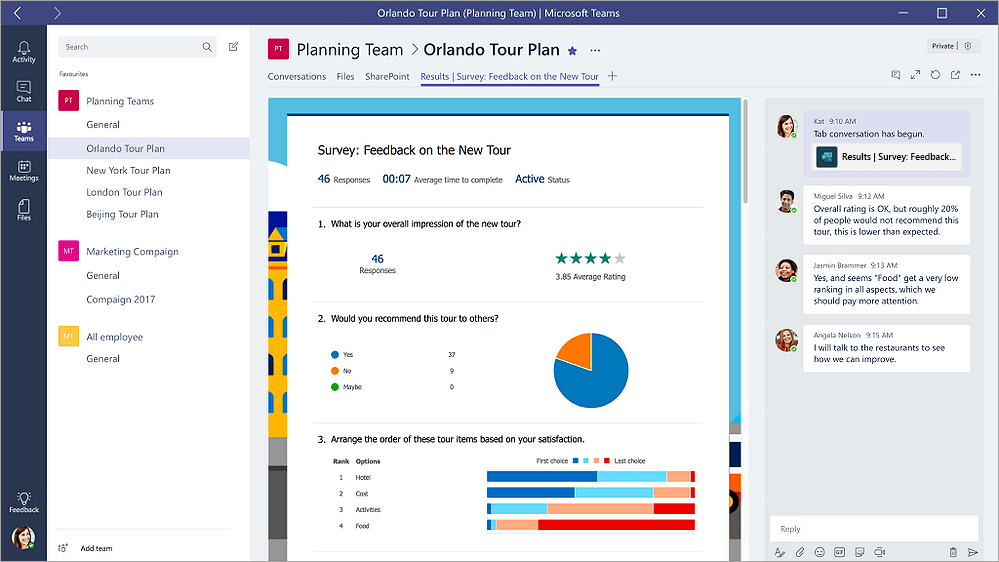
Microsoft Office Tutorials Create Edit And Collaborate On A Form In

Sign in to Gmail Tip If you sign in to a public computer make sure to sign out before you leave the computer Learn how to sign in on a device that s not yours

Important Before you set up a new Gmail account make sure to sign out of your current Gmail account Learn how to sign out of Gmail From your device go to the Google Account sign in

Important When you create a Google Account for your business you can turn business personalization on A business account also makes it easier to set up Google Business Profile

If you forgot your password or username or you can t get verification codes follow these steps to recover your Google Acc

Learn how to change more cookie settings in Chrome For example you can delete cookies for a specific site In other browsers If you use Safari Firefox or another browser check its support
[desc-11] [desc-12]
[desc-13]