How Do I Split The Screen In Microsoft Office How To Enable Microsoft Edge Split Screen Using Edge Flags YouTube How To Split Screen On Dell Ultrawide Monitor Free Word Template How To Split Screen In Tablet Mode On Windows 10 YouTube How To Split Screen On Windows 11 With Examples YouTube How To Divide One Screen Into Two In Windows 10 Lynch Sweend1940 Official Google Play Help Center where you can find tips and tutorials on using Google Play and other answers to frequently asked questions
By adding utm campaign parameters to the destination URLs you use in referral links and ad campaigns you can see which campaigns refer traffic When a user clicks a referral link the Google Analytics offers a few user metrics that provide different ways of understanding how many people visit your website or app Differences at a glance The following core user metrics are
How To Divide One Screen Into Two In Windows 10 Lynch Sweend1940 How Does ScreenToWorldPoint Work With Split Screen With Multiple How To Split Screen Windows 10 Complete Guide YouTube So Gehts Microsoft Edge Mit Dem Split Screen Modus Nutzen My XXX Hot Girl How To Use Split Screen In Windows 11 Midargus How Do I Split Screen In Windows 11 The Big Tech Question Here s How To Use Split Screen On Windows 10 Laptops And PCs YouTube Cara Split Screen Laptop Di Windows 10 Untuk Multitasking Lebih Tinggi How To Split Screen On Laptop
How Do I Split The Screen In Microsoft Office
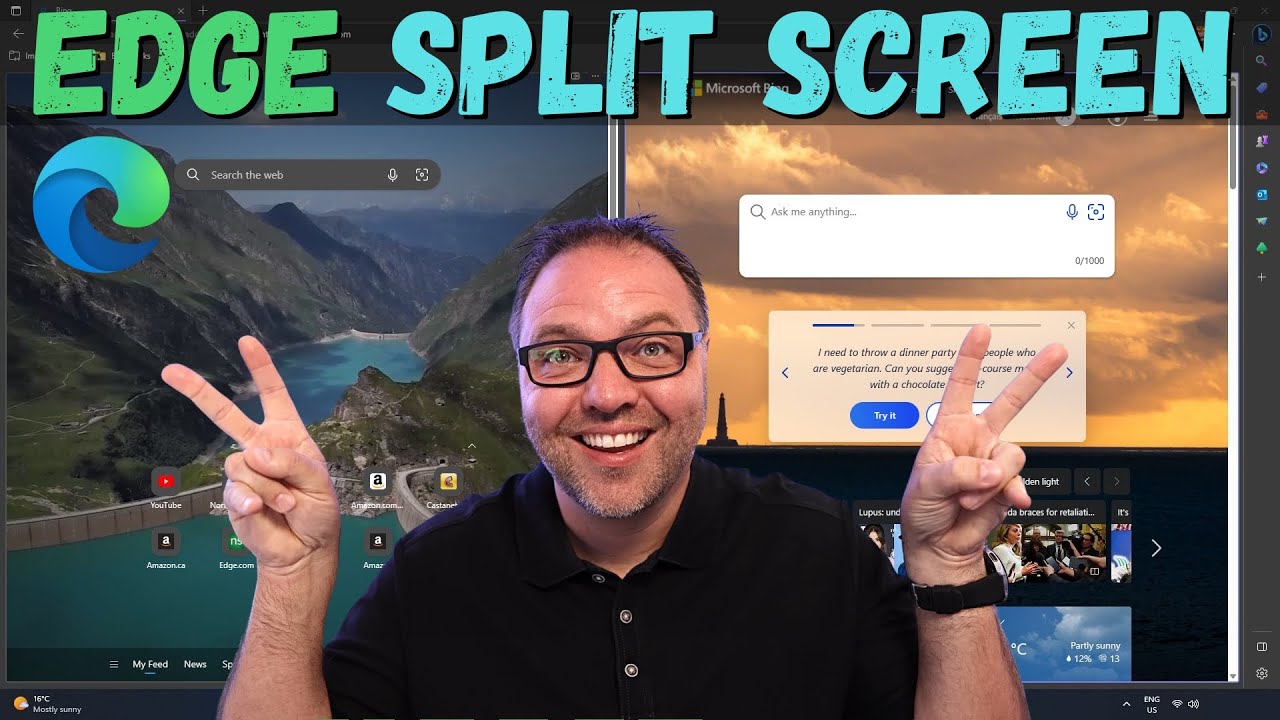 How Do I Split The Screen In Microsoft Office
https://i.ytimg.com/vi/zY0griIvydM/maxresdefault.jpg
If you re having trouble accessing a Google product there s a chance we re currently experiencing a temporary problem You can check for outages and downtime on the Google Workspace
Pre-crafted templates offer a time-saving option for creating a varied series of files and files. These pre-designed formats and designs can be used for different personal and expert projects, including resumes, invites, flyers, newsletters, reports, discussions, and more, streamlining the content production procedure.
How Do I Split The Screen In Microsoft Office
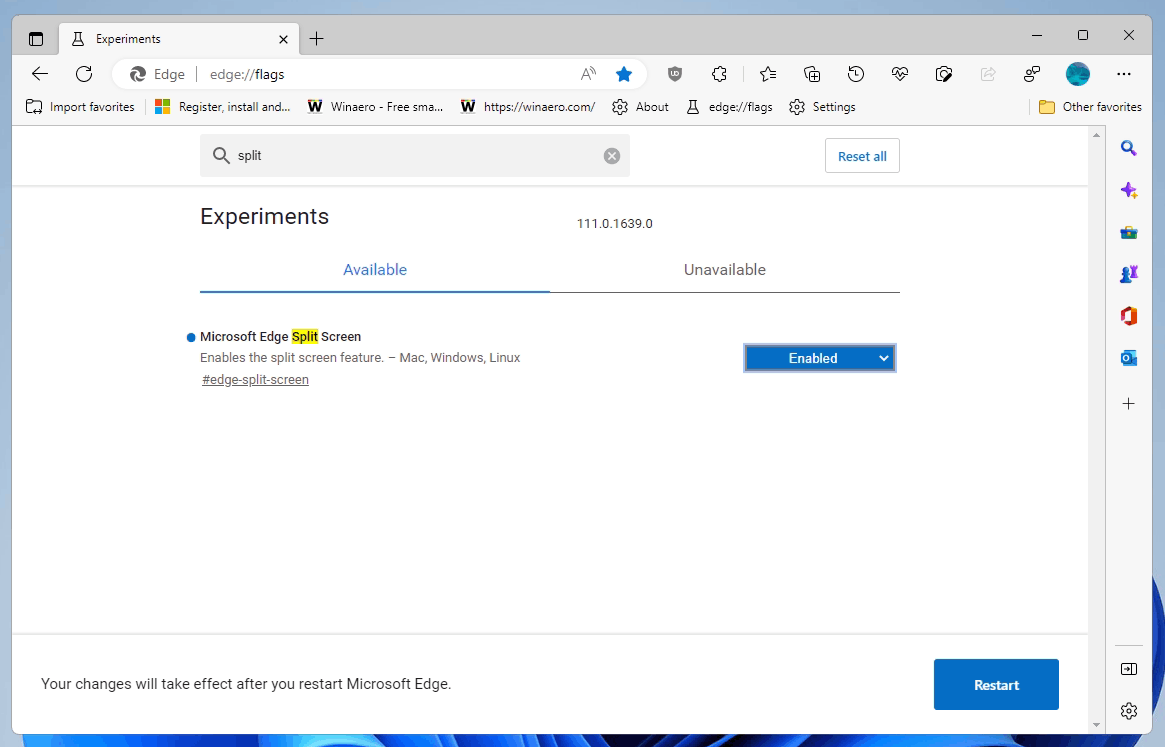
Microsoft Edge Has Got A New Split Screen Feature To Open Two Sites In
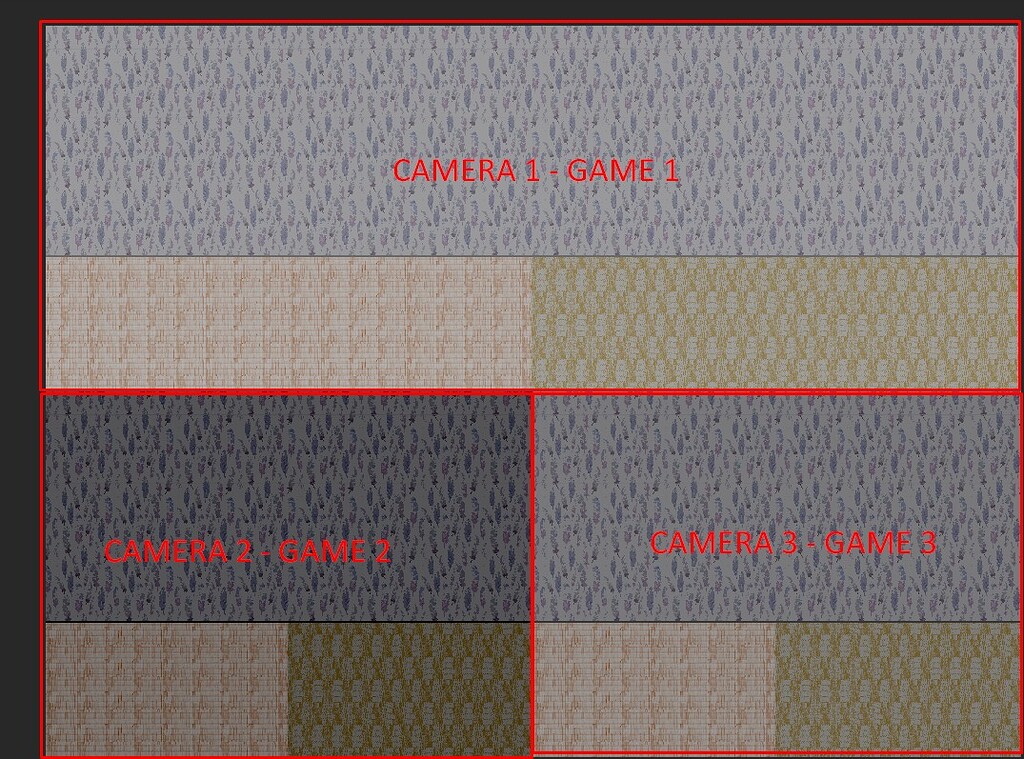
How Does ScreenToWorldPoint Work With Split Screen With Multiple
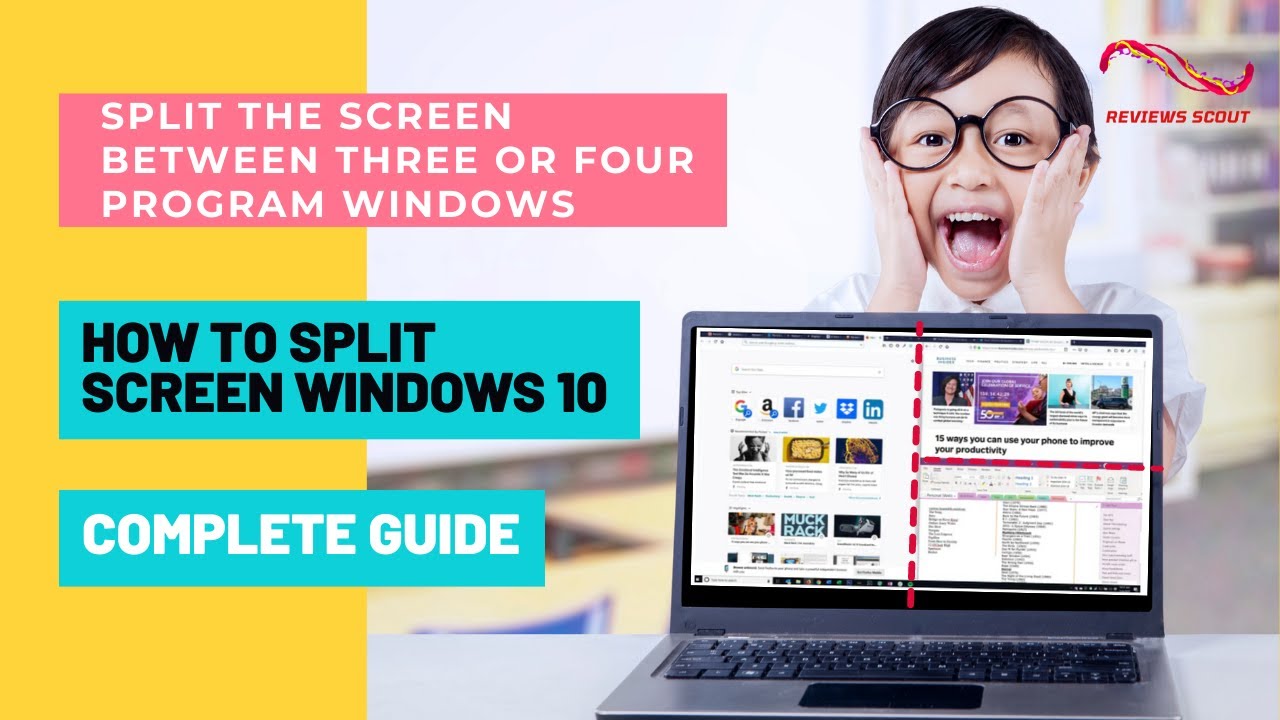
How To Split Screen Windows 10 Complete Guide YouTube
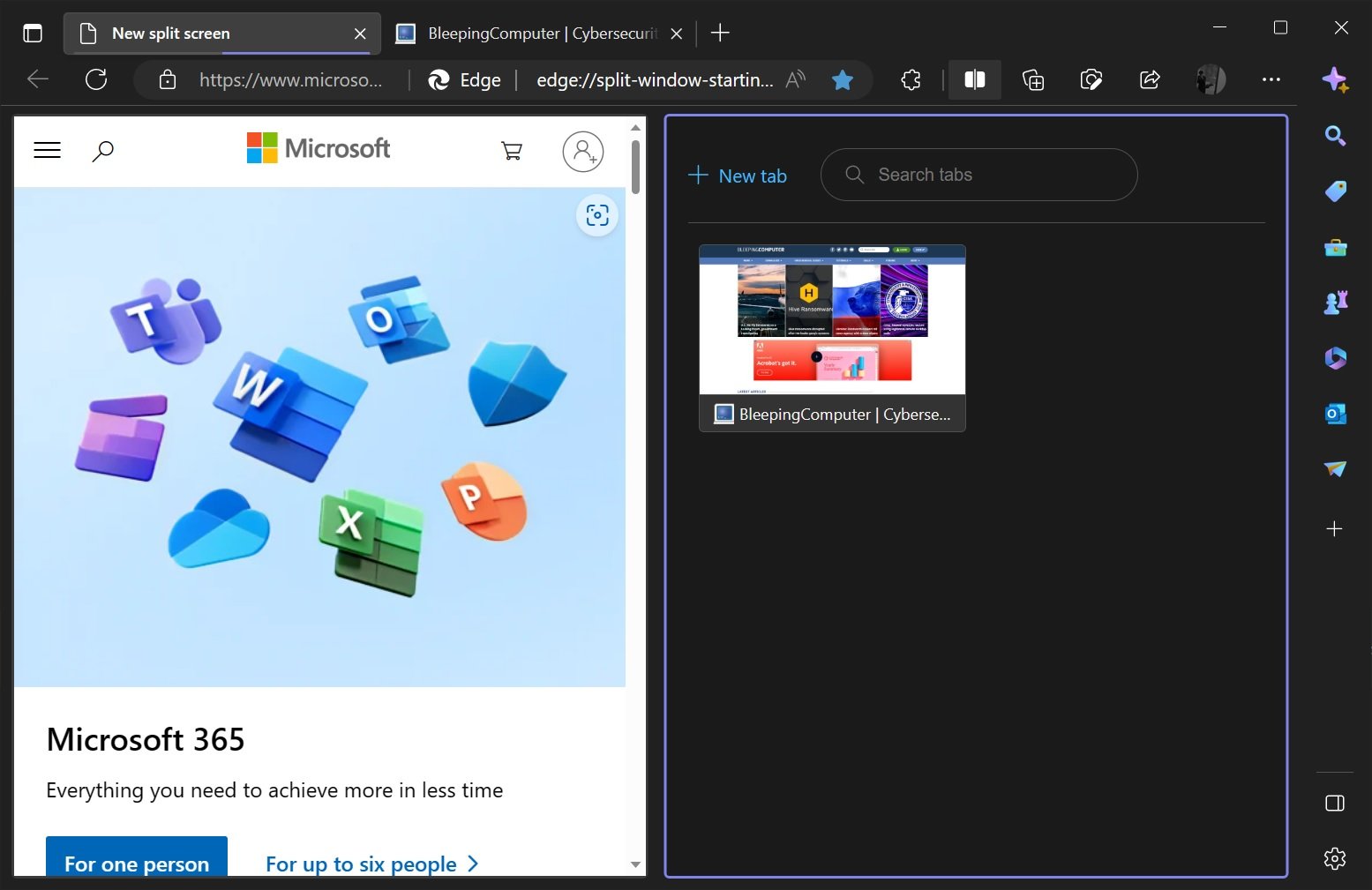
So Gehts Microsoft Edge Mit Dem Split Screen Modus Nutzen My XXX Hot Girl

How Do I Split Screen In Windows 11 The Big Tech Question
Here s How To Use Split Screen On Windows 10 Laptops And PCs YouTube

How to install Chrome Important Before you download you can check if Chrome supports your operating system and other system requirements

You can get directions for driving public transit walking ride sharing cycling flight or motorcycle on Google Maps If there are multiple routes the best route to your destination is blue All other
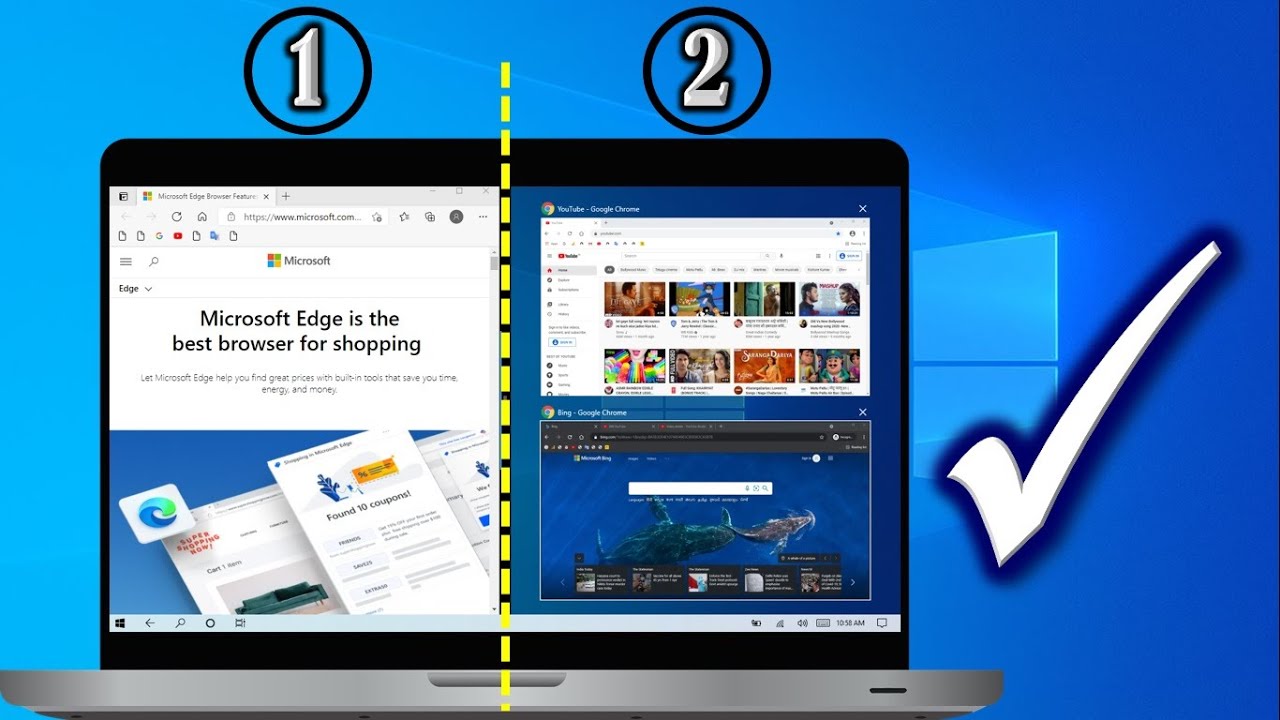
Google Chrome tips Google Chrome tips From productivity to customization learn how to get things done more quickly with your browser

If you forgot your password or username or you can t get verification codes follow these steps to recover your Google Account That way you can use services like Gmail Pho
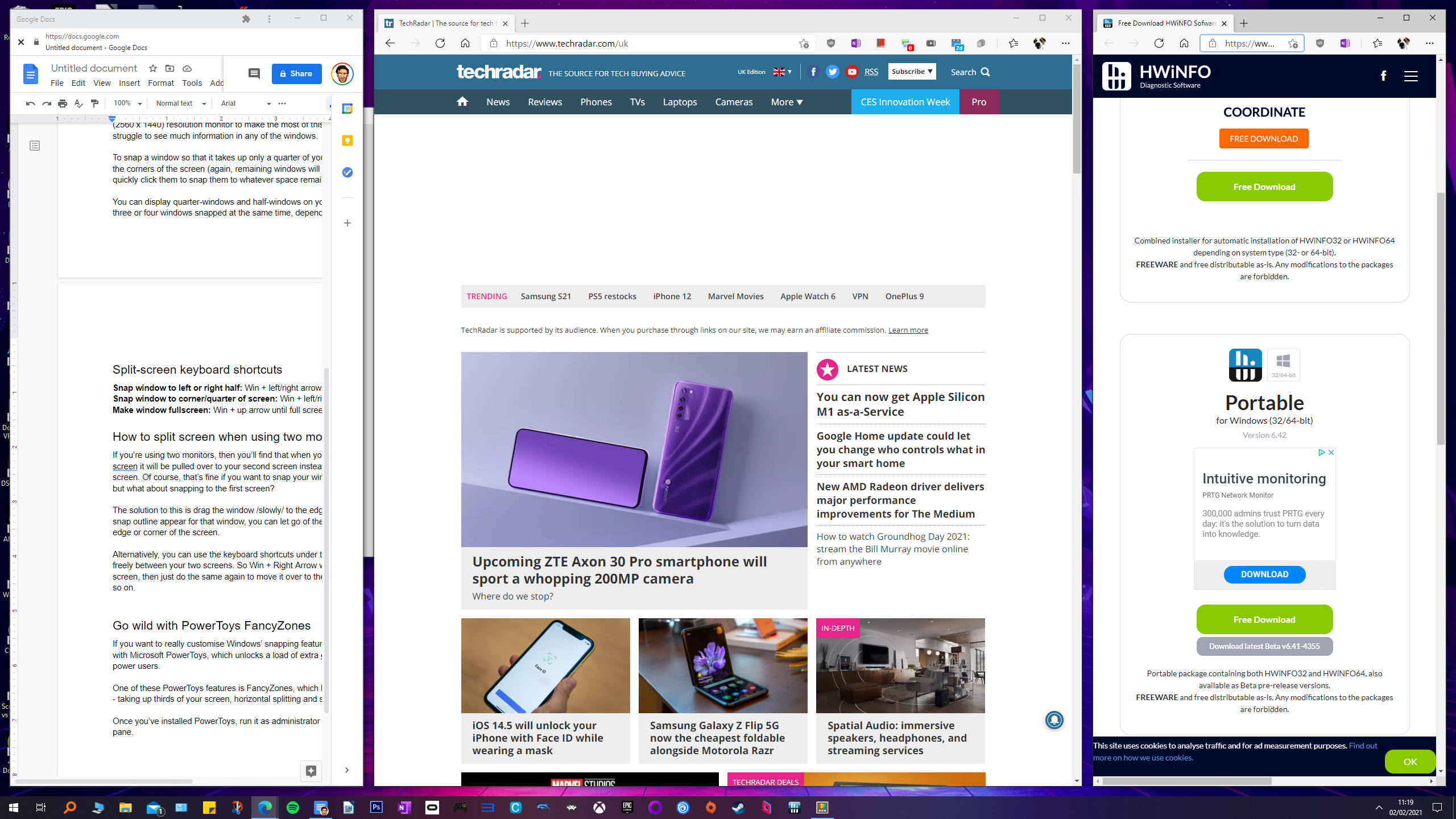
To easily manage and share content across all of your devices and the cloud use Google s desktop sync client Drive for desktop If you edit delete or move a file on the Cloud the same
[desc-11] [desc-12]
[desc-13]