How Do I Put A Lock Code On My Iphone IPhone da QR Kodu Nas l Taran r evrimi i cretsiz QR Kod Olu turucu How To Scan A QR Code On IPhone Laptop Mag Comment Scanner Un Code QR Dans Une Image Ou Une Photo Sur L cran De Votre IPhone How To Create QR Code Of Wi Fi Password On IPhone YouTube Il Topo How Do I Find My IMEI Code On My IPhone On your iPhone tap Settings Tap Passcode This may also be called Face ID Passcode or Touch ID Passcode depending on which version of iOS you are using Enter your existing passcode Tap Change Passcode Enter your old passcode Enter your new passcode Tap Passcode Options to choose different types of code
Open Settings Tap Face Touch ID Passcode Enter current passcode Tap Change Passcode Enter current passcode Enter new passcode again Read on to see detailed instructions for each step 1 How to lock your iPhone using a passcode 1 Start the Settings app 2 Depending upon which model iPhone you have tap Face ID Passcode for iPhone X or later Touch ID Passcode
Il Topo How Do I Find My IMEI Code On My IPhone How To Post On Onlyfans On IPhone How Set Luggage Lock In Less Then 3minutes With Full Demo In Detail Easy Way YouTube How To Create A QR Code On Your IPhone IPad Or Mac How To Scan Qr Code Iphone Ios 13 YouTube QR codes Scannen Via De IPhone En IOS Camera App Appletips Remove Passcode From Any LOCKED IPhone On IOS 13 YouTube How To Scan QR Codes On IPhone YouTube Kwikset 99130 002 SmartCode 913 UL Electronic Deadbolt Featuring SmartKey In Satin Nickel Door
How Do I Put A Lock Code On My Iphone
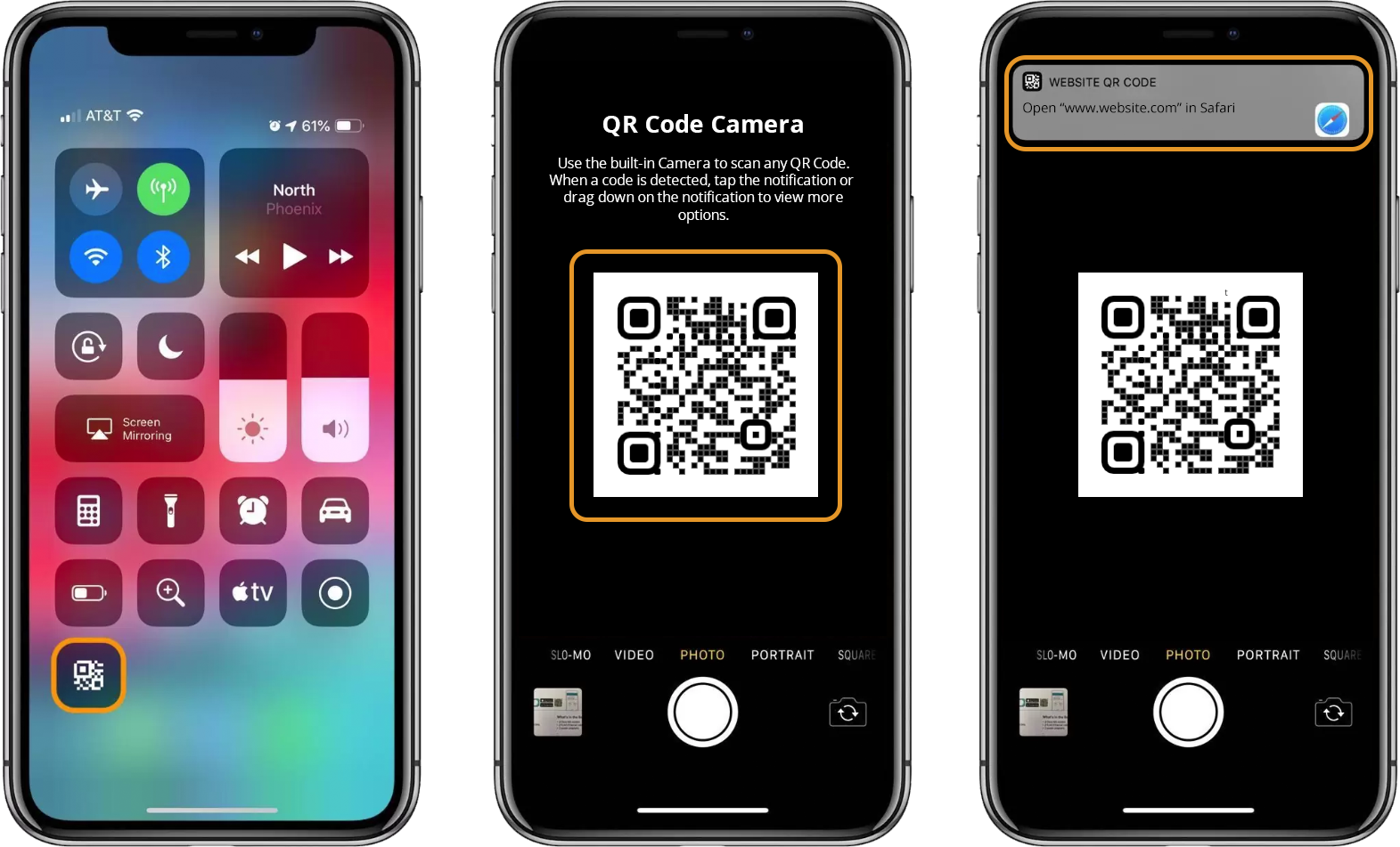 How Do I Put A Lock Code On My Iphone
https://www.qrcodechimp.com/blog/wp-content/uploads/2020/10/qr-code-scan-on-iphone_controlcenter-1.png
Do you want to secure your iPhone 11 data by using passcode In the presented video we more More details https www hardreset info devices apple apple iphone 11 Check Your iPhone 11
Templates are pre-designed documents or files that can be used for numerous functions. They can save time and effort by offering a ready-made format and design for developing various kinds of material. Templates can be used for personal or professional projects, such as resumes, invitations, leaflets, newsletters, reports, presentations, and more.
How Do I Put A Lock Code On My Iphone

How To Scan A QR Code Blog

How To Post On Onlyfans On IPhone

How Set Luggage Lock In Less Then 3minutes With Full Demo In Detail Easy Way YouTube
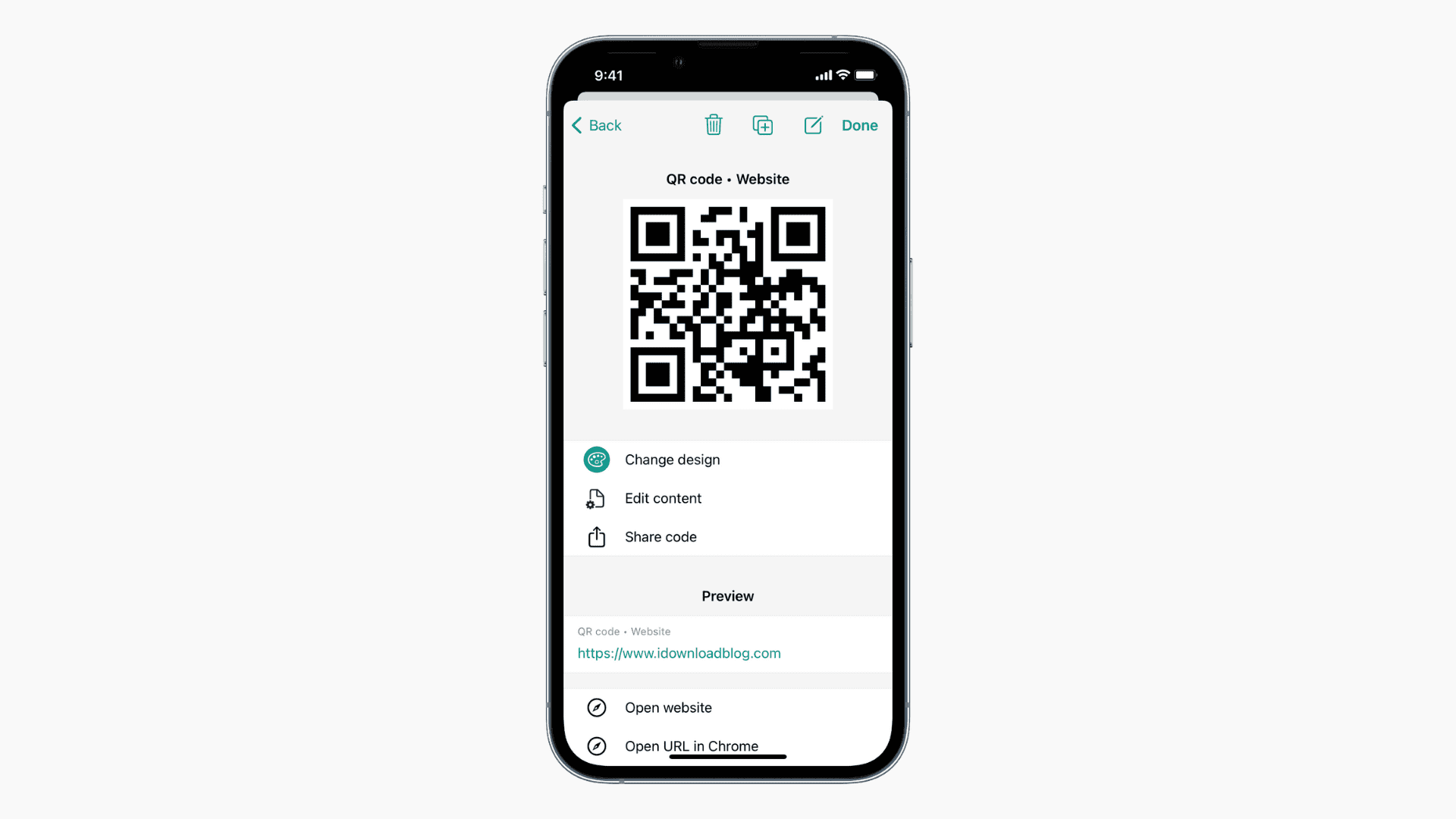
How To Create A QR Code On Your IPhone IPad Or Mac

QR codes Scannen Via De IPhone En IOS Camera App Appletips
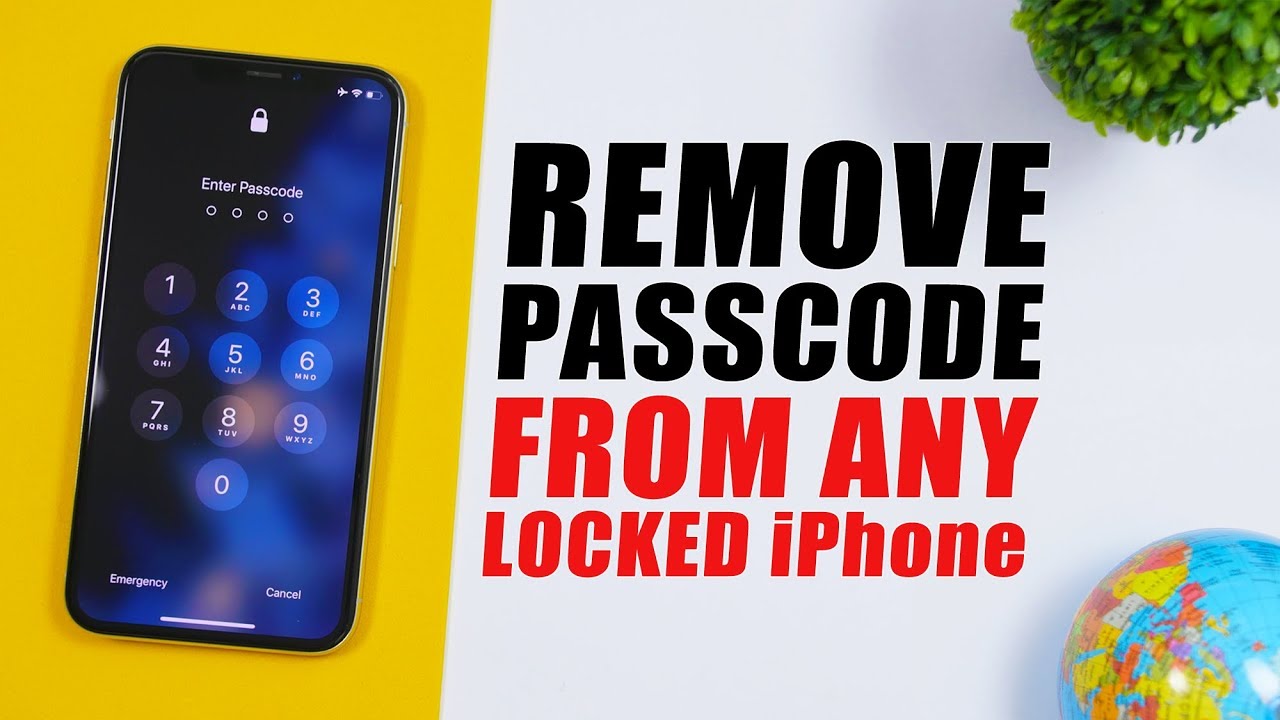
Remove Passcode From Any LOCKED IPhone On IOS 13 YouTube
On earlier iPhone models go to Touch ID Passcode On devices without Touch ID go to Settings Passcode Tap Turn Passcode On Enter a six digit passcode Or tap Passcode Options to switch to a four digit numeric code a custom numeric code or a custom alphanumeric code Enter your passcode again to confirm it and activate it
How to change the passcode on your iPhone iPad or iPod touch Apple Support YouTube Apple Support 1 76M subscribers Subscribed 6 6K 1 9M views 2 years ago Learn how to change the

Change iPhone s Passcode To begin the passcode update process launch Settings on your iPhone In Settings select Touch ID Passcode or Face ID Passcode depending on your iPhone model Enter your iPhone s current passcode to continue Scroll down the page that opens and tap Change Passcode

Open Settings and tap on Face ID Passcode When prompted enter your current six digit passcode Scroll down to Change Passcode Again enter your old passcode You ll next be prompted for a new
Open Settings It s a gray app that contains gears and is typically located on your home screen If you ve forgotten your passcode you ll have to reset it 2 Scroll down and tap Touch ID Passcode It s next to a red icon that contains a white fingerprint 3 Enter your current passcode
On earlier iPhone models go to Touch ID Passcode On devices without Touch ID go to Settings Passcode Tap Turn Passcode On Enter a six digit passcode Or tap Passcode Options to switch to a four digit numeric code a custom numeric code or a custom alphanumeric code Locked out of your iPhone and forgotten your passcode Use a computer to put your iPhone into Recovery Mode so you can erase your phone and set it up again Forgotten the passcode on your iPad Forgotten the passcode on your iPod touch Use your iPhone to reset your iPhone passcode
1 Open the Clock app on your iPhone 2 Select Timer in the bottom menu 3 Click When Timer Ends scroll down and select Stop Playing 4 Click Set in the top right 5 Open the Shortcuts app on your iPhone 6 Select the Automation tab and tap the icon 7 Click on Create Personal Automation