How Do I Open A Jar File In Eclipse How To Create Executable Jar File In Eclipse IDE 2022 Java To Add A Jar File In Eclipse Java Application How To Add Jar To Build How To Open A jar File On Windows 10 System How To Open JAR Files In Windows 10 MakeUseOf S asom Von Miesto Jar Opener Windows 7 Sudca Usporiadan Previs Str nky WEB Sep 23 2023 nbsp 0183 32 To run a JAR file on Windows 10 or Windows 11 right click it then select Open With gt Java Platform SE Binary Alternatively you can view or extract the contents of a JAR file by opening it in a program like WinRAR
WEB Jul 5 2024 nbsp 0183 32 This wikiHow teaches you how to open and run executable JAR files on a Windows or Mac computer JAR Java Archive files contain data to be used with the Java program WEB Jul 29 2024 nbsp 0183 32 How to Open a jar File in Windows 10 These steps will help you open a jar file in Windows 10 by ensuring Java is installed and using Command Prompt to run the file Step 1 Install Java Make sure you have Java installed on your computer To open jar files having Java is a must
S asom Von Miesto Jar Opener Windows 7 Sudca Usporiadan Previs Str nky Deploying A Jar File In Tomcat In Linux Systran Box How To Import A JAR File In Eclipse Quora How To Create Executable Jar File In Eclipse Ide The Java Programmer Krotrebel blogg se Minecraft Jar File Location Making A JAR File In Eclipse APCS Java How To Create Executable Jar File In Java Stackhowto How Do I Open A Jar File In Windows 11 Depot Catalog How To Setup A jar File In Eclipse IDE
How Do I Open A Jar File In Eclipse
 How Do I Open A Jar File In Eclipse
https://i.ytimg.com/vi/brigQ7fDNs4/maxresdefault.jpg
WEB Jul 19 2023 nbsp 0183 32 A JAR file is a Java archive file Open one with a browser Java must be installed Convert to EXE with Eclipse This article explains what a JAR file is the different ways you can open one depending on how you want to use it
Pre-crafted templates provide a time-saving service for producing a diverse range of files and files. These pre-designed formats and designs can be used for numerous individual and professional tasks, including resumes, invitations, leaflets, newsletters, reports, discussions, and more, enhancing the material creation process.
How Do I Open A Jar File In Eclipse

How To Open A Jar File In Windows 8 Betrx

Deploying A Jar File In Tomcat In Linux Systran Box
How To Import A JAR File In Eclipse Quora
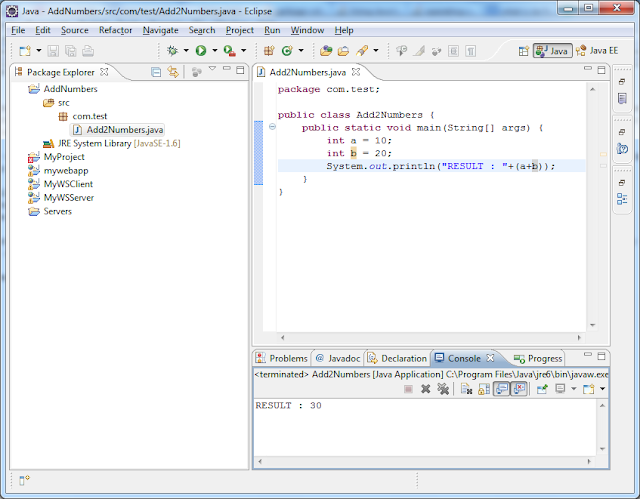
How To Create Executable Jar File In Eclipse Ide The Java Programmer
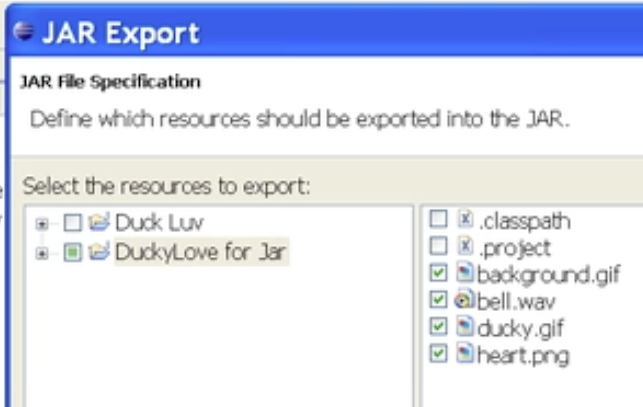
Making A JAR File In Eclipse APCS Java
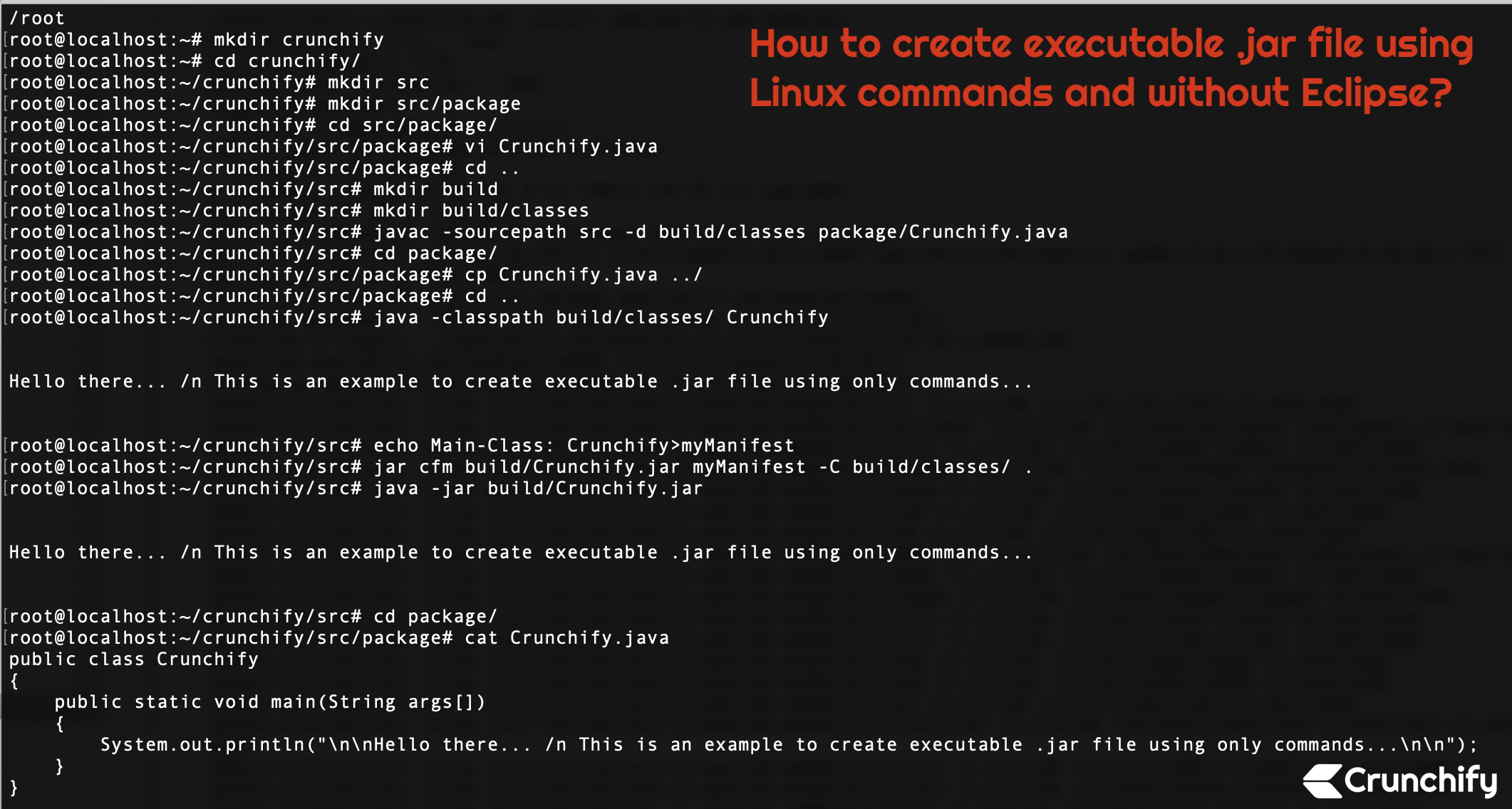
How To Create Executable Jar File In Java Stackhowto

WEB Here are the steps click File gt Import The Import window opens Under Select an import source click J2EE gt App Client JAR file Click Next In the Application Client file field enter the location and name of the application client JAR file that you want to import

WEB Dec 22 2010 nbsp 0183 32 Just create a Java application and start it with the jar flag You can use eclipse variables such as workspace loc or git work tree to point to your jar file

WEB Jan 20 2019 nbsp 0183 32 This tutorial will show you how to import a JAR file to a Java Project in Eclipse IDE More detais https geekdecoders blogspot 201 more

WEB You may import a JAR file into Eclipse set up the build path build the project and make the required adjustments for seamless integration by carefully following these precise instructions Advantages of Eclipse s JAR File Utilisation

WEB To import a JAR file into Eclipse follow these steps Right click on the project in the Package Explorer and select quot Properties quot from the context menu In the Properties window select quot Java Build Path quot from the left menu In the
WEB Jan 25 2024 nbsp 0183 32 Jar Explorer is another open source GUI tool for viewing the contents of JAR files It ships a jar file and a start script Jar Explorer sh It also supports the drag and drop feature making opening a JAR file pretty easy WEB Oct 13 2023 nbsp 0183 32 In this blog post we ll cover everything you need to know from importing a JAR file into your Eclipse project to editing the code within the JAR and running it in your application So let s dive in and explore the world of JAR files in Eclipse
WEB Aug 2 2012 nbsp 0183 32 A jar file is a zip archive You can extract it using 7zip a great simple tool to open archives You can also change its extension to zip and use whatever to unzip the file Now you have your class file