How Do I Fix Error Code 43 On Bluetooth Error Code 43 On Mac How To Fix It Solved How To Fix Valorant Error Code 43 AllGamers Akar Ujjatlan Keszty Cserbenhagy 1050 Ti Code 43 M hely Digit lis How To Fix Code 43 Error SolutionRider One Stop Solution For Notes Error Code 43 Fix Valorant Shacknews Bluetooth Device Suddenly Stopped Working With Error Code 43 Solution Bluetooth Adapter Stopped Functioning SOLVED
Open the Windows settings by simultaneously pressing the Windows I keys In the left panel Click on System Scroll down and navigate to Troubleshooters Other troubleshooters Opening the troubleshooter windows via the system settings Click on the Run button beside the Bluetooth troubleshooter When I go to device manager my bluetooth driver has an error icon and displays this message Windows has stopped this device because it has reported problems Code 43 I had this problem about a month ago and i simply uninstalled the driver rebooted the computer and all was well
Error Code 43 Fix Valorant Shacknews How To Fix Valorant Error Code 43 Quick Fix For Latest Error How To Fix Bluetooth Error Code 43 In Windows 10 Tutorial YouTube How To Fix Error Code 43 Mac Can t Delete File ErrorsDoc Error How To Fix Unknown USB Device Error Code 43 In Windows 10 WORKS 100 How Do I Fix Error Code 0x80070057 In MS Outlook Valorant Error Code 43 Quick And Easy Fix The Droid Guy Valorant Error Code 43 Fix In 5 Easy Steps Windows 7 Valorant Error Code 43 Quick And Easy Fix The Droid Guy
How Do I Fix Error Code 43 On Bluetooth
 How Do I Fix Error Code 43 On Bluetooth
https://sensorstechforum.com/wp-content/uploads/2022/12/Error-Code-43-on-Mac-How-to-Fix-It-sensorstechforum-1024x585.jpg
First step will be uninstalling Bluetooth device and after that installation of the latest driver for Bluetooth device If you are using USB Bluetooth device you will need to download the latest driver from vendor website Hold Windows logo and press R Type devmgmt msc and press Enter Expand Bluetooth devices
Templates are pre-designed files or files that can be used for various functions. They can conserve effort and time by providing a ready-made format and layout for creating different kinds of material. Templates can be used for individual or expert jobs, such as resumes, invitations, leaflets, newsletters, reports, presentations, and more.
How Do I Fix Error Code 43 On Bluetooth

Fix Error Code 43 In Windows 10 8 Coding Error Code Microsoft Support

How To Fix Valorant Error Code 43 Quick Fix For Latest Error

How To Fix Bluetooth Error Code 43 In Windows 10 Tutorial YouTube

How To Fix Error Code 43 Mac Can t Delete File ErrorsDoc Error
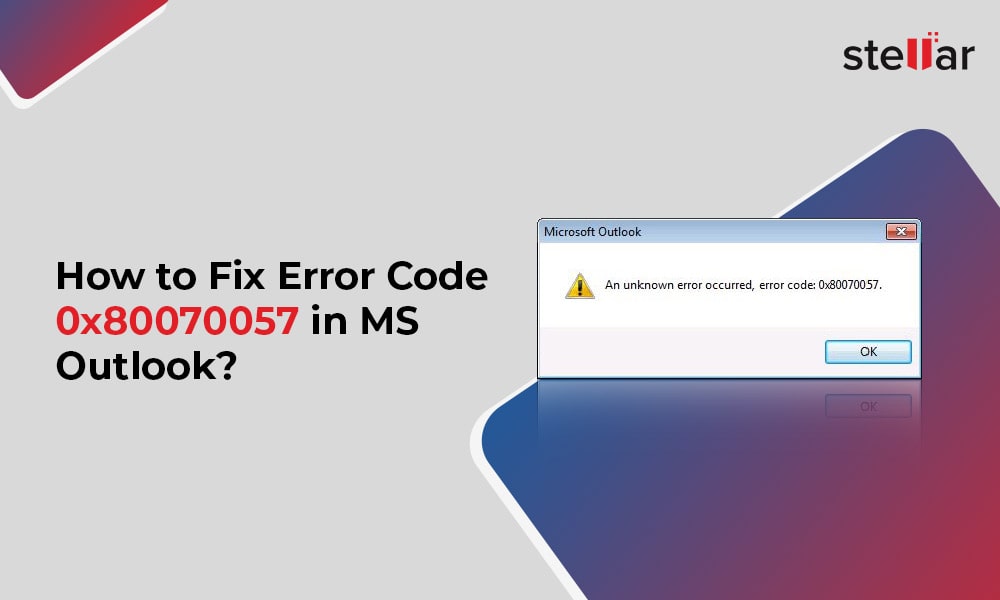
How Do I Fix Error Code 0x80070057 In MS Outlook

Valorant Error Code 43 Quick And Easy Fix The Droid Guy

How To Fix Code 43 Restart Your Computer Check If the Device is Faulty Properly Eject Your Device on a Separate Computer System Restore Disable and Re enable Your Device Update Reinstall or Roll Back Device Drivers Update Windows Power Management Update BIOS Back to Work What Causes Code 43 in Windows There are several causes for code 43
The Code 43 error is one of several Device Manager error codes It s generated when Device Manager stops a hardware device because the hardware reported to Windows that it s having some kind of unspecified problem What Causes a Code 43 Error and What It Means
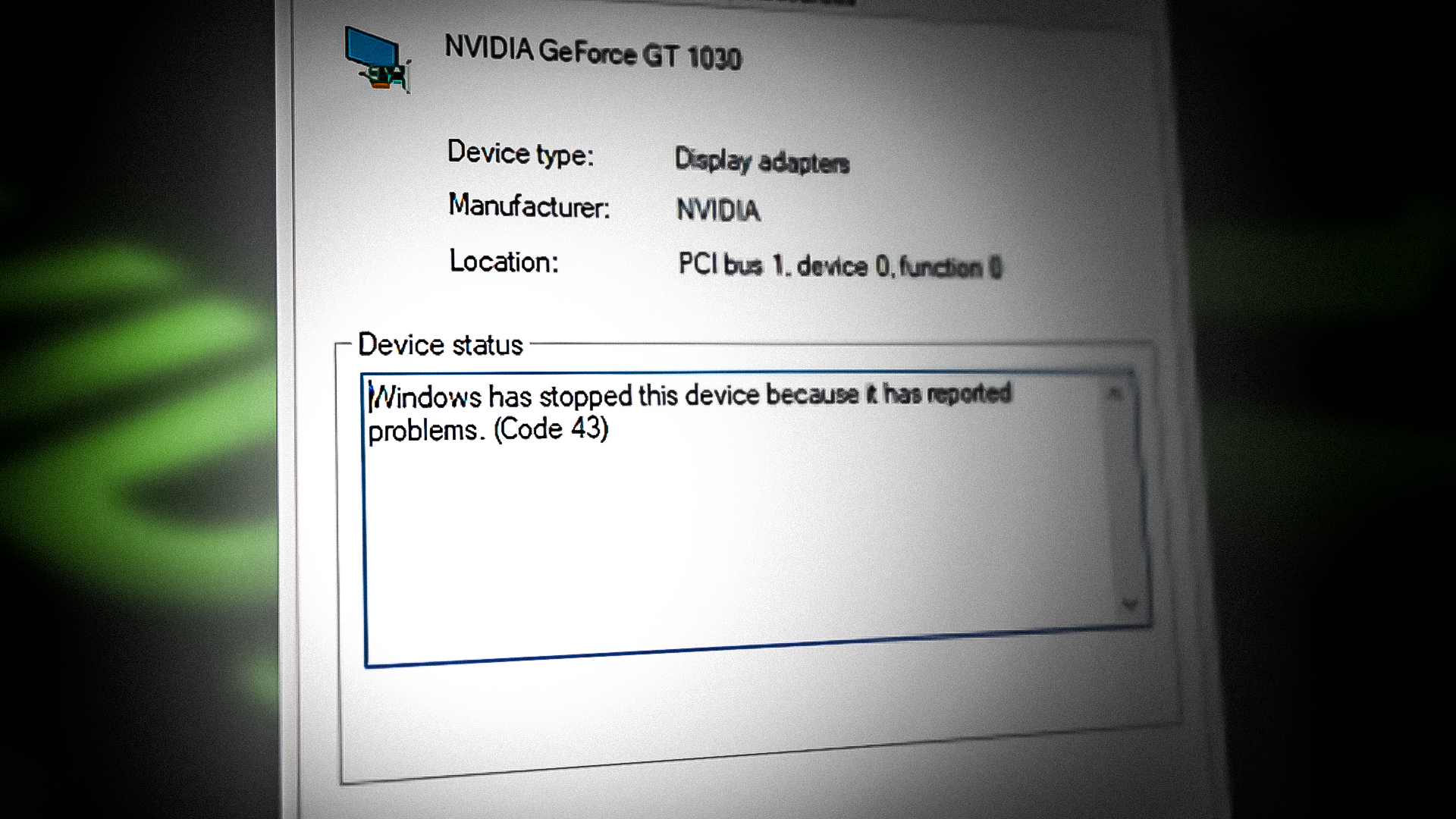
Fix Bluetooth Error Code 43 Windows Has Stopped This Device Because It Has Reported Problems more more Fix Bluetooth Error Code 43 Windows Has Stopped This Device

Step 1 Press Windows I to open Settings and go to Update Security Troubleshoot Additional troubleshooters Step 2 You should now view a list of troubleshooting options Select one based on
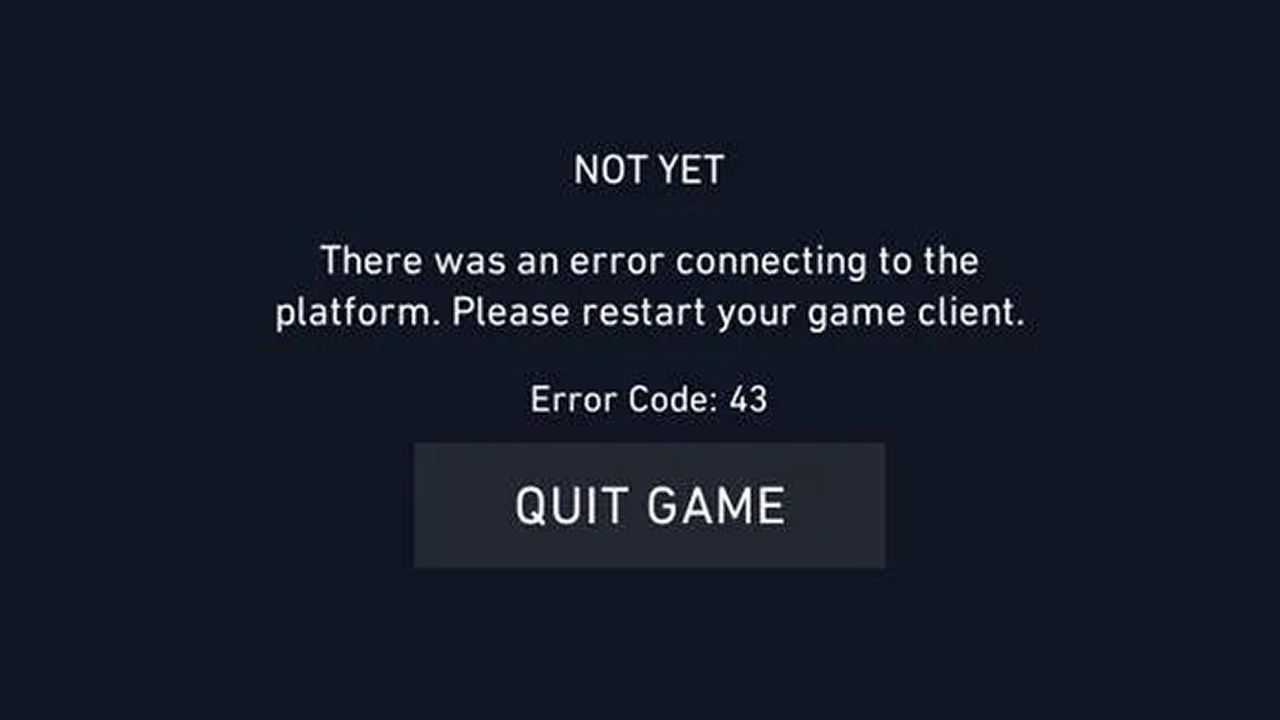
You can confirm a code 43 error on Windows Press the Windows key search for Device Manager and click the top result Device Manager may place an exclamation point next to the problematic
Fix graphics device problems with error code 43 Microsoft Support Fix graphics device problems with error code 43 Windows 10 This error occurs when your graphics device driver has notified Windows that the device isn t working properly This may mean that the device has a hardware problem or that the driver or driver software is failing i use a acer 3820tzg with ar3011 bluetooth when i recover my laptop to fresh factory setting the bluetooth works well but after about one month it downs i check the bluetooth device page it
bluetoothnotworking bluetooth bluetoothcode43 code43bluetoothFix bluetooth code 43 in device manager whenever you try to install drivers of bluetooth or