How Do I Create A Qr Code For A Google Form How To Make A QR Code For Google Forms QRCodeChimp How To Create A QR Code For Google Forms C digo QR Para O Formul rio Do Google Colete Suas Respostas Com Facilidade How To Create A QR Code For A Google Form RSVPify Google Form Qr Code How To Create Google Form Qr Code Tutorial Vrogue 1 Start with the newly created or preexisting Google form you want to create a QR code for Click the Send button at the top right of your form and when the Send form popup appears click the link icon to copy your link Note You can also click the Shorten URL checkbox to copy a truncated version of the Google form link 2
Go to the link tab and copy the URL 4 Open a QR generator tool we used QRTIGER and paste the form link in the relevant area 5 Click Generate QR code then download the code as a PNG or Svg You can also decide which pattern color or frame you want your QR code to have Choose the Google Form QR code solution Paste the shareable Google Form link in the empty field Choose Dynamic QR Click Generate QR code Customize the appearance of your QR code to make it unique Download your custom Google Form QR code with a logo How does a Google Form QR code work
Google Form Qr Code How To Create Google Form Qr Code Tutorial Vrogue How To Make A QR Code For A Google Form 2023 QR Generator Blog Google Form Qr Code How To Create Google Form Qr Code Tutorial Vrogue Easiest Way To Create A QR Code For Your Google Form QR Code Archives QR Generator Blog Google Form Qr Code How To Create Google Form Qr Code Tutorial Vrogue 17 Google Forms And Qr Code How To Make A QR Code For A Google Form How To Create A QR Code For A Google Form YouTube
How Do I Create A Qr Code For A Google Form
 How Do I Create A Qr Code For A Google Form
https://qrcodechimp.s3.amazonaws.com/blog/wp-content/uploads/2022/11/qrcode_for_google_form-1.jpg
In short to create a Google Form QR Code After creating a Google Form copy and paste the published form link into the QR Code generator above to automatically turn it into a QR Code Why should I create a Google Form QR Code
Templates are pre-designed files or files that can be used for numerous functions. They can conserve effort and time by offering a ready-made format and layout for creating various kinds of material. Templates can be used for individual or expert projects, such as resumes, invitations, flyers, newsletters, reports, presentations, and more.
How Do I Create A Qr Code For A Google Form
How To Create A QR Code For A Google Form
How To Make A QR Code For A Google Form 2023 QR Generator Blog
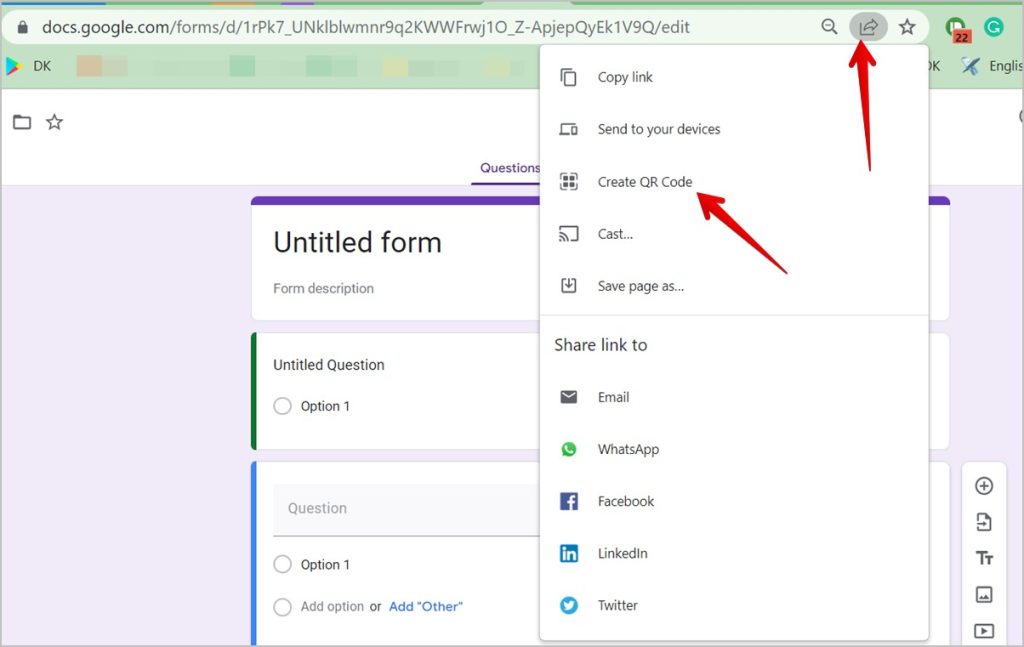
Google Form Qr Code How To Create Google Form Qr Code Tutorial Vrogue

Easiest Way To Create A QR Code For Your Google Form

Google Form Qr Code How To Create Google Form Qr Code Tutorial Vrogue

17 Google Forms And Qr Code

To create a QR code for your Google Form you will need to use a QR code generator There are several online QR code generators available such as QR Code Generator QRStuff or QR Code Monkey Visit one of these websites and select the option to create a URL QR code Paste the link to your Google Form in the provided field and

Step 1 Create Your Google Form Step 2 Obtain the Form URL Step 3 Generate the QR code Tips for Creating a QR Code for Your Google Form Frequently Asked Questions Can Google Forms Generate a QR Code Can I Create a QR Code for a Google Form How Do I Share a Google Form With a QR Code Wrapping Up How to
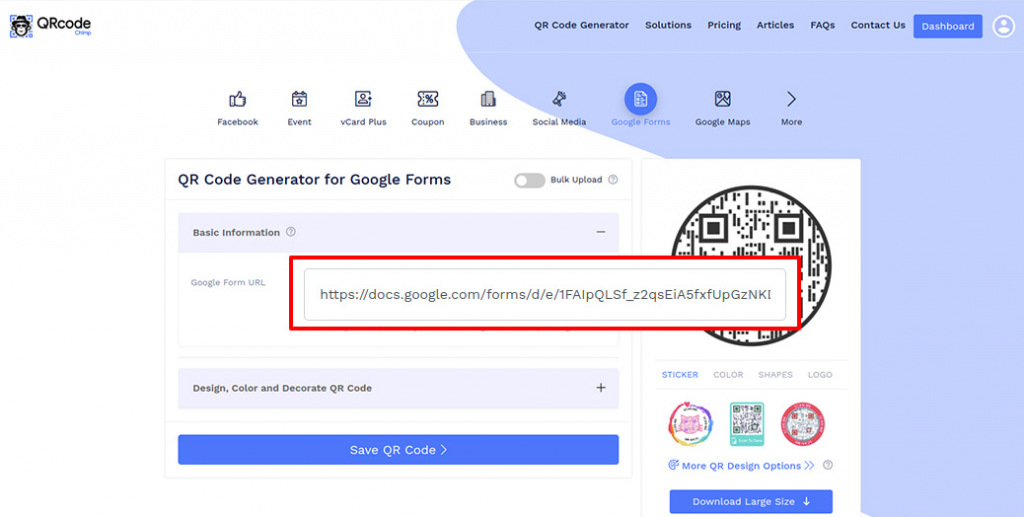
We recommend using a dedicated QR Code solution like Beaconstac to generate QR Code for Google Form How do I share a Google Form with a QR code Create a Google Form and share it with a QR Code in a few easy steps Create your Google Form and copy the link Open Beaconstac s dashboard and select Create QR
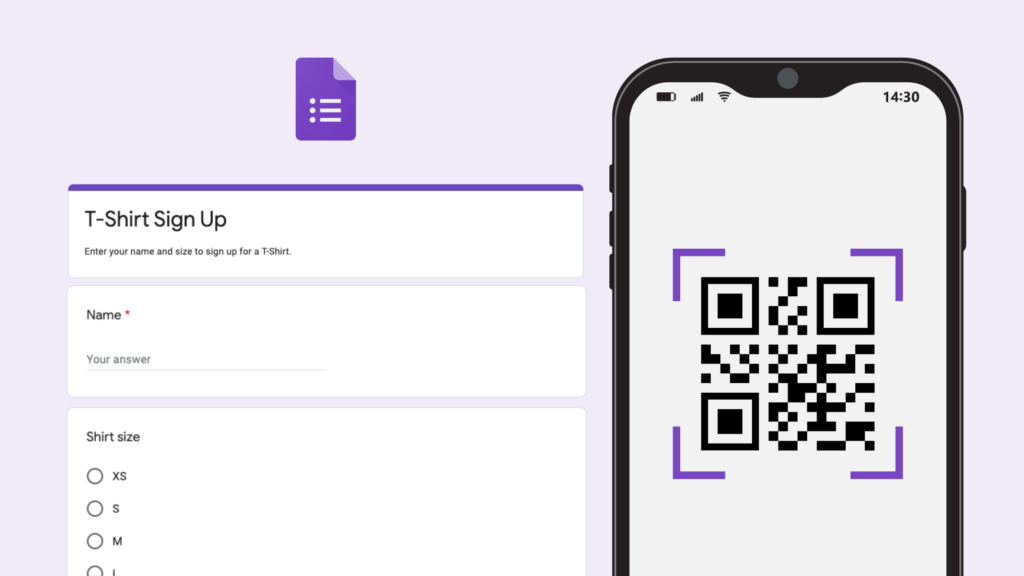
To create a QR Code for your Google Form the first step is to set up your form Log in to your Google account and navigate to Google Forms Click on the button to create a new form or choose an existing form from your drive Customize your form by adding questions options and any other necessary information Once you have finalized

Creating a QR code from a Google Form is a straightforward process First you need to create a Google Form Once you ve set up the form click on the Send button at the top right corner of the page In the pop up window you ll find a link to your form Click on the Copy button to copy the link to your clipboard
[desc-11] [desc-12]
[desc-13]