How Do I Color Code Numbers In Excel Random Numbers In Excel YouTube How To Generate Random Numbers In Excel YouTube How To Add Numbers In Excel YouTube How To Fill Sequential Series Of Numbers In Excel Create Dynamic How To Generate Sequence Numbers In Excel And How To Generate Serial Step 1 Select the cells you want to apply colors to Select the cells that you want to color code Step 2 Click on the Data Bars options Click on the Data Bars options located in the Conditional Formatting menu You will see a drop down menu with different data bar options to choose from Step 3 Choose the desired color
How to color code in Excel Below are the steps you can use to color code your data 1 Input your data on an Excel spreadsheet The first step to using the color code formatting in Excel is to input the data you want to format A Step by step guide on how to create a new conditional formatting rule Step 1 Select the range of cells you want to apply the conditional formatting to Step 2 Go to the Home tab in the Excel ribbon and click on Conditional Formatting Step 3 Choose the type of rule you want to apply such as highlighting cells that contain specific
How To Generate Sequence Numbers In Excel And How To Generate Serial Automate Numbers In Excel Quickly Fill Series Of Numbers In A Few How To Add In Excel Excel Sum With Examples Introduction There Random Numbers In Excel How To Generate Random Numbers In Excel Adding Numbers In Excel PDF Formula Microsoft Excel Patterns Of Numbers With A Formula In Excel Pixelated Works Conditional Formatting For Errant Phone Numbers In Excel Pixelated Works 4 Ways To Convert Text Numbers Into Actual Numbers In Excel YouTube How I Color Code My Bible A Free Printout To Show You How
How Do I Color Code Numbers In Excel
 How Do I Color Code Numbers In Excel
https://i.ytimg.com/vi/hhJgUDAzwsY/maxresdefault.jpg
You can customize the default rules for conditional formats to fit your requirements You can change comparison operators thresholds colors and icons Click in the range that contains the conditional formatting rule that you want to change
Pre-crafted templates provide a time-saving option for creating a diverse variety of files and files. These pre-designed formats and designs can be used for various personal and expert jobs, consisting of resumes, invites, flyers, newsletters, reports, discussions, and more, simplifying the content production procedure.
How Do I Color Code Numbers In Excel

7 Ways To Insert Automatic Serial Numbers In Excel YouTube

Automate Numbers In Excel Quickly Fill Series Of Numbers In A Few

How To Add In Excel Excel Sum With Examples Introduction There
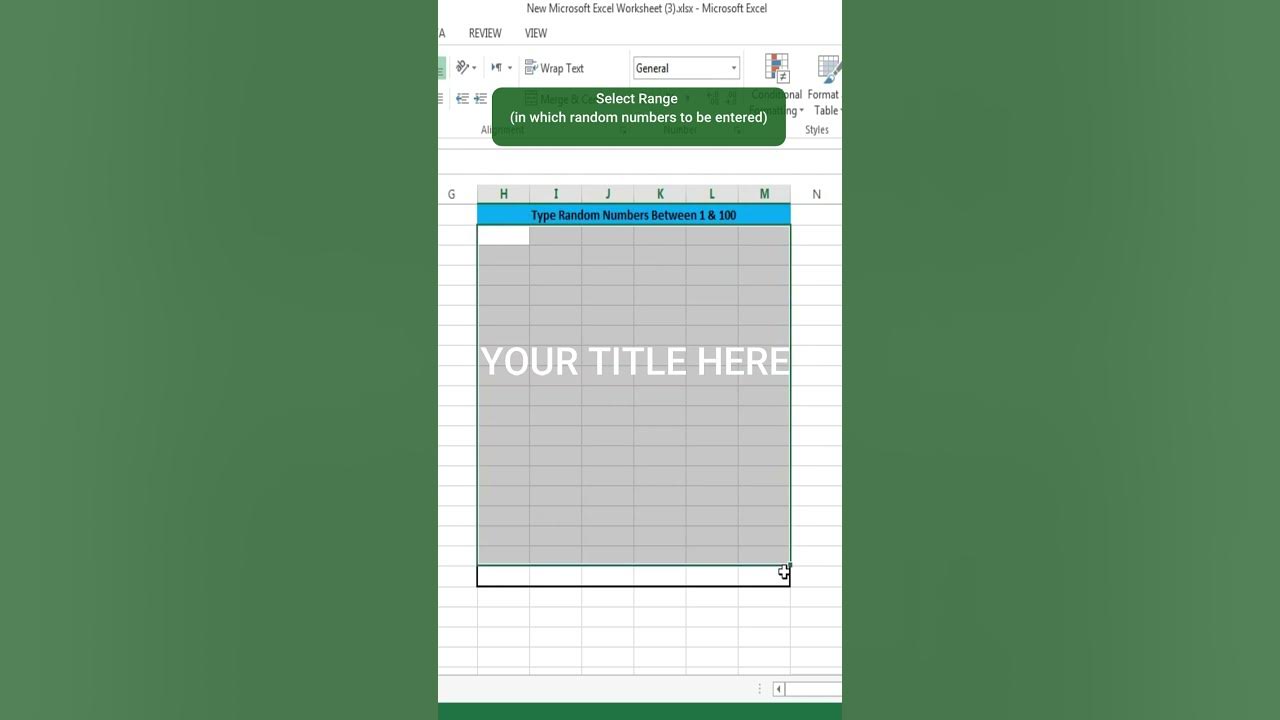
Random Numbers In Excel How To Generate Random Numbers In Excel

Patterns Of Numbers With A Formula In Excel Pixelated Works

Conditional Formatting For Errant Phone Numbers In Excel Pixelated Works

Click on Home Styles conditional formatting From the options you can create the conditions and choose different ways to exhibit it You can highlight certain numbers that are being repetitive or are lesser than greater than certain numbers etc Another option is to give a condition for highlighting of a condition

For example in a green yellow and red color scale you can specify that higher value cells have a green color middle value cells have a yellow color and lower value cells have a red color Tip You can sort cells that have this format by their color

To color code in Excel choose the data range you want to color click Conditional Formatting then select Color Scales and pick the desired color scheme Source Microsoft Support Excel offers various other formatting options to enhance data visualization such as data bars icon sets and highlight cells rules
Microsoft Excel provides you with several conditional formatting rules for color scales that you can apply with a quick click These include six two color scales and six three color scales Select the cells that you want to apply the formatting to by clicking and dragging through them

How to use Conditional Formatting in Excel to Color Code Specific Cells News By Bryan Clark published 14 April 2022 Selecting individual cells even by Ctrl clicking to choose multiple
Go to the Data tab on the Excel ribbon Click on Data Validation in the Data Tools group Choose the type of validation you want to apply such as whole number decimal list date time text length custom etc Set the criteria for the data validation such as between not between equal to not equal to greater than less than etc Excels 56 ColorIndex Colors Color Palette Excel s Color Palette has an index of 56 colors which can be used throughout your spreadsheet Each of these colors in the palette is associated with a unique value in the ColorIndex
Excel allows us to change the color code of a cell by using conditional formatting Here s how to color code in Excel