How Do I Boot Into Safe Mode From Command Prompt How To Boot Into Safe Mode Windows 11 Reddit YouTube How To Boot Into Safe Mode On The Oneplus 9 KrispiTech 8 Easy Ways To Boot Into Safe Mode On Windows 10 Novabach Question Windows 7 How To Boot In Safe Mode OS Today Boot Your Windows 11 Into Safe Mode SafeMode Wiki Boot into Safe Mode from Windows 11 or Windows 10 Press the Windows I on the keyboard to open Settings If that does not work click Start and then select Settings Click Update Security and on the left pane select Recovery Under Advanced Startup click Restart Now
To boot into Safe Mode on Windows 10 Shift click Restart in the Start menu or sign in screen then navigate to Troubleshoot Advanced Options Startup Settings and restart your PC The Troubleshoot screen can also be accessed by restarting your PC from the Settings App s Recovery window To start in safe mode Remove all floppy disks CDs and DVDs from your computer and then restart your computer Click the Start button click the arrow next to the Shut Down button or the arrow next to the Lock button and then click Restart Do one of the following
Boot Your Windows 11 Into Safe Mode SafeMode Wiki How To Boot Into Safe Mode In Windows 11 Android Authority How To Boot Into Safe Mode On SafeMode Wiki How To Boot Into Safe Mode In Windows 11 Think Tutorial How To Enable Safe Mode On Windows 10 How To Boot Into Safe Mode In Windows 10 Android Authority How To Boot Into Safe Mode In Windows 10 11 How To Enter Safe Mode From Command Prompt Windows 10 How To Boot Into Safe Mode Using Command Prompt In Windows 10 8 7 YouTube
How Do I Boot Into Safe Mode From Command Prompt
 How Do I Boot Into Safe Mode From Command Prompt
https://i.ytimg.com/vi/lHX8cqMZSWA/maxresdefault.jpg
To start up in Safe Mode press 4 or F4 To start up in Safe Mode with networking press 5 or F5 To start up in Safe Mode with the Command Prompt press 6 or F6 If you change your mind and
Pre-crafted templates offer a time-saving solution for creating a diverse variety of documents and files. These pre-designed formats and layouts can be used for different personal and professional jobs, including resumes, invites, leaflets, newsletters, reports, discussions, and more, improving the material production procedure.
How Do I Boot Into Safe Mode From Command Prompt
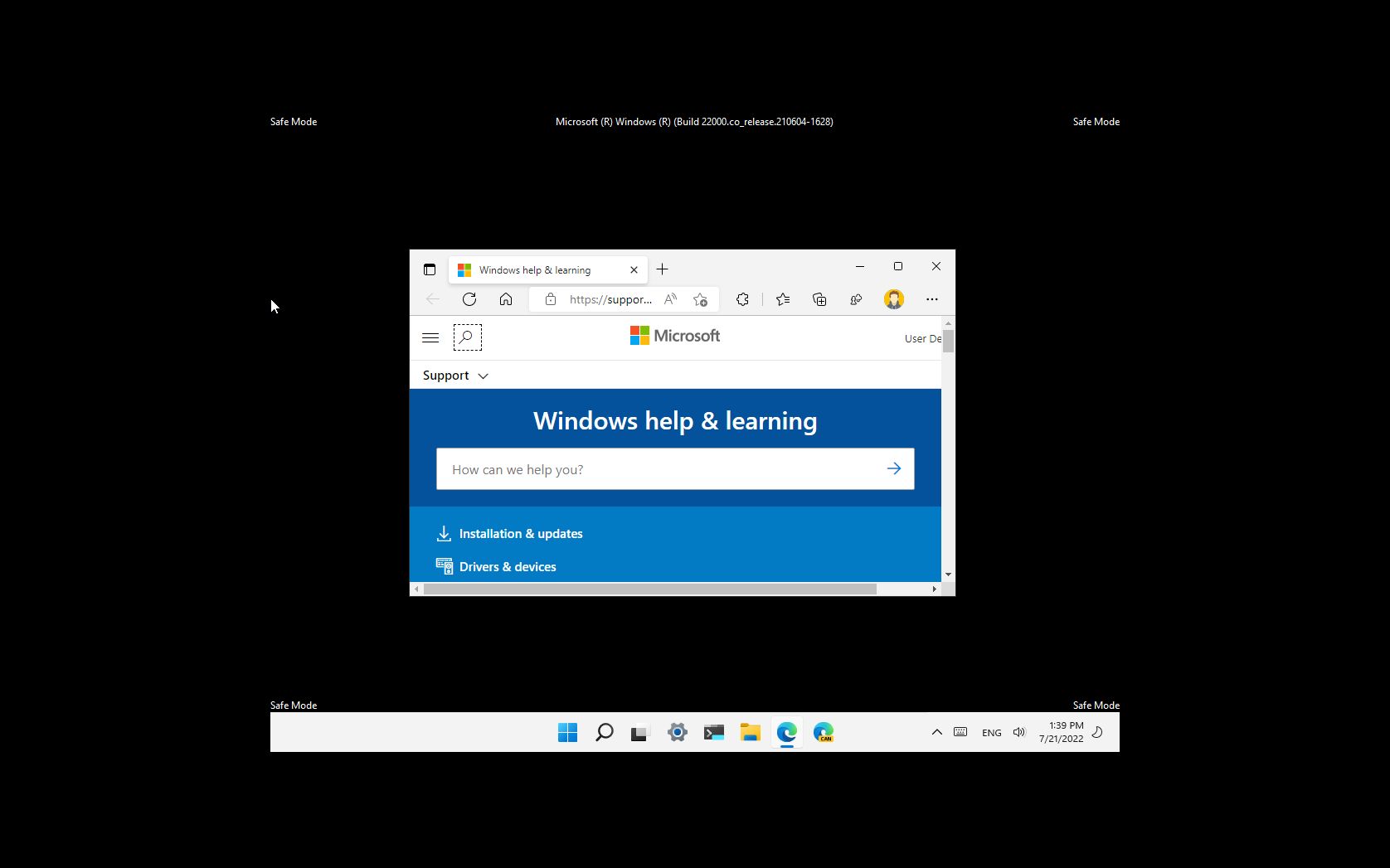
How To Boot Into Safe Mode In Windows 11 Www vrogue co
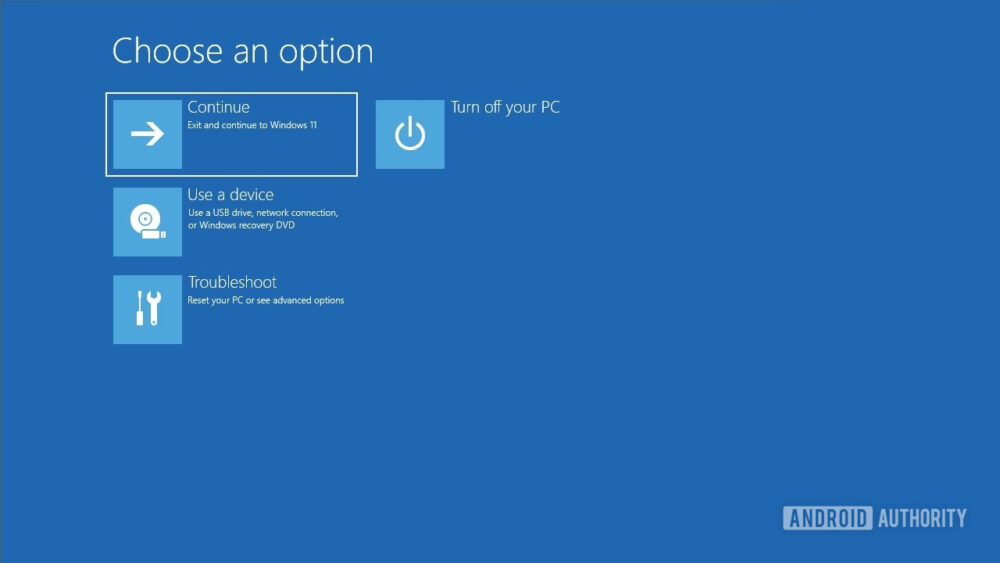
How To Boot Into Safe Mode In Windows 11 Android Authority

How To Boot Into Safe Mode On SafeMode Wiki
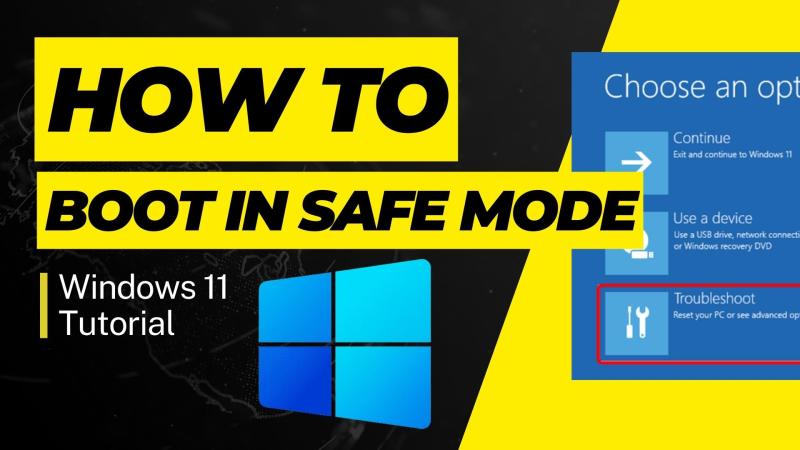
How To Boot Into Safe Mode In Windows 11 Think Tutorial
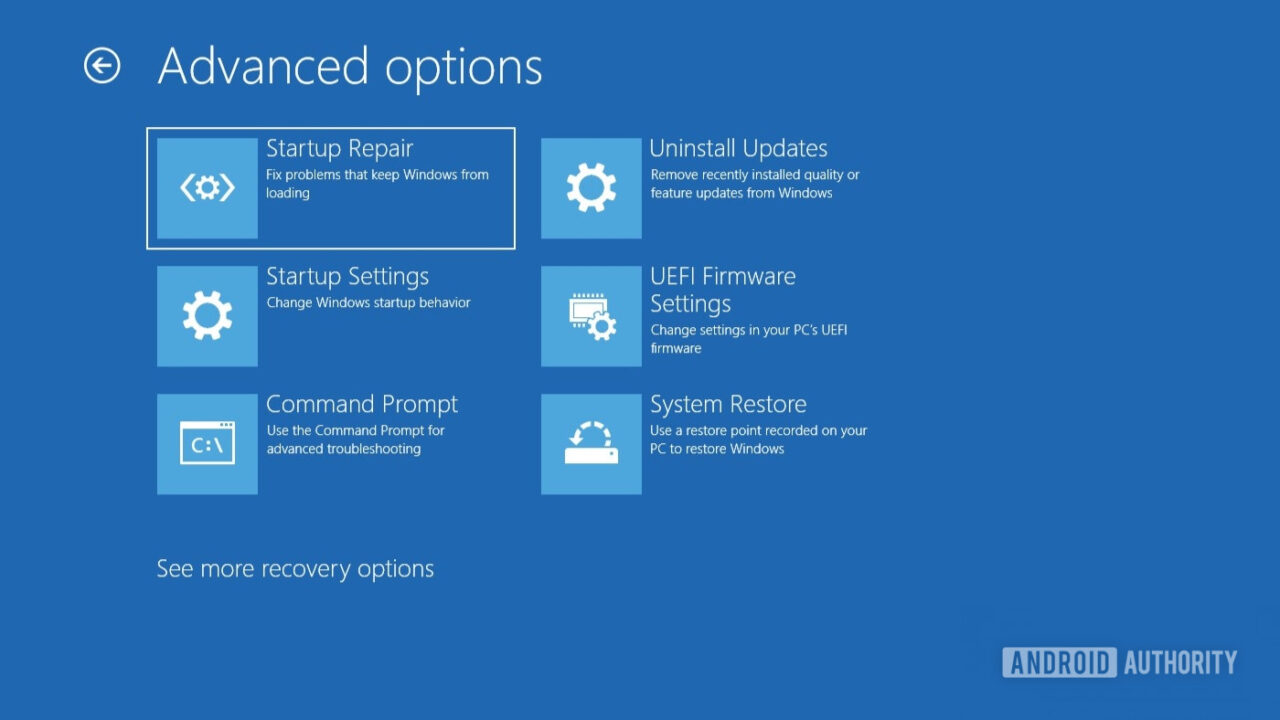
How To Boot Into Safe Mode In Windows 10 Android Authority

How To Boot Into Safe Mode In Windows 10 11

1 Safe Mode Safe Mode is the standard diagnostic startup mode for Windows When you boot into Safe Mode only the basic device drivers will load you won t have internet access and no third party apps or drivers will launch at boot time

Find out how to boot into safe mode in Windows from Settings the sign in screen and a black or blank screen

Windows Safe Mode with Command Prompt is a special startup mode that allows you to access Windows in a stripped down session where many drivers are not loaded there is no networking and the

1 How to enter Safe Mode in Windows 10 using Shift Restart on the sign in screen 2 How to enter Windows 10 s Safe Mode by interrupting the normal boot sequence three times in a row 3 How to enter Safe Mode in Windows 10 using installation media and the Command Prompt 4 How to start Windows 10 in Safe Mode by booting from a recovery drive

With Command Prompt open execute the correct bcdedit command as shown below based on which Safe Mode option you d like to start Safe Mode bcdedit set default safeboot minimal Safe Mode with Networking bcdedit set default safeboot network
Open Start Menu search msconfig select System Configuration go to the Boot tab tick the box next to Safe Mode and click Apply and restart your PC To boot Windows 11 in Safe Mode use these steps Open Start Click the Power menu Press and hold the Shift key and click the Restart button Image credit Future Click on Troubleshoot
Access Safe Mode With a Keyboard Shortcut The quickest way to open Windows 10 in Safe Mode is from the sign in screen or the desktop by holding Shift while selecting Restart If you re on the sign in screen not yet logged in press the power button on the bottom right to find the restart option