How Do I Automatically Add Rows Between Data In Excel 3 Ways To Insert Rows Between Data Using Formula In Excel How To Add Rows In Excel Projectcubicle Projectcubicle How Do I Insert Blank Rows Between Data In Excel Formula To Insert Blank Rows Between Data In Excel 365 How To Insert Multiple Rows In Excel Worksheet Riset Web I would like excel to show one blank line by default and then insert a next line each time the previous line contains any data automatically moving the footer row down one line and updating the formula used to calculate the total qty and amount Is this possible at all
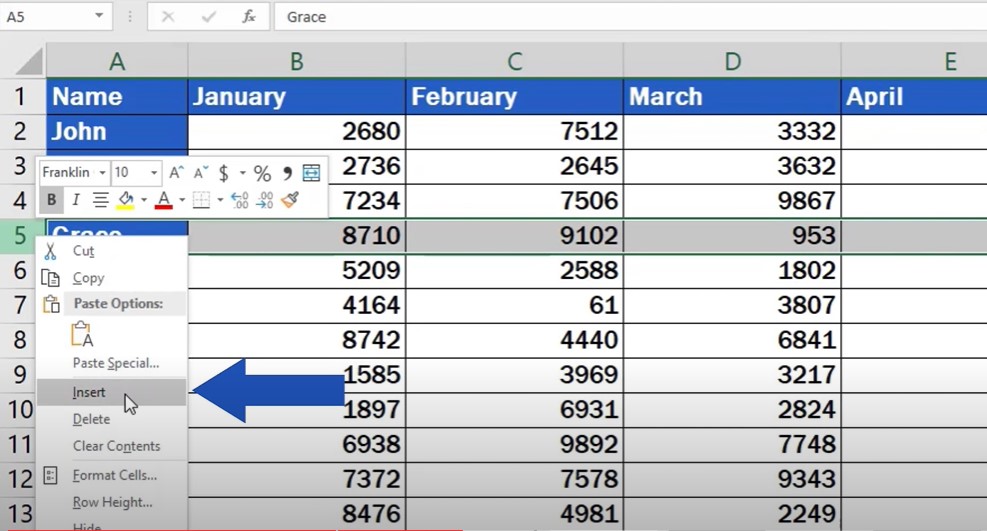
Web Oct 2 2009 nbsp 0183 32 Right click a row number and select Insert from the resulting context menu Or choose Rows from the Insert menu Either way Excel inserts a row above the current row or cell To Web Nov 23 2021 nbsp 0183 32 Right click one of the selected rows and from the menu that opens select quot Insert quot You will see a small quot Insert quot box on your screen In this box enable the quot Entire Row quot option and click quot OK quot And instantly Excel will add the specified number of rows to your spreadsheet
How To Insert Multiple Rows In Excel Worksheet Riset Excel 13 How To Insert A Hyperlink In Excel Sheet Youtube Riset Excel Formula To Insert Rows Between Data 2 Simple Examples Ms Excel Insert Sheet Rows And Columns Youtube Riset Insert New Row In Excel Sheet Riset Quickly Insert Multiple Rows In Excel YouTube How To Delete Blank Rows In Excel YouTube How To Insert Multiple Rows In Excel With Shortcut And Other Ways Automatically Number Rows Excel 2010 HD YouTube
How Do I Automatically Add Rows Between Data In Excel
 How Do I Automatically Add Rows Between Data In Excel
https://www.excelden.com/wp-content/uploads/2022/12/excel-formula-to-insert-rows-between-data-5-768x493.png
Web Insert rows To insert a single row Right click the whole row above which you want to insert the new row and then select Insert Rows To insert multiple rows Select the same number of rows above which you want to add new ones Right click the selection and then select Insert Rows Insert columns To insert a single column Right click the whole
Templates are pre-designed documents or files that can be used for various functions. They can save time and effort by offering a ready-made format and layout for producing different kinds of material. Templates can be utilized for personal or expert jobs, such as resumes, invitations, flyers, newsletters, reports, presentations, and more.
How Do I Automatically Add Rows Between Data In Excel
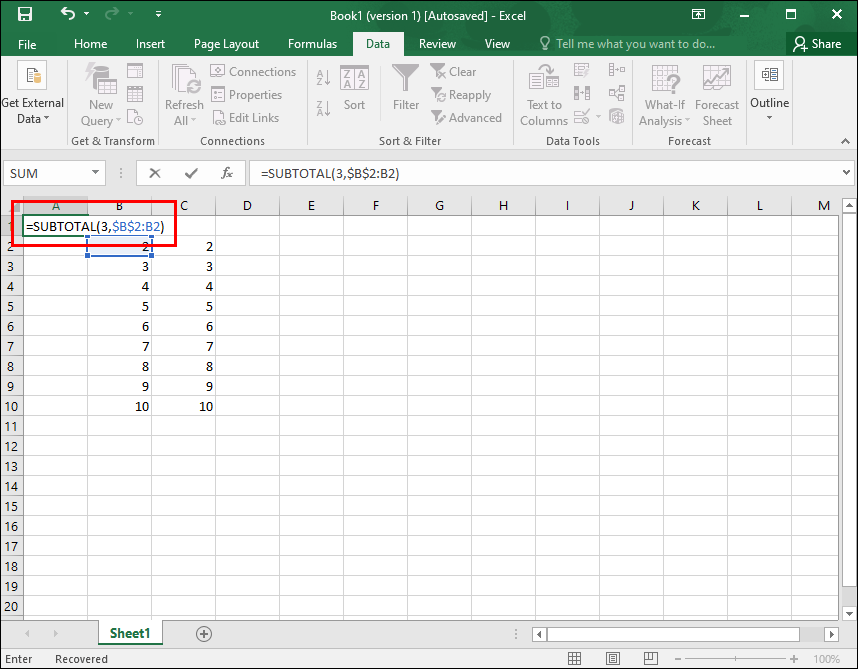
llampolg r Zar ndok Szerz d s Excel Automatic Row Numbering Empty Row
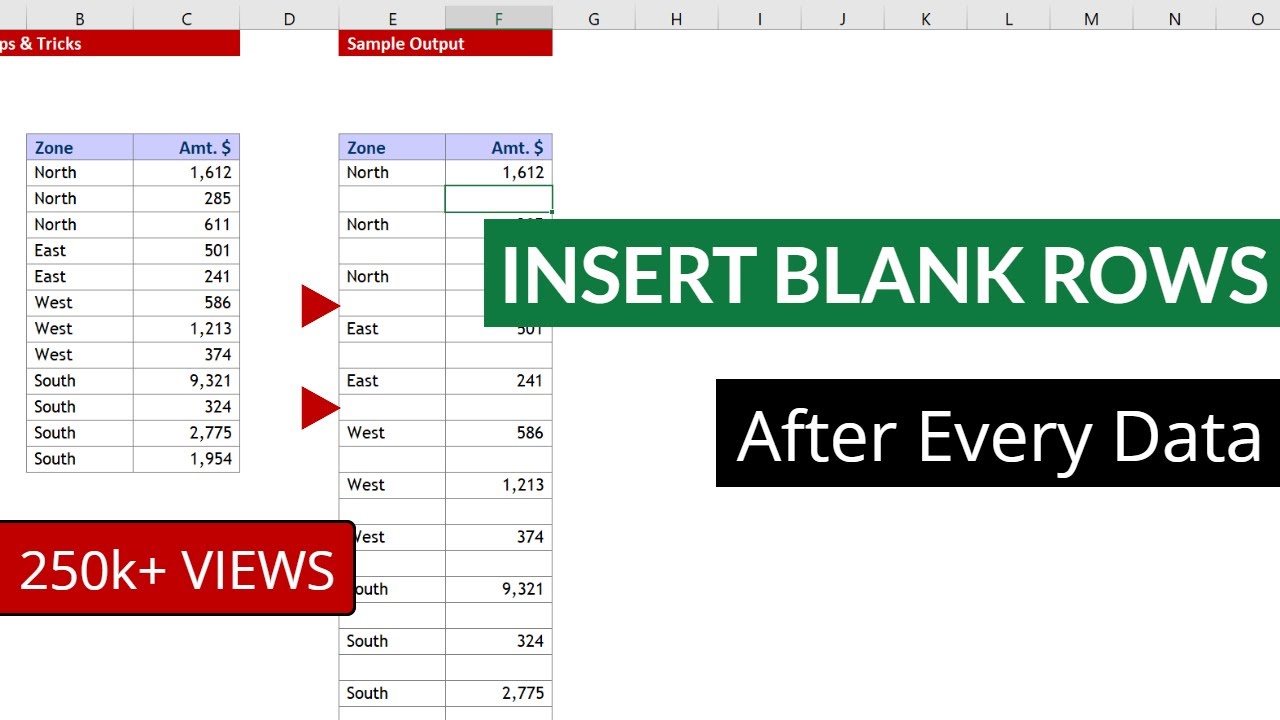
Excel 13 How To Insert A Hyperlink In Excel Sheet Youtube Riset

Excel Formula To Insert Rows Between Data 2 Simple Examples
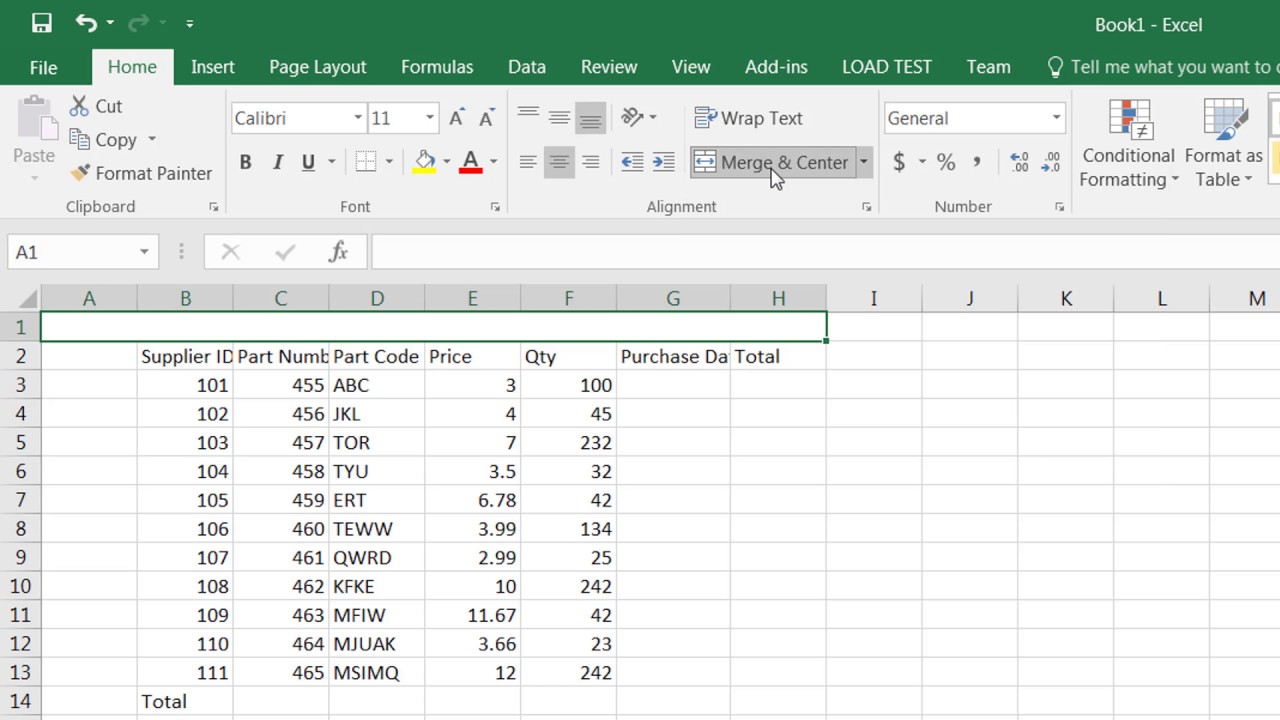
Ms Excel Insert Sheet Rows And Columns Youtube Riset
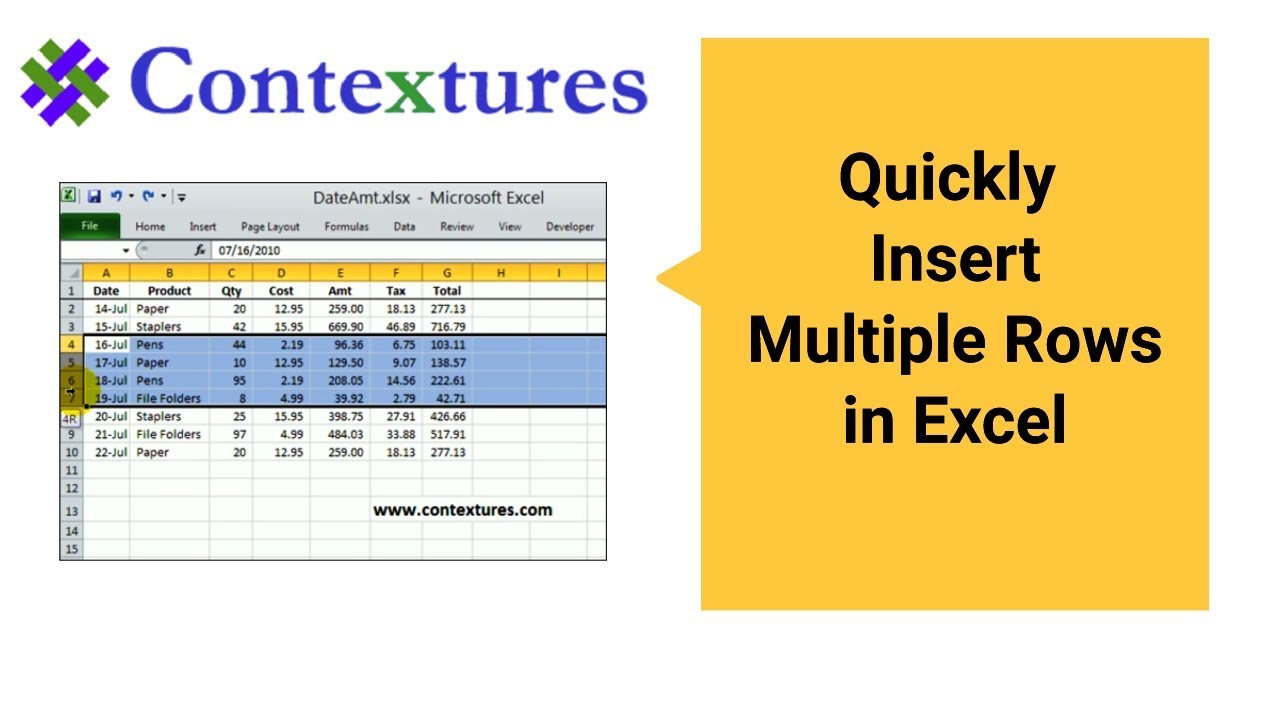
Quickly Insert Multiple Rows In Excel YouTube
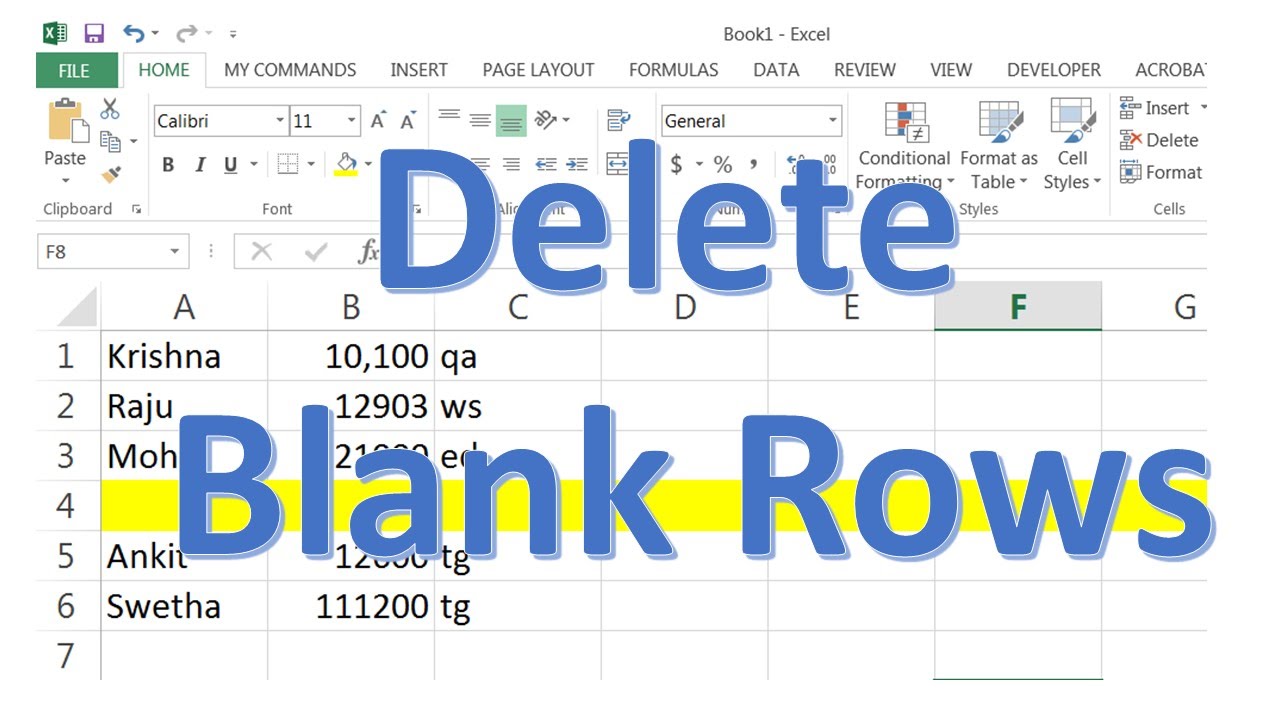
How To Delete Blank Rows In Excel YouTube

Web Oct 22 2023 nbsp 0183 32 4 Assign VBA Code to Insert Rows Automatically in Excel We can use a simple VBA macro to insert rows automatically Let s learn this method by following these steps Steps First of all press ALT F11 to open the Visual Basic Editor window In the VBA window click on Insert gt and select Module from the option
Web Below are the steps to insert blank rows between existing rows Insert a blank column to the left of the dataset To do this right click on the column header of the left most column and click on Insert Enter the text HelperColumn in A1 you can use any text you want Enter 1 in cell A2 and 2 in cell A3

Web Oct 9 2023 nbsp 0183 32 1 Add New Row by Using Keyboard Shortcuts in Excel When it comes to shortcuts there are two available to add a new row in a table For this example let s say we want one between rows 9 and 10 1 1 First Shortcut Steps Select a cell above which you want to insert the new row

Web Jun 24 2023 nbsp 0183 32 Step 1 Select Row Select the row where the row needs to be inserted Step 2 Go To The Home Tab Go to the home tab in the cells group click on the insert button From the drop down menu select insert sheet rows option Method 4 Using Shortcut Key CTRL PLUS The shortcut keys of Excel come in very handy for many
Web Use the Auto Fill feature to fill cells with data that follows a pattern or are based on data in other cells Note This article explains how to automatically fill values into other cells It does not explain how to enter data manually or simultaneously across multiple worksheets
Web Oct 8 2020 nbsp 0183 32 00 00 Inserting blank rows between data in Excel00 20 Create lookup numbers even numbers only 00 36 Create the VLOOKUP to pull through the matching items02 Web Mar 6 2023 nbsp 0183 32 Click and select the row number above which you want to insert a new row Select multiple rows to insert multiple new rows Press Ctrl Shift on your keyboard to insert new rows Or right click the selected rows
Web Aug 23 2023 nbsp 0183 32 Excel will immediately insert multiple rows between your data Tip When you need to insert a large number of rows in Excel you can use the Name Box to quickly select the required range For example to insert 50 new rows starting from row 100 type quot 100 150 quot in the Name Box and press Enter