Horizontal Lines In Ipad Screen Ipad Screen Got White Spot Apple Community White Dots On My IPad Air 3 Apple Community Solved 9 Proven Ways To Fix IPad Screen Flickering Dr Fone IMG 1746 MacRyu Flickr Naprawa tabletow KNSKIELCE Serwis Komputerowy Kielce Naprawa WEB You can lock the screen orientation so that it doesn t change when you rotate iPad Open Control Center then tap When the screen orientation is locked appears in the status bar Rotate iPad to change the screen orientation and see a different view
WEB Aug 29 2018 nbsp 0183 32 You can often fix problems with your Apple iPad screen where it s displaying wavy or dim pixels yourself with just a few steps WEB Jan 27 2015 nbsp 0183 32 My iPad mini has horizontal lines that seem to fluctuate toward the bottom half of the screen Sometimes there is image ghosting when changing pages and other times it varies from very severe to barely noticeable lines
Naprawa tabletow KNSKIELCE Serwis Komputerowy Kielce Naprawa Black Ipad Png Clipart World How To Remove The White Gray Dot From IPad Or IPhone MacReports How To Fix Horizontal Lines On The Screen LG LED Smart TV Tagalog Horizontal Line Across My Screen Samsung Community 741339 Any Idea On What Is Causing These Issues With Vizio TV Black Lines Black Horizontal Lines In Bottom Of Desktop Lcd Screen Electronics Forums Horizontal Line Street Photography Composition Lesson 3 Diagonals Horizontal Or Vertical Lines On Laptop Screen Or PC Monitor
Horizontal Lines In Ipad Screen
Horizontal Lines In Ipad Screen
https://discussions.apple.com/content/attachment/80e55c8a-9001-4b3f-b344-c78b8699471d
WEB Dive into effective solutions and troubleshooting techniques to eliminate those pesky lines and restore your iPad screen to its pristine clarity Part 1 Why does My iPad Have Lines on the Screen Part 2 How to Get Rid of Black Line on iPad Screen 1 Force Restart Your iPad 2 Fastest Way to Fix Lines on iPad Screen without Data Loss Hot 3
Templates are pre-designed files or files that can be used for numerous functions. They can save time and effort by offering a ready-made format and design for creating various kinds of content. Templates can be utilized for personal or professional jobs, such as resumes, invites, leaflets, newsletters, reports, discussions, and more.
Horizontal Lines In Ipad Screen
6 Fixes Vertical Or Horizontal Lines Messing Up The Screen

Black Ipad Png Clipart World
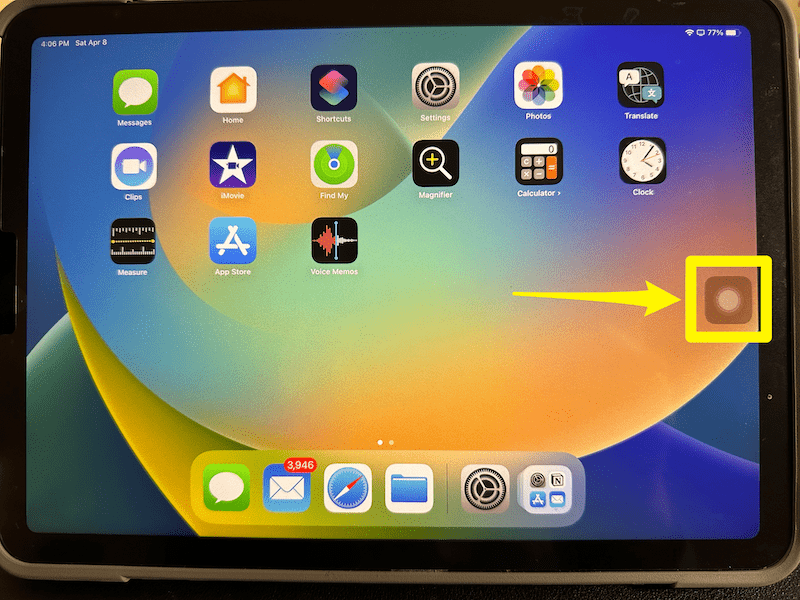
How To Remove The White Gray Dot From IPad Or IPhone MacReports
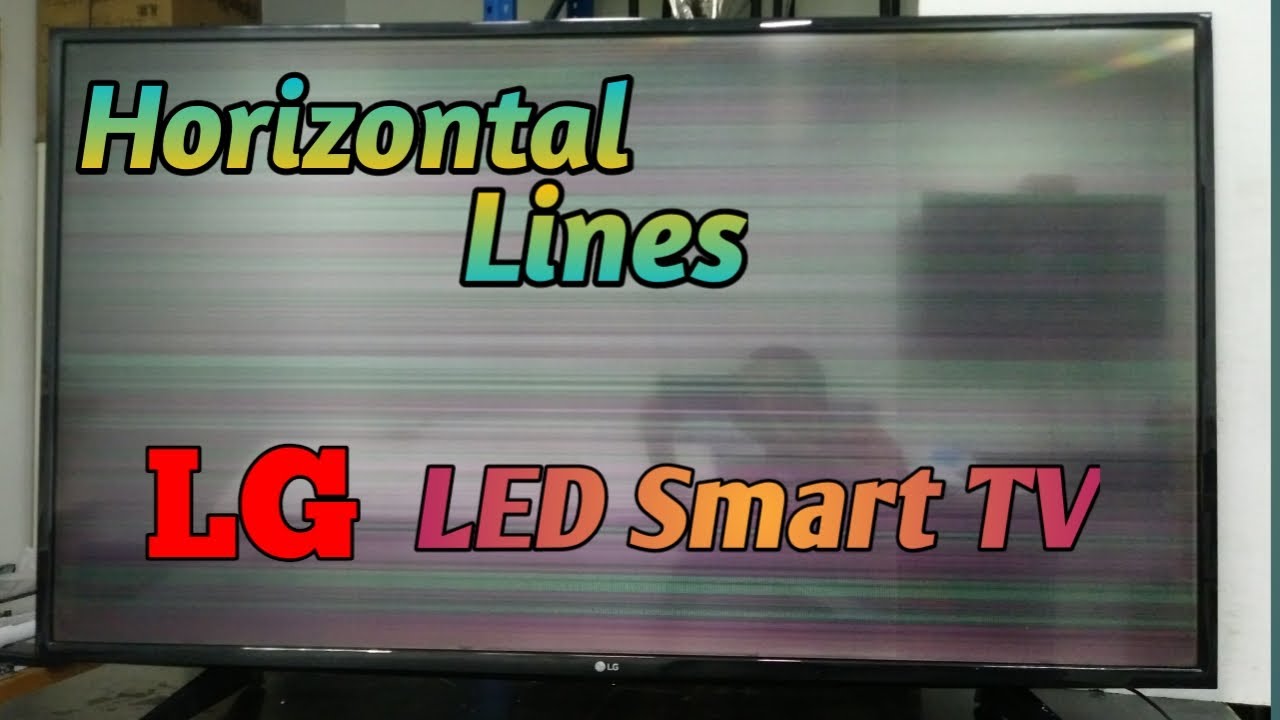
How To Fix Horizontal Lines On The Screen LG LED Smart TV Tagalog

Any Idea On What Is Causing These Issues With Vizio TV Black Lines

Black Horizontal Lines In Bottom Of Desktop Lcd Screen Electronics Forums
WEB my ipad screen has lines across it fix So you might have dropped your iPad or not even damaged it at all This is a common issue as an iPad repairer I see almost every day amp in this
WEB Mar 20 2023 nbsp 0183 32 A blinking or fixed off and on horizontal line appears on iPad Pro 11 M2 2022 how to fix this issue
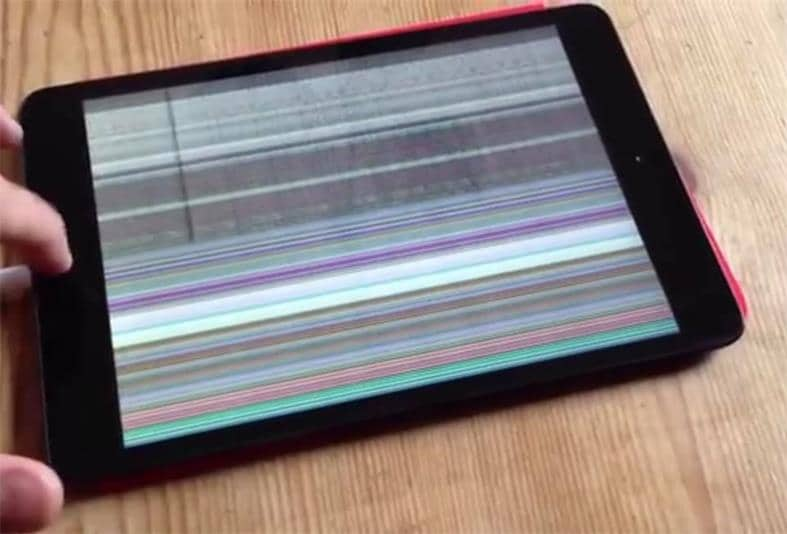
WEB Sep 17 2020 nbsp 0183 32 After updating to iOS 14 this morning I have two lines appearing on my screen One horizontal one an inch up from the bottom and one vertical one two inches in from the left side when the iPad is in landscape They persist in the same locations when I turn the orientation of the iPad

WEB Oct 2 2022 nbsp 0183 32 If you see an unexpected persistent horizontal or vertical line on your iPad screen begin with a forced restart of your iPad as this will often resolve an isolated issue On an iPad with a Home button Press and hold the top button and the Home button at the same time

WEB May 22 2024 nbsp 0183 32 The screen on your iPad can rotate so that you can see apps like Safari and Messages in portrait or landscape mode Learn how to rotate the screen on your iPad or get help if the feature doesn t work
WEB Before you go so far as to remove the screen try this handy trick I just found on YouTube link below 1 Turn off the iPad 2 Place the iPad face down on a hard surface with something on it to keep from scratching the screen 3 Knock on the back of the iPad That s it I just used that to fix a screen that was even crazier than yours WEB Jan 11 2021 nbsp 0183 32 This is how I stopped the appearing disappearing thin black horizontal line on iPad 14 3 Go to Settings gt Accessibility gt Motion gt Cross Fade Transitions Toggle off
WEB Nov 5 2019 nbsp 0183 32 When I picked it up now I noticed a thin pixelated horizontal yellow line on my screen I haven t dropped it of applied too much pressure It also didn t go away when I restarted my iPad