Hide Status Bar Icons Solved New heart Status Bar Icon Samsung Community 150303 How To Hide Icons On Mac Menu Bar MacDeed This App Allows You To Hide Status Bar Icons With Ease Galaxy S22 S22 Ultra How To Show Hide Status Bar Icons When Screen Is On For Do Not Disturb How To Show Hide Status Bar Icons Realme Android 11 Realme UI 2 YouTube You can hide the status bar on Android 4 0 API level 14 and lower by setting WindowManager flags You can do this programmatically or by setting an activity theme in your app s manifest file
Want to know How to Show Hide Notification icons in Status bar on Android smartphone This guide will show you how to do on Android 12 0 00 Intro0 05 Tap on Android Apps Games This App Allows You To Hide Status Bar Icons With Ease This App Allows You To Hide Status Bar Icons With Ease By Kristijan Lucic May 02 2022 We ve stumbled upon an app
How To Show Hide Status Bar Icons Realme Android 11 Realme UI 2 YouTube Hide Status Bar Icons Does Not Work Issue 4 Xposed Modules Repo org strawing Android How To Hide Icons In Android s Status Bar How To Hide Status Bar Icons On Samsung Galaxy Phones Flutter 2 5 Tutorial Hide Status Bar Navigation Bar Android Full Screen 2021 Immersive How To Hide Android Status Bar Icons TechWiser Hide Status Bar In Android Kotlin At Android Studio YouTube Remove Status Bar Ios Pixelsjuja
Hide Status Bar Icons

https://us.community.samsung.com/t5/image/serverpage/image-id/5173i5C9F8C6559803580?v=1.0
To implement the feature onto your device you will be using apktool to modify a few lines of code to the SystemUI apk and framework res apk before finally flashing it onto your device If you want to check out the entire tutorial head over to the XDA guide You can also watch the video below to see enryea123 using the feature Video Loading
Pre-crafted templates provide a time-saving option for creating a diverse series of files and files. These pre-designed formats and designs can be utilized for different individual and professional tasks, including resumes, invites, flyers, newsletters, reports, presentations, and more, simplifying the content production procedure.
Hide Status Bar Icons

How To Hide Status Bar Icons In OnePlus Nord N10 YouTube

Hide Status Bar Icons Does Not Work Issue 4 Xposed Modules Repo org strawing

Android

How To Hide Icons In Android s Status Bar
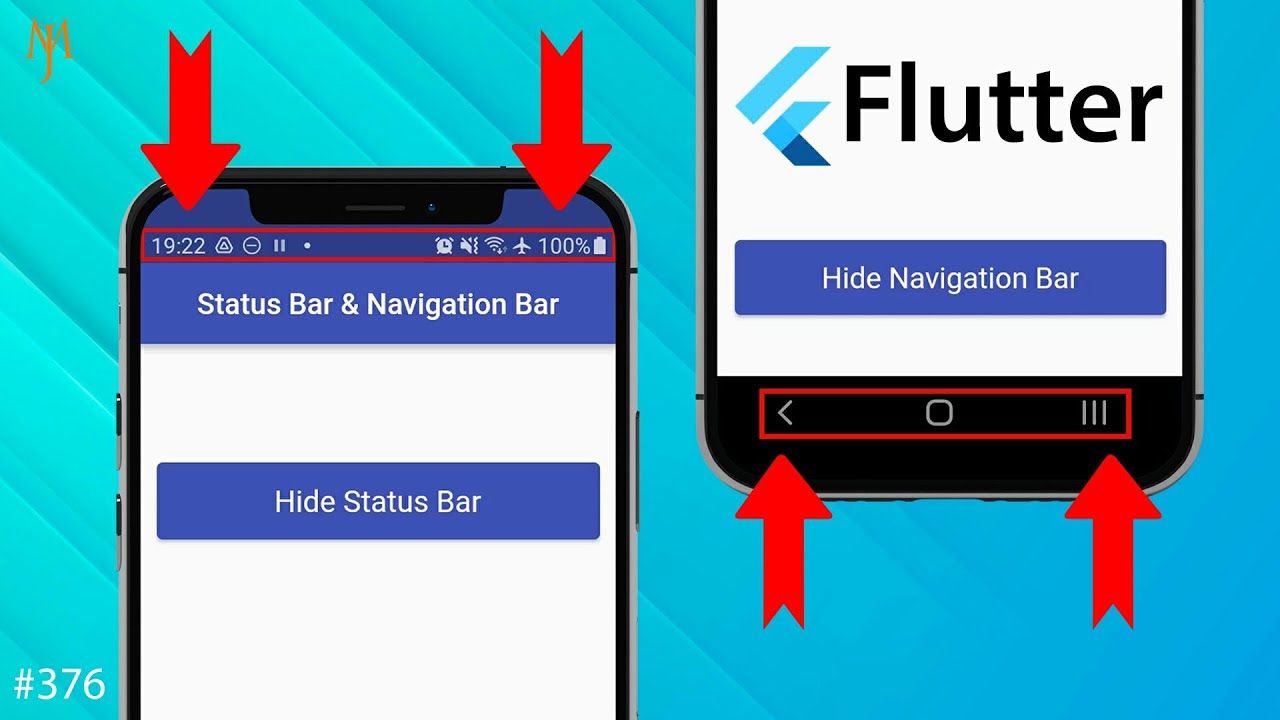
Flutter 2 5 Tutorial Hide Status Bar Navigation Bar Android Full Screen 2021 Immersive
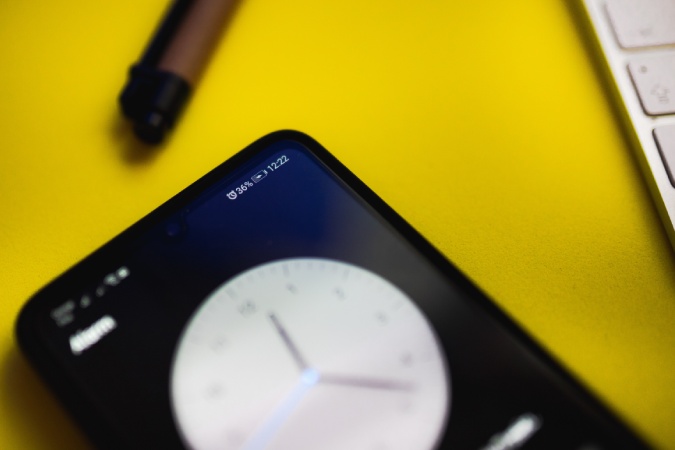
How To Hide Android Status Bar Icons TechWiser

Go to Settings Notifications Scroll down and tap Advanced settings Under the Status bar tap the Show notification icons setting The default option is the 3 most recent Select None instead That s it

Turn off persistent notifications Swipe left right on notification gear icon toggle off Show Notifications Turn off app notifications Go to Settings Notifications Tap toggle switch next to app This article explains how to dismiss Android notifications and turn off persistent app notifications Instructions apply to Android 9 and higher

1 Hide status bar on Stock Android using System UI tuner Stock Android phone users are in luck as they have an in built feature to hide the status bar on their Android device If you own a stock Android phone follow the steps below to hide the status bar on it Step 1 Pull down the notification shade on your Android device

The option to hide the status bar icons is hidden inside Android OS itself Some OEMs like OnePlus provide an option to tweak it easily On other OEMs you need to install third party apps to access that feature Some OEMs like Samsung completely block the functionality forcing users to depend on Samsung s in house customized solution instead

Go to Settings then Apps then select the specific app you re looking to hide notifications and icons from Let s also take a moment to learn the reason why apps like weather apps etc don t have an option inside the app itself to do this
Learn how you can enable or disable Hide Status Bar Icons during Do Not Disturb on the Samsung Galaxy S23 S23 Ultra This video demonstration is on Android 1 Tap the app Once you re in the app settings you ll notice the Notifications submenu Open it There you ll see a ton of notification options on a system level You can basically choose to
Step 1 Find the Styles Wallpapers Menu First open the Settings app from your app drawer Here select Display towards the top then choose Styles wallpapers On the next screen make sure the Style tab is selected