Header Design Ideas Word Website header design ideas 201418 Finding My Way RO Template Kop Surat Word Gratis Cari Vector File Vector Art Merry Christmas Text Header Design Frame Word Search Knight Features Content Worth Sharing Header Design With Custom Illustration By Arpad Szucs On Dribbble Create a letterhead design in the headers footers with an added IMPORTANT TIP Learn to insert shapes gradients logos text and customise each element
1 Display page numbers in shapes Most documents over a few pages display a page number in the header of footer If the document warrants a bit of visual appeal you can display that number in an Word s header and footer designs include layouts for headers and footers as well as for placement of page numbering This is particularly useful if you re short on design skills Because it means you can format the header and footer layout in your document without a great deal of effort But there are a few things to consider when making
Header Design With Custom Illustration By Arpad Szucs On Dribbble Free Header Footer Templates Ms Word Printable Templates 18 Word Header Designs Images Word Document Header Designs Pertaining Free Images Line Color Circle Brand Font Illustration Triangle Ideas Word Showing Creativity Concept Idea And Innovation Stock Photo Header Design Inspiration Website Header Design Header Design Word Art Work Ide 31 Banner Design Templates Riset 12 Page Header Design Images Free Web Page Header Templates Web Page
Header Design Ideas Word
 Header Design Ideas Word
https://find.lifeishard.ro/wp-content/uploads/2017/03/website-header-design-ideas_201418.jpg
Method 1 Insert a Header or Footer Download Article 1 Click the Insert tab It s at the top of Word on both Windows and Mac If you ve already inserted a header or footer and want to edit it simply double click it now 2 Click Header or Footer You ll see these two options in the toolbar A menu will expand
Pre-crafted templates offer a time-saving solution for creating a varied range of files and files. These pre-designed formats and layouts can be used for different individual and expert projects, consisting of resumes, invitations, flyers, newsletters, reports, presentations, and more, streamlining the content development procedure.
Header Design Ideas Word
Download Template Header Footer Word Free Printable Templates
Free Header Footer Templates Ms Word Printable Templates

18 Word Header Designs Images Word Document Header Designs Pertaining

Free Images Line Color Circle Brand Font Illustration Triangle

Header Design Inspiration Website Header Design Header Design
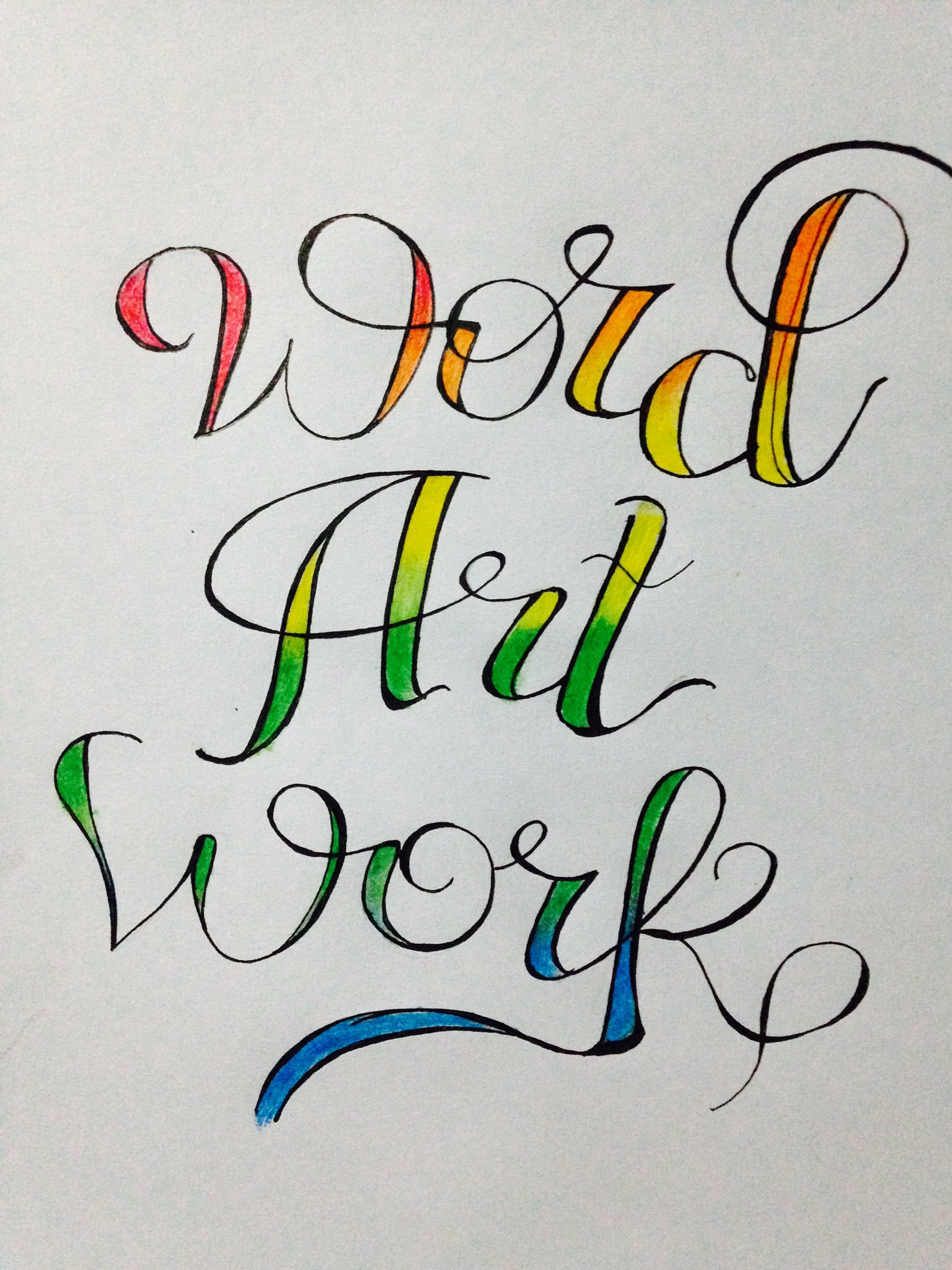
Word Art Work

English Management Communication Templates Microsoft Word Want to make a good first impression for your business Use a letterhead template Word design that portrays your business as professional and credible A premium letterhead template Word design like the one shown above makes it easy for anyone to create an impressive business letter

14 990 templates White Minimalist Simple Aesthetic Name Twitter Header Twitter Header by Lucie Sindelkova Blue Yellow Retro Quotes Twitter Header Twitter Header by Golden One Artz Mugs and Coffee Email Header Email Header by Canva Creative Studio Blue Gradient Header Banner LinkedIn Article Cover Image by Canva Creative Studio

How to Create a Custom Heading Style in Microsoft Word By Erin Wright In How to Create and Customize Headings in Microsoft Word we covered the basics of using headings in Word including customizing Word s nine built in heading levels

Step 1 Start by opening up your Word document and scrolling to the first page where you want a unique header Make sure your cursor is on the top of that page Step 2 Go to the Insert tab and click on Header This will bring up several preset header options

By Erin Wright This tutorial shows how to create headings in Microsoft Word First we ll look at how to create headings using Word s built in styles Then we ll look at how to customize Word s built in heading styles to your preferred font font size alignment and color Table of Contents
Mark Gerkules on Elementor Team Writes Web Design Updated on 08 06 22 8 Headers are paramount to the success of your website They make navigation easy your brand visible and they maximize engagement via CTAs Discover how to design website headers correctly to elevate your website and brand 1 Find your perfect Word template Search documents by type or topic or take a look around by browsing the catalog Select the template that fits you best whether it s a resume cover letter card brochure letter certificate or something else 2 Customize your creation Use Microsoft Word to make your design unique
To create headings by applying heading styles Click in the paragraph title or subheading you want to designate or format as a heading Click the Home tab in the Ribbon Click the heading style you want in the Styles Gallery such as Heading 1 in the Style group You may need to click the More arrow on the bottom right of the Styles Gallery