Hard Reset Iphone 12 Mini Hard Reset IPhone 12 Factory Reset Remove Pattern Lock Password How C ch Thi t L p L i C ng IPhone 12 Mini IPhone 12 IPhone 12 Pro Ho c How To Hard Reset An IPhone 12 12 Pro 12 Pro Max 12 Mini YouTube How To Restart soft Reset Iphone 12 12 Mini 12 Pro 12 Pro Max YouTube How To Hard Reset IPhone 12 Mini IPhone 12 IPhone 12 Pro Or IPhone Press and hold the Side button top right edge and either Volume Button When slide to power off appears release the release buttons Slide to power off
From a Home screen navigate Tap From the Erase This iPhone screen view the following info then tap Enter your Apple ID password then tap From the Are First press and release the Volume Up button Immediately after press and release the Volume Down button Now press and hold the side button
How To Hard Reset IPhone 12 Mini IPhone 12 IPhone 12 Pro Or IPhone Come Fare Hard Reset IPhone 12 How To Reset IPhone 12 iPhone 12 Pro iPhone 12 Mini Without Passcode Force Restart IPhone 11 Pro Max DFU Recovery Mode SOS Power Off How To Factory Reset Iphone 12 12 Mini 12 Pro 12 Pro Max YouTube How To Hard Reset IPhone 12 Pro Max Device Reset Blog How To Hard Reset IPhone 12 And Back To Factory Setting How To Hard Reset Or Force Restart All IPhone 12 Models 2022 How To Hard Reset IPhone 12 12 Mini 12 Pro 12 Pro Max Enter DFU
Hard Reset Iphone 12 Mini
 Hard Reset Iphone 12 Mini
https://theupgradeguide.com/wp-content/uploads/2020/10/thumb-23-1024x576.jpg
How to Hard Reset iPhone 12 Press on the Volume Up button located on the left side of the phone and let go Press on the Volume Down button
Templates are pre-designed documents or files that can be utilized for various functions. They can conserve time and effort by providing a ready-made format and layout for developing various sort of material. Templates can be utilized for individual or professional projects, such as resumes, invitations, flyers, newsletters, reports, discussions, and more.
Hard Reset Iphone 12 Mini
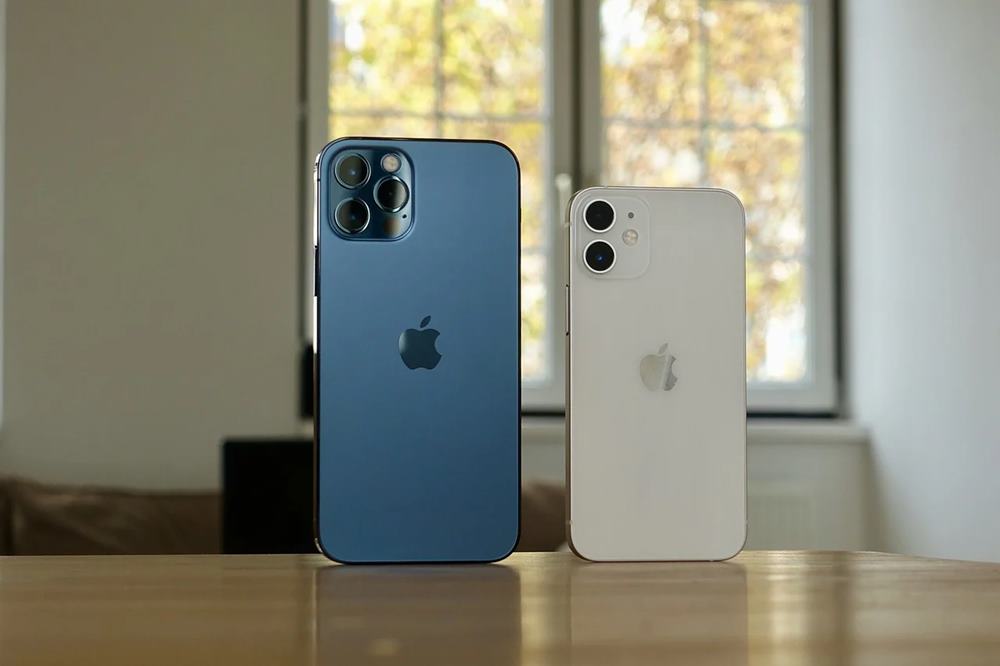
How To Hard Reset IPhone 12 IPhone 12 Pro Mini Pro Max

Come Fare Hard Reset IPhone 12
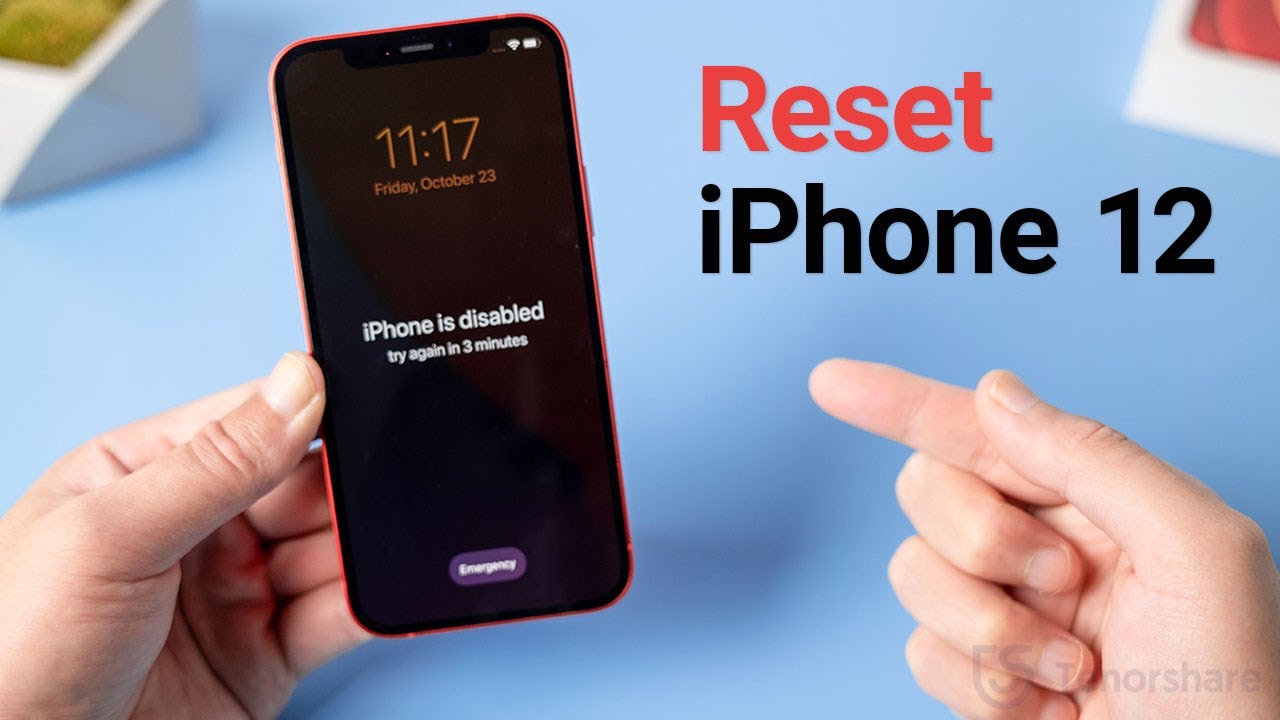
How To Reset IPhone 12 iPhone 12 Pro iPhone 12 Mini Without Passcode
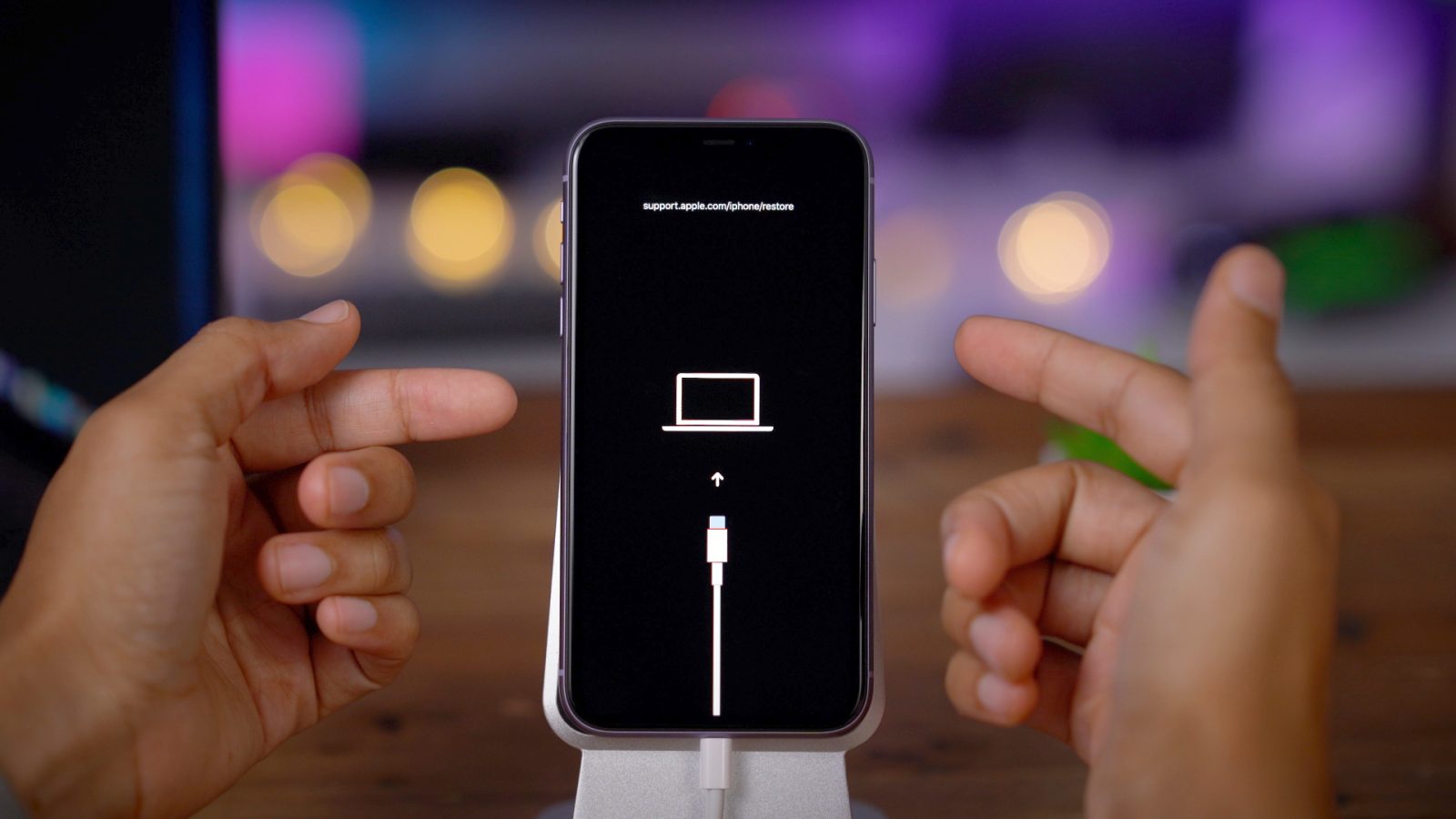
Force Restart IPhone 11 Pro Max DFU Recovery Mode SOS Power Off

How To Hard Reset IPhone 12 Pro Max Device Reset Blog
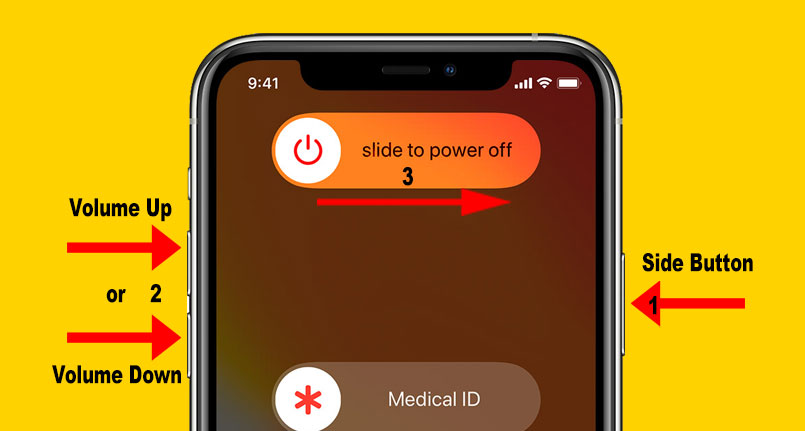
How To Hard Reset IPhone 12 And Back To Factory Setting

Iphone12mini force restart Occasionally you might experience minor software issues like

Force restart iPhone Press and quickly release the volume up button Press and quickly release the volume down button Press and hold the side button When

Press and quickly release the Volume up button press and quickly release the Volume down button press and hold the Side button until you see the Apple logo

To restart first hold Volume Down and the Side button until the slider appears swipe it to turn off your phone
First of all unlock your smartphone with the Side button Then go to the Home screen Thirdly find and open Settings app Now from the list choose General
Here s what to do Hold your iPhone 12 in your hand Quickly press and release the Volume Up button press and release the Volume Down button Click the Volume Up button Then quickly click the Volume Down button Then quickly press and hold the Side button for about 10 seconds
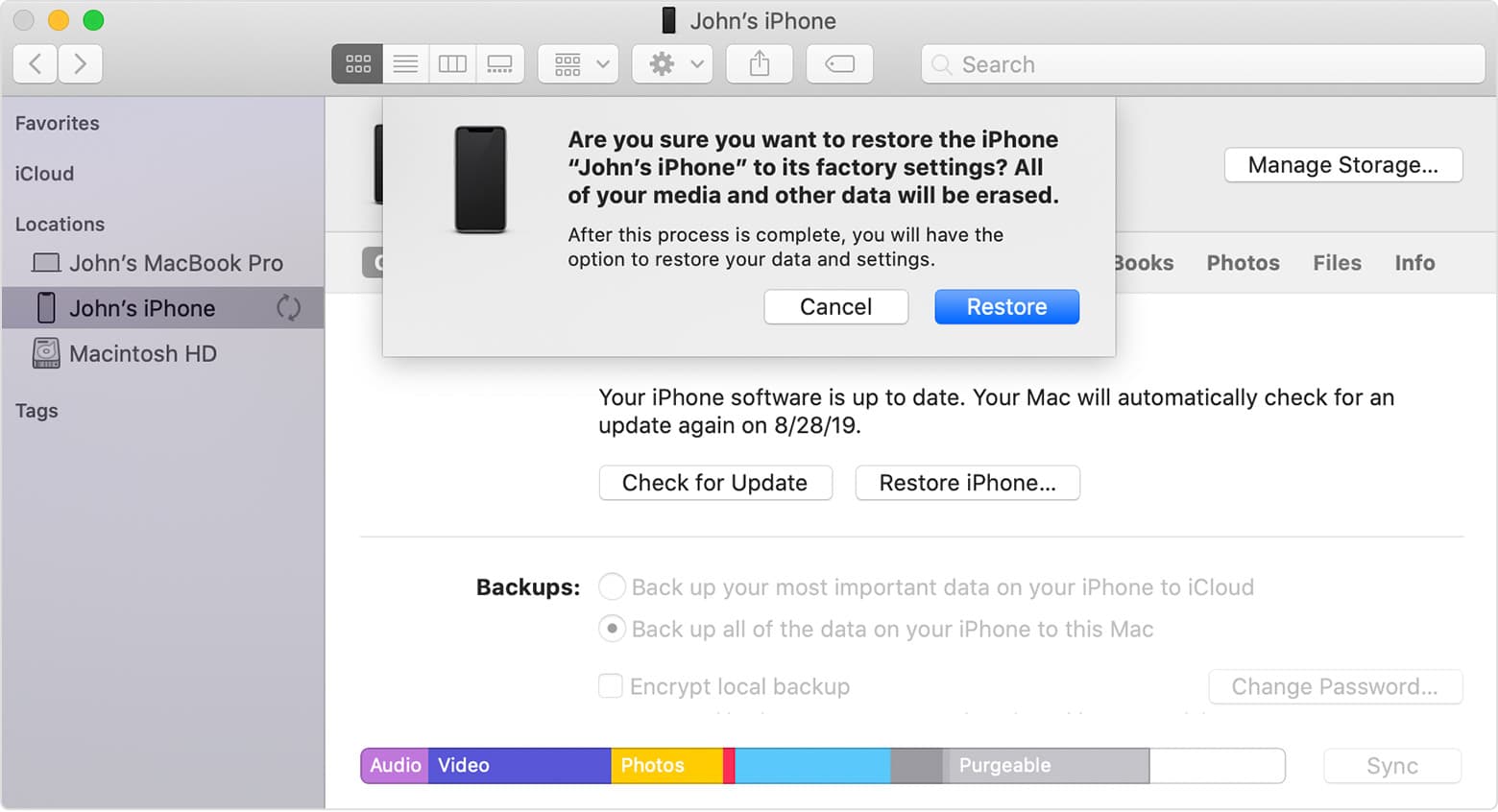
Go to Settings General Reset and then select Erase All Content and Settings There are several ways to erase iPhone 12 and reset it to