Gpo Proxy Settings Server 2019 Windows 10 Gpo Proxy Settings SQL Server 2019 Online G nstig Kaufen Bei Lizenzstar GPO Did Not Apply For IE Proxy Settings On RDP Server 2019 Microsoft Q A FIXED Open Proxy Settings In The The New Microsoft Edge s Settings Windows Server 2019 General Availability What To Do Network World Web Feb 23 2023 nbsp 0183 32 How to configure proxy server settings through Web Proxy Auto Discovery Protocol WPAD How to configure proxy server settings in Internet Explorer or by using Group Policy Proxy Auto Configuration PAC files Automatic Configuration Script Proxy Firewall client software Reference
Web Apr 30 2019 nbsp 0183 32 Windows Server 2019 Beginners Tutorial by MSFTWebcast The video tutorial shows how to configure GPO proxy settings for Internet Explorer 11 and Microsoft Edge web browser using Active Web Jul 14 2023 nbsp 0183 32 In order to set proxy settings via GPO on users computers in the AD domain perform the following actions Open Group Policy Management Console gpmc msc Select the Active Directory OU for which
Windows Server 2019 General Availability What To Do Network World Windows Server 2019 RDS 10 User CALs Lizenzguru Install And Configure Hyper V On Windows Server 2019 Microsoft Exchange Server 2019 Standard 1 Device CAL Blitzhandel24 APC NetBotz 750 NBRK0750 92 110 PUT settings proxy Nz Web Proxy Microsoft Windows Server 2019 64B 16Core Town green G DATA Internet Security 2021 1 Jahr Blitzhandel24 Software How To Do NPM Proxy Setting Using Command Prompt
Gpo Proxy Settings Server 2019
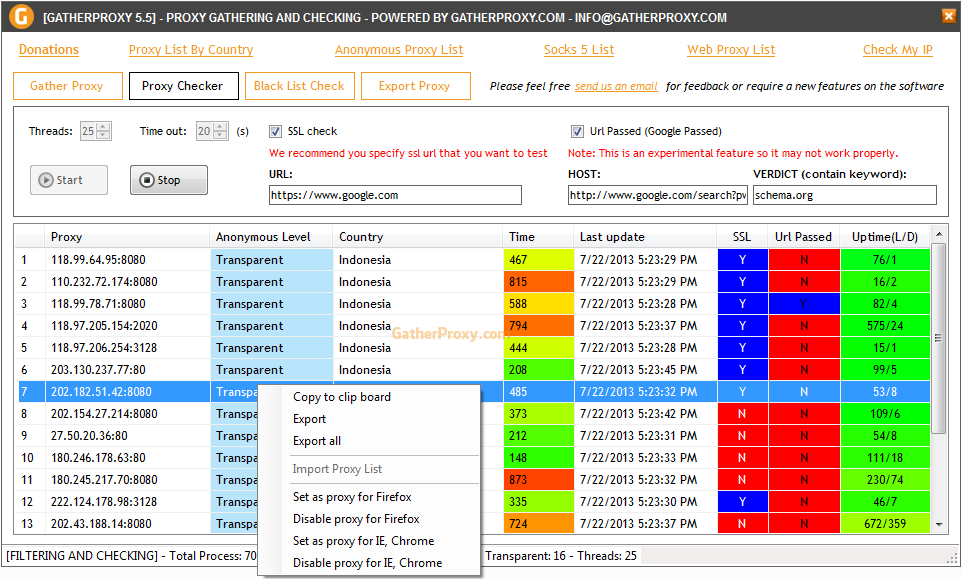 Gpo Proxy Settings Server 2019
https://cdn.soft112.com/gatherproxy/00/00/0F/LL/00000FLLSO/pad_screenshot.png
Web This article is about deploy the proxy pac settings inside the GPO These proxy server settings are used by all modern browsers including Internet Explorer 11 Google Chrome Chromium based Edge Opera Mozilla Firefox with the option Use system proxy settings enabled by default
Templates are pre-designed files or files that can be used for various functions. They can conserve time and effort by providing a ready-made format and design for developing various kinds of material. Templates can be utilized for personal or professional tasks, such as resumes, invites, flyers, newsletters, reports, presentations, and more.
Gpo Proxy Settings Server 2019

Core Dotnet Not Following System Proxy Settings Stack Overflow
Windows Server 2019 RDS 10 User CALs Lizenzguru

Install And Configure Hyper V On Windows Server 2019

Microsoft Exchange Server 2019 Standard 1 Device CAL Blitzhandel24
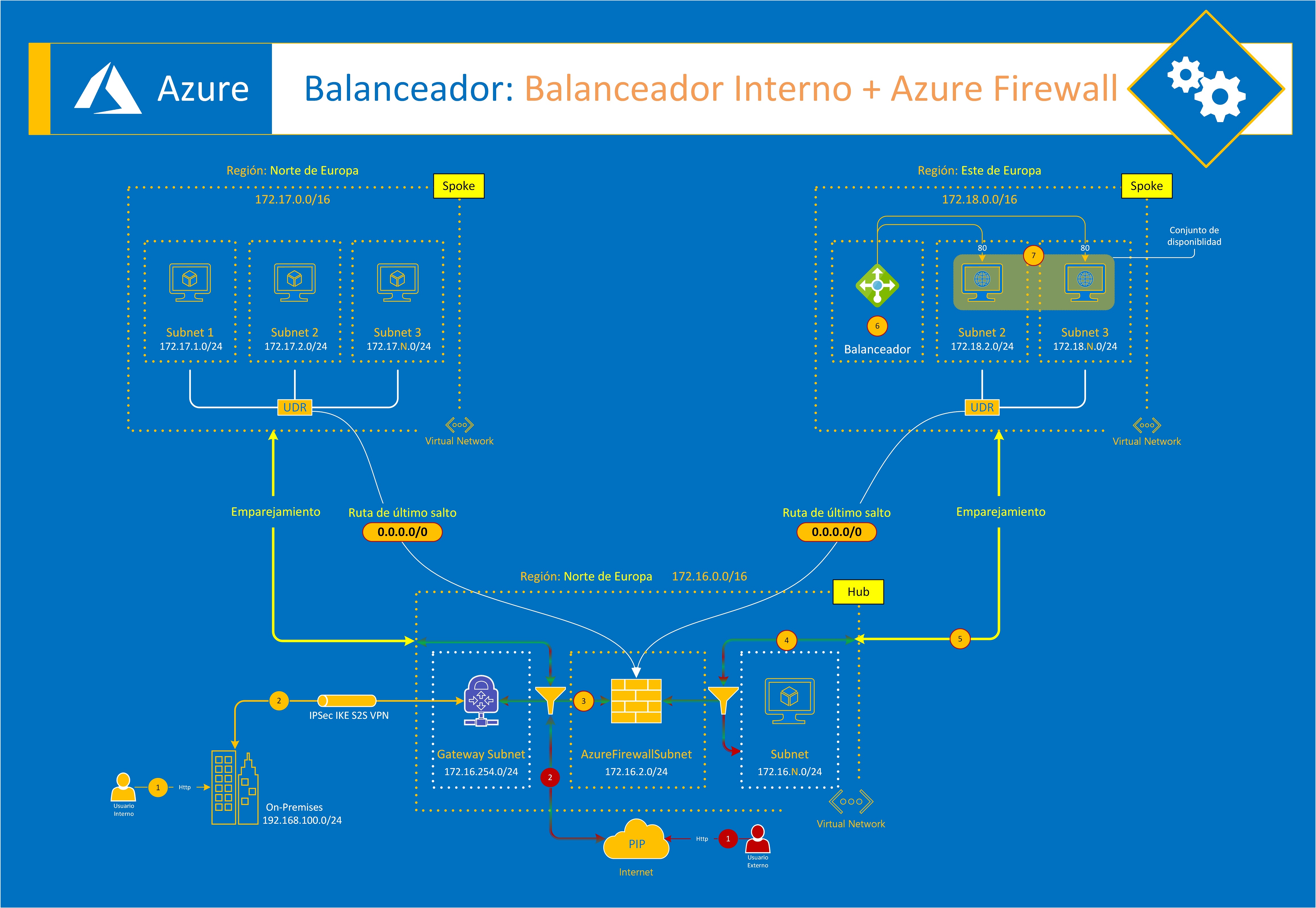
Nz Web Proxy

Microsoft Windows Server 2019 64B 16Core Town green
Web Click on the Advanced button Click on open proxy settings Under Manual proxy setup we can verify the proxy settings which we have configured using group policy preferences If the policy is not applying on the user account manually update the group policy by using the gpupdate force command

Web Feb 27 2023 nbsp 0183 32 Open the domain GPO Editor console Group Policy Management Console GPMC msc select the OU with the users to which you want to apply proxy settings and create a new policy Create a GPO in this domain and Link it here Go to User Configuration gt Preferences gt Control Panel Settings gt Internet Settings

Web Apr 27 2023 nbsp 0183 32 To set up a Group Policy Object GPO to allow specific users to access only one website on a Windows Server 2019 you can follow these steps On the Windows Server 2019 machine open the Group Policy Management console You can do this by searching for quot Group Policy Management quot in the Start menu

Web Dec 10 2020 nbsp 0183 32 The directions apply to Windows 10 as well as Windows Server 2019 and Windows Server 2016 How to specify GPO proxy settings Group P olic y Object settings are part of the Active Directory They allow an administrator to centrally define policy settings and then push those policy settings to domain joined Windows devices At one

Web Apr 27 2023 nbsp 0183 32 Setting up GPO for proxy settings RockmanIT 251 Apr 27 2023 1 30 PM I m trying to create a GPO in AD using Windows server 2019 so I can block all websites except for just one for my chosen users I m told that it can be done through creating a GPO to edit the proxy settings
Web Open the item Use HTTP proxy For HTTPS Turn to enabled and click on OK button Use Active Directory Group Policies GPO features to configure proxy settings on domain joined computers running Windows 10 and Windows Web Nov 8 2023 nbsp 0183 32 Configure Proxy Settings Using Group Policy Preferences On Windows On server manager console click on tools and select group policy management in the group policy management console right click on group policy objects and select new specify a proper name configure proxy settings gpo to the new group policy object click on ok
Web Jan 20 2021 nbsp 0183 32 When you want to deploy an explicit proxy configuration via the GPO the new Windows 10 Server 2016 amp 2019 settings for internet explorer most of the times won t work and won t apply the required proxy settings Solution The best solution here is to configure a GPO using registry keys that will enforce the explicit proxy configuration