Google Sheets Find Cell With Value Find Text And Replace The Entire Cell In Google Sheets With Apps Script YouTube What Is The Equivalent To VLOOKUP In SQL 2023 Google Sheets Find A Cell Containing Text In A Range And Return The Text In That Cell Web Find The Last Cell With Value In Row In Excel 6 Methods ExcelDemy How To Find Last Cell With Value In A Row In Excel 6 Ways LOOKUP functions are the best way to find related data in spreadsheets Google Sheets pictured Spreadsheets aren t as interconnected as databases They re designed to list data in one place and calculate sums and averages But they can also search through your data and find related values just in a slightly different way than
The Google Sheets LOOKUP function searches through a row or column for a key and returns the value of the cell in a result range located in the corresponding position to the search row or column Like VLOOKUP and HLOOKUP LOOKUP allows you to retrieve specific data from your spreadsheet However this formula has two distinct differences row returns the row number of the top left cell in reference type returns the type of data in the cell in reference The following values are returned b for a blank cell l
How To Find Last Cell With Value In A Row In Excel 6 Ways Solved Fill Listview Cell With Value From Detailsview Or Dropwdownlist Experts Exchange Return Excel Cell Reference Find The Last Cell With Value In Row In Excel 6 Methods ExcelDemy If Cell Contains Text From List 2022 How To Find Last Non Blank Cell In Row In Excel 5 Methods ExcelDemy Finding Cell Position Of A Specific Value Help UiPath Community Forum If Cell Contains Text Then Add Text In Another Cell In Excel ExcelDemy Find The Last Cell With Value In Row In Excel 6 Methods ExcelDemy
Google Sheets Find Cell With Value
 Google Sheets Find Cell With Value
https://i.ytimg.com/vi/J6APo_hwANo/maxresdefault.jpg
If the pattern you re searching for isn t found VALUE is returned See Also SUBSTITUTE Replaces existing text with new text in a string SPLIT Divides text around a specified character or
Templates are pre-designed documents or files that can be utilized for various purposes. They can save time and effort by offering a ready-made format and layout for developing different kinds of content. Templates can be utilized for individual or expert tasks, such as resumes, invites, flyers, newsletters, reports, discussions, and more.
Google Sheets Find Cell With Value
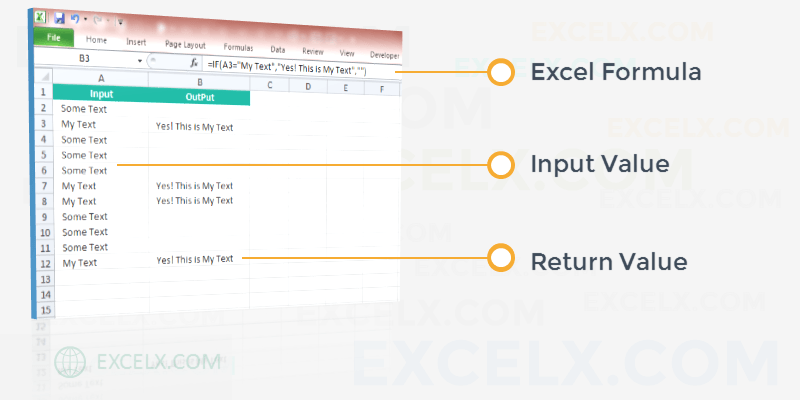
Excel Formula If Cell Contains Text Then Return Value In Another Cell 2023
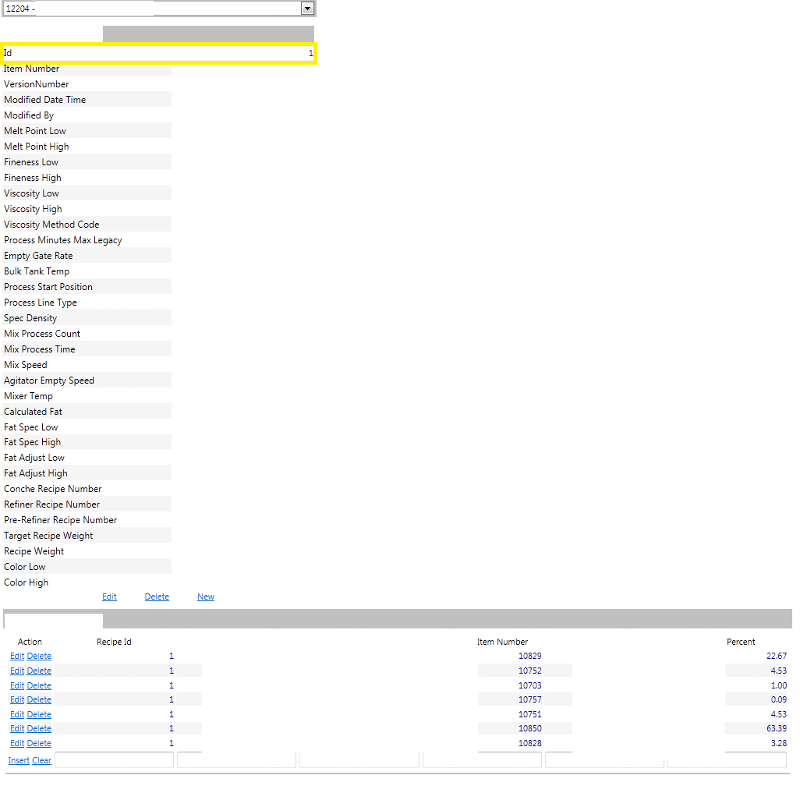
Solved Fill Listview Cell With Value From Detailsview Or Dropwdownlist Experts Exchange
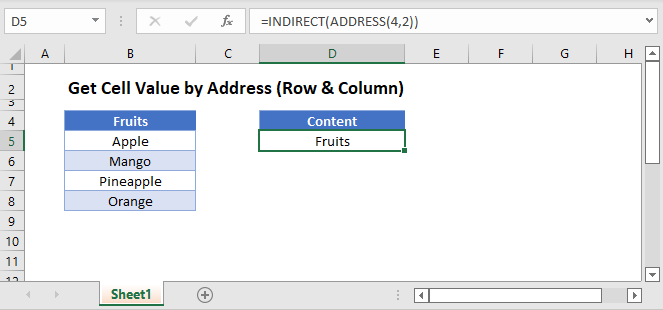
Return Excel Cell Reference

Find The Last Cell With Value In Row In Excel 6 Methods ExcelDemy
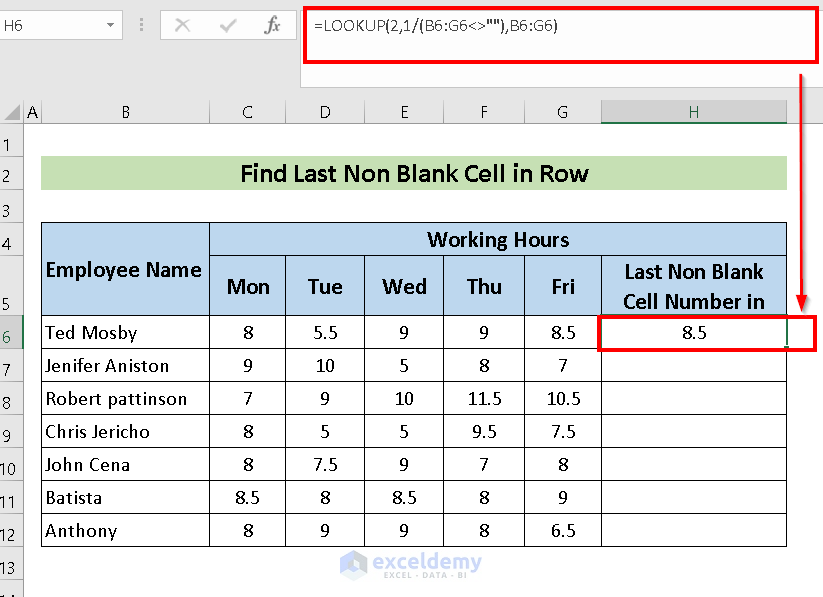
How To Find Last Non Blank Cell In Row In Excel 5 Methods ExcelDemy

Finding Cell Position Of A Specific Value Help UiPath Community Forum
0 To get the cell address of a lookup value in Google Sheets I have three different formulas that you can try Two of them are based on the CELL function There is an info type called address in the CELL function It helps us to return the cell address of a specified cell Syntax CELL info type reference Here are two quick examples

How to Use the FIND Function in Google Sheets Let s begin writing our own FIND function in Google Sheets step by step First click on any cell to make it active You should click on the cell where you want to show your result For this guide I will be selecting B2 Then type the equal sign to start off the function

To return the value itself or another value corresponding to the row or column the match is found in use INDEX HLOOKUP or VLOOKUP See Also VLOOKUP Vertical lookup Searches down the

The first is the search key value you re looking for and the second is the cell range you re searching e g A1 to D10 The third argument is the column index number from your range to be searched where the first column in your range is number 1 the next is number 2 and so on

To find all cells with value in Google Sheets we will be using the COUNTIF function The COUNTIF function is used to determine how many cells satisfy a requirement In this example we want to find call the cells that contain the word Red We will simply insert this formula COUNTIF A2 A7 Red Step 3
[desc-11] [desc-12]
[desc-13]