Gmail Send Email As Important How To Mark An Email As Important In Gmail Using Google Workspace For How To Set Importance In Gmail To Organize Your Inbox How To Mark An Email As Urgent In Gmail How To Disable And Remove Important Labels In Gmail Karen Shanley How To Set Gmail Desktop Notification Naxreadvisor Set how you sign in to Google apps and services You can choose to sign in with a password or add 2 Step Verification which sends a security code to your phone as an
Gmail goes beyond ordinary email You can start a video call with a friend ping a colleague and write an email all without leaving your inbox Search the world s information including webpages images videos and more Google has many special features to help you find exactly what you re looking for
How To Set Gmail Desktop Notification Naxreadvisor How To Mark Mail As Important In Gmail YouTube How To Send A Gmail Email With High Importance How To Set The Priority For An Email In Outlook To High How To Enable High Priority Notifications For Gmail How To Prioritize Emails In Gmail ICloud Outlook Spark How To Send Large Files Through Email Using Gmail How To Send Message From Gmail How To Write Email Vrogue
Gmail Send Email As Important
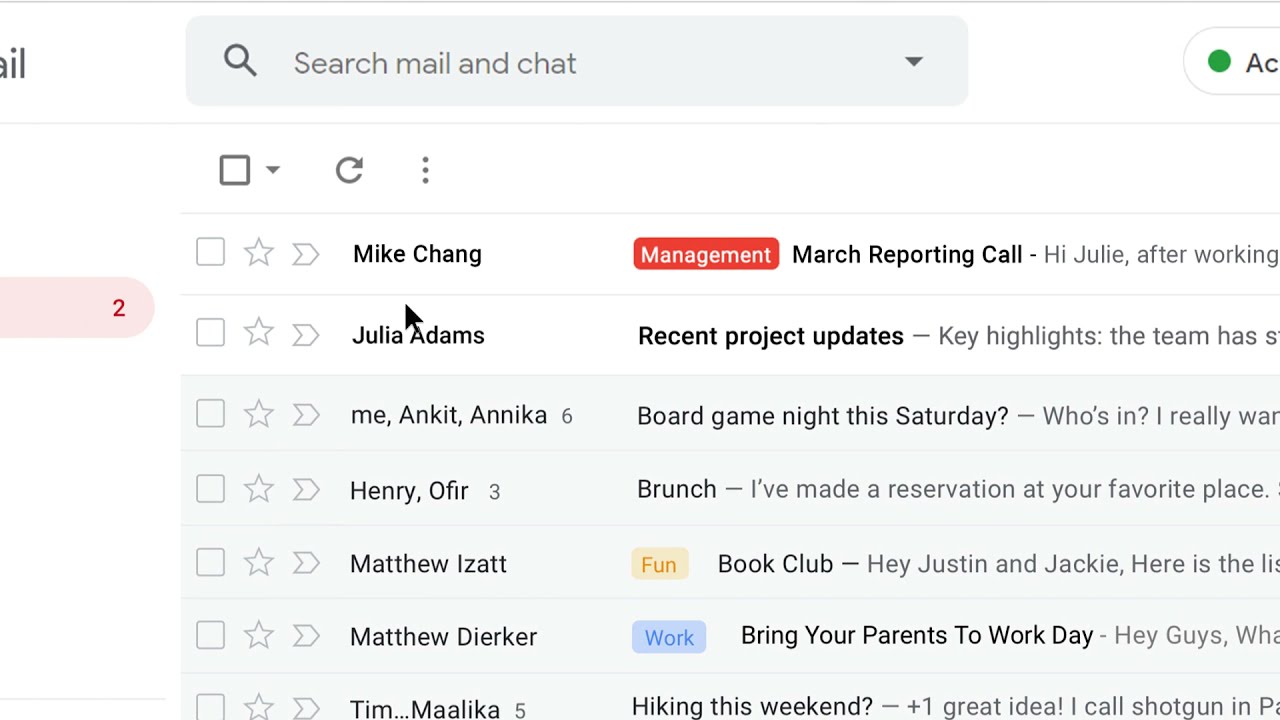 Gmail Send Email As Important
https://i.ytimg.com/vi/5fXXPgITHRg/maxresdefault.jpg
Not your computer Use a private browsing window to sign in Learn more about using Guest mode
Templates are pre-designed files or files that can be used for different purposes. They can save effort and time by providing a ready-made format and design for developing various kinds of material. Templates can be utilized for individual or professional tasks, such as resumes, invites, flyers, newsletters, reports, discussions, and more.
Gmail Send Email As Important
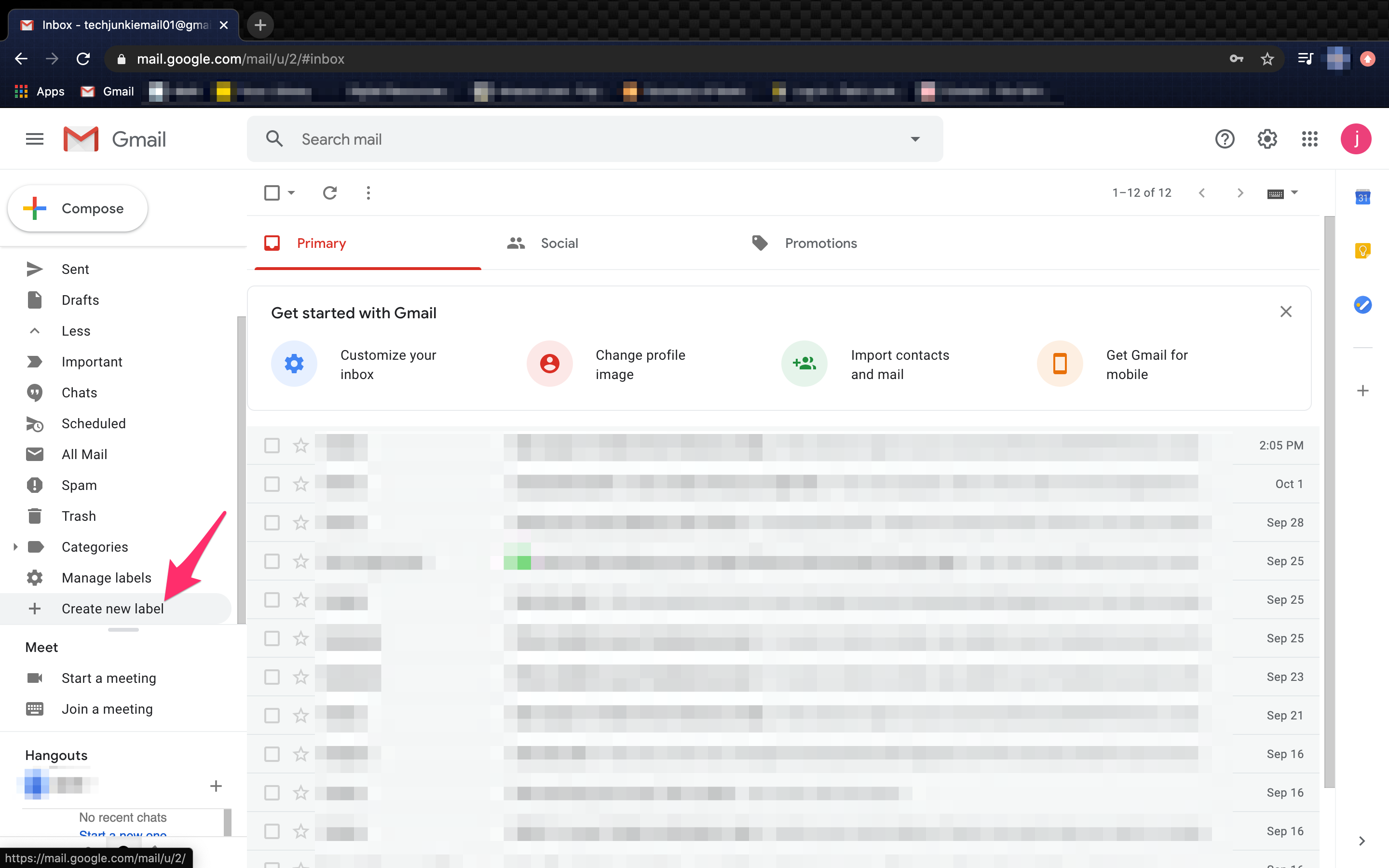
35 How To Add Contacts To A Label In Gmail Bendabarumansion
How To Mark Mail As Important In Gmail YouTube
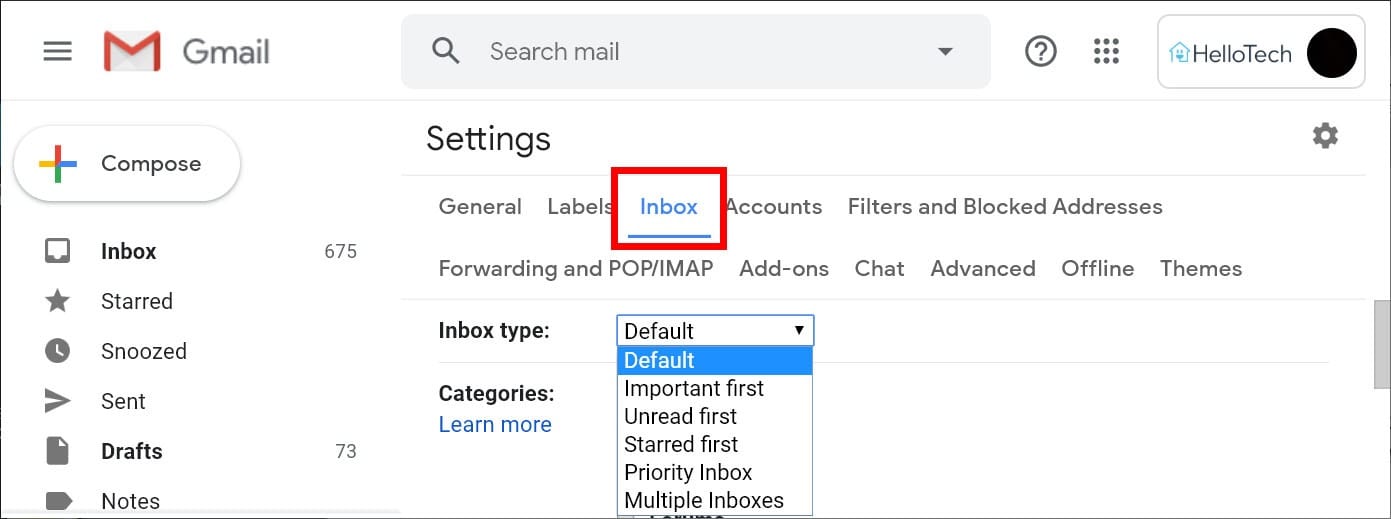
How To Send A Gmail Email With High Importance
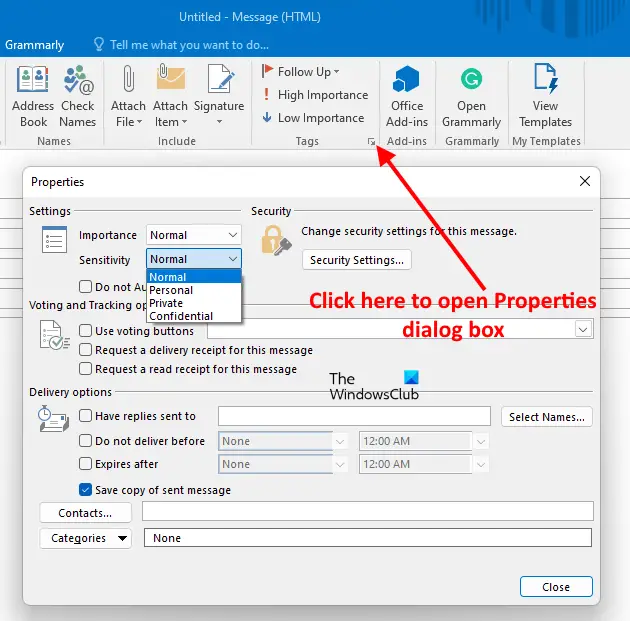
How To Set The Priority For An Email In Outlook To High

How To Prioritize Emails In Gmail ICloud Outlook Spark

How To Send Large Files Through Email Using Gmail
Gmail is email that s intuitive efficient and useful 15 GB of storage less spam and mobile access

Not your computer Use a private browsing window to sign in Learn more about using Guest mode

To sign up for Gmail create a Google Account You can use the username and password to sign in to Gmail and other Google products like YouTube Google Play and Google Drive
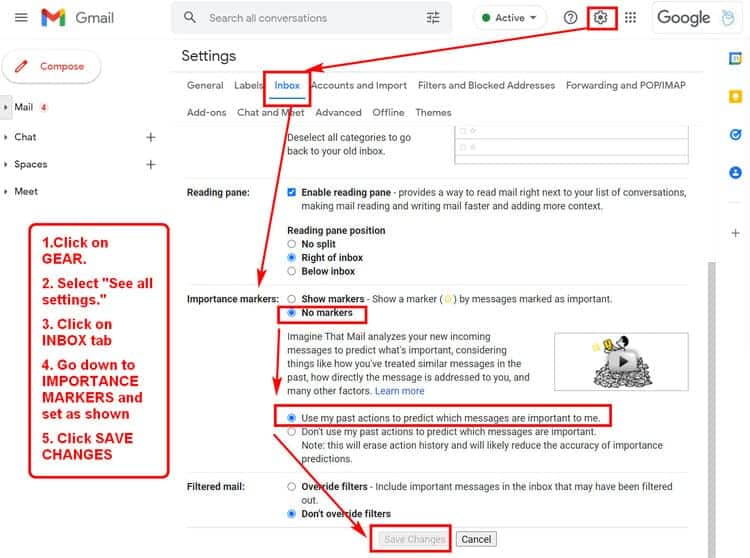
To open Gmail you can sign in from a computer or add your account to the Gmail app on your phone or tablet Once you re signed in open your inbox to check your mail
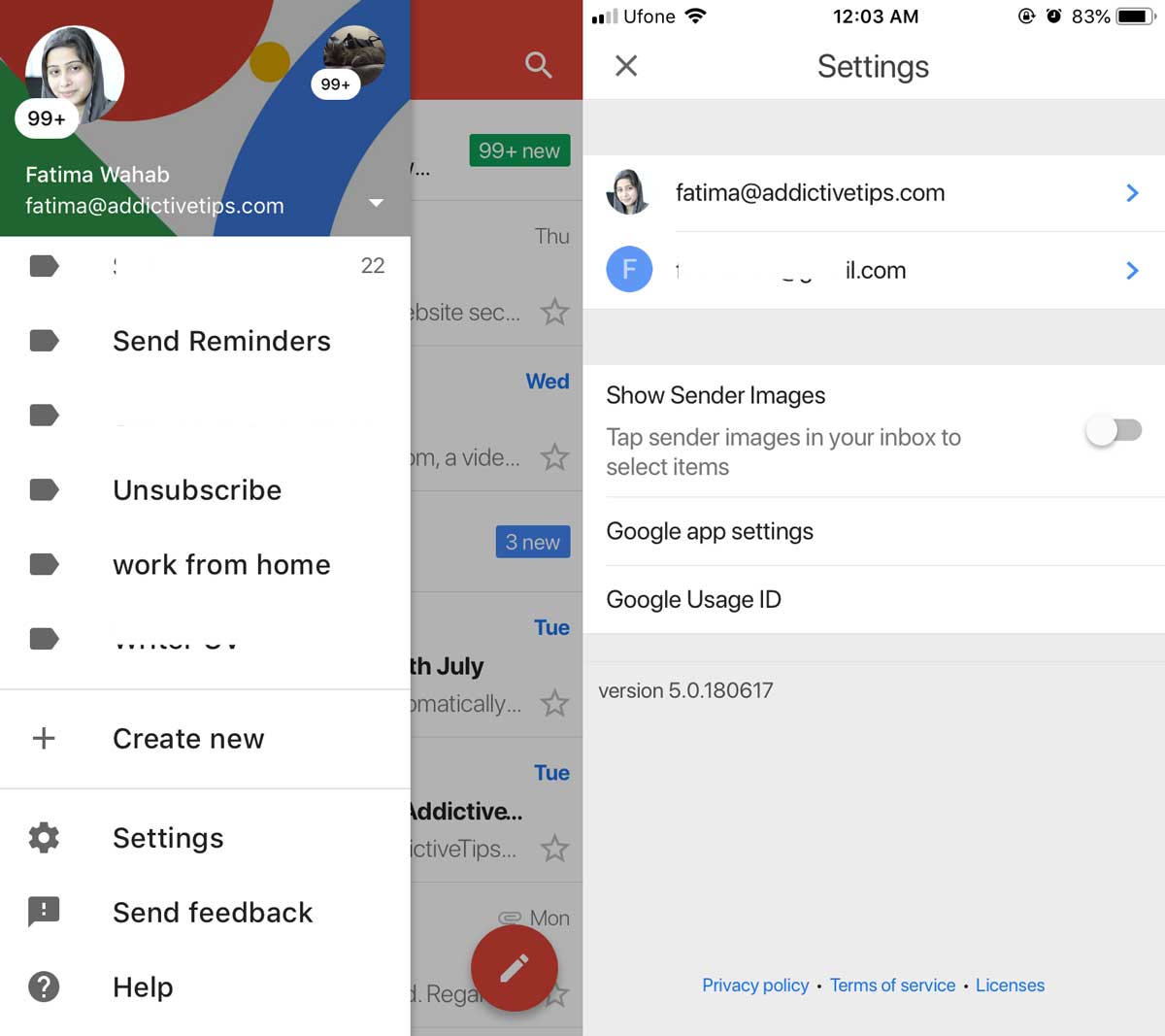
Discover how Gmail keeps your account amp emails encrypted private and under your control with the largest secure email service in the world
[desc-11] [desc-12]
[desc-13]