Gitlab User Config Using GitLab CI CD With Castle Game Engine News Castle Game Engine GitLab Configuration GuardRails Connecting With GitLab Everhour Sign In GitLab Git Config How To Configure Git Settings To Improve Your Development WEB 1 Commit a state of the code base Branch a reference to a commit can have a tracked upstream Tag a reference standard or an object annotated HEAD a place where your
WEB Feb 27 2024 nbsp 0183 32 To follow along with this tutorial you will need A server running Ubuntu along with a non root user with sudo privileges and an active firewall For guidance on WEB To use SSH to communicate with GitLab you need The OpenSSH client which comes pre installed on GNU Linux macOS and Windows 10 SSH version 6 5 or later Earlier
Git Config How To Configure Git Settings To Improve Your Development Git Bash Tutorial With Gitlab Nsasoft Gitlab gitlab CSDN Schlummern Renovieren Anpassen Gitlab Ci Argocd Herde Verantwortliche Gitlab gitlab CSDN Sign In GitLab GitLab Quick Start Guide GitLab Control On The App Store GitLab 13 4 Released With Vault For CI Variables And Kubernetes Agent
Gitlab User Config
 Gitlab User Config
https://i0.wp.com/castle-engine.io/wp/wp-content/uploads/2022/09/gitlab_ci.png?ssl=1
WEB A git folder is created in your directory This folder contains Git records and configuration files You should not edit these files directly Add the path to your remote repository so
Templates are pre-designed files or files that can be used for different functions. They can save effort and time by providing a ready-made format and layout for creating various sort of content. Templates can be used for individual or professional jobs, such as resumes, invitations, flyers, newsletters, reports, presentations, and more.
Gitlab User Config

Fin Config Generate Fig
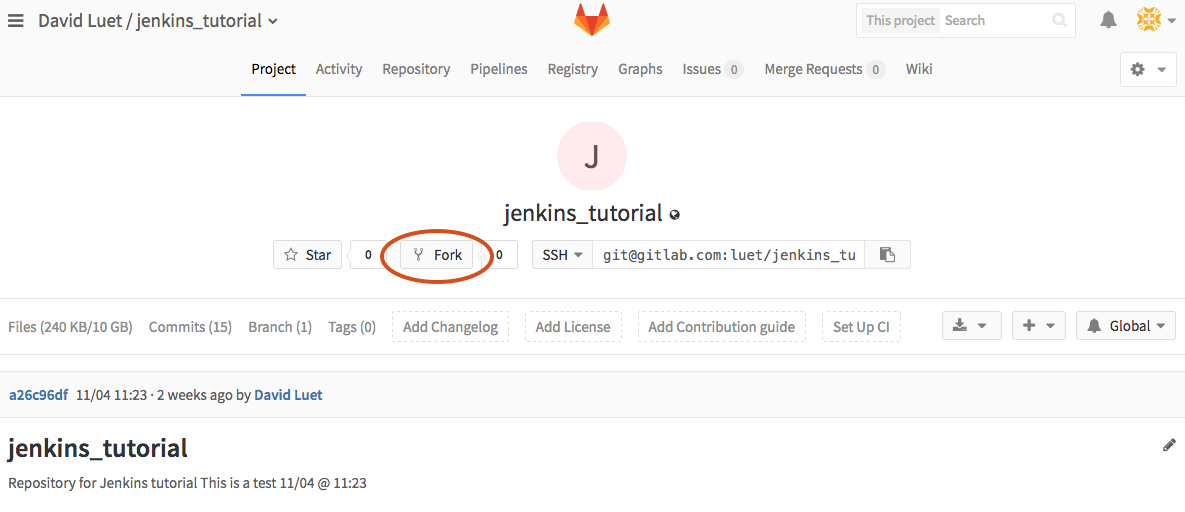
Git Bash Tutorial With Gitlab Nsasoft
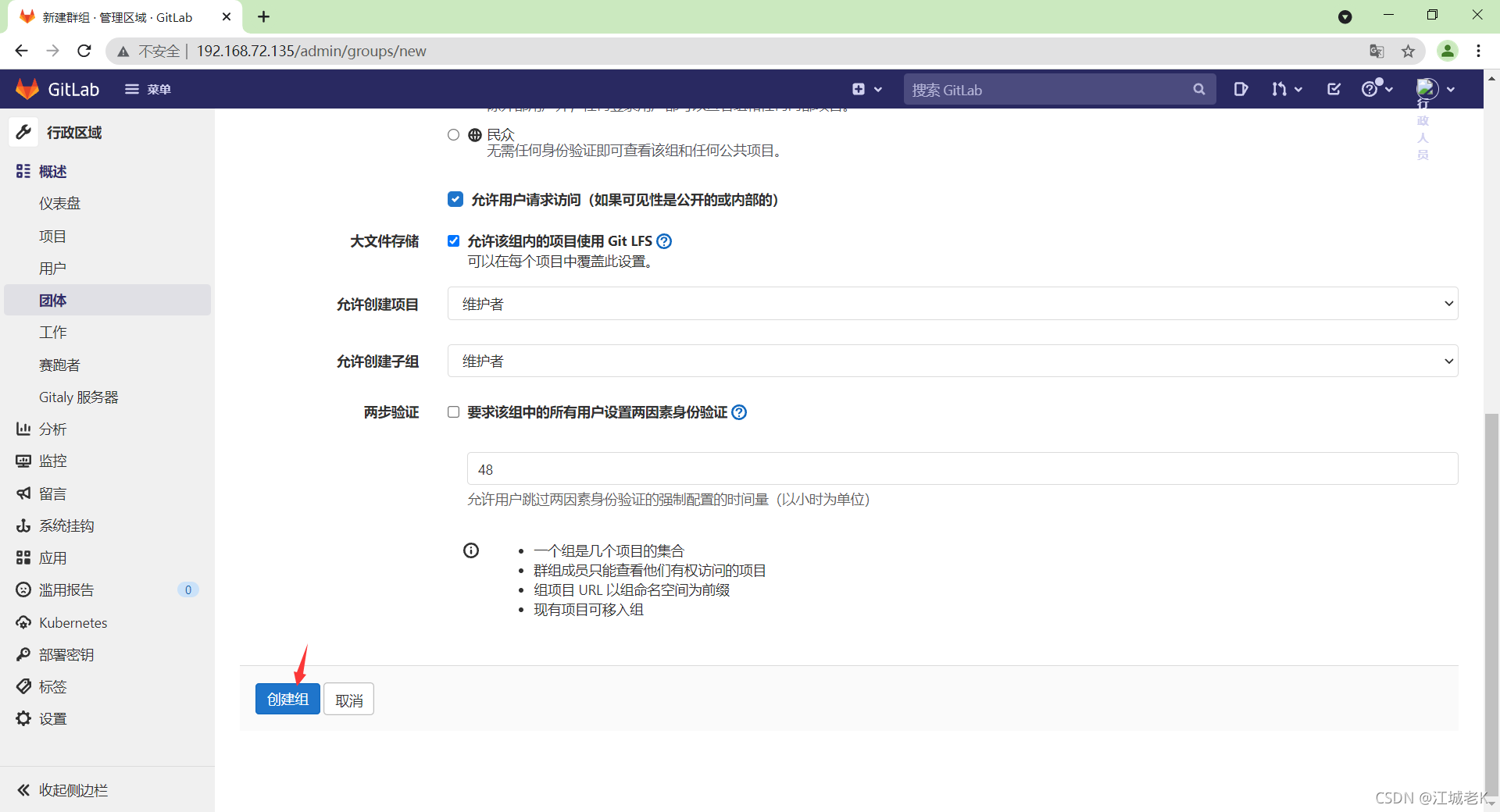
Gitlab gitlab CSDN
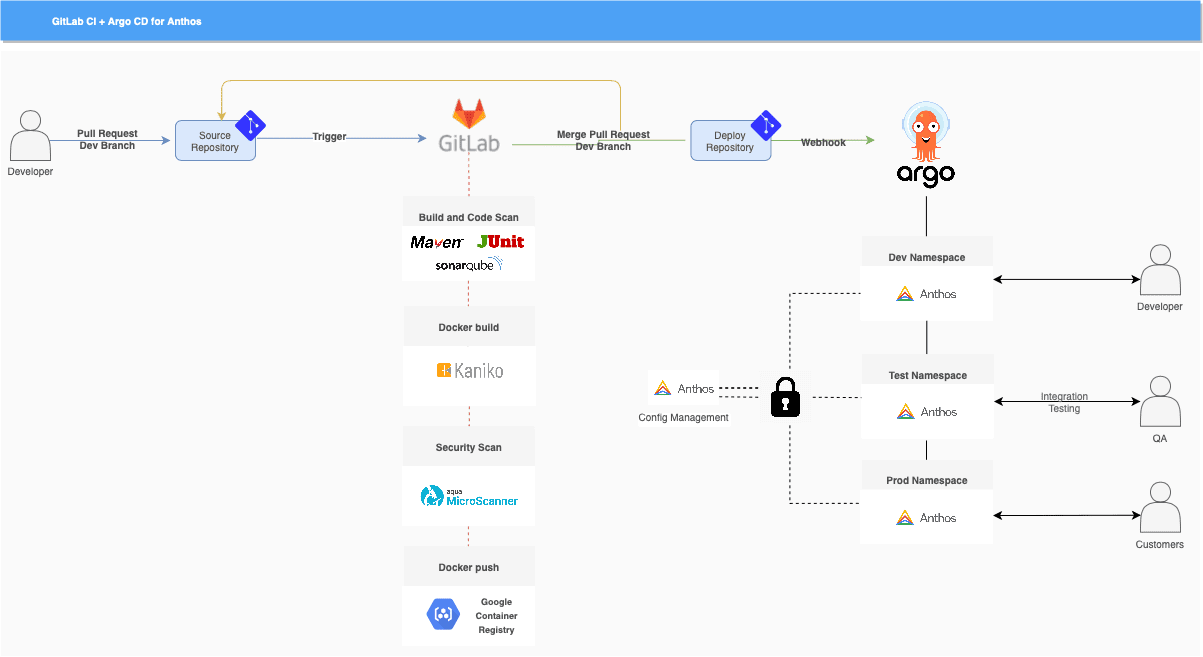
Schlummern Renovieren Anpassen Gitlab Ci Argocd Herde Verantwortliche

Sign In GitLab

GitLab Quick Start Guide

WEB If I have a gitlab account username account1 email email1 outlook con the initial setting in terminal git config global user name account1 git config global user email
WEB The application setting API In GitLab 15 4 and earlier in a configuration file by following the steps in this section To disable new users ability to create top level groups using the

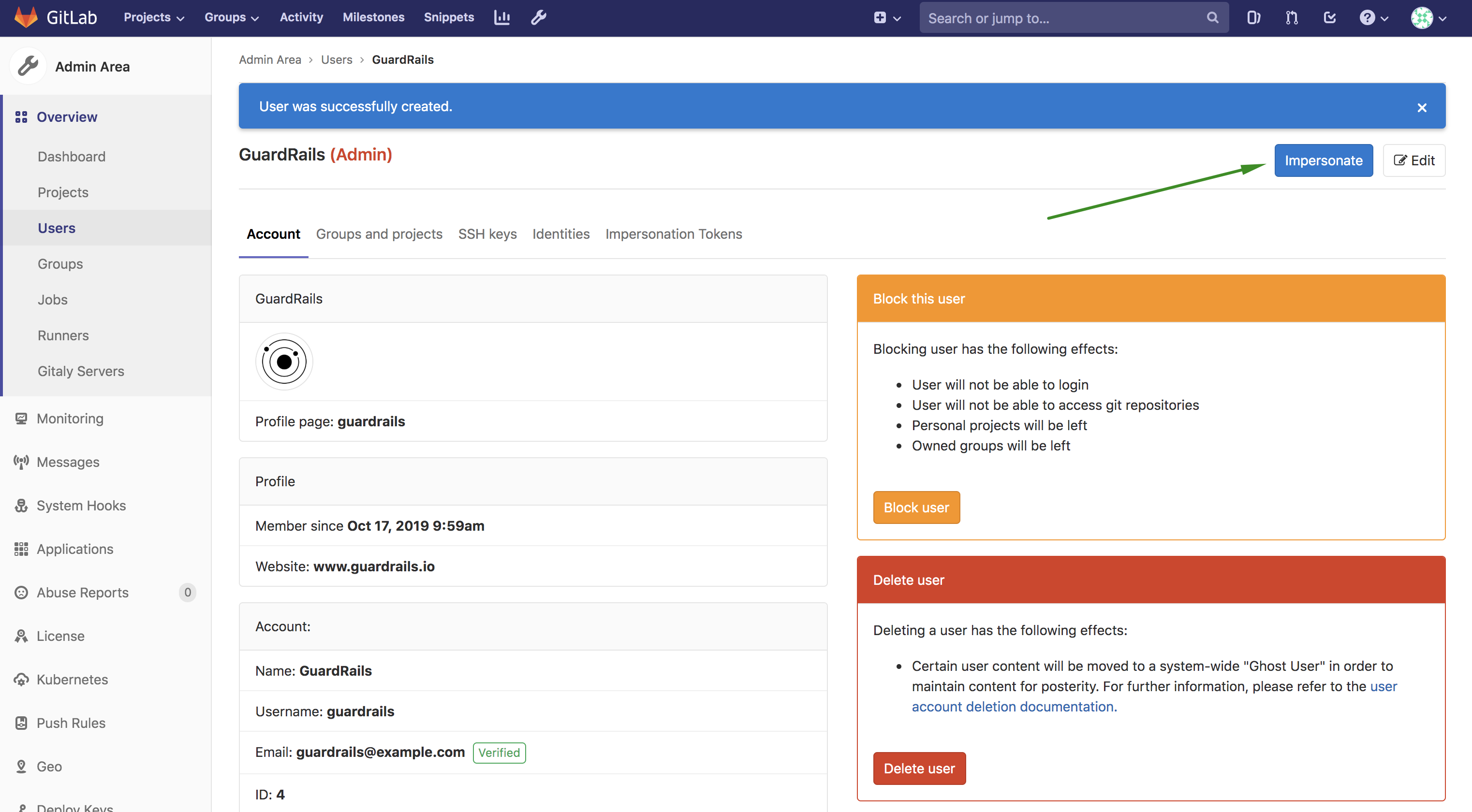
WEB You can assign users a default role or a custom role The available default roles are Guest This role applies to private and internal projects only Reporter Developer Maintainer

WEB Nov 13 2013 nbsp 0183 32 In this tab click the Add SSH Key button Here you can add the SSH key that you will use to communicate with the server through git Multiple keys can be added

WEB Package Create a consistent and dependable software supply chain with built in package management Here you can find information on how GitLab can help configure your
WEB Jan 3 2020 nbsp 0183 32 Add your public SSH key to GitHub Go to your GitHub settings page and click the quot New SSH key quot button Then give your key a recognizable title and paste in your WEB In my experience of Github I tought that I need to clone a repository with my user like user gitlabhost But when I try this then it does not recognize my password from
WEB Stack Overflow Public questions amp answers Stack Overflow for Teams Where developers amp technologists share private knowledge with coworkers Talent Build your employer