Gitlab Set Up New Ssh Key How To Set Up SSH Keys For Github Earth Inversion Setting Up Git And GitLab With IntelliJ From Scratch YouTube How Do I Set Up An SSH Key On GitLab GitHub SESYNC Git Gitlab SSH KEY Doubdt Stack Overflow How To Generate And Use GitLab SSH Keys WEB Oct 15 2018 nbsp 0183 32 This is how I managed to create a SSH key and connect to my GitLab account using that key 1 Open Git Bash Download and Install Git Bash You can use
WEB Jan 20 2021 nbsp 0183 32 In this article we ll review what SSH keys are in the context of GitLab authentication how to create them and how to keep them safe What are SSH Keys In WEB Jan 22 2021 nbsp 0183 32 Step 1 Installing Git Open any terminal and check if you already have Git installed by typing git version If you are getting back an error message you need to
How To Generate And Use GitLab SSH Keys GitLab Add SSH Key What Is GitLab Add SSH Key Types Sign Git Commits With SSH 1Password Developer GitLab 8HOST COM Blog Using Diagrams With GitLab How To Setup The Git SSH Keys Ubuntu Failing To Generate Ssh Key Error Log Javayellow Set Up GitLab For Continuous Deployments Agile Innovations Hub Setting Up SSH Keys YouTube
Gitlab Set Up New Ssh Key
 Gitlab Set Up New Ssh Key
https://raw.githubusercontent.com/earthinversion/earthinversion-images/main/images/github_ssh_keys_thumbnail.png
WEB To create and use an SSH key in GitLab CI CD Create a new SSH key pair locally with ssh keygen Add the private key as a file type CI CD variable to your project The
Templates are pre-designed documents or files that can be used for various purposes. They can conserve effort and time by supplying a ready-made format and design for developing different type of content. Templates can be used for personal or expert jobs, such as resumes, invitations, leaflets, newsletters, reports, presentations, and more.
Gitlab Set Up New Ssh Key
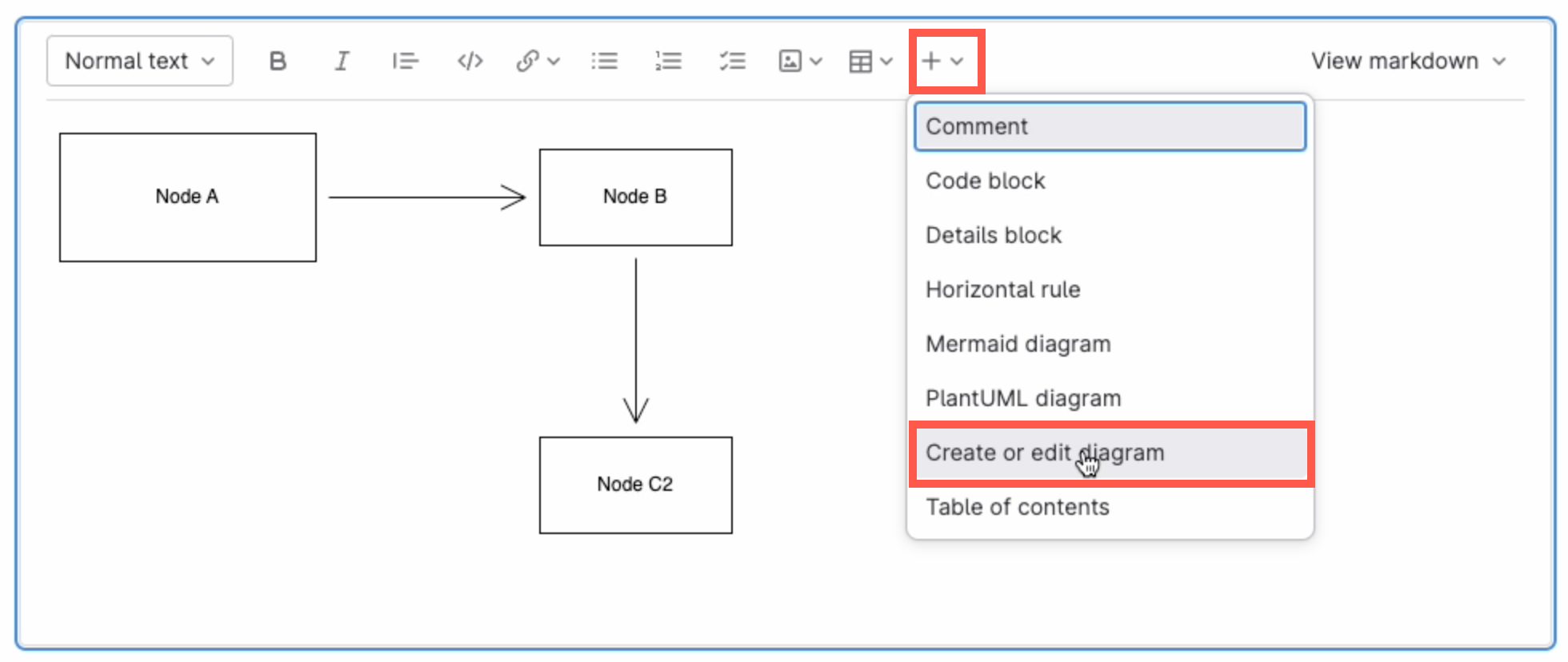
Blog Using Diagrams With GitLab

GitLab Add SSH Key What Is GitLab Add SSH Key Types
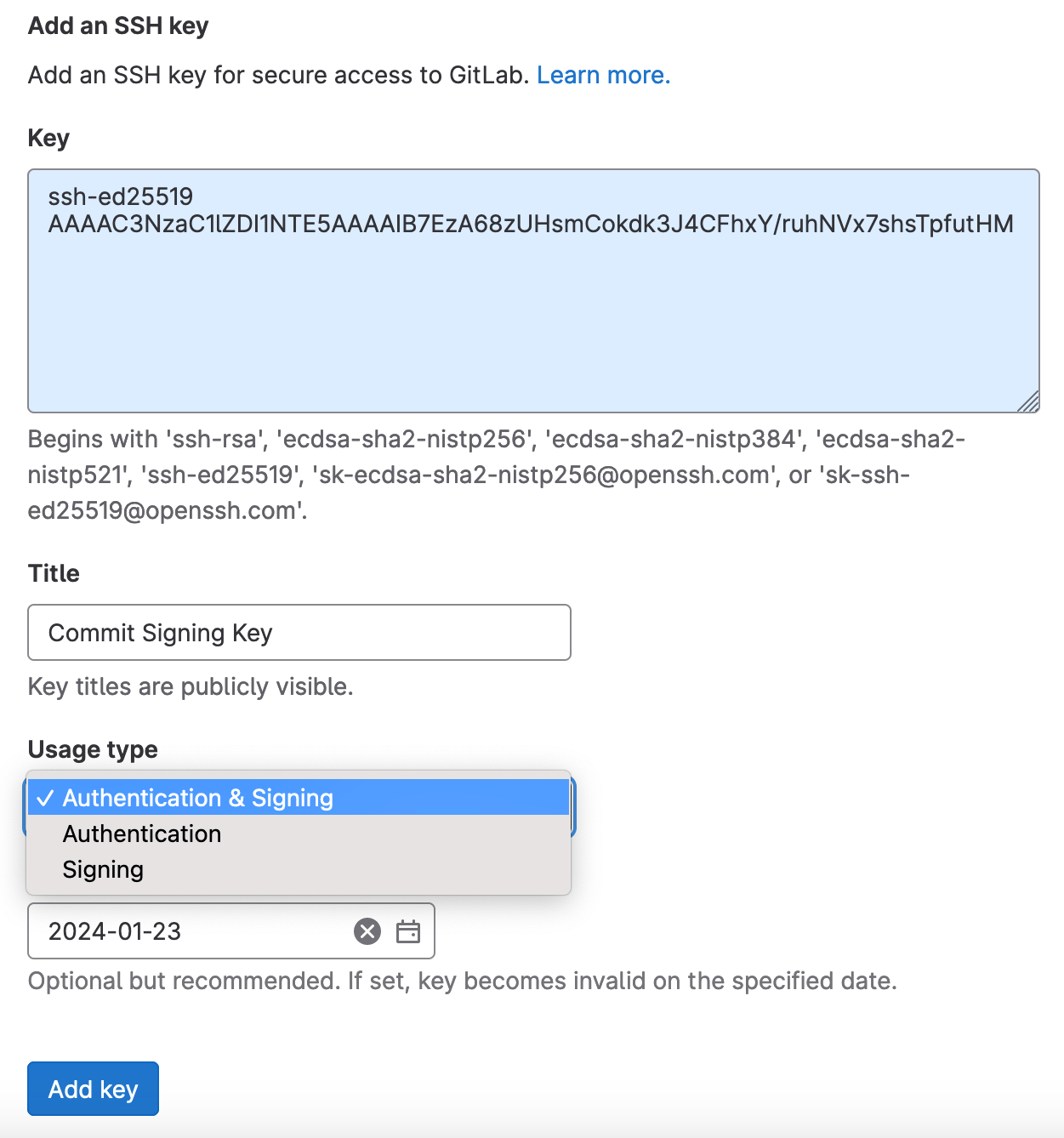
Sign Git Commits With SSH 1Password Developer

GitLab 8HOST COM
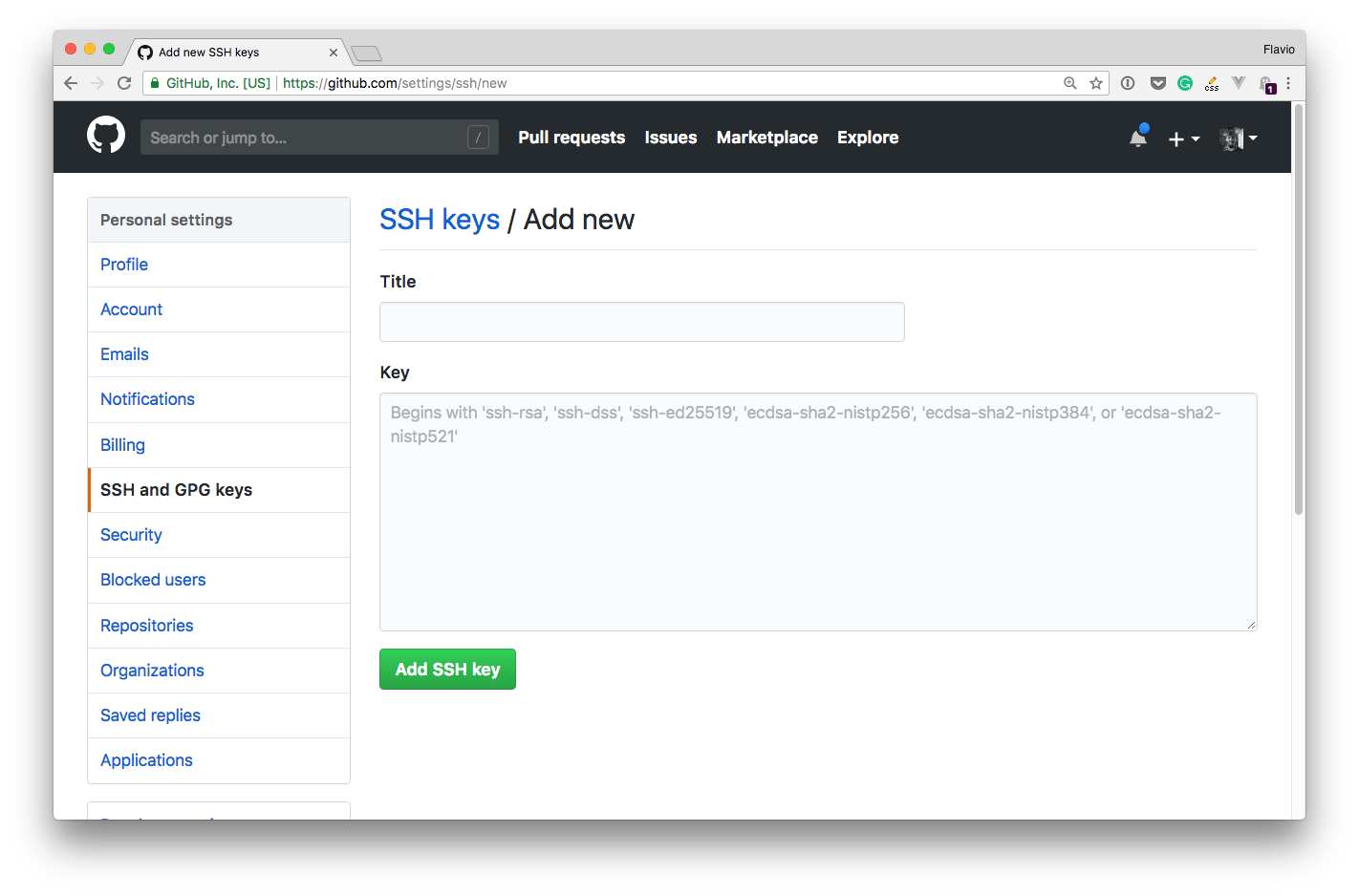
How To Setup The Git SSH Keys
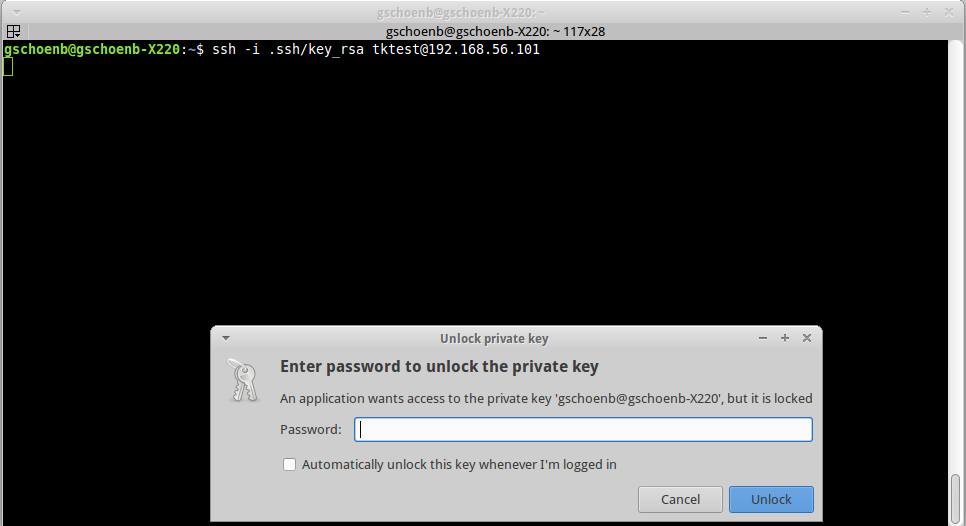
Ubuntu Failing To Generate Ssh Key Error Log Javayellow
WEB Dec 24 2020 nbsp 0183 32 Generate a new ED25519 SSH key pair ssh keygen t ed25519 C quot email protected quot Or if you want to use RSA ssh keygen t rsa b 4096 C quot email protected quot It

WEB Nov 23 2021 nbsp 0183 32 Do you want to securely authenticate with Gitlab and get rid of pesky password prompts Switch to using Gitlab SSH keys Learn hands on in this tutorial
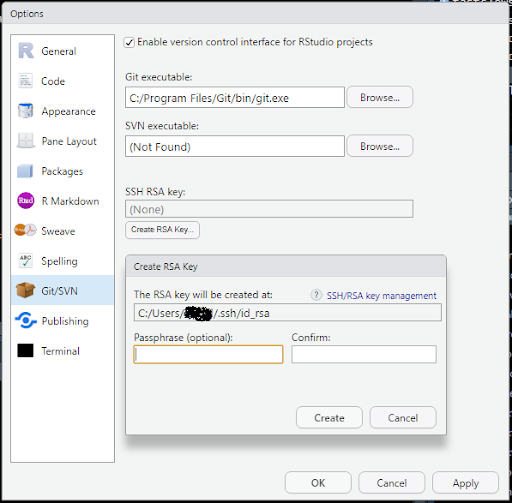
WEB To setup and configure GitLab SSH keys for secure Git fetch pull push and clone operations follow these steps Generate a GitLab SSH key pair on your personal

WEB Generate an SSH key pair for a FIDO U2F hardware security key To generate ED25519 SK or ECDSA SK SSH keys you must use OpenSSH 8 2 or later Insert a
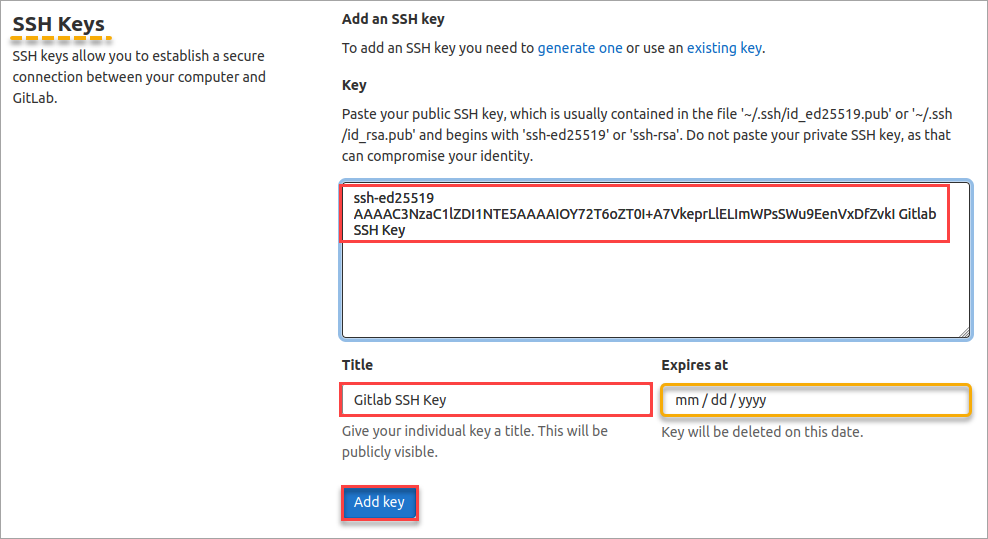
WEB Sep 29 2023 nbsp 0183 32 Create SSH keys From the GitLab documentation ED25519 keys are recommended as they are more secure and performant than RSA keys according to the
WEB Feb 6 2021 nbsp 0183 32 If you re using Bitbucket for version control setting up an SSH key is a secure way to interact with your repositories Follow these WEB Jan 7 2022 nbsp 0183 32 Add your public SSH key to Gitlab Generate new SSH keys ssh keygen o t rsa b 4096 C quot email host type quot Copy your public SSH key to your clipboard cat
WEB ON windows if you have git for windows installed run git gui Then click Help then click Show Ssh Key then click Generate Key While you re at it then copy to the clipboard