Gitlab Pipeline Rules Branch Name NET Midstream Announces 124 mile 42 Eagle Ford Shale Pipeline System GitLab CI Protected Branches Project User Help GitLab Rigging Pipeline LVFX pipeline 1 0 Documentation R pulsion G missements Essaie Gitlab Pipeline Ci Cd Meurtre Analogique A pipeline as code file specifies the stages jobs and actions for a pipeline to perform Because the file is versioned changes in pipeline code can be tested in branches with the corresponding application release The pipeline as code model of creating continuous integration pipelines is an industry best practice
VAR string VAR1 string By default the regex is case sensitive However we can use the i flag modifier to evaluate the regex using case insensitive For instance content i How to determine when a Job run Gitlab offers different approaches to define when a job runs GitLab push rules location Branch name Rules All branch names must match this regular expression to be pushed If this field is empty it allows any branch name Here in Branch name section
R pulsion G missements Essaie Gitlab Pipeline Ci Cd Meurtre Analogique Securing GitOps Pipelines GitLab CI CD Pipeline Integration For Multiple Environments CloudTruth Display Full Branch Name In Gitlab Pipeline Page Stack Overflow The Ultimate Experience A Guide To The Principles Of Sensory Design Data Pipeline Graphic Angela Kristin VandenBroek PhD R pulsion G missements Essaie Gitlab Pipeline Ci Cd Meurtre Analogique Pipelines Verwalten GitHub Jenkinsci gitlab branch source plugin A Jenkins Plugin For
Gitlab Pipeline Rules Branch Name
 Gitlab Pipeline Rules Branch Name
http://www.braungresham.com/wp-content/uploads/2013/06/bigstock-Pipeline-20561072.jpg
A branch pipeline but there is no merge request open for the branch run the branch pipeline You can also add a rule to an existing workflow section to switch from branch pipelines to merge request pipelines when a merge request is created
Templates are pre-designed documents or files that can be utilized for various functions. They can conserve time and effort by providing a ready-made format and layout for developing various type of content. Templates can be utilized for personal or professional projects, such as resumes, invites, flyers, newsletters, reports, discussions, and more.
Gitlab Pipeline Rules Branch Name
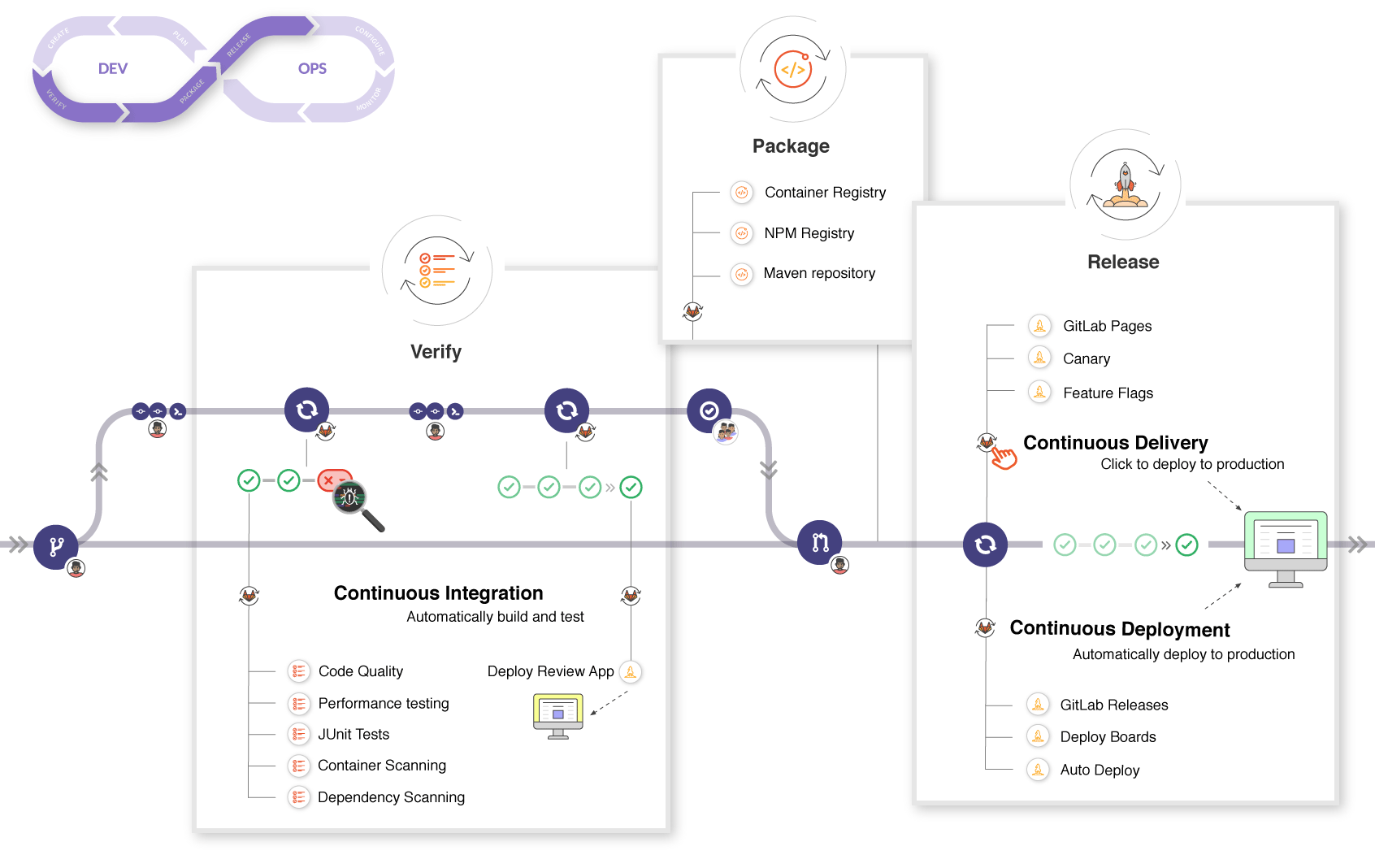
Git 5 Les Pipelines Avec Gitlab CI Formations Uptime
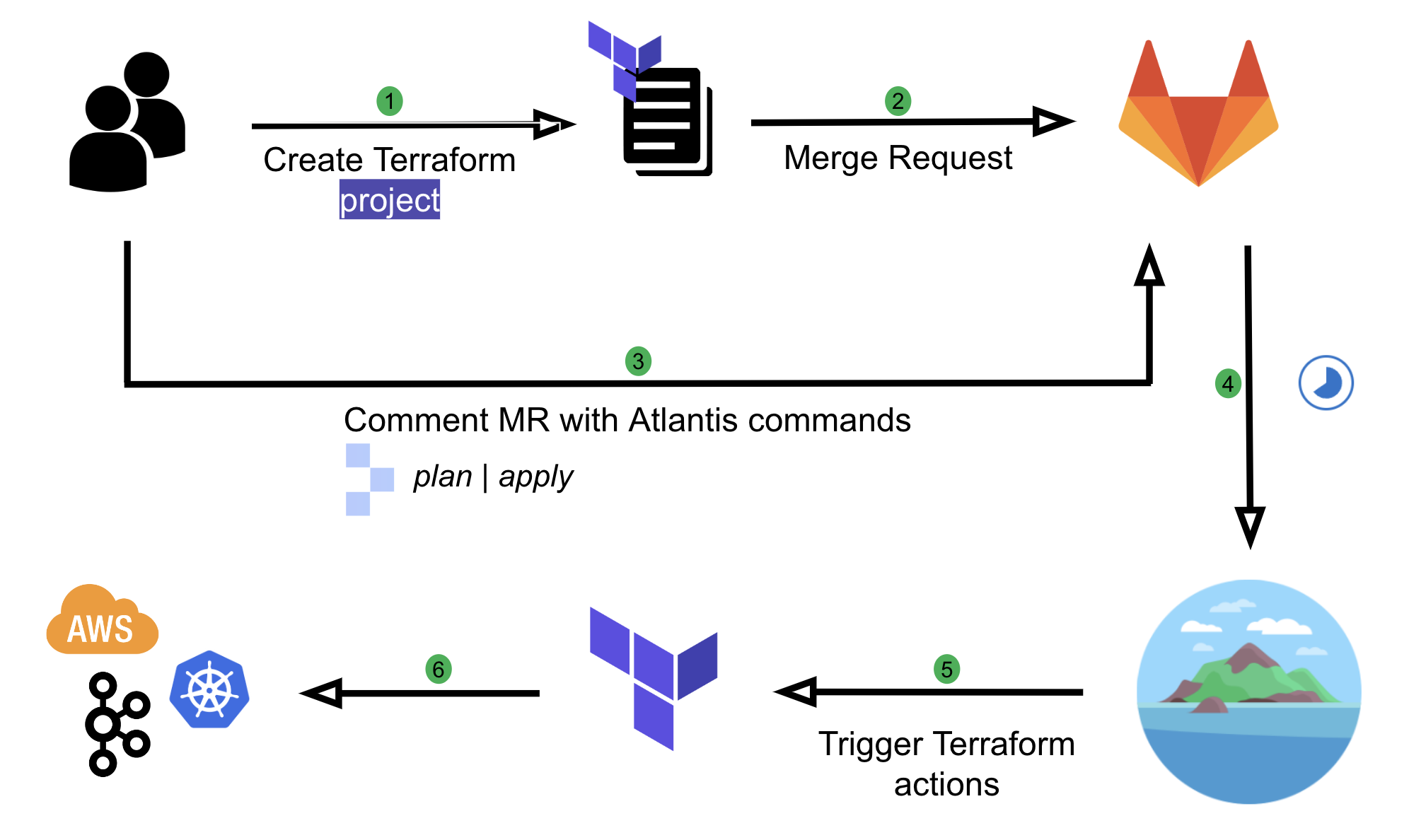
Securing GitOps Pipelines
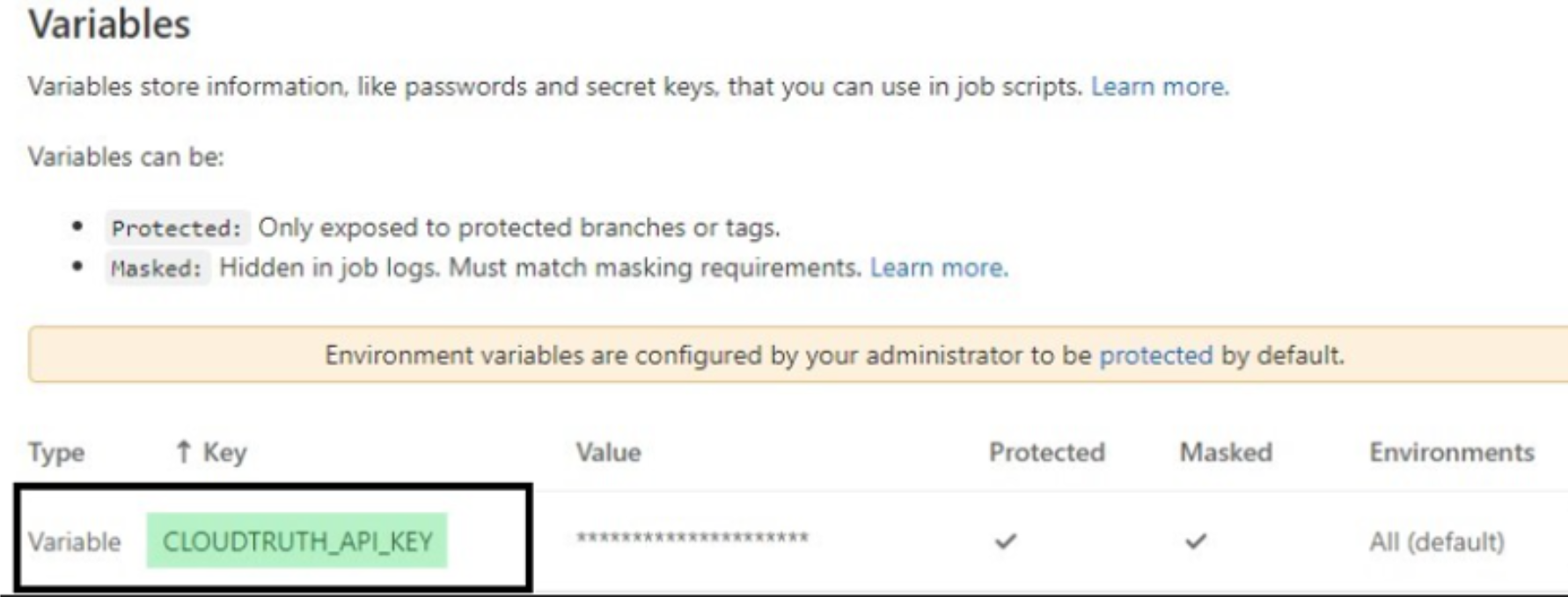
GitLab CI CD Pipeline Integration For Multiple Environments CloudTruth

Display Full Branch Name In Gitlab Pipeline Page Stack Overflow
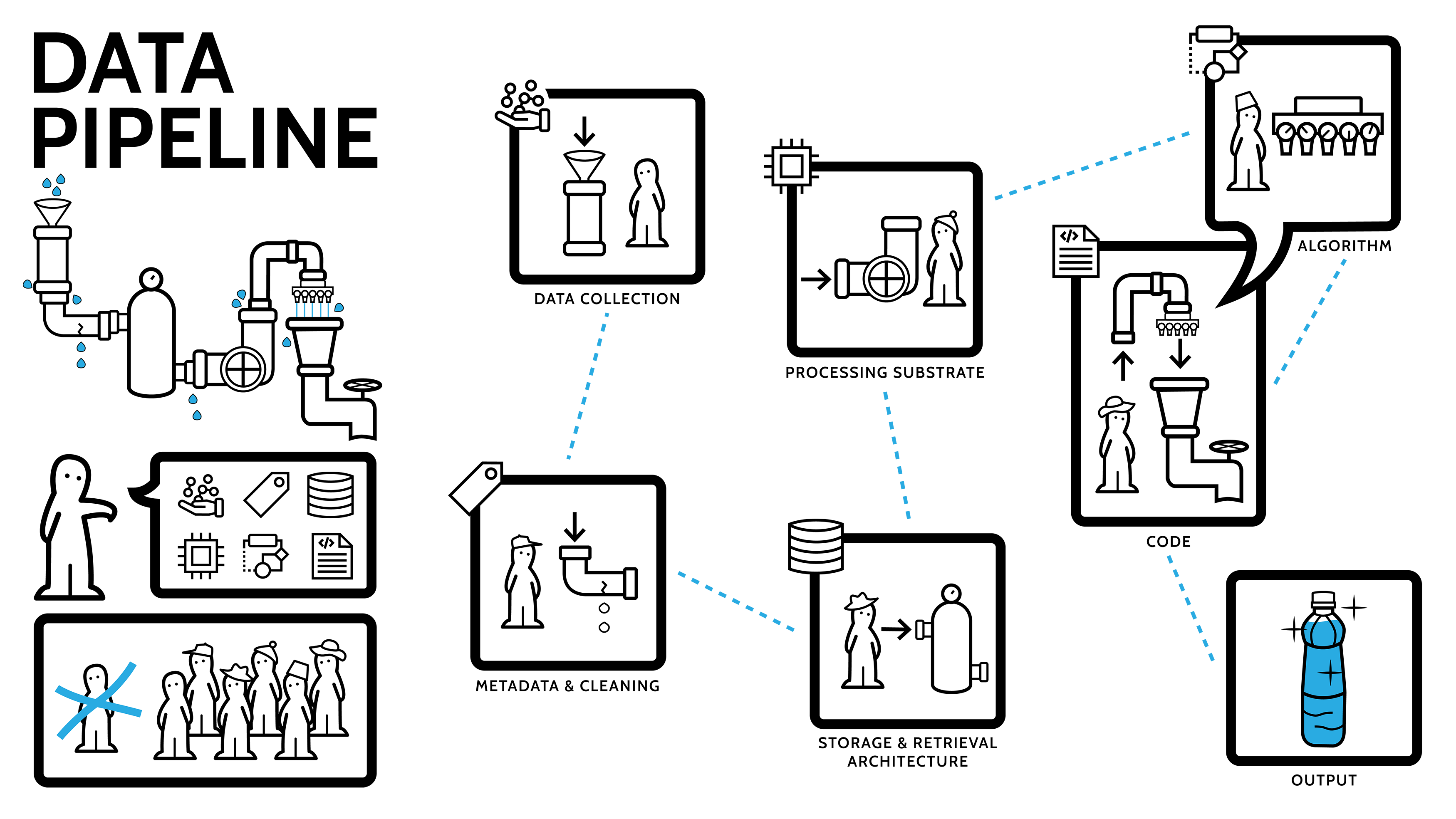
Data Pipeline Graphic Angela Kristin VandenBroek PhD

R pulsion G missements Essaie Gitlab Pipeline Ci Cd Meurtre Analogique

Use rules to include or exclude jobs in pipelines Rules are evaluated in order until the first match When a match is found the job is either included or excluded from the pipeline depending on the configuration See the rules reference for more details
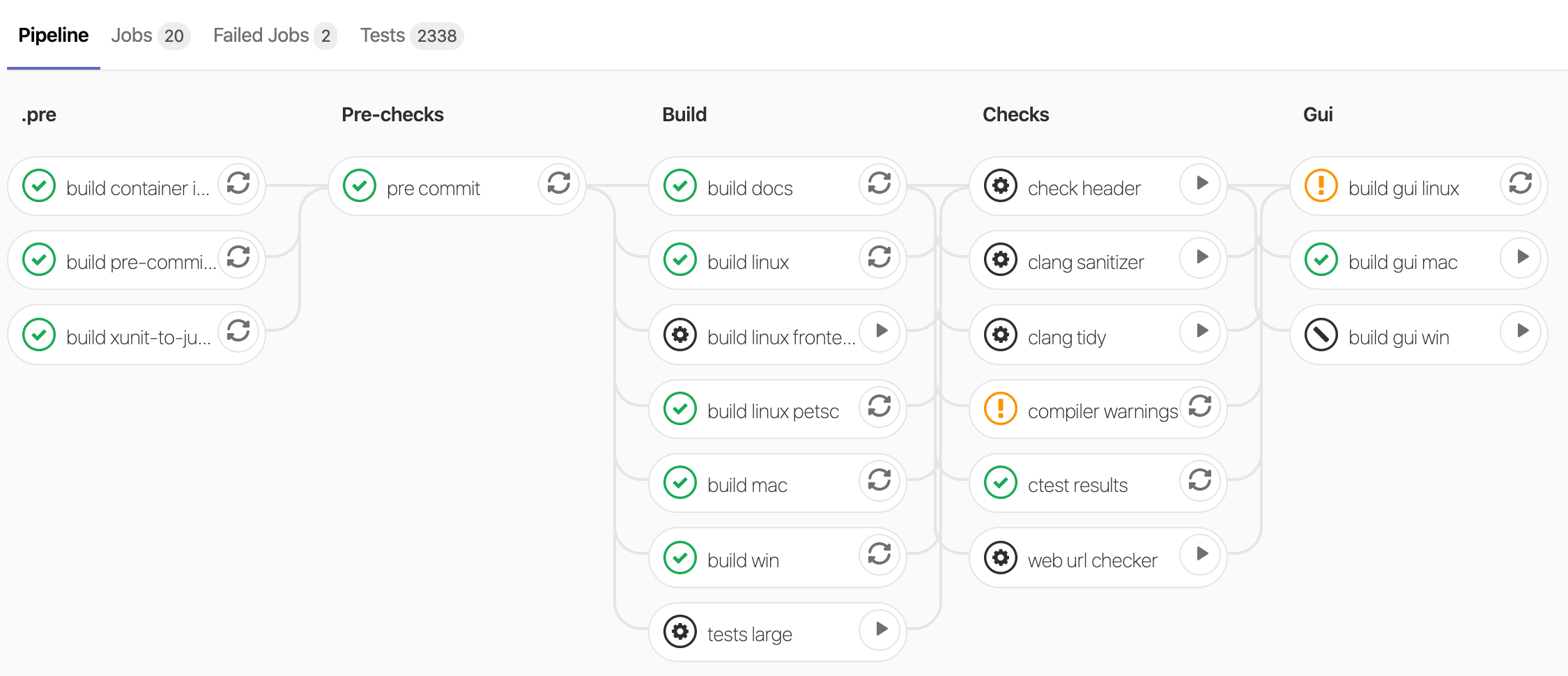
Global keywords that configure pipeline behavior Header keywords Jobs configured with job keywords Global keywords Some keywords are not defined in a job These keywords control pipeline behavior or import additional pipeline configuration default Support for id tokens introduced in GitLab 16 4 You can set global defaults for some keywords

Types of pipelines Pipelines can be configured in many different ways Basic pipelines run everything in each stage concurrently followed by the next stage Directed Acyclic Graph Pipeline DAG pipelines are based on relationships between jobs and can run more quickly than basic pipelines

In GitLab CI CD rules are the key to managing the flow of jobs in a pipeline One of the powerful features of GitLab CI CD is the ability to control when a CI CD job runs which can depend on the context the changes made workflow rules values of CI CD variables or custom conditions In addition to using rules you can control the flow of CI CD pipelines using the following keywords
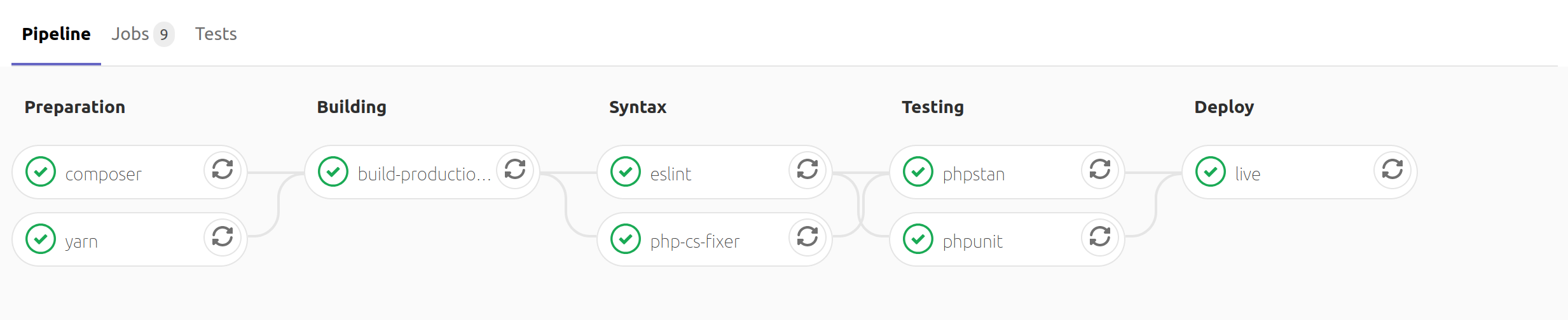
Normally you can navigate on the left side CI CD Pipelines Run pipeline button in the upper right corner After that you have a UI where you can specify which branch you want to run the pipeline on and also what variables you want to pass in Kind regards
You can only see the branch but this is no anchor since this name is not unique and cannot be used to see which client it is To see which client the pipeline is running for you need to i e inspect the used environment variables in our case See the screenshot below for an example With GitLab 13 12 May 2021 Support variables in CI CD pipeline workflow rules Previously the rules keyword was limited in scope and only determined if a job should be included or excluded from pipelines In 13 8 we added the ability to use the variables keyword with rules to set variable values in a job based on which rule matched In this release we ve extended this ability to
It seems this is not the way I should write GitLab job dependencies Is the rules keyword the only way to actually add remove jobs from the pipeline Do I then have to define these rules for every job I know I can reference them like this job2 rules reference job1 rules But this also seems needlessly verbose