Gitlab Email Notifications For Project Notifications Workflow Help GitLab Notifications WP Customer Area Telegram Logo Areas Company Logo Comments And Notifications Craft How To Enable High Priority Notifications For Gmail Self Email Notifications Formcarry Documentations WEB Jan 3 2022 nbsp 0183 32 Observability Bjoernsvik January 3 2022 1 53pm 1 All our jobs send email notification on events but they are way to generic I ve not found any way to modify them to fit my scheme lots of different environments tests with the same project code
WEB Stay on top of your GitLab projects by receiving email notifications with this workflow Whenever a new issue is created in your GitLab project an email will be sent to the specified recipient s via Email by Zapier keeping WEB Stay informed about what s happening in GitLab with email notifications You can receive updates about activity in issues merge requests epics and designs When notifications are enabled for an issue merge request or epic GitLab notifies you of actions that happen there You might receive notifications for one of the following reasons
Self Email Notifications Formcarry Documentations Amir h Yeganemehr Notifications GitLab Cannot Receive Confirmation Email How To Use GitLab GitLab Forum How To Only Get Email Notifications From Important People Asian Email Notifications Getting Started Formulate How Can I Set up Email Notifications For New Leads Knowledge Base Are You Tired Of Missing Email Notifications And Notifications From How To Send Email Notifications For Failed Pipeline Runs Part 1 Why Can t I Login To Gitlab On Visual Studio After Signing Up With
Gitlab Email Notifications For Project
 Gitlab Email Notifications For Project
http://139.199.160.148/help/workflow/img/notification_global_settings.png
WEB Jun 17 2020 nbsp 0183 32 GitLab can send users a notification when a pipeline fails so that they can respond to the failure quickly Now GitLab can also send a notification to inform users when the pipeline has been fixed This new notification eliminates the need for developers to constantly monitor the status of pipeline builds
Templates are pre-designed files or files that can be utilized for different purposes. They can save time and effort by supplying a ready-made format and design for developing different sort of content. Templates can be used for personal or expert jobs, such as resumes, invites, flyers, newsletters, reports, discussions, and more.
Gitlab Email Notifications For Project
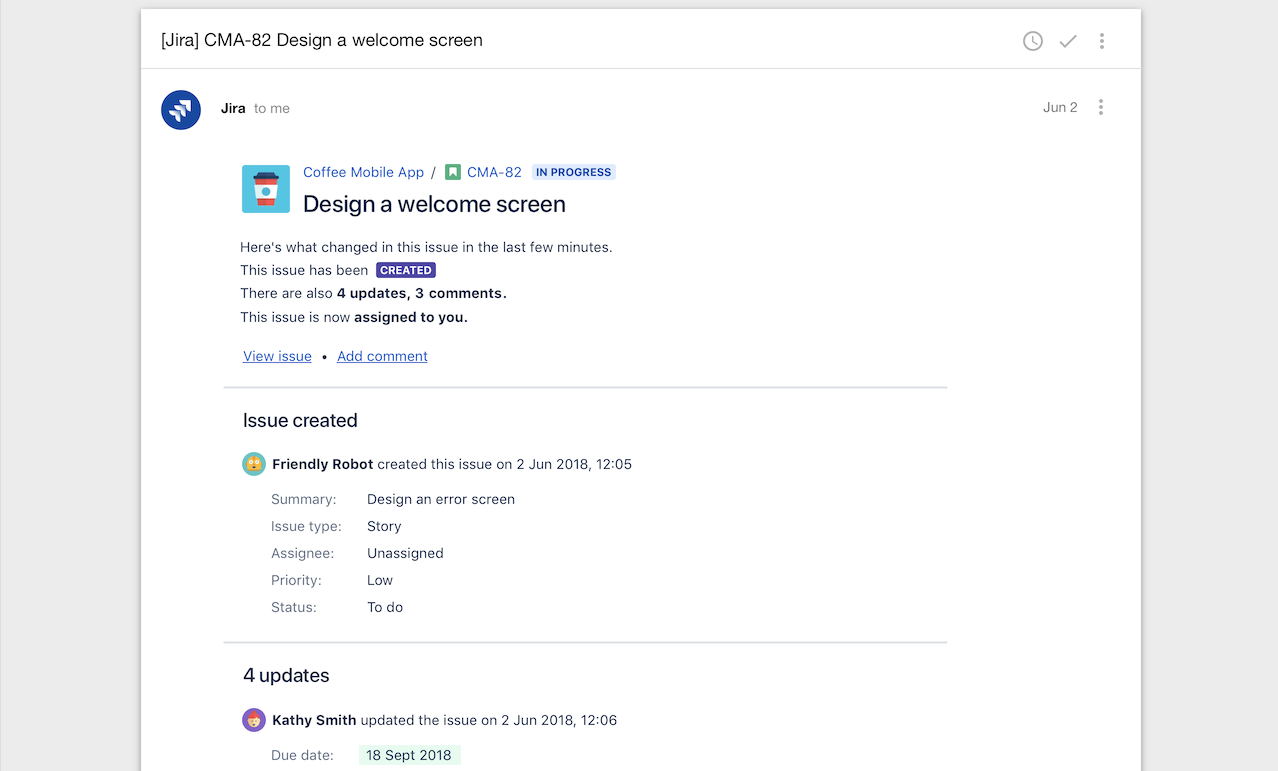
How To Use Jira Notification Schemes To Increase Team Engagement

Amir h Yeganemehr Notifications GitLab

Cannot Receive Confirmation Email How To Use GitLab GitLab Forum

How To Only Get Email Notifications From Important People Asian

How Can I Set up Email Notifications For New Leads Knowledge Base

Are You Tired Of Missing Email Notifications And Notifications From

WEB Apr 25 2022 nbsp 0183 32 1 You can always create an MS teams team with yourself and the people who need to be notified irrespective of if they are gitlab users Take the mail id of that team and add it to your gitlab profile and for this project use custom notification and use that email id for the specific events

WEB In this tutorial we covered the steps to configure global notification settings and project specific alerts By setting up alerts and notifications you can ensure timely responses improve collaboration and stay up to date with the
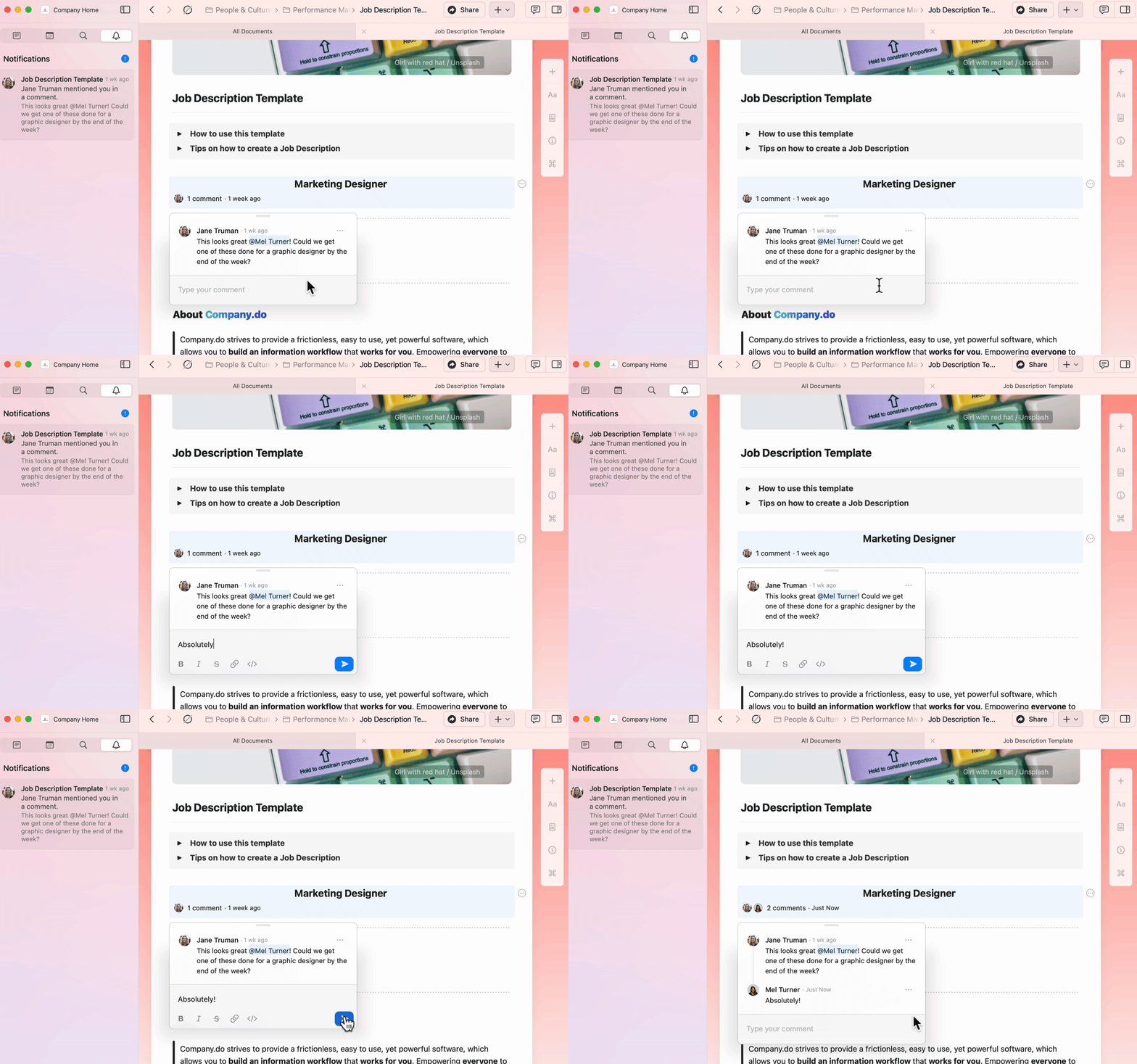
WEB Apr 1 2019 nbsp 0183 32 Is there a way to customize GitLab notification emails For example when a pipeline has passed I want to give more precise information than the ones provided by the default sent email If it s not yet implemented from where comes the email parameters e g branch commit I don t understand how they work Thanks gitlab ci runner Share
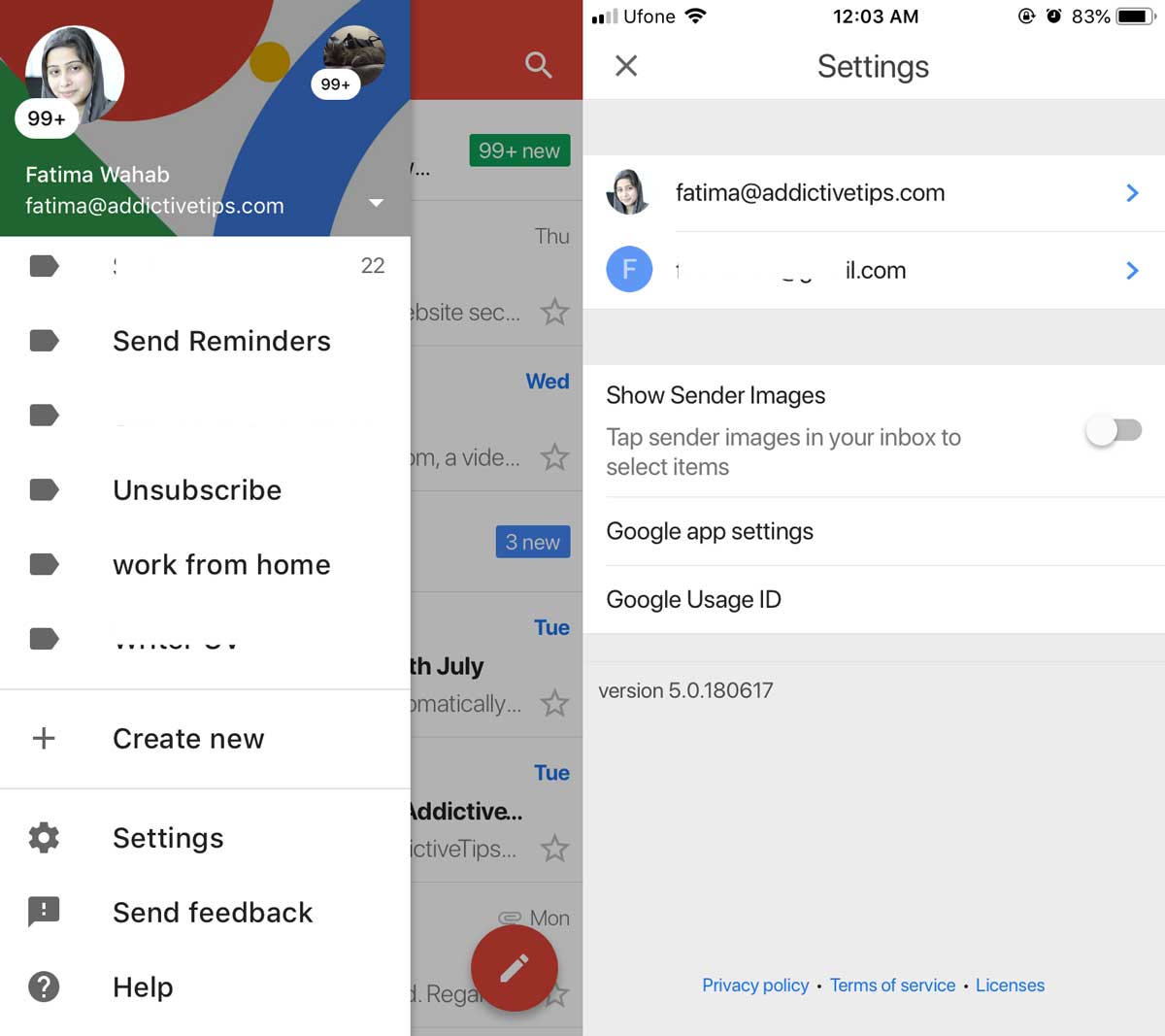
WEB Sep 21 2021 nbsp 0183 32 sourcedelica September 28 2021 7 39pm 2 Use the Emails on Push integration Go to project settings Integration Emails on Push
WEB Notification email messages include GitLab specific headers You can filter the notification emails based on the content of these headers to better manage your notifications For example you could filter all emails for a specific project where you are being assigned either a merge request or issue
WEB Sep 17 2019 nbsp 0183 32 1 Use the release notification from project page https gitlab gitlab org gitlab click on bell and select custom then you can choose New release have pfun volker Share Improve this answer WEB You can send notifications about pipeline status changes in a group or project to a list of email addresses Enable pipeline status email notifications To enable pipeline status emails In your project or group on the left sidebar select Settings gt Integrations Select Pipeline status emails Ensure the Active checkbox is selected
WEB Nov 1 2022 nbsp 0183 32 To do so head again to Gitlab s Settings gt Notifications Setting notifications email to the pfg app address Et voil 224 You will now receive instant push notifications directly to your