Github Delete Specific Commit From History GitLab 14 4 Custom Commit Message For Batch Suggestions YouTube GitHub How To Clean Up Old Branches In GitHub Git Revert Studytonight Git Delete SourceTree Commit History Stack Overflow Keep in mind that deleting commit history is a destructive operation as it permanently removes commits from the repository
This is a case for the git revert command Interestingly the command doesn t delete anything it creates a new commit that introduces changes which revert To drop a commit simply replace the command pick with drop and close the editor You can also delete the matching line git rebase The following command
Git Delete SourceTree Commit History Stack Overflow Deleting Files On GitHub The GitHub Blog Git Create Branch Off Previous Commit Ordersapje Git Fetch And Checkout BlissWas Solved Delete Github Commit History 9to5Answer GitHub Nicoleguido tut git I Want To Delete Or Remove Last Commit In Git Git Questions YouTube Solved How To Delete All Commit History In Github 9to5Answer Git How To Clear Github Repo Commit History Chris Nielsen Code Walk
Github Delete Specific Commit From History
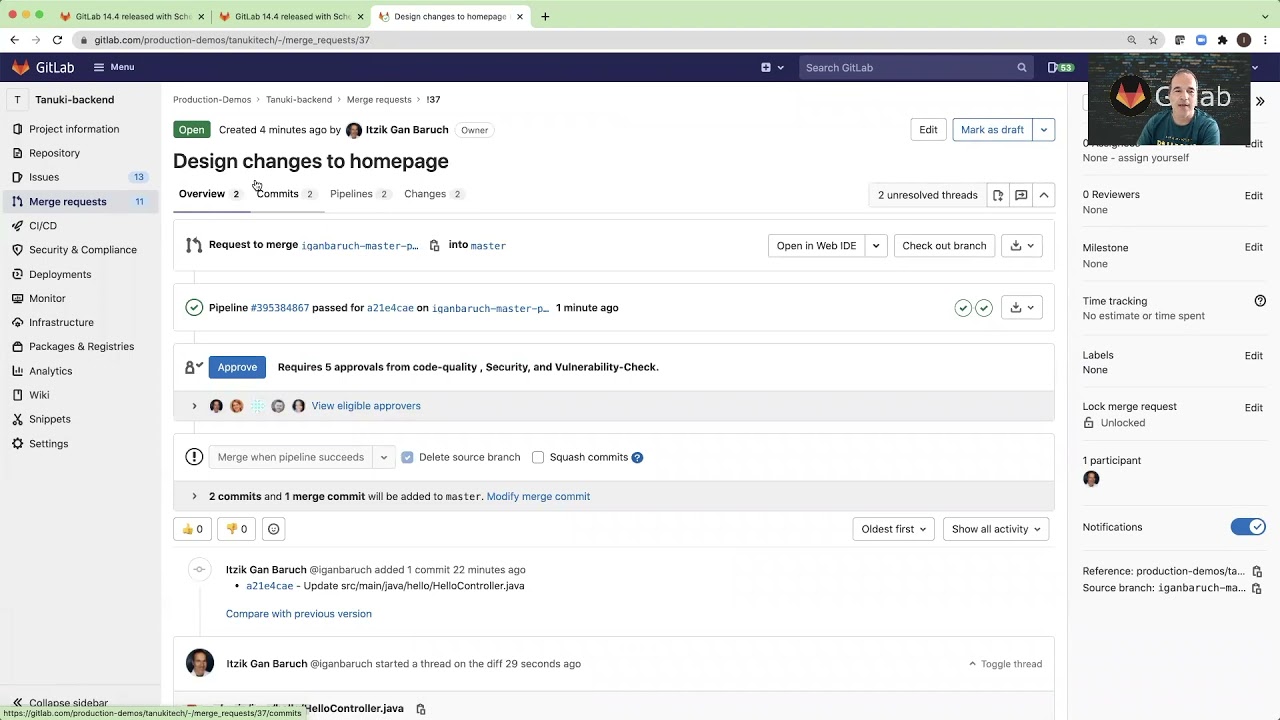 Github Delete Specific Commit From History
https://i.ytimg.com/vi/K7nsGcEQJJk/maxresdefault.jpg
To remove the last commit from git you can simply run git reset hard HEAD If you are removing multiple commits from the top you can run git reset
Templates are pre-designed files or files that can be used for numerous purposes. They can save effort and time by supplying a ready-made format and design for developing various sort of content. Templates can be utilized for individual or professional projects, such as resumes, invites, flyers, newsletters, reports, discussions, and more.
Github Delete Specific Commit From History

How To Delete All Commit History In GitHub
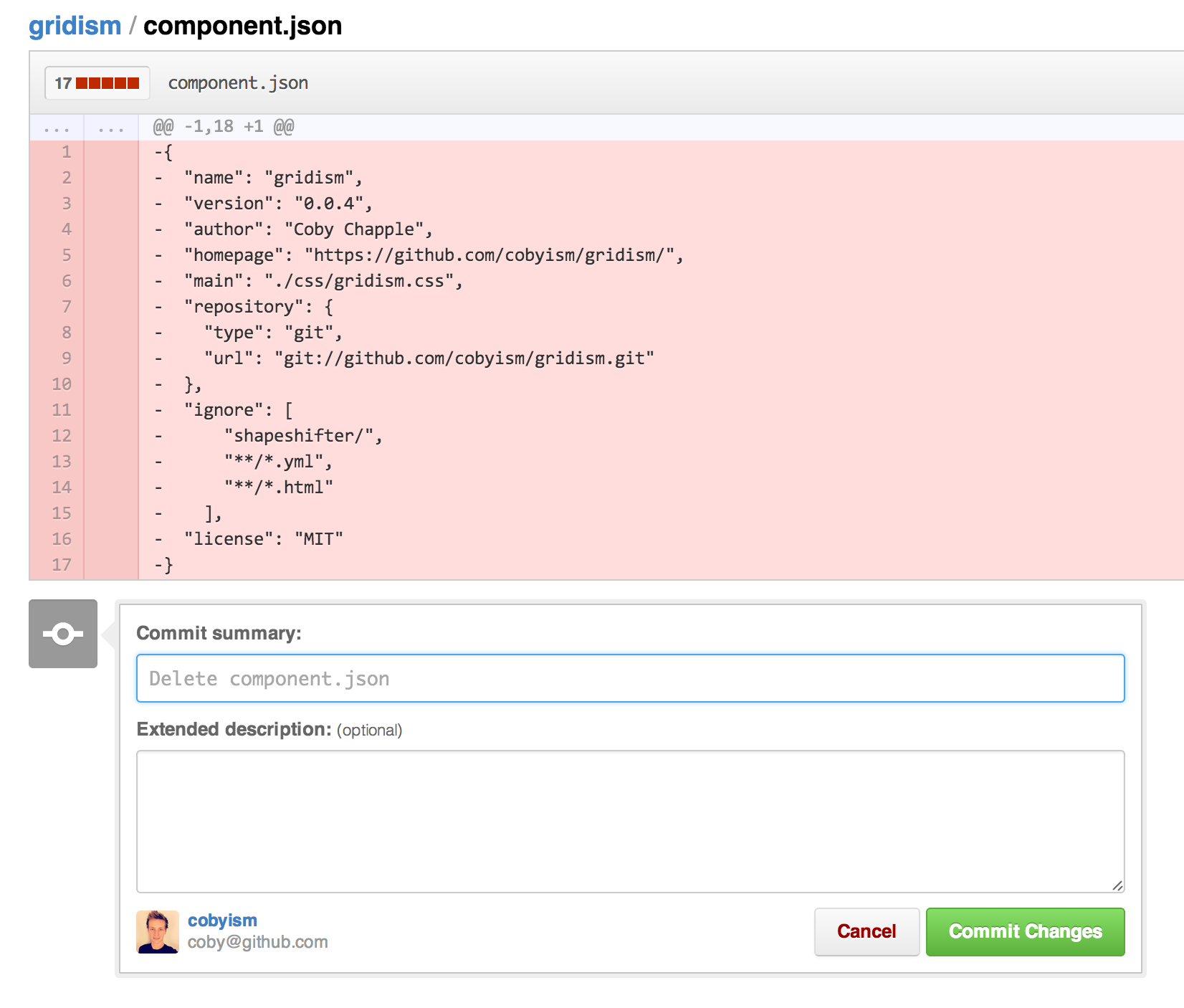
Deleting Files On GitHub The GitHub Blog

Git Create Branch Off Previous Commit Ordersapje
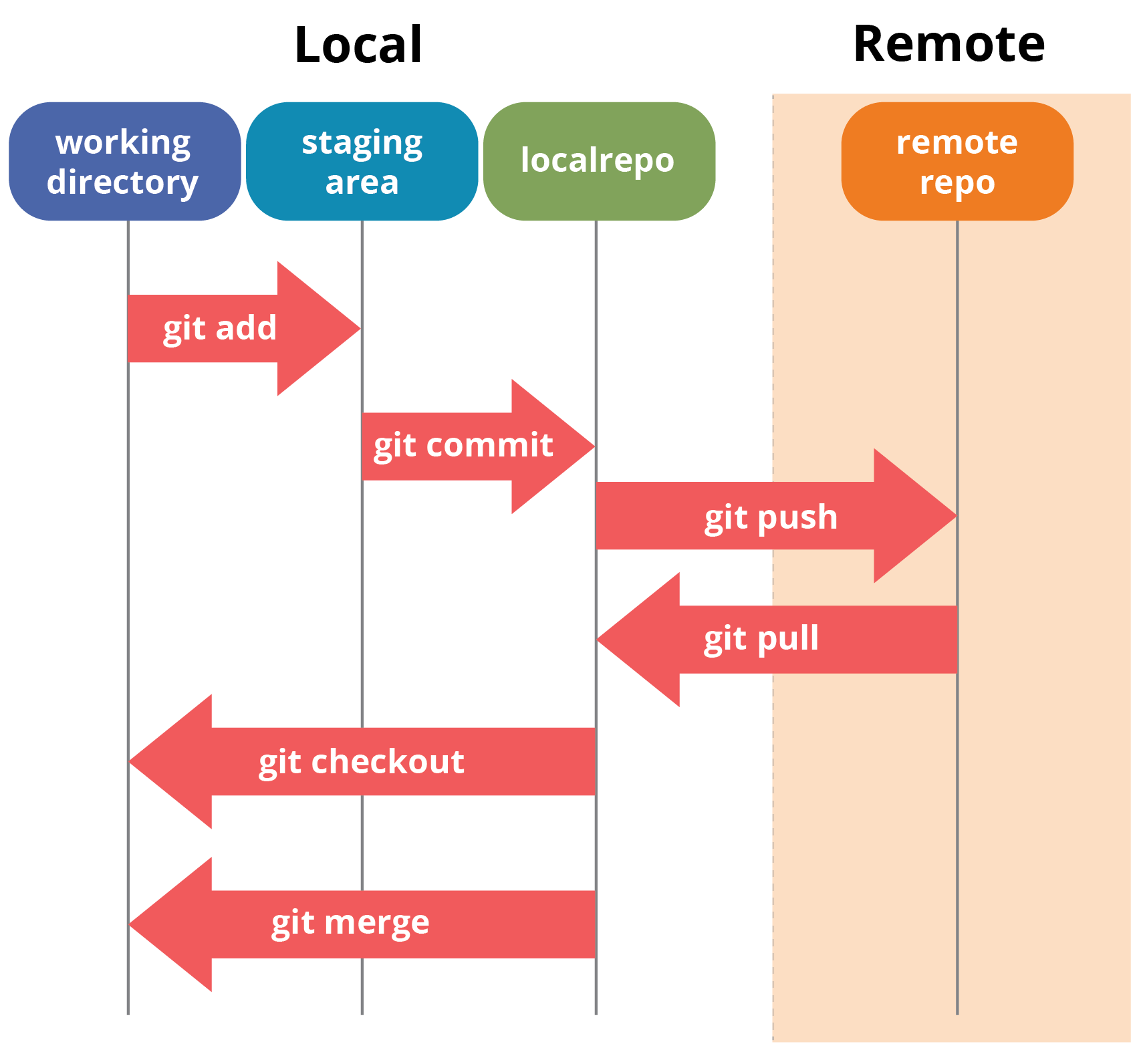
Git Fetch And Checkout BlissWas
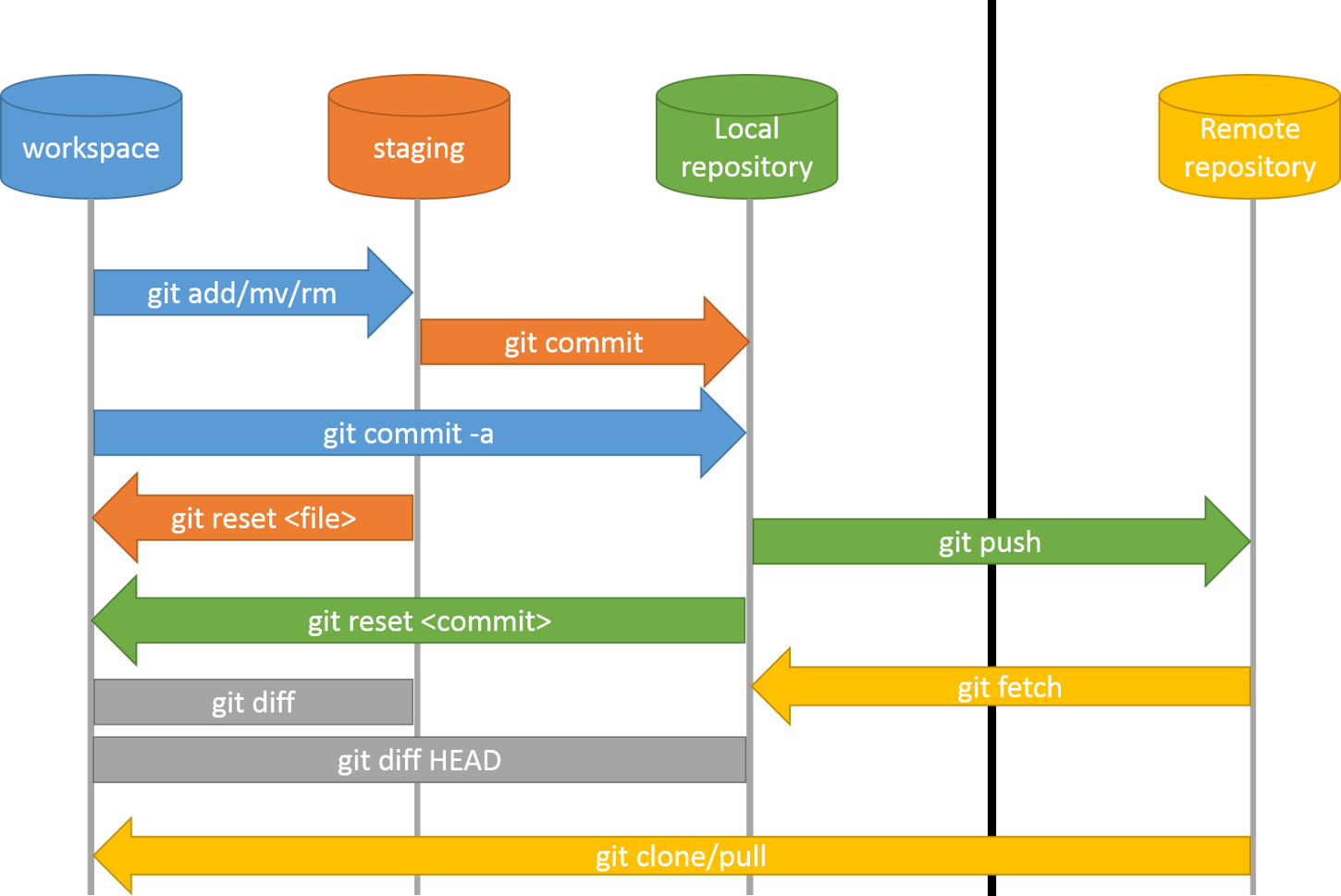
GitHub Nicoleguido tut git
I Want To Delete Or Remove Last Commit In Git Git Questions YouTube
If you want to remove the changes in revision 3 you need to use the edit command in the interactive rebase mode If you want to combine the

The solution is interactive rebase to remove a commit from git history To modify or remove a commit that is farther back in history
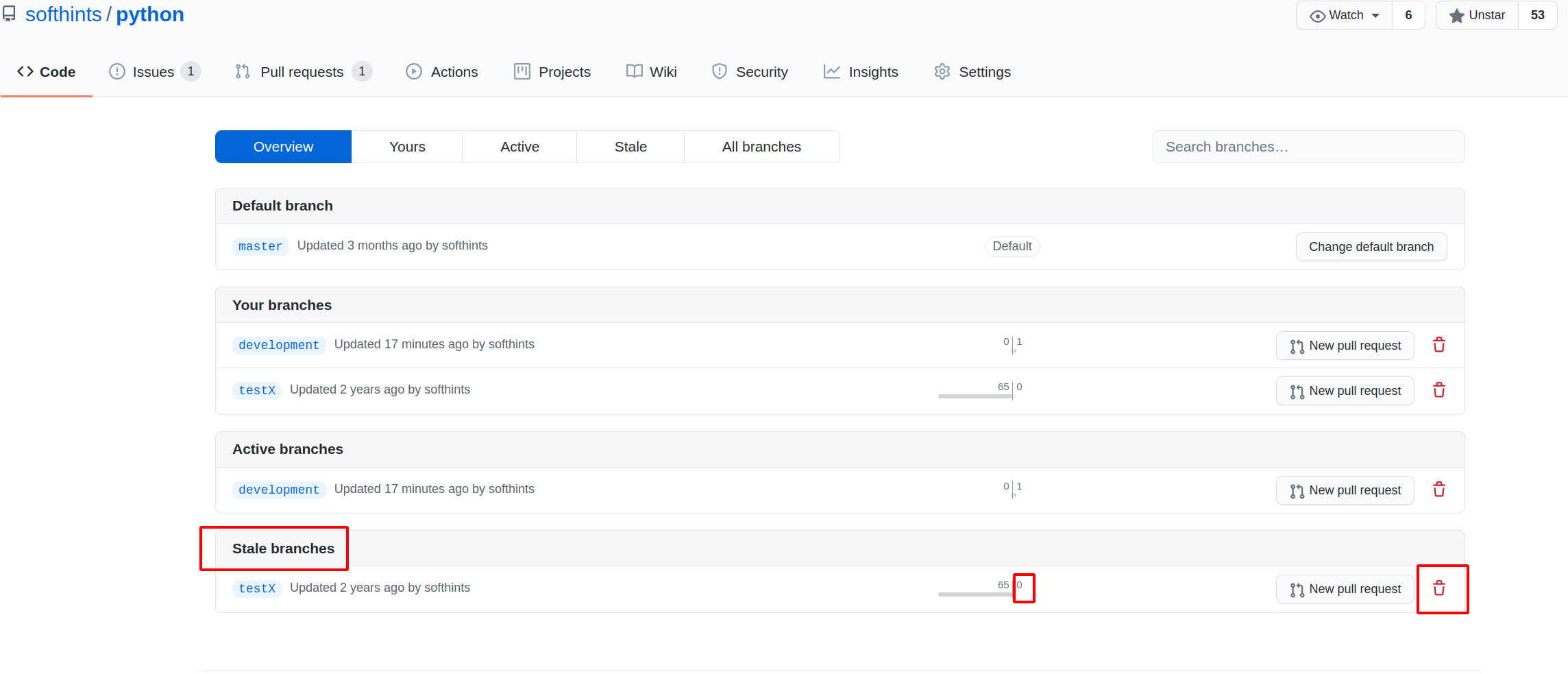
To entirely remove unwanted files from a repository s history you can use either the git filter repo tool or the BFG Repo Cleaner open source tool The git

First Method Deleting the git folder may cause problems in our git repository If we want to delete all of our commits history but keep the code in its

The git revert command will do the trick so long as you know the commit s ID In the last step of the Removing All Recently Committed Files
If the commits you want to remove are placed at the top of your commit history use the git reset hard command with the HEAD object and the Deleting the commit in Git must be approached in one of two ways depending on if you have or have not pushed your changes Please note before attempting
Made a mistake and want to undo or hide it from GitHub Well it s not the best to delete