Git Undo Last Commit How To Undo Git Commit Fedingo Git Undo Merge How To Revert The Last Merge Commit In Git VS Code scm Providers CSDN Git Revert Commit How To Undo The Last Commit What Is Git Undo Last Commit How To Rewrite History Version History Web Try simply to reset last commit using soft flag git reset soft HEAD 1 Note For Windows wrap the HEAD parts in quotes like git reset soft quot HEAD 1 quot
Web In these scenarios git revert should be the preferred undo method Undoing the last commit In the previous section we discussed different strategies for undoing commits These strategies are all applicable to the most recent commit as well In some cases though you might not need to remove or reset the last commit Maybe it was just made Web Dec 23 2019 nbsp 0183 32 The easiest way to undo the last Git commit is to execute the git reset command with the soft option that will preserve changes done to your files You have to specify the commit to undo which is HEAD 1 in this case The last commit will be removed from your Git history git reset soft HEAD 1
What Is Git Undo Last Commit How To Rewrite History Version History How To Undo Your Last Commit In Git or git Undo Commit How Can I Undo The Last Commit Learn Version Control With Git Git Undo All Changes Since Last Commit YouTube Introduction To Undoing Things In Git Earth Data Science Earth Lab How To Undo Last Git Commit Process Of Undoing The Last Commit In Git How To Undo Last Commit In Git Scratch Code How To Undo Last Commit In Git 3 Ways To Undo Last Commit In Git With Examples
Git Undo Last Commit
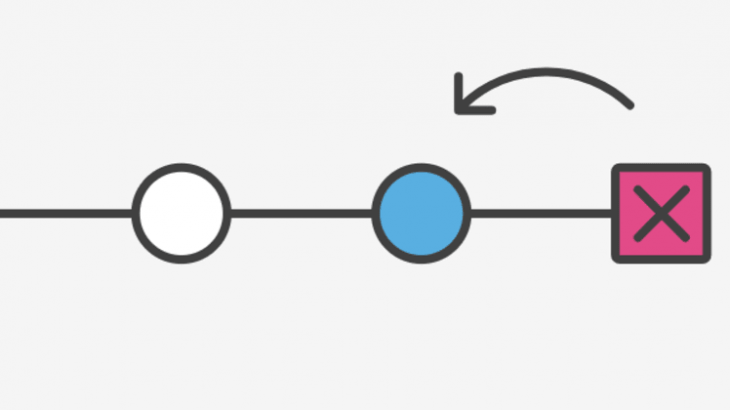 Git Undo Last Commit
https://fedingo.com/wp-content/uploads/2021/04/git-undo-last-commit-730x410.png
Web May 31 2017 nbsp 0183 32 The easiest way to undo the last Git commit is to execute the git reset command with one of the below options soft hard mixed Let s assume you have added two commits and you want to undo the last commit git log oneline 45e6e13 HEAD gt master Second commit eb14168 Initial commit
Pre-crafted templates use a time-saving solution for producing a varied series of files and files. These pre-designed formats and layouts can be used for numerous personal and expert tasks, consisting of resumes, invitations, flyers, newsletters, reports, presentations, and more, simplifying the material development process.
Git Undo Last Commit

How To Undo Last Commit In Git WiseTut

How To Undo Your Last Commit In Git or git Undo Commit
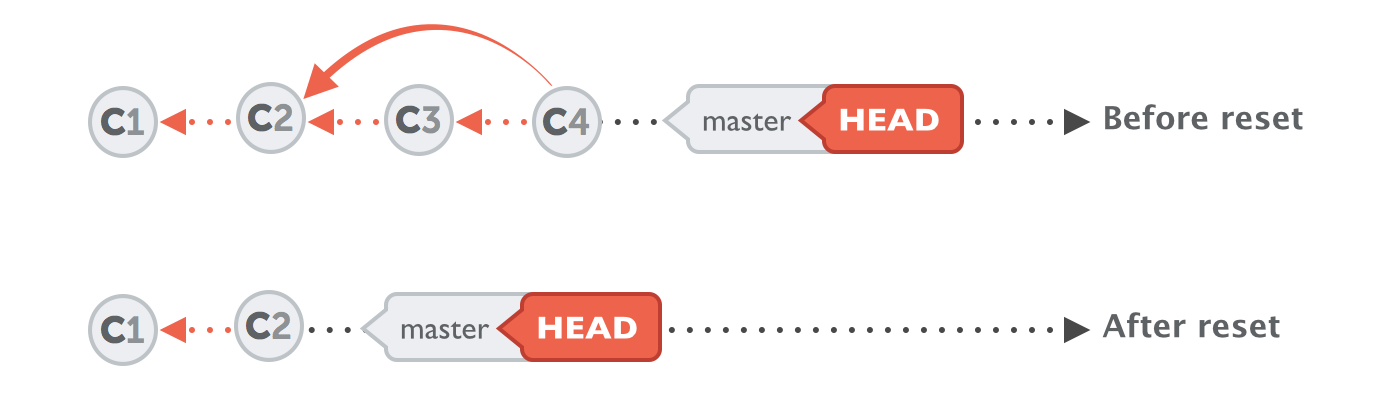
How Can I Undo The Last Commit Learn Version Control With Git
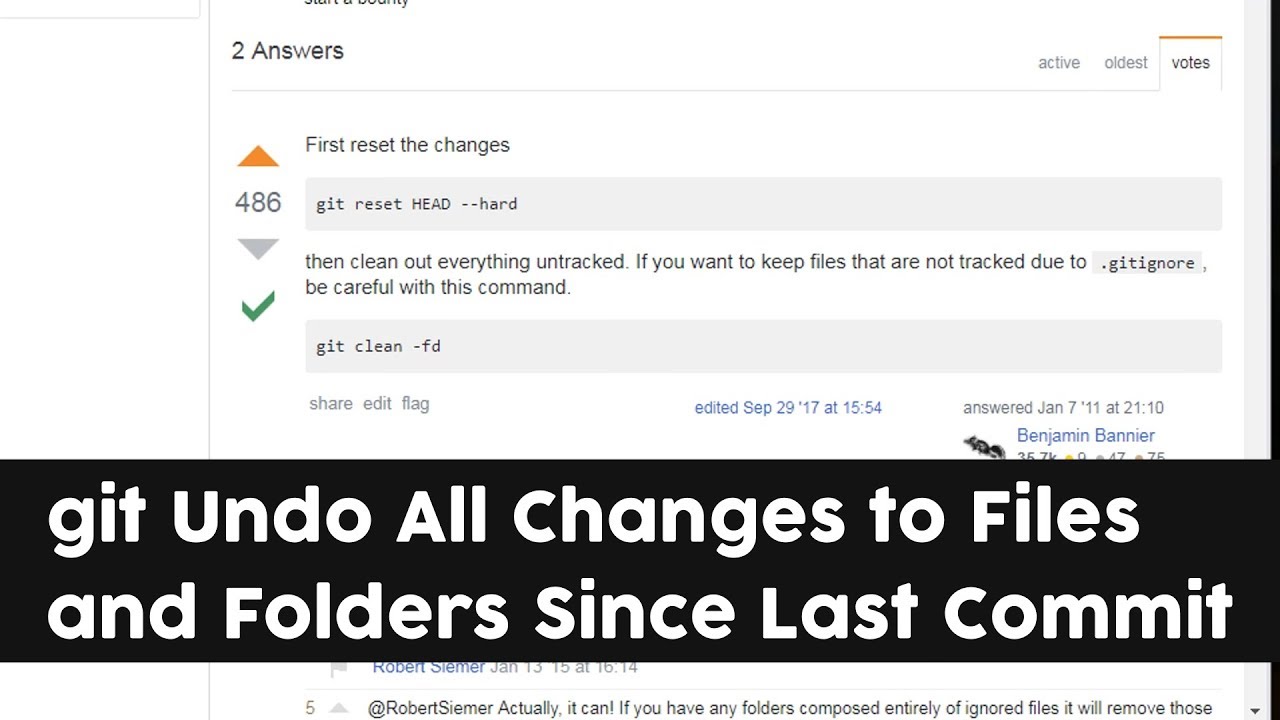
Git Undo All Changes Since Last Commit YouTube
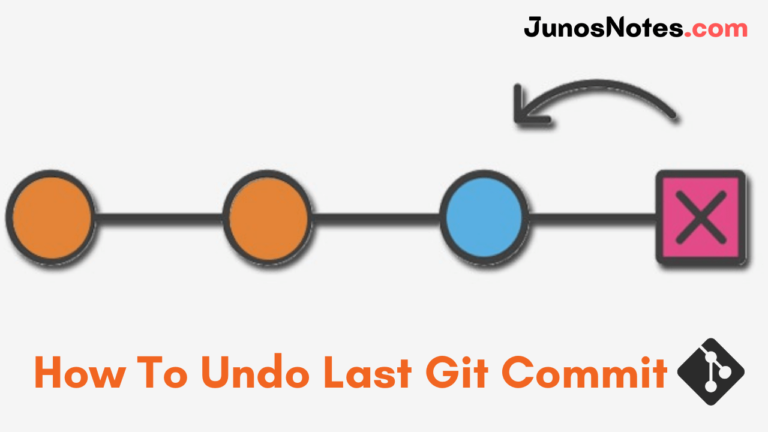
How To Undo Last Git Commit Process Of Undoing The Last Commit In Git
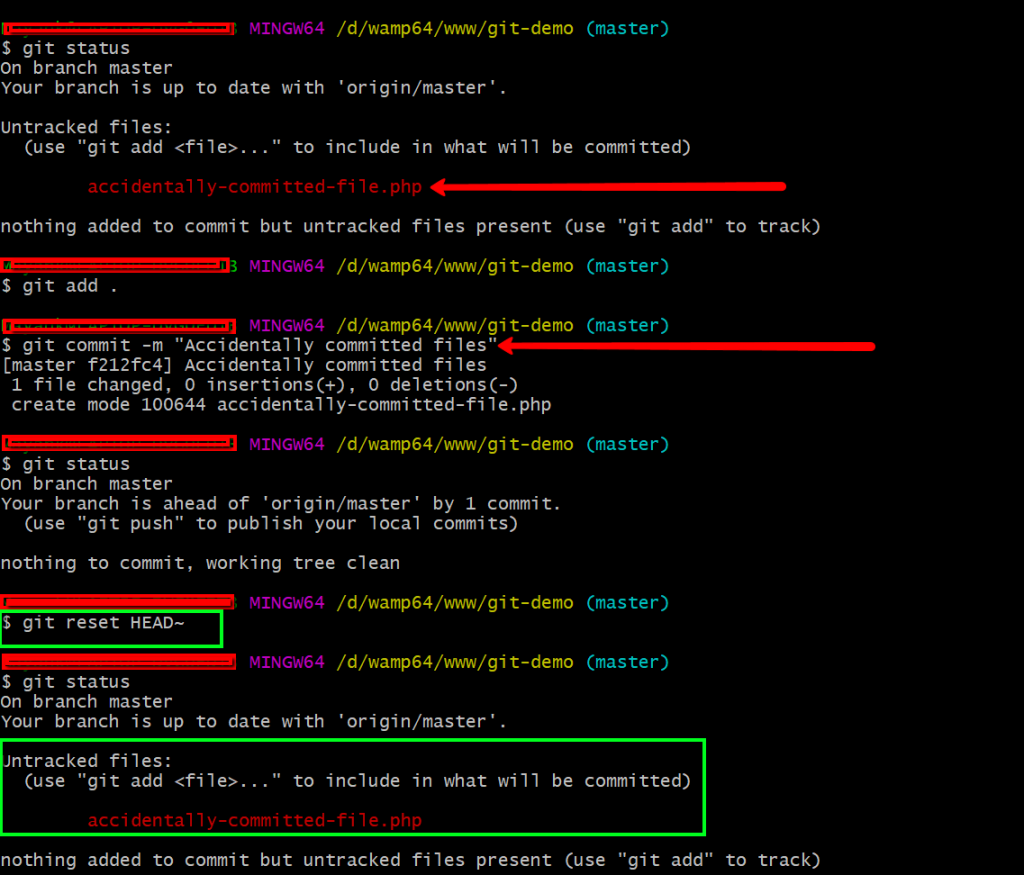
How To Undo Last Commit In Git Scratch Code
Web In case you re using the Tower Git client you can simply hit CMD Z or CTRL Z on Windows to undo the last commit You can this familiar keyboard shortcut to undo many other actions such as a failed merge or a deleted branch

Web Aug 31 2021 nbsp 0183 32 There are two possible ways to undo your last commit We ll look at both of them in this article The revert command The revert command will create a commit that reverts the changes of the commit being targeted You can use it to revert the last commit like this git revert lt commit to revert gt
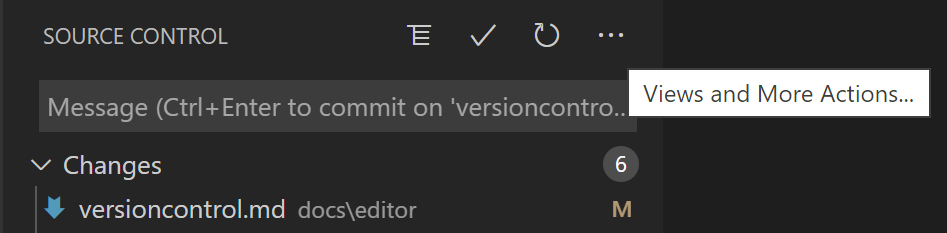
Web Sep 21 2022 nbsp 0183 32 With the git log command you can also check which commit you want to undo Say that your latest commit has a commit hash of cc3bbf7 which is followed by HEAD gt main origin main and a commit message such as quot commit README md file quot To undo that specific commit use the following command git revert cc3bbf7 no edit

Web I did the following comments git add file1 path git rm file path git commit m quot message quot how do I undo my last commit using git Like I don t want to have those files committed git
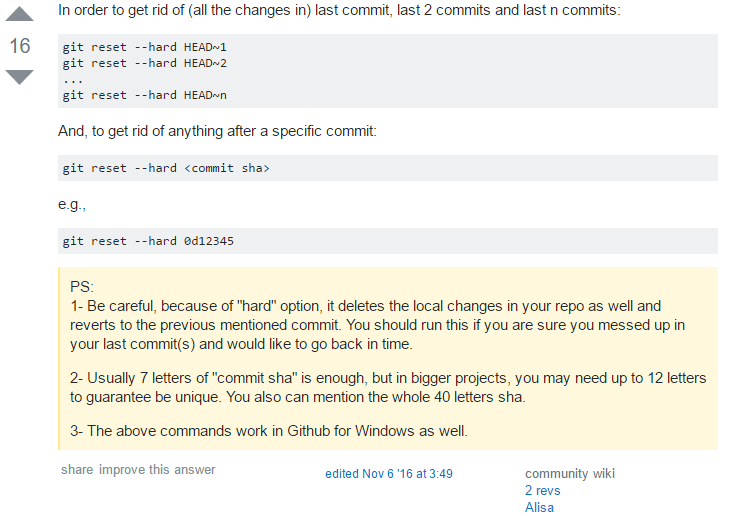
Web Oct 3 2012 nbsp 0183 32 You can always do git revert lt commit hash gt to undo a git commit However this in most cases is not helpful because it creates a new commit adding to your git reflog What I usually do when I have to step back is reset my branch to an earlier stage To do this do a git reflog and look for the HEAD position you want to move to
[desc-11] [desc-12]
[desc-13]