Git Status Shows Deleted Files After Clone How To Recover Recycle Bin On Xp Headassistance3 How Does The Git Status Command Work Git Status Command Uses Applications Related Commands DNT Git Move Files GeeksforGeeks Git Ignore Deleted Files WEB You can then run git lfs status and it will show the affected files with an entry like Git b5bb9d8 gt LFS b5bb9d8 If you then commit everything will be back to normal and you shouldn t see any more modified files quot
WEB Jan 24 2018 nbsp 0183 32 Problem git status shows some of the files as modified after the clone without making any local changes Following appears when a git status is run user myhost git clone b release 3 10 2 ssh git stash myhost myproj repo git WEB Apr 3 2023 nbsp 0183 32 When a file is deleted and then restored with git the tab name displays the incorrect status To reproduce Delete some file file xyz In the git sidebar click on the file It will open with a tab called file xyz Deleted
Git Ignore Deleted Files Git Git Git Status SW Developer How To Recover Deleted Files From Recycle Bin In Windows 11 10 8 7 Download Files From The CrashPlan App Enterprise Documentation How To Git Add All Files Git How To Add All Modified File To Commit Quality Assurance Handbook Tools Version Control Systems Using Apuntes De Git David Poza Use Git mv To Rename Or Move A File Zhipeng Jiang Recycle Bin Recovery
Git Status Shows Deleted Files After Clone
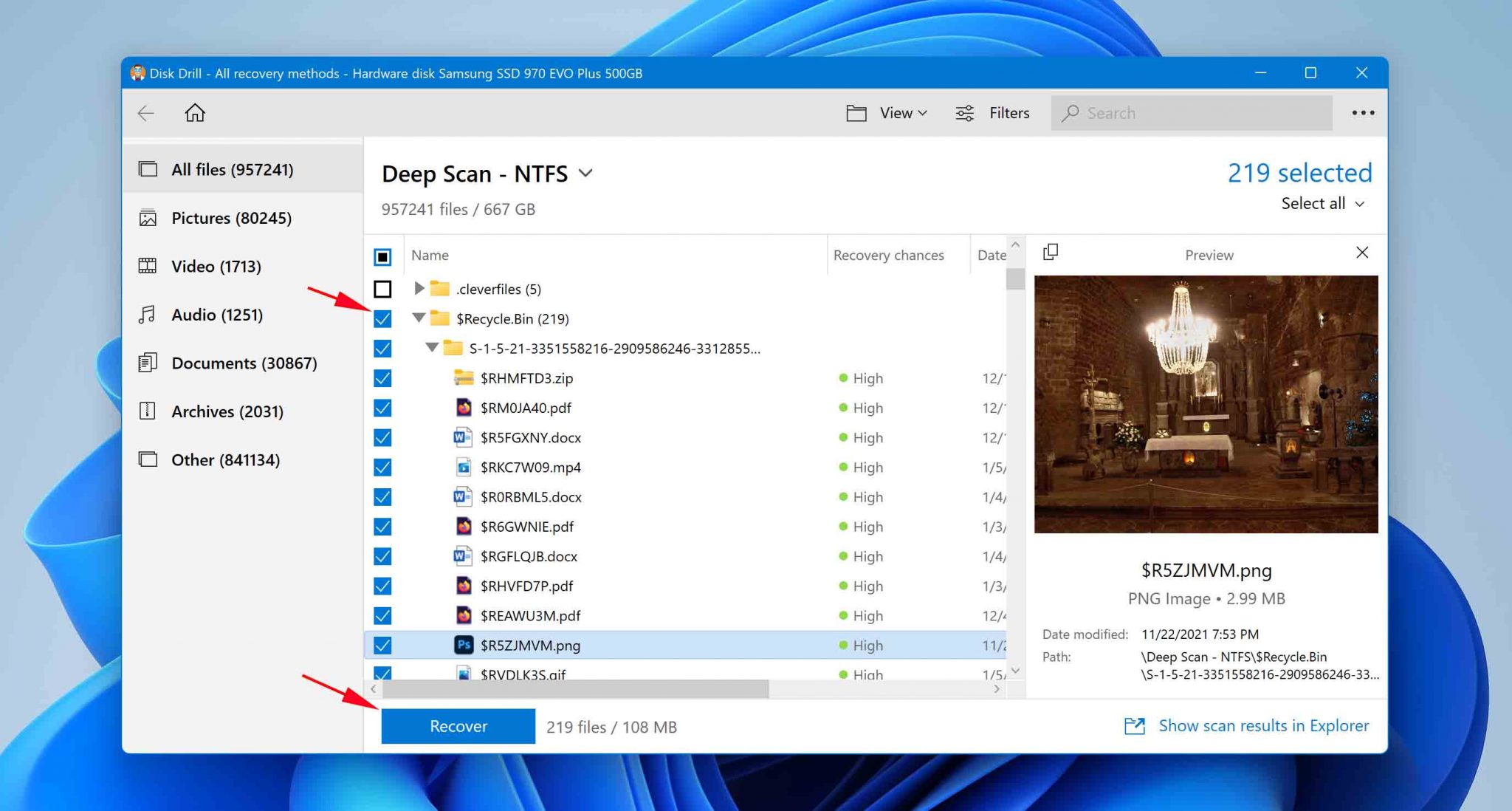 Git Status Shows Deleted Files After Clone
https://www.cleverfiles.com/howto/wp-content/uploads/2020/04/Select-files-for-recovery-1-scaled.jpg
WEB May 22 2024 nbsp 0183 32 After deleting the file git status command show s the deleted file name and it is also ready to commit it by using the git commit command So let s commit it and then see the status of the repo
Pre-crafted templates use a time-saving solution for developing a varied range of documents and files. These pre-designed formats and designs can be utilized for different individual and expert projects, consisting of resumes, invites, leaflets, newsletters, reports, discussions, and more, improving the material development process.
Git Status Shows Deleted Files After Clone
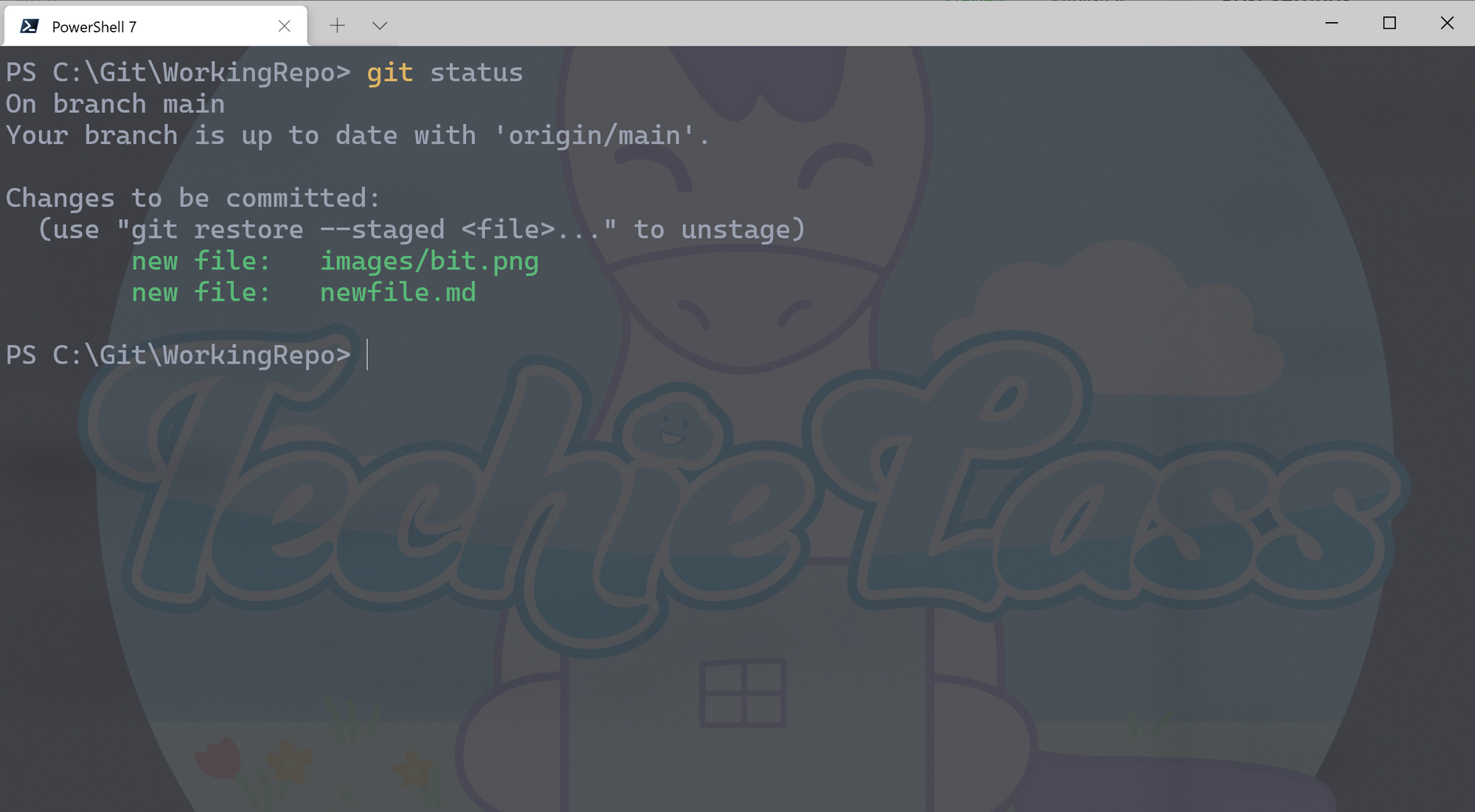
Use The Git Status Command

Git Git Git Status SW Developer
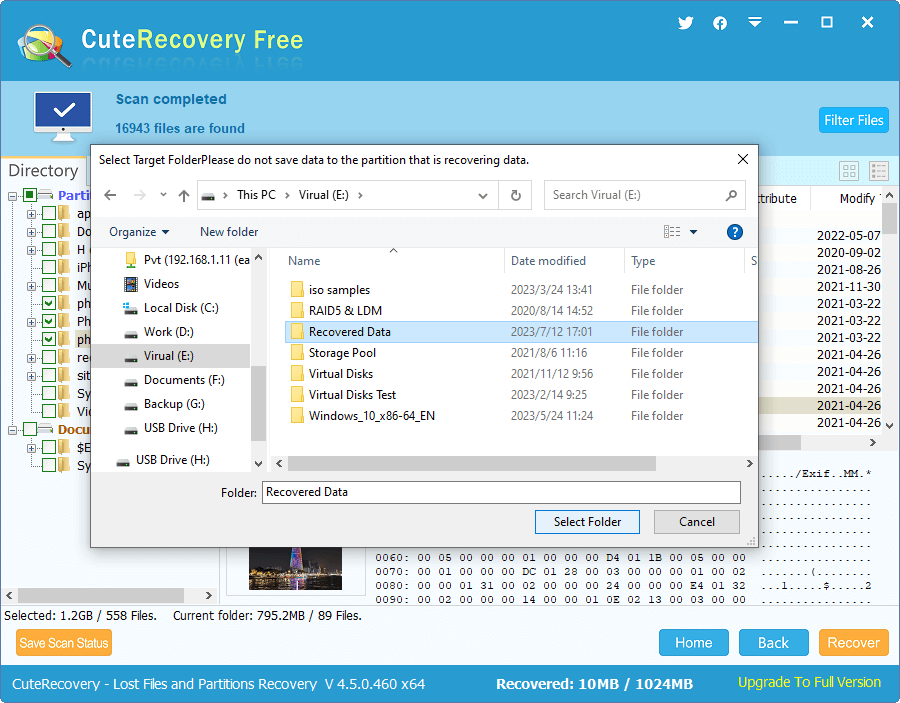
How To Recover Deleted Files From Recycle Bin In Windows 11 10 8 7
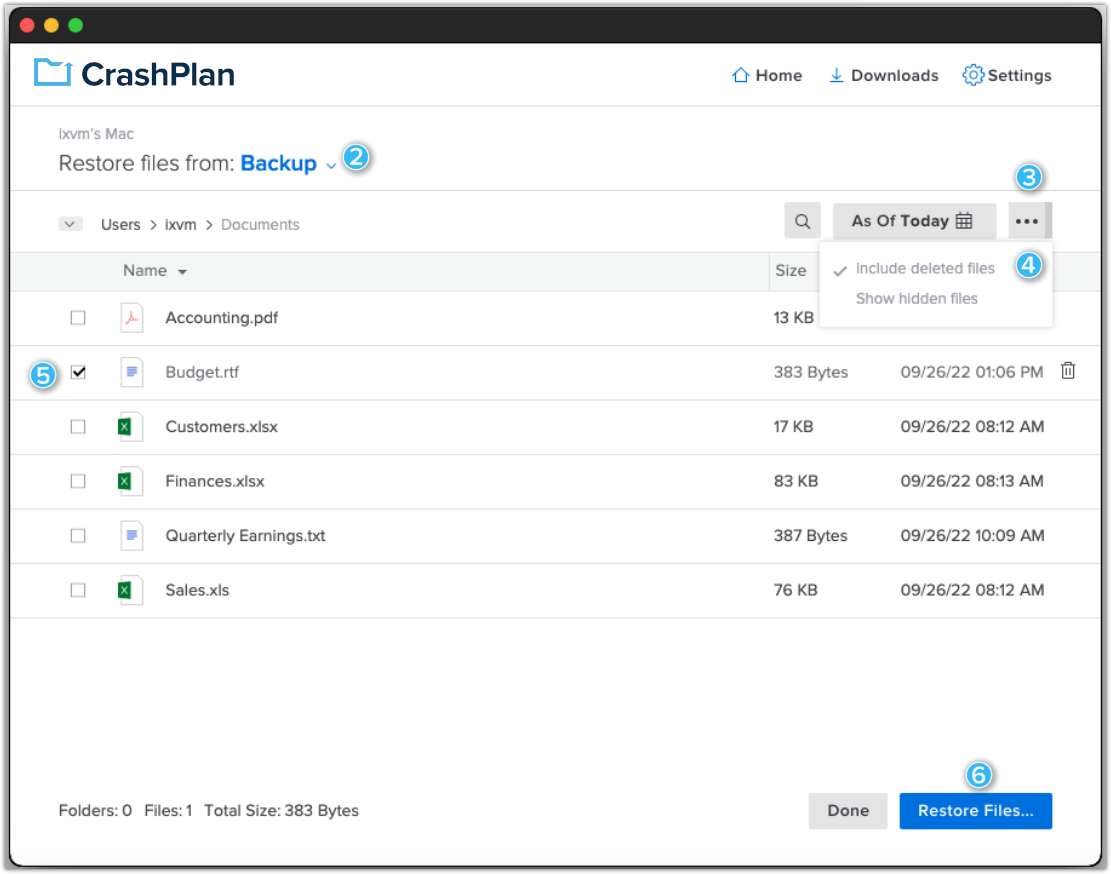
Download Files From The CrashPlan App Enterprise Documentation
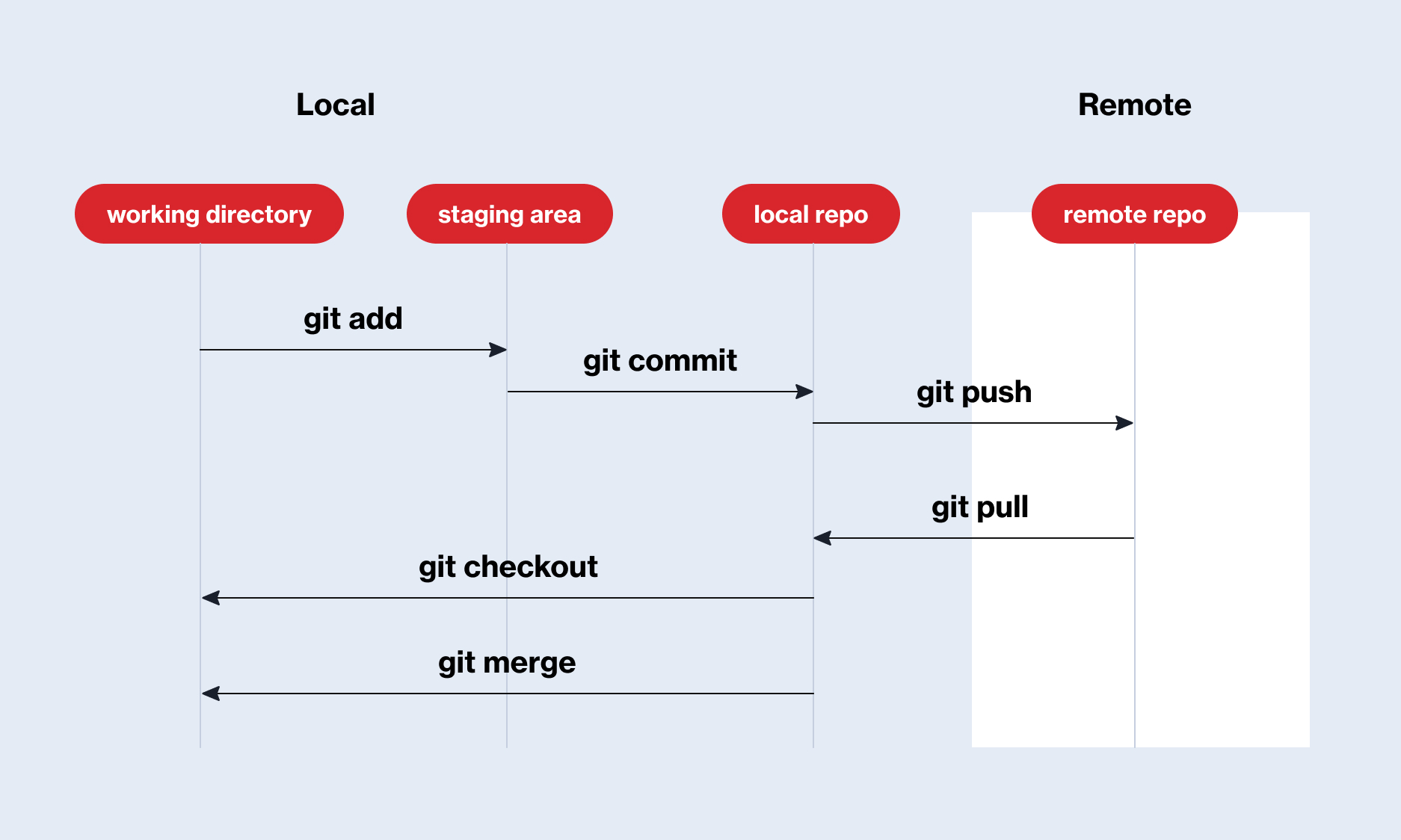
Quality Assurance Handbook Tools Version Control Systems Using
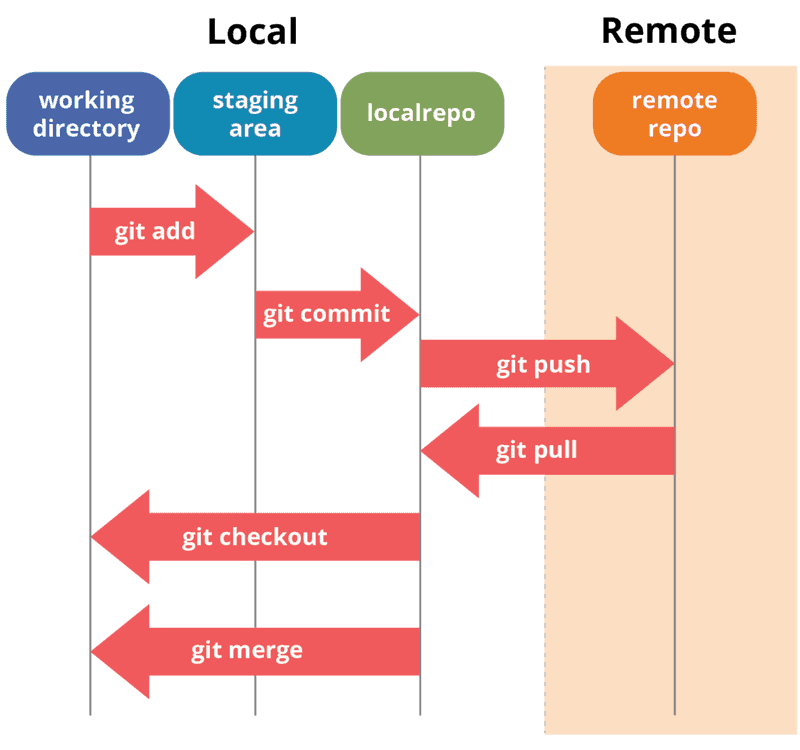
Apuntes De Git David Poza
WEB Apr 28 2012 nbsp 0183 32 So git status quot thinks quot that you have deleted ALL your files and that the next commit will remove them from the repository Just do git reset hard to reset your working copy to a clean checkout from your master branch

WEB Oct 9 2013 nbsp 0183 32 My Git status is showing all files deleted in my working tree which is incorrect they are still there To resolve it I should execute git reset hard which reset all my modifications to other

WEB We are tracking our documentation docx pdf vsd using git lfs After a fresh git clone some of these files show up as modified I have verified that The files in question are actually stored in our Bitbucket repository using git

WEB git status can be very slow in large worktrees if when it needs to search for untracked files and directories There are many configuration options available to speed this up by either avoiding the work or making use of cached results from previous Git commands

WEB Jan 17 2022 nbsp 0183 32 I ve seen this issue occur when the Docker image used as a build container the one you define in your bitbucket pipelines yml file doesn t have git lfs installed If this is the case you can try either using a different Docker image that has git lfs pre installed or install git lfs at the beginning of each step
WEB May 18 2021 nbsp 0183 32 The solution is to remove the folder and reclone it again Somehow in the first clone all the files tracked with git LFS were deleted because I set up the Netlify Git s credential helper with netlify lm install after I cloned the repo It seems I should set it up first before cloning a repo with git LFS and NLM configured 1 Like WEB May 24 2020 nbsp 0183 32 We try to do a pull git pull origin master to get everything on the remote back into our local repository The command git pull does not give any errors but in our local repository those files that we accidentally deleted are still missing
WEB Jun 27 2012 nbsp 0183 32 Let s use some terminal magic to take out the garbage in one foul swoop no pun intended First let s get our list of files to verify we are about to git rm the correct files git status grep deleted awk print 2