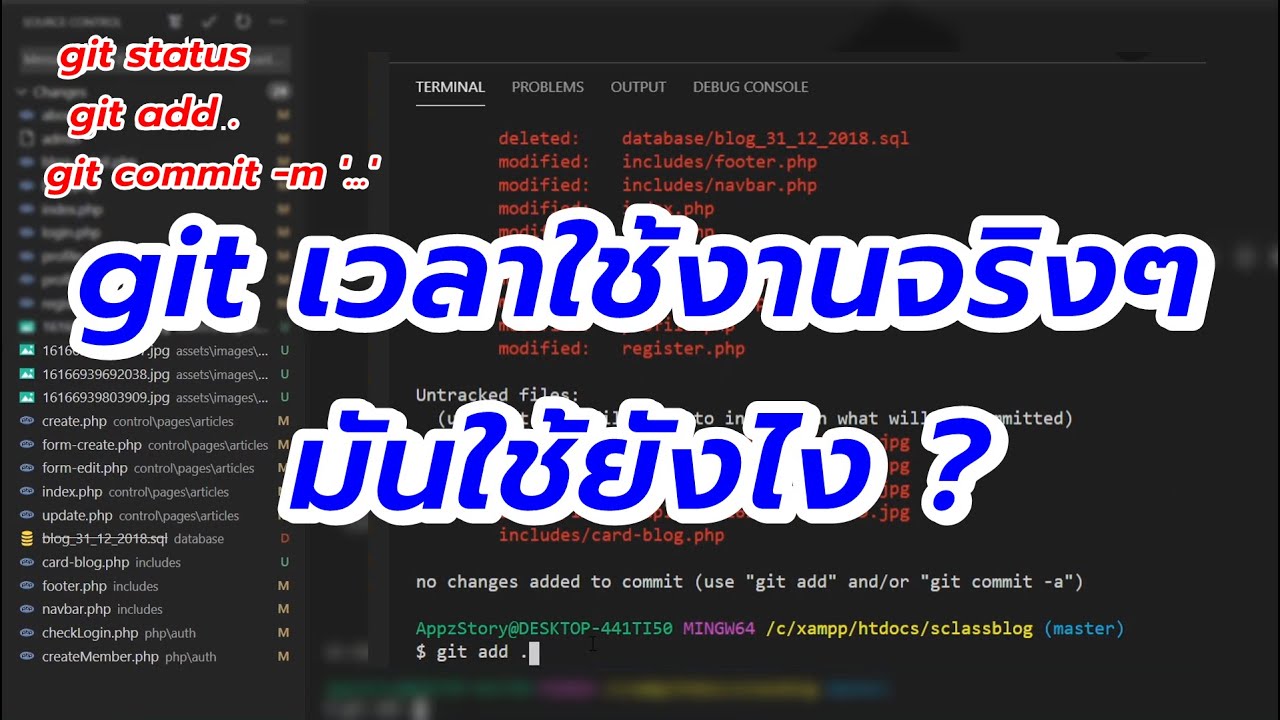
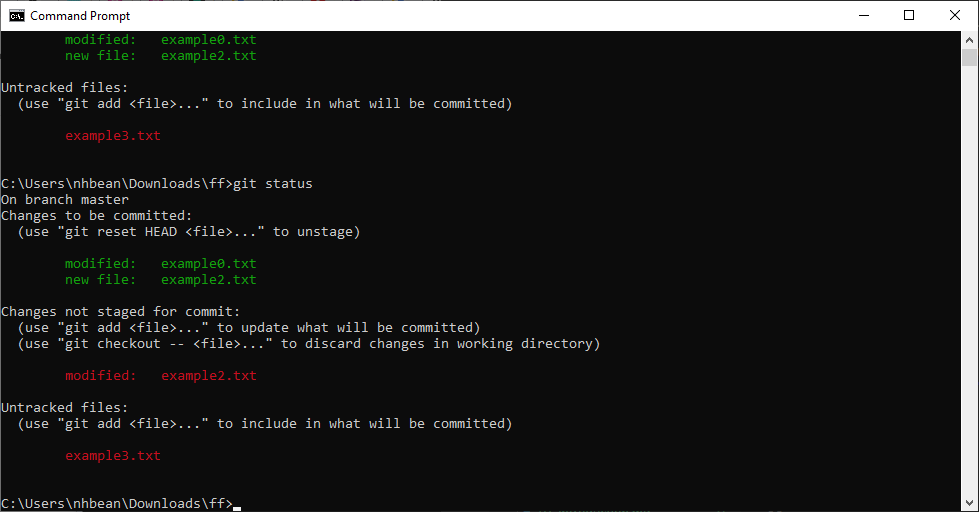
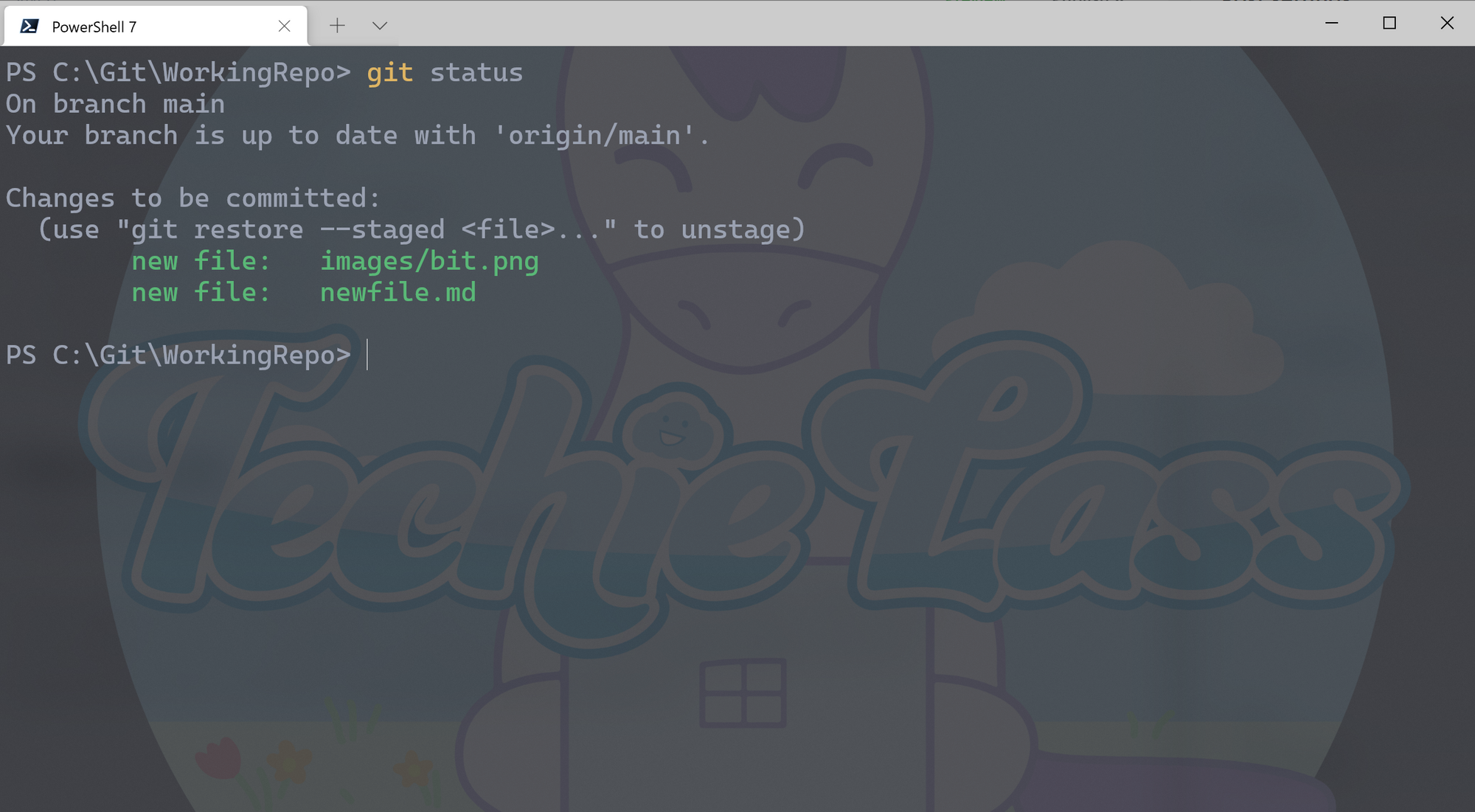
Git Status Deleted By Us How Does The Git Status Command Work Git Status Command Uses Applications Related Commands DNT Use The Git Status Command Git Clone Git Status fatal Not A Git Repository or Any Of The Git Git Git Status SW Developer WEB Sign up Git Status git status shows the current state of your Git working directory and staging area What Does git status Do When in doubt run git status This is always a good idea The git status command only outputs information it won t modify commits or changes in your local repository
WEB Dec 29 2022 nbsp 0183 32 First use the git log command to find the commit we want to undo git log 19f2583 HEAD gt john branch origin john branch bad commit a0cd48e add hoy 701ae1d origin main main initial commit We want to undo the commit with sha 19f2583 so we use git revert git revert 19f2583 WEB Apr 26 2022 nbsp 0183 32 For some conflict notifications Git will include a quot Deleted by us quot or quot Deleted by them quot message next to a file That means that you modified a file in one branch and deleted it in another Git has no way of knowing if you want to delete the file or modify it so you need to make the choice yourself
Git Git Git Status SW Developer Solving Conflicts In Git Jessica Temporal Git Credentials Not Found Exit Status 1 Error Failed To Push Some Git Git Status Git Add Git Commit m Apa Itu Git Dan Fungsi Dari Git Serta Manfaatnya Untuk Programmer Git Status Git For Everybody Staging And Committing K State CIS 400 Textbook How To Git Add All Files Git How To Add All Modified File To Commit Use Git mv To Rename Or Move A File Zhipeng Jiang
Git Status Deleted By Us
 Git Status Deleted By Us
https://timmousk.com/wp-content/uploads/2022/04/cover-1.png
WEB The git status command is used to display the state of the repository and staging area It allows us to see the tracked untracked files and changes This command will not show any commit records or information When in doubt run git status This is always a good idea
Templates are pre-designed files or files that can be utilized for various functions. They can conserve effort and time by supplying a ready-made format and design for developing various sort of material. Templates can be used for individual or expert tasks, such as resumes, invites, flyers, newsletters, reports, presentations, and more.
Git Status Deleted By Us

What Is Git Status Command And Its Uses In Details 2024

Solving Conflicts In Git Jessica Temporal

Git Credentials Not Found Exit Status 1 Error Failed To Push Some
Git Git Status Git Add Git Commit m

Git Status Git For Everybody
Staging And Committing K State CIS 400 Textbook

WEB Feb 17 2016 nbsp 0183 32 git add abc txt this adds abc txt to the staging area essentially recreating the quot deleted by us quot file which resolves the conflict status then deletes the files from the file system then adds to the stating area the fact that the file is now gone
WEB Git git checkout theirs git checkout theirs Git git add cherry pick deleted by us
WEB 2 Answers Sorted by 66 Reference documentation Note that a rebase merge works by replaying each commit from the working branch on top of the lt upstream gt branch Because of this when a merge conflict happens the side reported as ours is the so far rebased series starting with lt upstream gt and theirs is the working branch

WEB The untracked files no flag or the status showUntrackedFiles no config see above for both indicate that git status should not report untracked files This is the fastest option git status will not list the untracked files so you need to be careful to remember if you create any new files and manually git add them
WEB as appropriate to mark resolution gt gt deleted by us README md gt gt no changes added to commit use quot git add quot and or quot git commit a quot Open your favorite text editor such as Visual Studio Code and navigate to the file that has merge conflicts Decide if you want to keep the removed file
WEB May 17 2017 nbsp 0183 32 This is a modify delete conflict Git does not know whether to take the file from G and keep our change or remove the file from G entirely Git stops does not make merge commit L and instead says that there is a merge conflict with somefile ext as an quot unmerged path quot If we ask about the status Git will say deleted by them somefile ext WEB Rahul R If you are sure you want to add all quot deleted by us quot files you could do git status sed n s deleted by us p xargs git add or if you want to remove all quot deleted by us quot files git status sed n s deleted by us p xargs git rm 24 answered Sep 20 22 18 09 Simon Edlund Sign in to Comment
WEB Oct 17 2021 nbsp 0183 32 For some conflict notifications Git will include a Deleted by us or Deleted by them message next to a file That means that you modified a file in one branch and deleted it in another Git has no way of knowing if you want to delete the file or modify it so you need to make the choice yourself Why does git merge delete files