Git Revert Command Usage How To Revert The Last Commit Locally And Remote In Git Become A Git Reset The Git Reset Command Explained DNT Git Revert File Reverting A File To A Previous Commit How To Revert The Last Commit In Git Command Line MakeloGy How To Revert A Git Commit The Git Revert Command YouTube Web Nov 14 2023 nbsp 0183 32 How to use here is the basic way to git revert git revert commit hash where the commit hash is the SHA1 hash of the commit that you want to revert Running this command will undo the changes introduced by the above commit Step By Step Guide on how to revert a commit In this section we are going to learn how to revert a commit
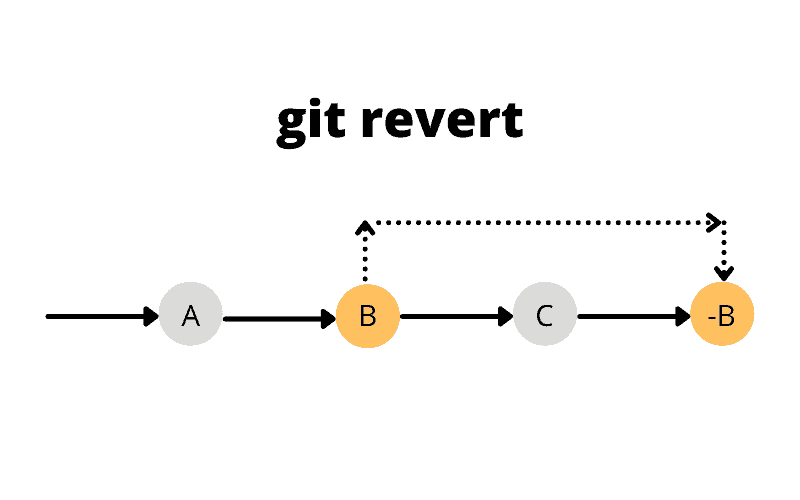
Web Aug 20 2021 nbsp 0183 32 Method 1 Perform git revert to the latest commit Method 2 Perform git revert merge Method 3 git revert multiple commits with single command Method 4 git revert between a range of commits Summary Further reading What is git revert Revert is the act of undoing a commit or change in a git environment Web Feb 28 2023 nbsp 0183 32 The git revert command reverts to a specified commit but keeps the history of every other commit made to the code base and creates a new commit for the reverted changes This is a more efficient way of undoing changes when collaborating with others
How To Revert A Git Commit The Git Revert Command YouTube Sur Calcul Gentleman Friendly Git Force Pull Ignore Local Changes Git Reset Vs Git Revert When To Use Each Command How Do I Revert A Git Repo To A Previous Commit O Reilly Git Diff rence Entre Git Revert Checkout Et Reset StackLima Git Difference Between Git Revert Checkout And Reset GeeksforGeeks Chris Staudinger On Twitter Git Is A Must have Skill In Programming Revert A Git Repository By Commit ID Delft Stack Git Reset hard The Git Reset Command Is For Undoing By Praaveen Vr
Git Revert Command Usage
 Git Revert Command Usage
https://www.becomebetterprogrammer.com/wp-content/uploads/2021/12/Git-Revert.png
Web Jun 21 2023 nbsp 0183 32 In Git the revert command is used to create a new commit that will undo any changes made in a previous commit This can be considered as the safe undo command because it keeps previous history The command is best used when working with others and there s a need to preserve the commit history
Templates are pre-designed files or files that can be utilized for numerous functions. They can conserve time and effort by offering a ready-made format and design for producing different kinds of material. Templates can be utilized for individual or expert jobs, such as resumes, invites, flyers, newsletters, reports, presentations, and more.
Git Revert Command Usage

Git Revert File Revertir Un Archivo A Una Confirmaci n Anterior
Sur Calcul Gentleman Friendly Git Force Pull Ignore Local Changes

Git Reset Vs Git Revert When To Use Each Command

How Do I Revert A Git Repo To A Previous Commit O Reilly

Git Difference Between Git Revert Checkout And Reset GeeksforGeeks

Chris Staudinger On Twitter Git Is A Must have Skill In Programming
Web git revert n master 5 master 2 Revert the changes done by commits from the fifth last commit in master included to the third last commit in master included but do not create any commit with the reverted changes The revert only
Web revert is the command we use when we want to take a previous commit and add it as a new commit keeping the log intact Step 1 Find the previous commit Step 2 Use it to make a new commit Let s make a new commit where we have quot accidentally quot deleted a file Example git commit m quot Just a regular update definitely no accidents here quot

Web How it works The git revert command is used for undoing changes to a repository s commit history Other undo commands like git checkout and git reset move the HEAD and branch ref pointers to a specified commit Git revert also takes a specified commit however git revert does not move ref pointers to this commit
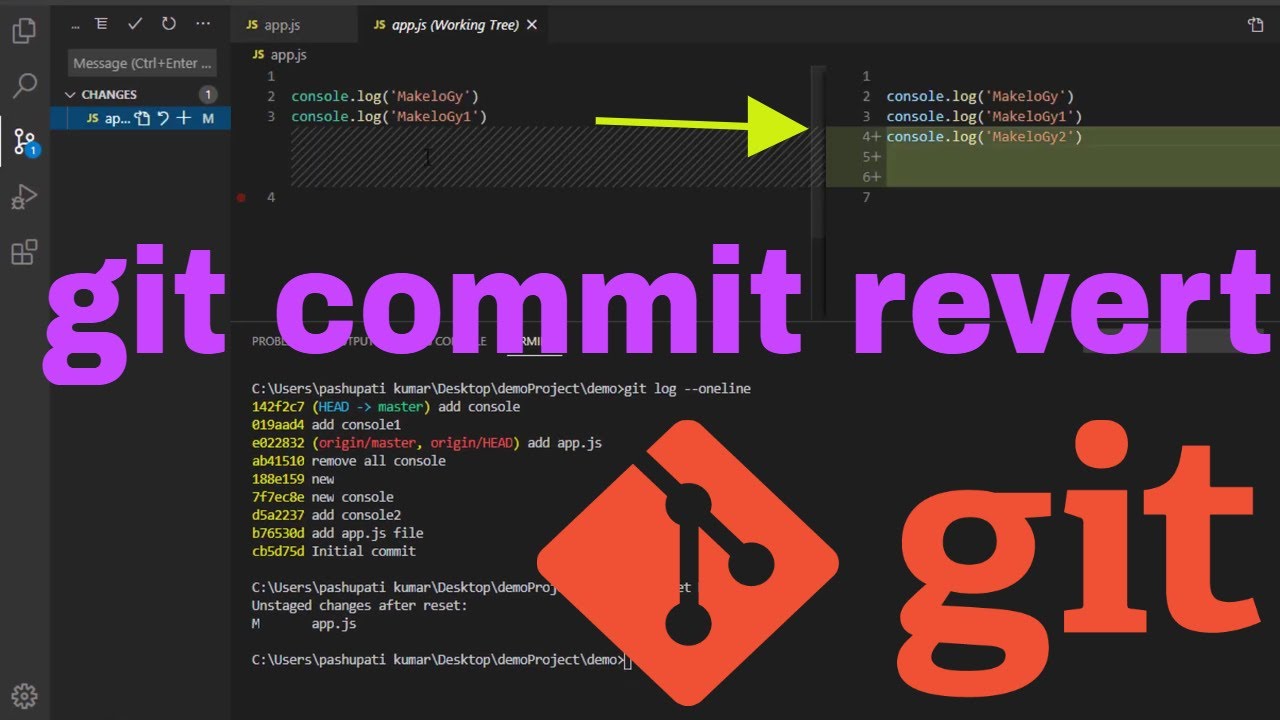
Web The quot revert quot command helps you undo an existing commit It s important to understand that it does not delete any data in this process instead Git will create new changes with the opposite effect and thereby undo the specified old commit Important Options lt commit hash gt Specifies the commit you want to undo

Web Nov 6 2010 nbsp 0183 32 git revert m 1 lt merge commit sha gt To get just one you could use rebase i to squash them afterwards Or you could do it manually be sure to do this at top level of the repo get your index and work tree into the desired state without changing HEAD git checkout 0d1d7fc32 Then commit
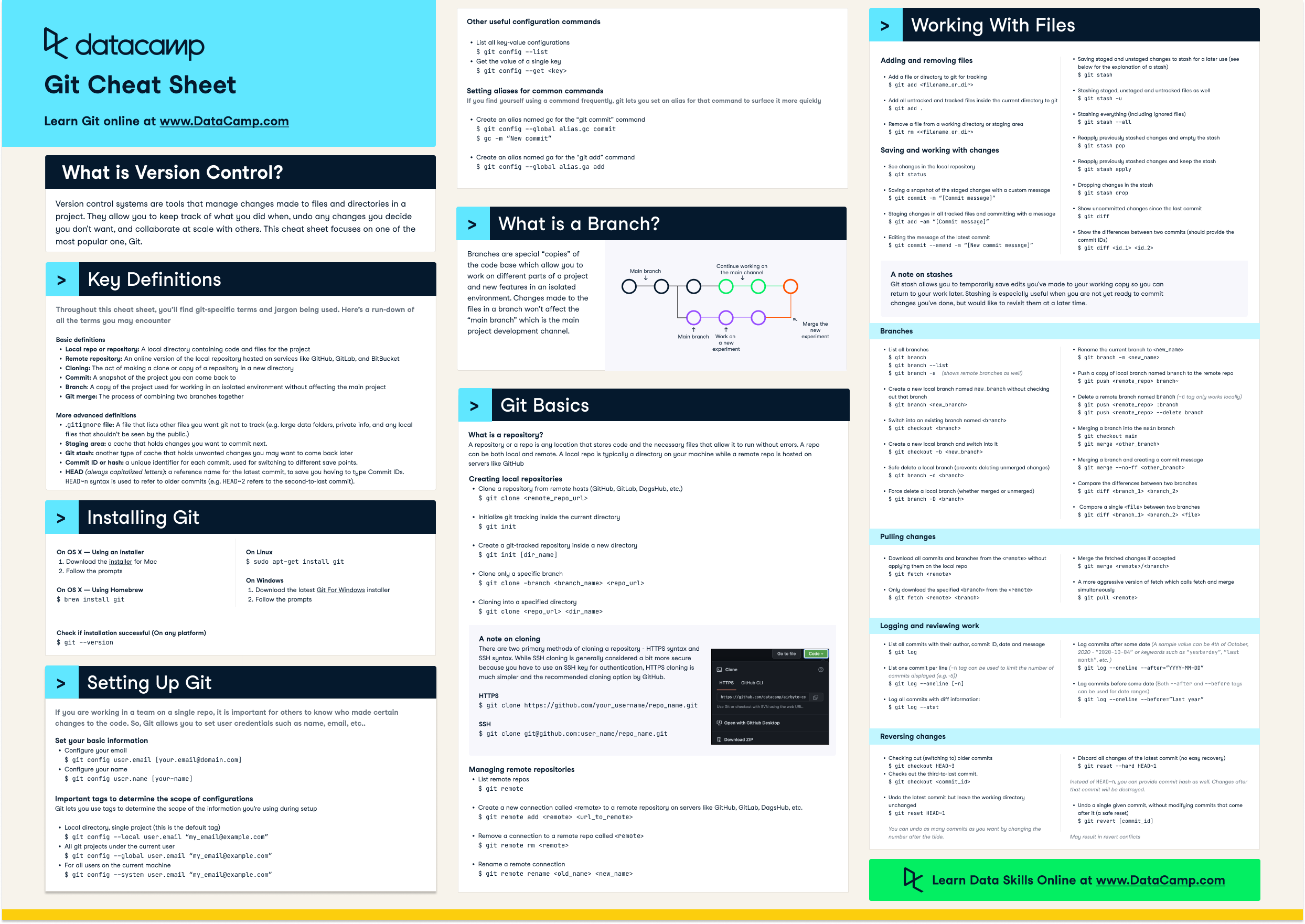
Web Dec 1 2021 nbsp 0183 32 The purpose of the git revert command is to remove all the changes a single commit made to your source code repository For example if a past commit added a file named index html to the repo a git revert on that commit will remove the index html file Web The git reset command is used to undo the changes in your working directory and get back to a specific commit while discarding all the commits made after that one For instance imagine you made ten commits
Web Oct 11 2019 nbsp 0183 32 The git reset command allows you to RESET your current head to a specified state You can reset the state of specific files as well as an entire branch This is useful if you haven t pushed your commit up to GitHub or another remote repository yet Reset a file or set of files